FrameSpeech
Version:69.0
Published:2026-04-11
Introduction
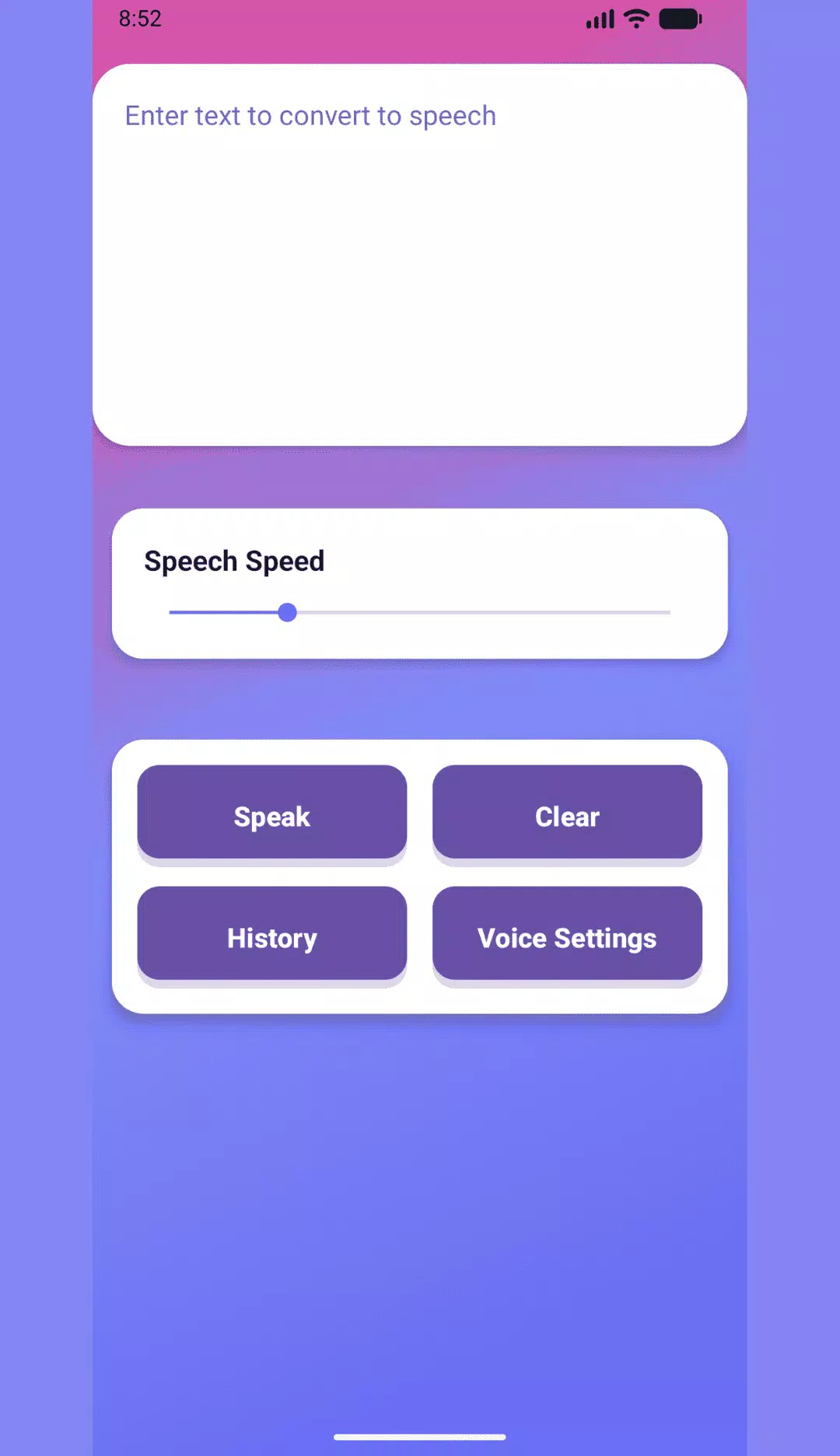
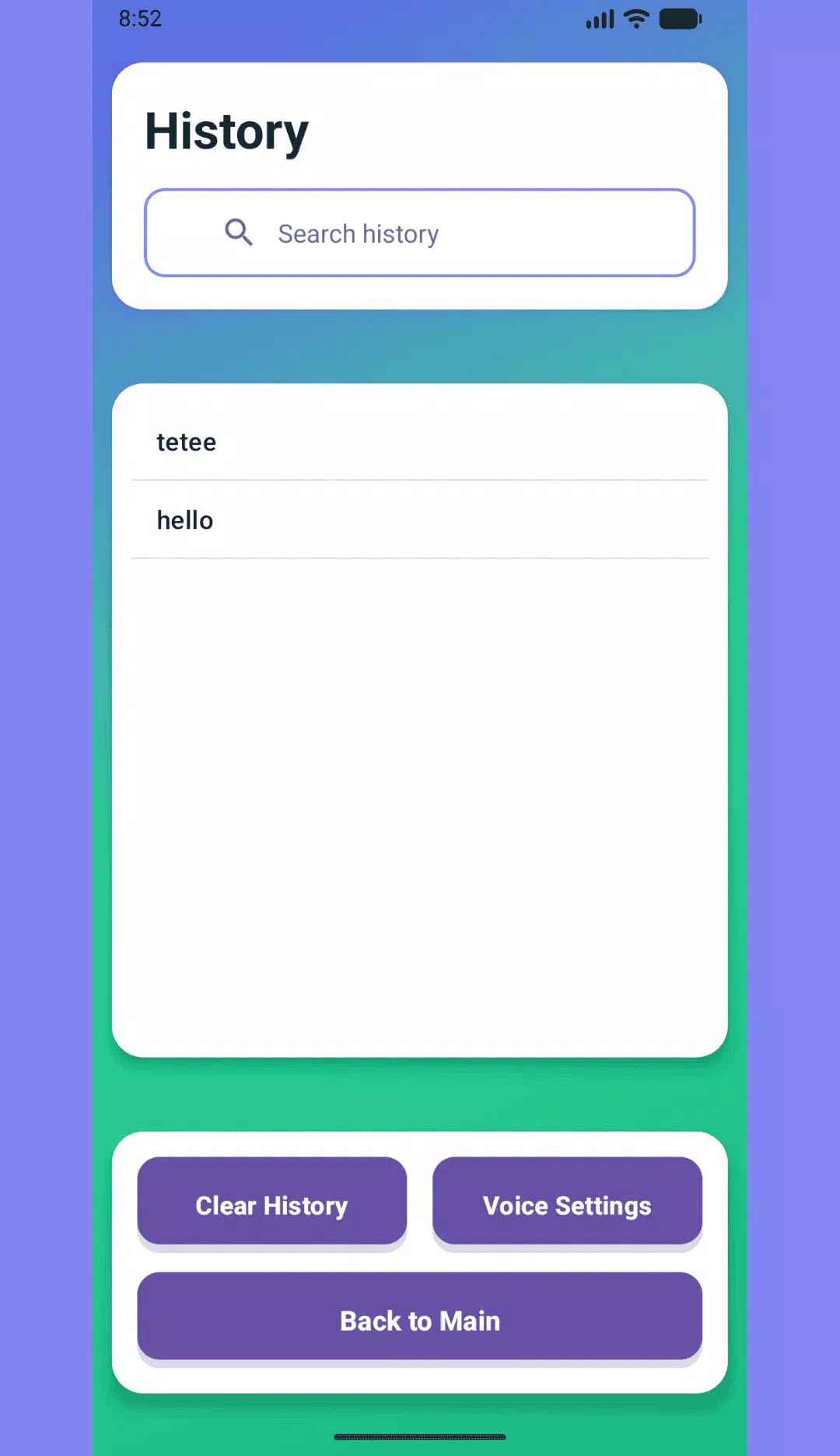
FrameSpeech turns any written text into natural-sounding speech in seconds, letting you listen to articles, documents, or notes instead of reading them. Type or paste text and FrameSpeech reads it aloud with instant conversion, while controls for voice speed, pitch and language help you create a comfortable listening experience. You can save frequently used passages to a searchable history for replay or editing, which is useful for people who prefer hands-free listening, want to reduce screen time, or need spoken versions of long text content.
Key Features
FrameSpeech performs instant text-to-speech conversion from typed or pasted text, offers customizable voice speed and pitch to match your preferred listening pace, and includes language selection so you can hear text in different languages. The app provides a built-in history to save and manage favorite texts for easy retrieval and supports hands-free playback for listening to articles, documents and long notes.
Advantages
Quick, on-demand conversion makes it simple to turn written content into audio; voice settings let you fine-tune playback for clearer, more natural-sounding output; and FrameSpeech stores recent and favorite entries so you can revisit them without retyping. The app is practical for reducing screen time and for listening while you work or carry out other tasks.
Disadvantages
Results depend on the clarity and quality of the original text, so awkward or poorly structured input may produce less natural output. FrameSpeech focuses on core text-to-speech playback and history management and does not include advanced audio editing or production tools.
Show More