Celebrity Call & Chat Fun
Version:5.0.0
Published:2026-05-19
Introduction
Celebrity Call & Chat Fun places a realistic prank simulator on your device so you can stage believable incoming calls, chat pop-ups and voice messages without involving real people. Celebrity Call & Chat Fun is designed for light-hearted entertainment and social moments: the app reproduces the look and feel of a phone call screen, timed chat notifications and customizable voice effects so you can prepare reactions, capture screenshots and share them with friends. The interface is intended to be simple enough for casual users while offering enough control for more elaborate setups.
How the simulator works
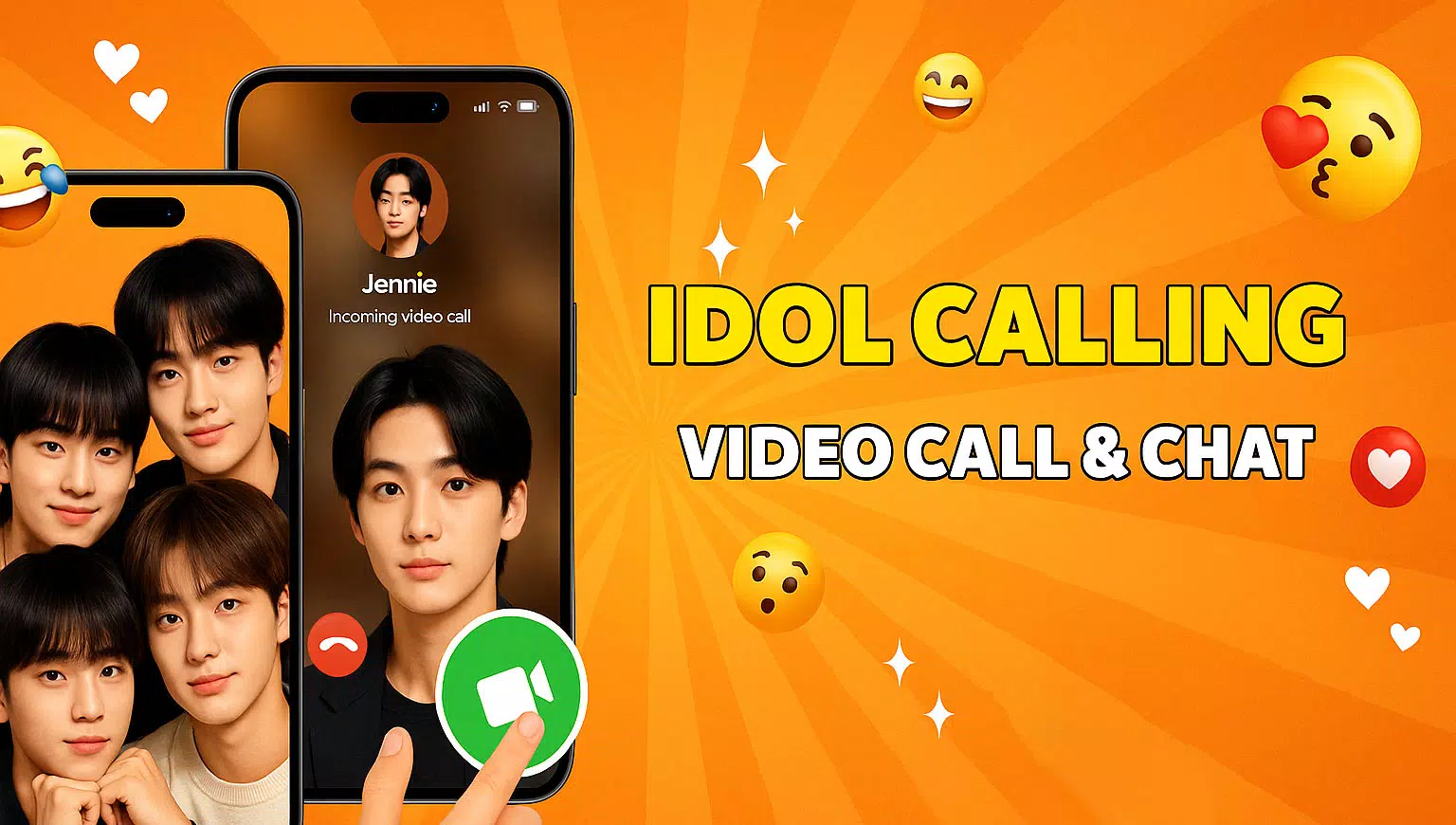
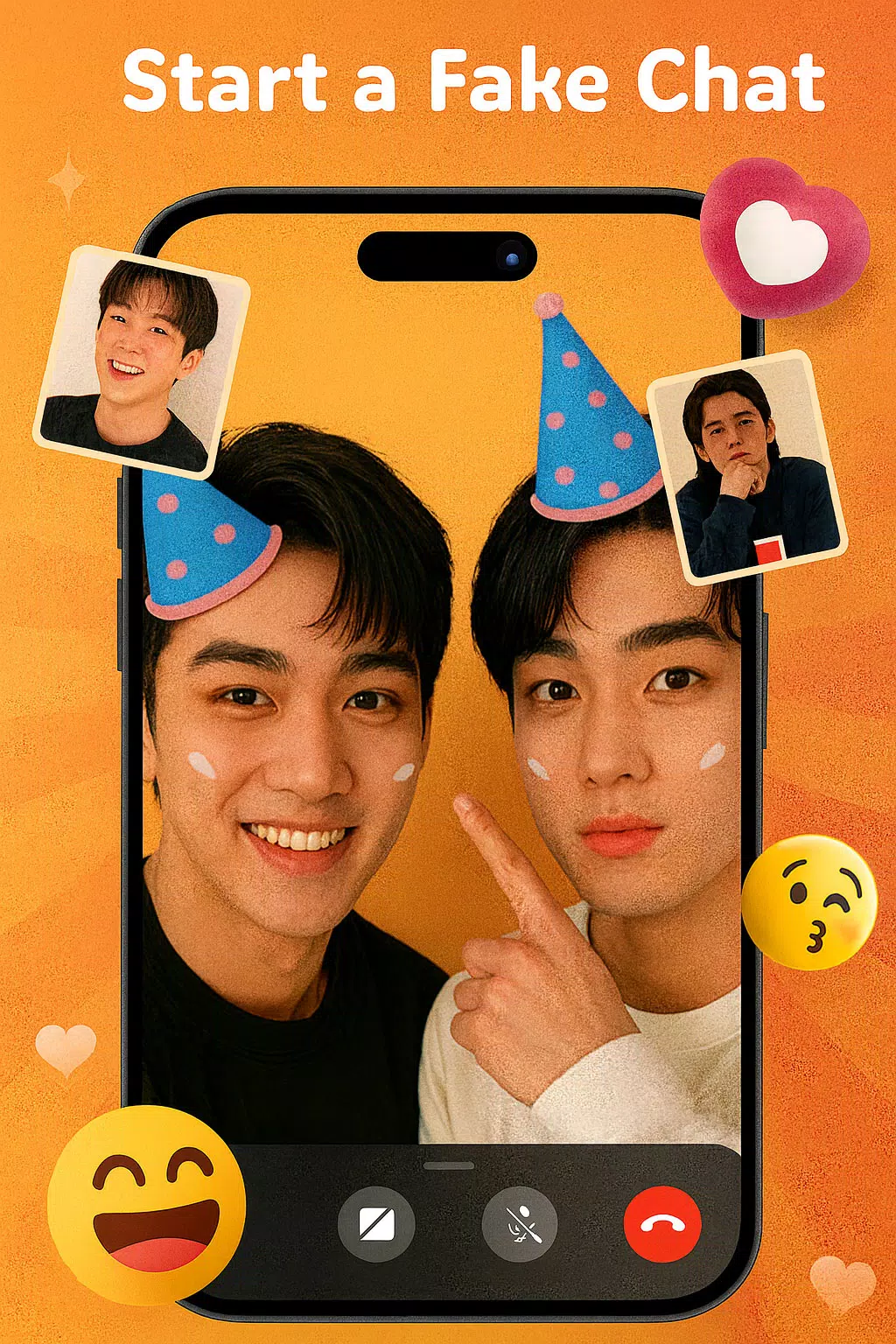
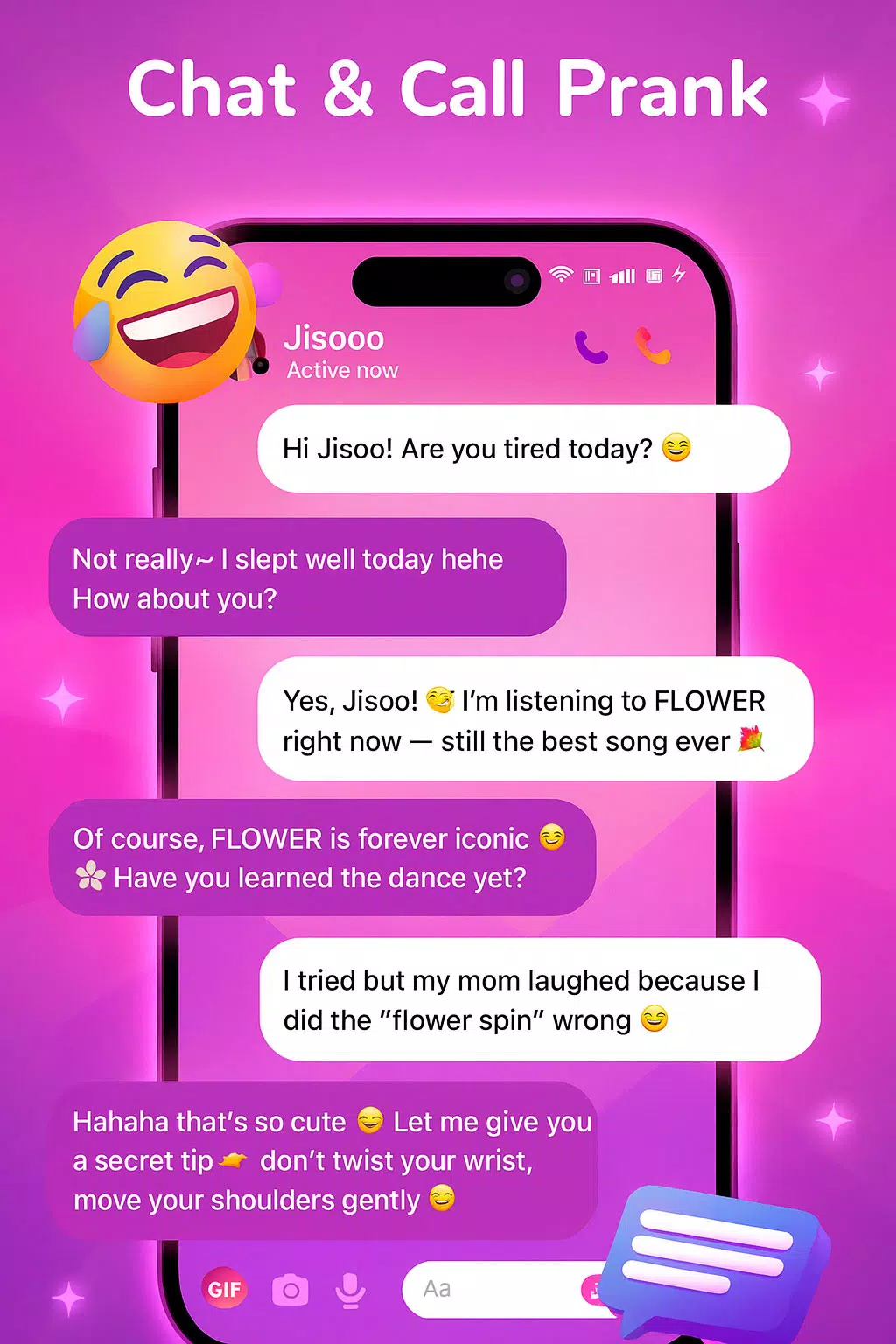
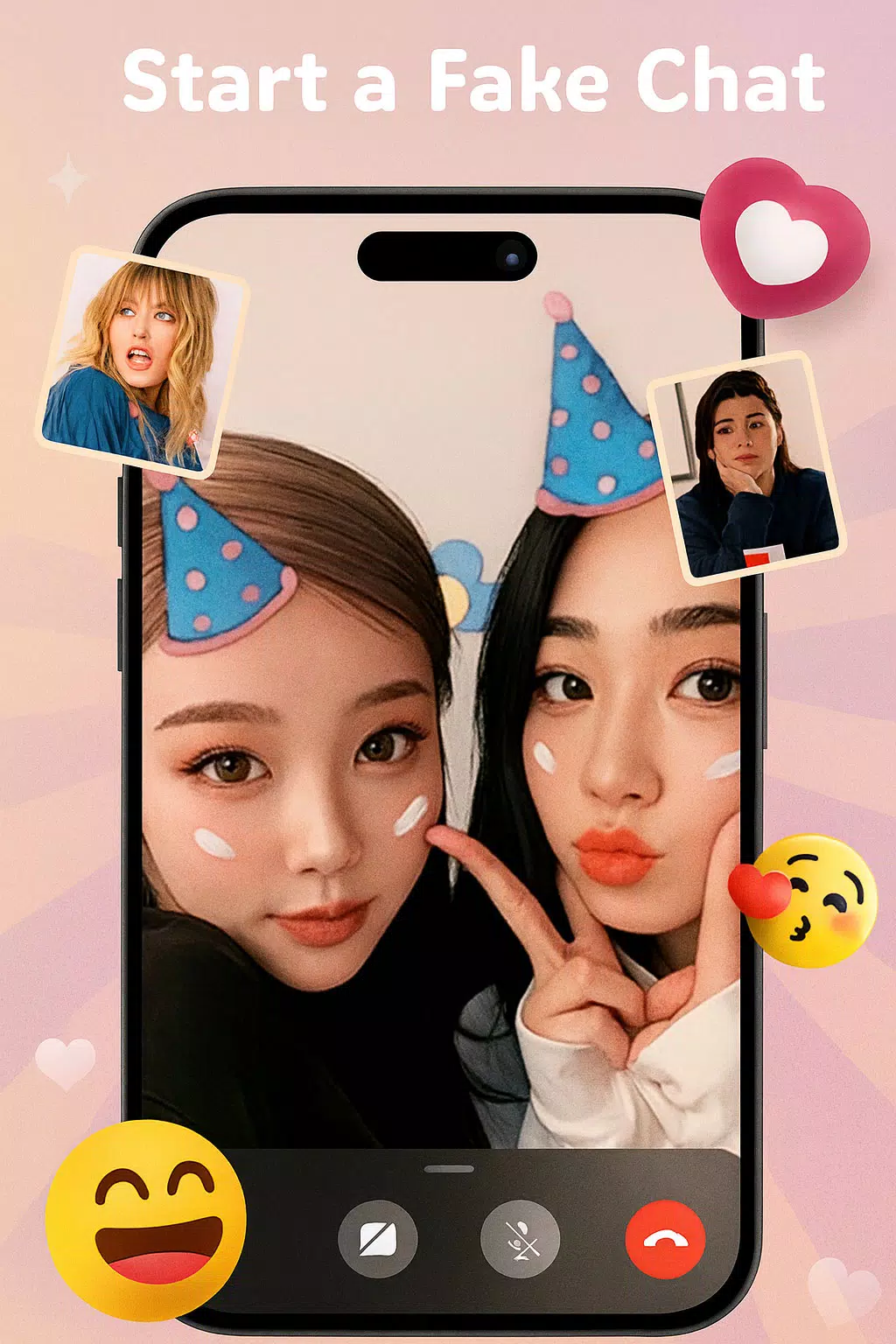
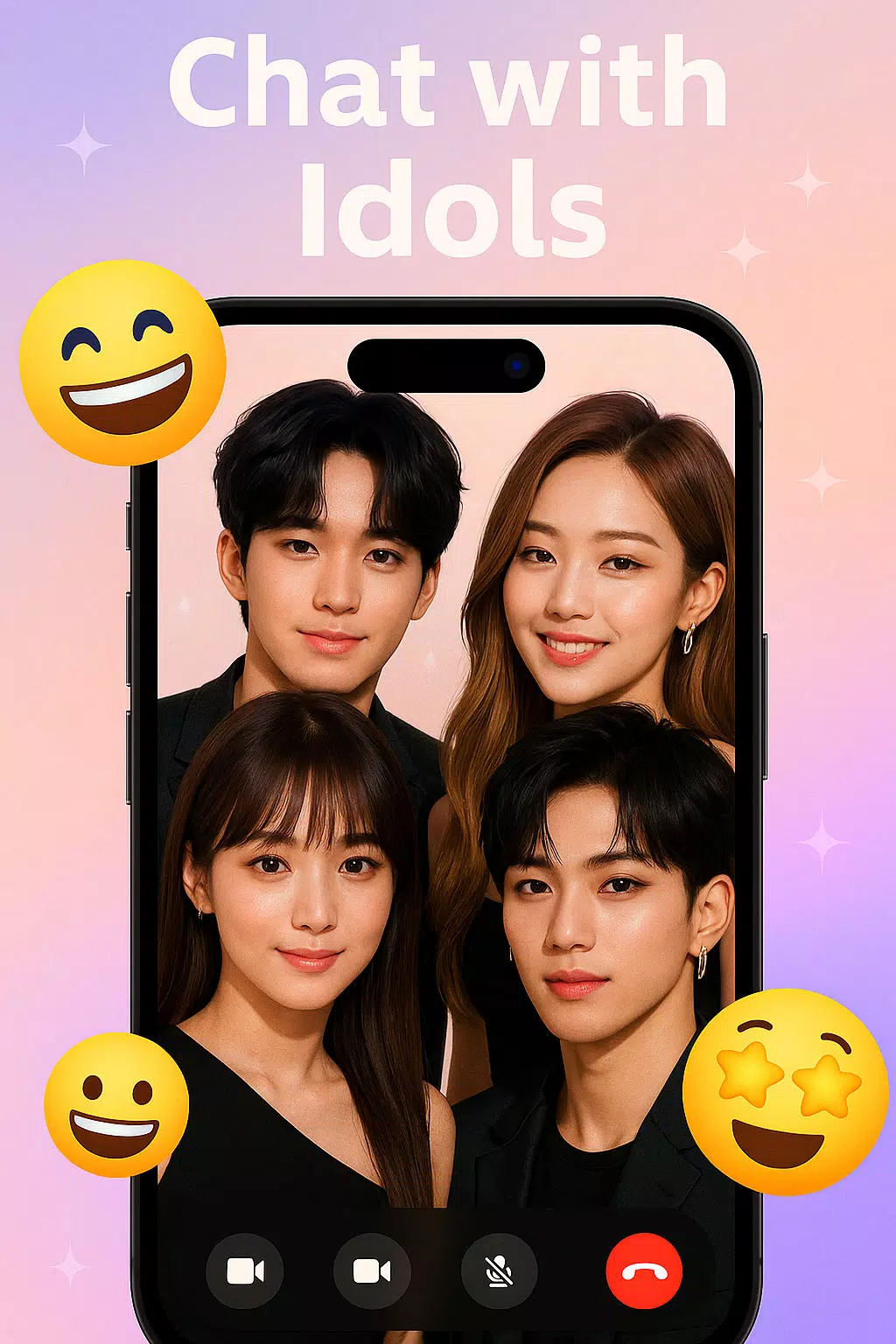
The core of the app centers on three simulated interactions: fake incoming calls that look like a real call screen, chat conversations that appear as floating pop-ups or threaded messages, and short voice messages or effects that play during a staged call or as a standalone clip. Controls let you set a timer for an incoming call, write or edit message text, choose a voice style for a message, and decide whether the simulated notification vibrates or uses sound. Everything runs locally so you can prepare and preview a scenario, then trigger it at the right moment for a reaction or a recorded clip.
Controls and setup
Setting up a prank uses straightforward controls: pick a character from the built-in collection, select a scene template, edit any text fields, and schedule the moment the call or chat should appear. Timers and countdowns help you coordinate live reactions, while a preview function lets you test the appearance and audio before you use it. The app supports saving presets so you can quickly re-run a favorite setup without rebuilding the scene every time. These options make the app usable in spontaneous social settings as well as more planned recordings for social media.
Customization and visual style
Customization focuses on making each interaction feel personal and convincing without referencing real people. You can modify caller display names, profile images from the app's art library, message text and the background look of the chat pop-ups. Visual themes mimic modern phone interfaces with clean typography and realistic button layouts; sound layers include ring tones, ambient background noises and voice filters to increase realism. The combination of visuals and audio is intended to produce a natural-looking notification that feels familiar to most smartphone users.
Progression, replay value and challenge
Replay value comes from the creative possibilities of combining different characters, messages, timing and audio effects. While there is no leveling or online ranking, users can build a personal library of presets and iterate on setups to make each prank more convincing. For users who enjoy testing their staging skills, the app encourages progressively more complex scenes by allowing multiple sequential messages, scheduled follow-ups and layered audio so a simple prank can expand into a longer staged encounter. This open structure keeps the experience fresh without requiring additional online features.
User experience, accessibility and offline use
The app emphasizes an accessible experience with readable fonts, adjustable volume controls, vibrate options and a straightforward layout that guides you through creating and scheduling a prank. Color-contrast themes and scalable text sizes are included to accommodate different visual preferences. Because content is stored locally, the app can be used offline for preparing and launching scheduled calls and chats; network access is not required for the basic simulator functions, which helps when you need to stage a moment without relying on a connection.
Privacy, safety and appropriate use
All material within Celebrity Call & Chat Fun is simulated and designed for entertainment; no real celebrities or private contacts are contacted or impersonated by the app. The app encourages responsible use: pranks that could harm or alarm people should be avoided, and respect for consent and context is recommended before recording or sharing reactions. You can save screenshots or message snapshots for personal use or social sharing, and privacy settings let you control what is stored or exported from the device.
Why the app fits casual and creative users
Whether you want a quick laugh at a small gathering or to stage a crafted reaction for a short video, Celebrity Call & Chat Fun offers a flexible toolkit that balances realism with safety. Its local storage, preset system and customization options make it simple to start, yet versatile enough to support more elaborate setups. The straightforward controls and preview capabilities help you refine the timing and presentation so pranks feel polished while remaining harmless and easy to reset for repeated use.
Show More