Weapon Builder 2
Version:0.28
Published:2026-06-24
Introduction
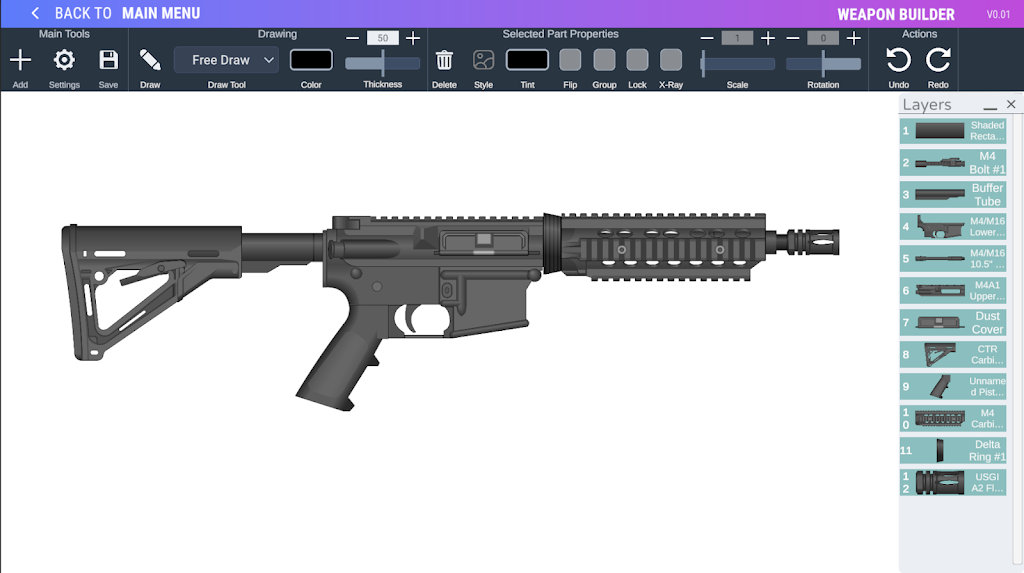
Weapon Builder 2 is a creative design app that lets users build and illustrate custom weapons from a huge library of parts. With over 800 preset components, multiple drawing tools and more than 100 stylized finishes, Weapon Builder 2 makes it easy to tinker with shapes, colors and textures, save your progress and return to complex builds later. Artists, hobbyists and anyone curious about modular design will appreciate the depth of customization — from camo patterns and wear marks to scaling, rotating and assembling parts — all packaged in a focused, casual creative tool.
Key Features
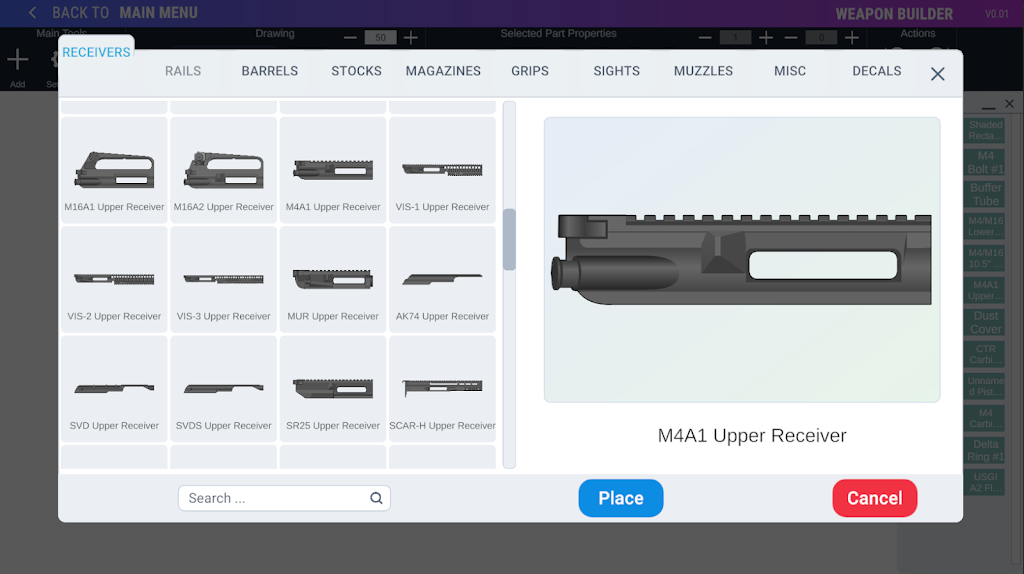
⭐ Weapon Builder 2 includes over 800 preset parts and several full-weapon presets to jumpstart your designs.
⭐ Snap-compatible parts with a toggleable setting for fast, precise assembly.
⭐ Built-in drawing functions let you create custom shapes and combine them with presets.
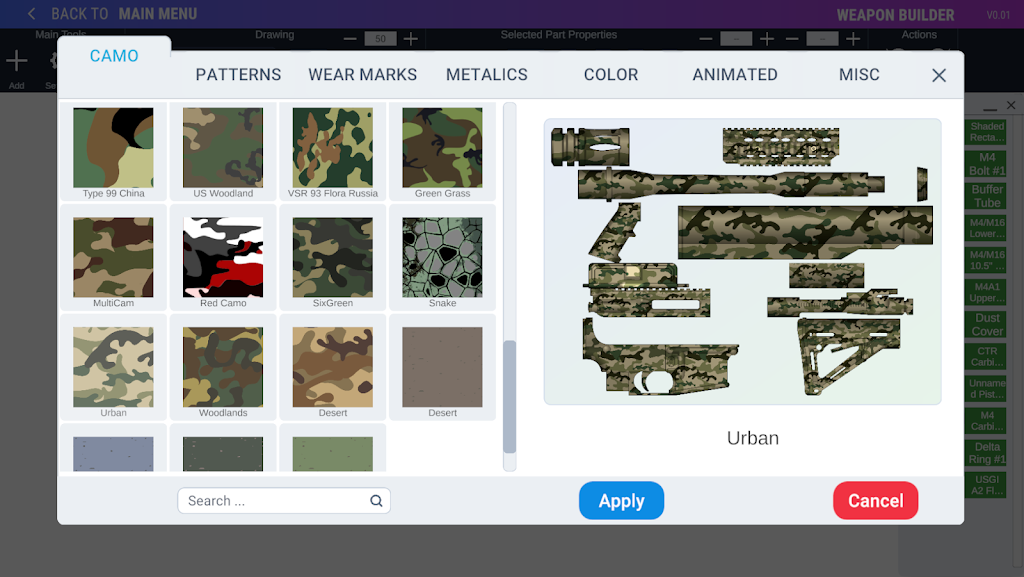
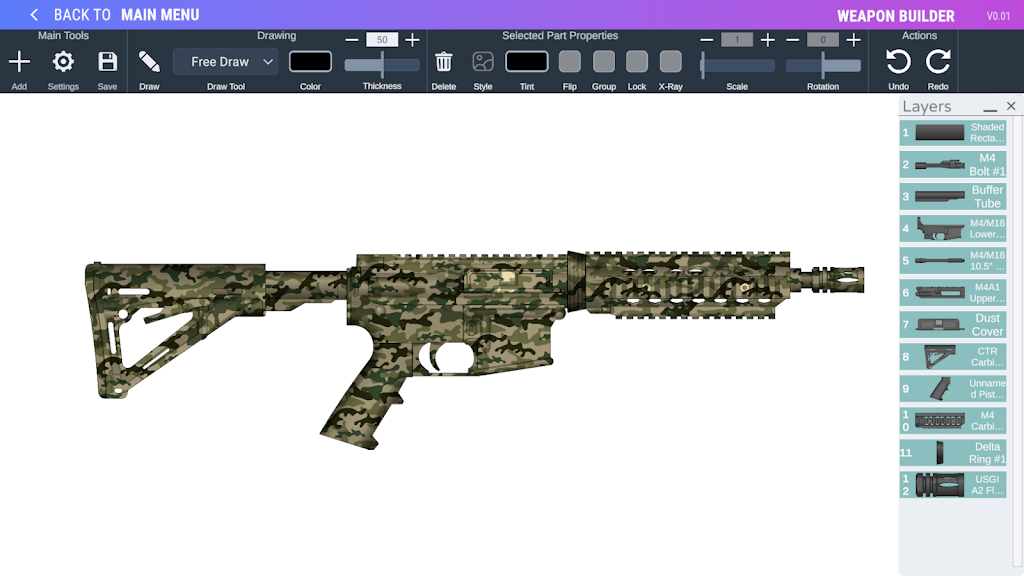
⭐ More than 100 styles such as camo patterns, wear marks and color tinting for each part.
⭐ Save and load builds so you can pause projects and pick them up anytime.
Advantages
✅ Weapon Builder 2's extensive parts library encourages experimentation and highly detailed layouts.
✅ Flexible styling and tinting options let you achieve realistic finishes or bold, stylized looks.
✅ Save/load functionality supports longer projects and iterative design workflows.
✅ Intuitive assembly tools, including snap and transform controls, make the app approachable for beginners and useful for experienced creators.
Disadvantages
❎ Created items are for illustrative use only and the app does not provide interactive testing or simulation of designs.
❎ Parts and artwork should not be considered representations of real brands; the tool is intended for casual and educational creativity.
Development Team
The app builds on the legacy of the original Weapon Builder with expanded tools and content. Special thanks to Dr.Noob and Skipper Lee from the legacy 'Pimp My Gun' application, and artwork credits are listed within the app's Credits section.
Show More