Snepulator SG
Version:v26.06
Published:2026-06-25
Introduction
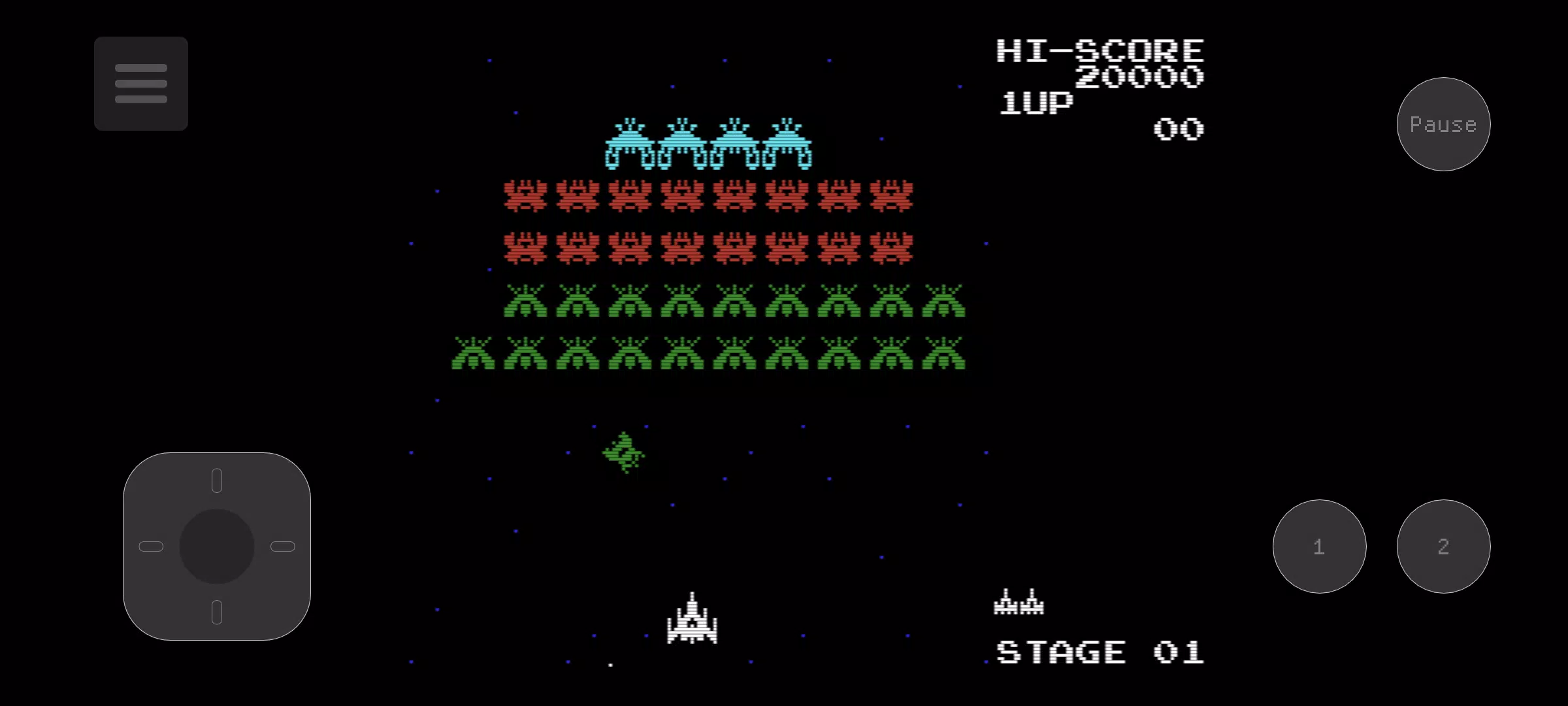
Snepulator SG is an SG-1000 emulator for Android that places classic cartridge-era gameplay onto modern phones and tablets, giving fans a clean, configurable way to revisit retro titles. Snepulator SG launches ROMs locally and runs them entirely offline, offering save states, fast-forward and rewind-style retries, and both a fully adjustable on-screen gamepad and Bluetooth controller support so you can tailor the experience to your device and play style.
Key Features
Snepulator SG focuses on fidelity and flexibility. Save states let you pause anywhere, create multiple restore points, and retry difficult sections without losing progress in the original game structure. The emulator includes video filters such as scanlines and dot-matrix, nearest-neighbour and linear scaling, plus selectable palettes to mimic different CRT and early-LCD looks. Performance-oriented toggles include an option to remove the sprite limit to reduce flicker in crowded scenes and an overclock setting to smooth demanding moments on compatible hardware.
Controls and Customization
Controls are a core strength: the on-screen gamepad is fully adjustable so you can move, resize and change the transparency of buttons to suit single-handed or two-thumb play. A multitouch editing mode uses one finger to reposition controls while a second finger adjusts radius for precise layout tuning, making it easy to create a comfortable configuration for different games. Bluetooth controller support provides near-native console control when you prefer physical buttons. Input settings are persistent per-game, so button layouts and controller assignments stay consistent across sessions.
Gameplay Mechanics and Progression
Because Snepulator SG emulates the original SG-1000 hardware, progression and level structure remain faithful to each title: you experience the same stage layouts, enemy patterns, and difficulty curves as on the original system. The save state system acts as a flexible progression tool, allowing you to create quick checkpoints while learning a level or practicing a particular boss. Fast-forward and brief overclocking can speed repetitive segments during practice without altering the underlying game logic, so your skill progression remains authentic.
Visual Style and Presentation
The emulator gives you control over visual presentation. Multiple filters and palette options let you choose between a clean pixel-perfect look or a softened CRT aesthetic with scanlines and bloom-like warmth. Palette swapping can approximate the look of different display technologies and regional releases, while scaling modes preserve sharp edges for pixel-art accuracy. These options help you match the appearance to your personal nostalgia or to modern flat-screen clarity.
Performance, Stability and Compatibility
Snepulator SG balances compatibility and performance by offering user-facing settings that address device limits. If a game shows sprite flicker or uneven frame pacing, toggles such as sprite-limit removal and CPU overclocking can reduce flicker and improve frame stability on supported hardware. The app does not require constant connectivity and runs offline once ROMs are loaded, which improves stability and preserves battery when you’re away from Wi-Fi.
Replay Value and Challenge
The combination of faithful emulation and customizable convenience increases replay value: try different palette and filter combinations to change the visual feel, reconfigure controls to challenge yourself with one-handed runs, or use save states to practice and perfect highly skilled sections. Because the emulator preserves original game logic, leaderboards or multiplayer features are not part of the experience; challenge comes from mastering stages, improving completion times, and experimenting with settings for an optimal personal challenge.
Usability and Accessibility
The app aims to be approachable for newcomers and flexible for retro enthusiasts. The interface exposes the most useful toggles without hiding essential options, and touch layout editing adapts the controls to different hand sizes and accessibility needs. Bluetooth gamepad support is useful for players who require tactile feedback or larger buttons. For travel or offline play, Snepulator SG keeps everything local and responsive so you can play vintage titles anywhere.
Notes and Recommendations
Performance can vary across devices; if you notice choppy playback, try switching to Nearest or Linear filtering and experiment with the CPU and sprite settings. Because Snepulator SG focuses on single-device emulation, it does not include online matchmaking or cloud-based multiplayer. Instead, it provides the tools to preserve and customize classic SG-1000 gameplay with modern conveniences, making it a practical choice for collectors and casual players who want a faithful, tweakable retro experience on Android.
Show More