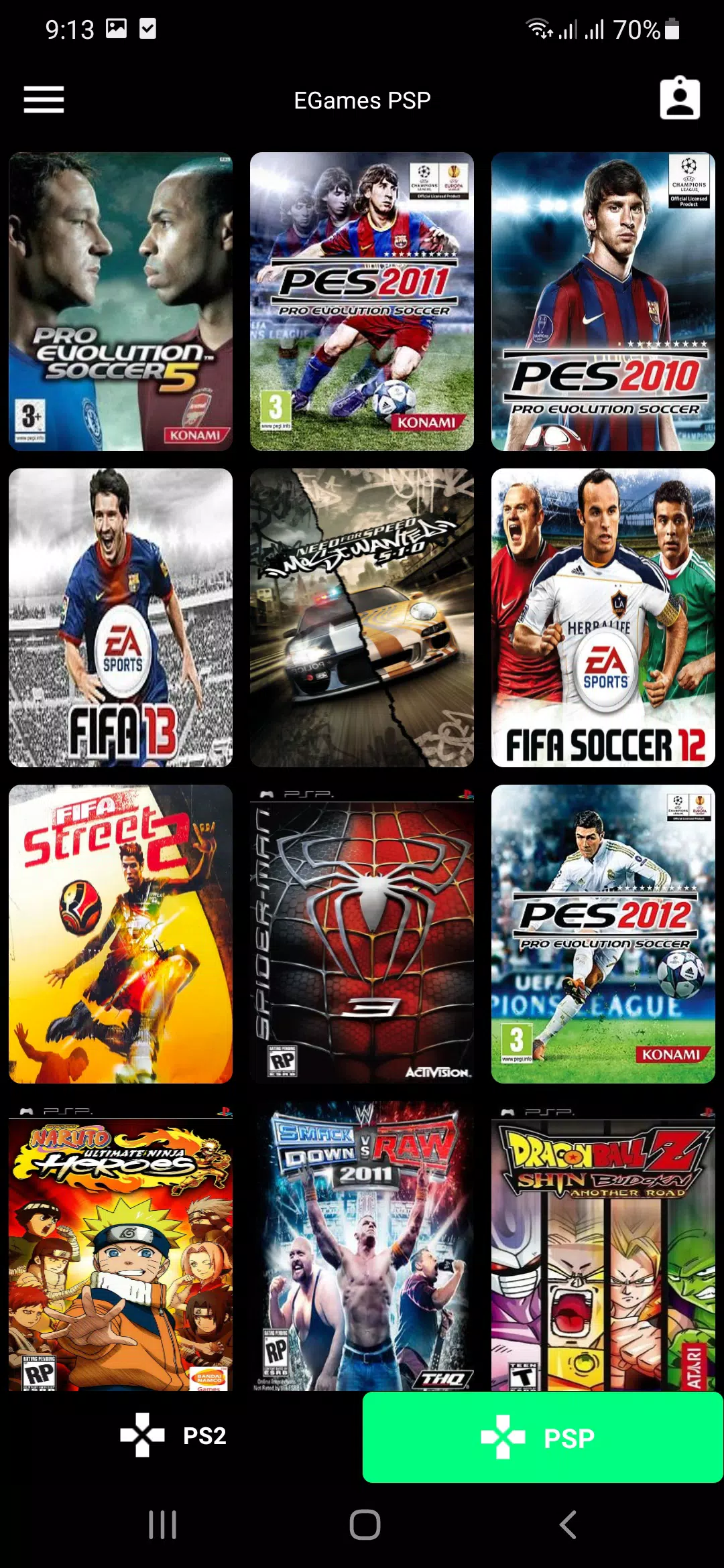
EGames PSP PS2
Version:1.1
Published:2026-07-05
Introduction
EGames PSP PS2 delivers a focused way to bring PlayStation 2 ISO titles onto mobile devices, providing an organized download and file-access experience so players can run their legally obtained PS2 games with compatible mobile emulators. EGames PSP PS2 is built around simplicity: it helps users locate, download and store ISO images in a predictable folder structure so emulators can detect and launch games without manual file juggling. The app does not include emulation code or game ROMs itself, but it streamlines the handoff to emulators that support PS2 formats, making it easier to enjoy classic levels, characters and systems on modern phones and tablets while reminding users that game performance will depend on their device hardware and chosen emulator settings.
Gameplay mechanics and level structure
When you run PS2 ISOs through a compatible emulator, you experience the original gameplay mechanics and level designs found on the console: mission-based progression, hub areas, linear stage sequences and boss encounters that defined many PS2-era titles. The app preserves the game files exactly as released so mechanics such as stamina, inventory management, platforming precision and scripted events behave as intended by the original developers. Because many PS2 games lean on a mix of exploration and structured missions, players can jump between longer story-driven sessions and short objective-based runs while keeping game data accessible for later continuation.
Controls and customization
Control schemes for PS2 games vary widely, from analog-driven racing and precise platforming to button-heavy action and strategic menu navigation. EGames PSP PS2 focuses on storing ISOs in a way that compatible emulators can apply controller profiles, touch overlays or hardware gamepad mapping. On devices with Bluetooth gamepads or dedicated controller ports, players typically get the closest experience to the original console, while touchscreen overlays and virtual sticks are commonly provided by emulators to replace physical input. The app’s goal is to reduce friction in getting each title ready for the input method you prefer.
Progression systems and save options
Progression in PS2 games usually relies on in-game save files or memory card emulation, and many modern mobile emulators add save states for quick checkpoints. EGames PSP PS2 keeps ISO files organized so those save files and memory card images remain linked to the correct game, helping you resume long campaigns without hunting through storage. Because save functionality is typically handled by the emulator, this app encourages users to back up saves and manage storage carefully, especially for games with large progression trees or multiple save slots.
Visual style and performance considerations
PlayStation 2 titles span a wide visual range, from stylized cel-shaded art to early high-detail 3D worlds. When played on contemporary mobile hardware through emulators, users can often enable upscaling, texture filtering or post-processing shaders to improve clarity and reduce pixelation on high-resolution screens. EGames PSP PS2 ensures that ISOs are kept intact so visual enhancements applied by the emulator remain compatible. Keep in mind that enabling higher-quality rendering or widescreen hacks can increase CPU and GPU demands, so visual enhancements should be balanced against device capabilities to maintain stable frame rates.
Replay value and challenge systems
Many PS2 titles offer strong replay value through difficulty tiers, collectibles, alternate endings and unlockable content that reveal more after repeated playthroughs. Because the app makes it easy to carry a library of ISOs on a single device, players can experiment with different difficulty settings and try speedruns or challenge runs without switching consoles. Boss fights, timed sequences and optional objectives retain their challenge on mobile, and using emulator save states can allow players to practice particularly tough sections while preserving an authentic sense of accomplishment.
User experience, accessibility and offline play
The user experience centers on straightforward file management: downloading or transferring ISO files, keeping them organized, and launching them through your chosen emulator. EGames PSP PS2 is intended to work offline once files are saved locally, offering uninterrupted play even without a network connection. For accessibility, the app supports workflows that take advantage of emulator features such as remappable controls, adjustable input sensitivity and text size options provided by the emulator or system settings. The app’s interface focuses on clarity so users can find large files, monitor storage usage and prepare a game for local playback without unnecessary steps.
Storage and compatibility notes
PS2 ISO files are often large, so EGames PSP PS2 advises users to check available storage and consider external storage or careful library curation. Compatibility is determined by the emulator and the device’s hardware: some titles will run smoothly on mid- to high-end phones, while others require more powerful processors to reach playable frame rates. The app is designed to minimize setup complexity and to keep your archives tidy, but optimal performance requires a compatible emulator configured for your device and legally obtained game images.
Show More