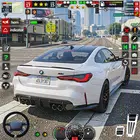
Car Driving School- Parking 3d
Version:2
Published:2026-07-06
Introduction
Car Driving School- Parking 3d places you behind the wheel in a focused, low-pressure practice environment designed to improve parking technique and basic traffic awareness. From the first lesson the app teaches positioning, speed control and spatial judgment through progressive parking tasks, and Car Driving School- Parking 3d keeps the emphasis on measurable skill-building rather than arcade-style driving. The opening tutorial introduces steering, braking and camera options so new players can immediately feel comfortable with controls and mission goals.
Gameplay and Controls
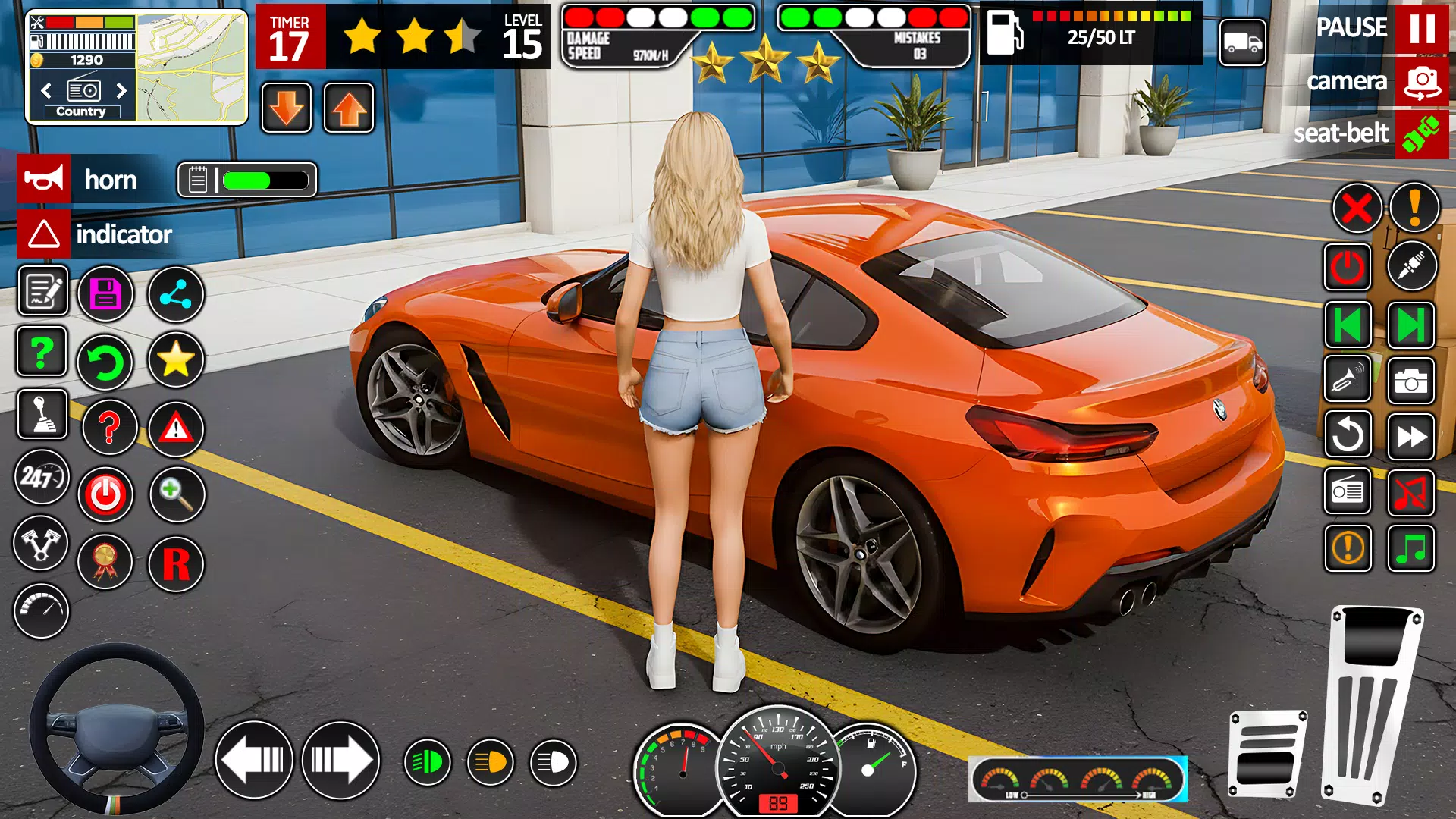
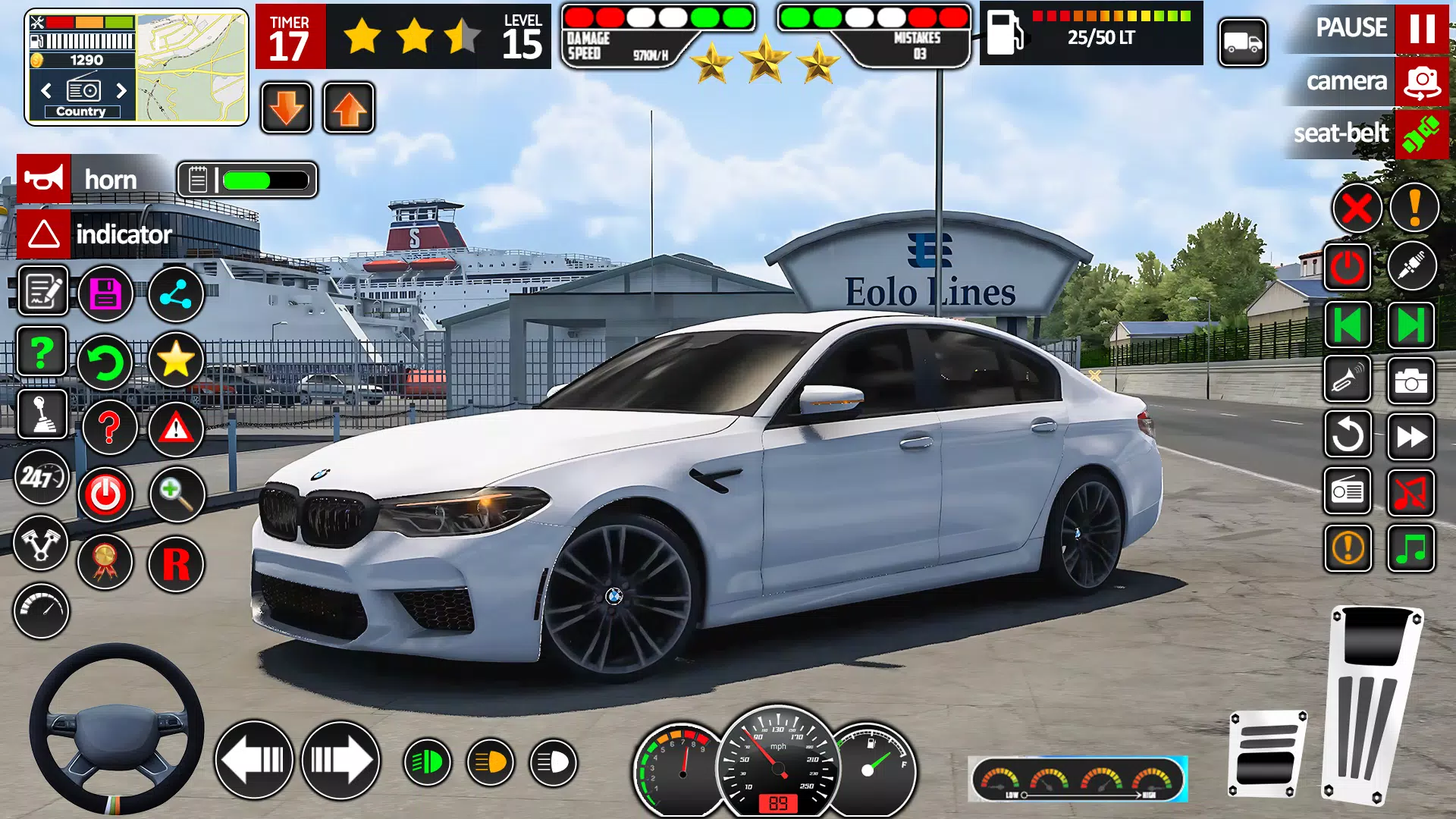
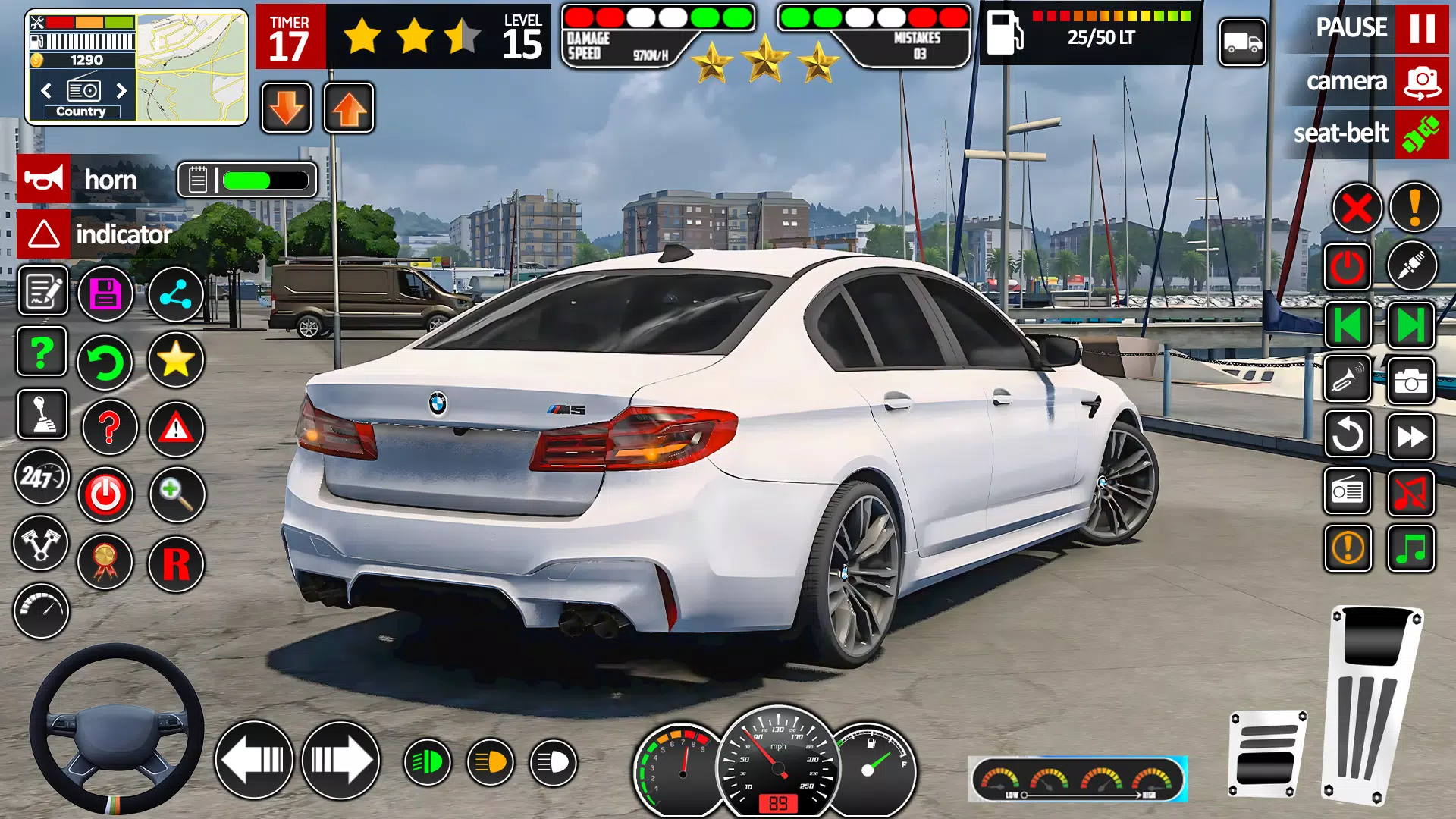
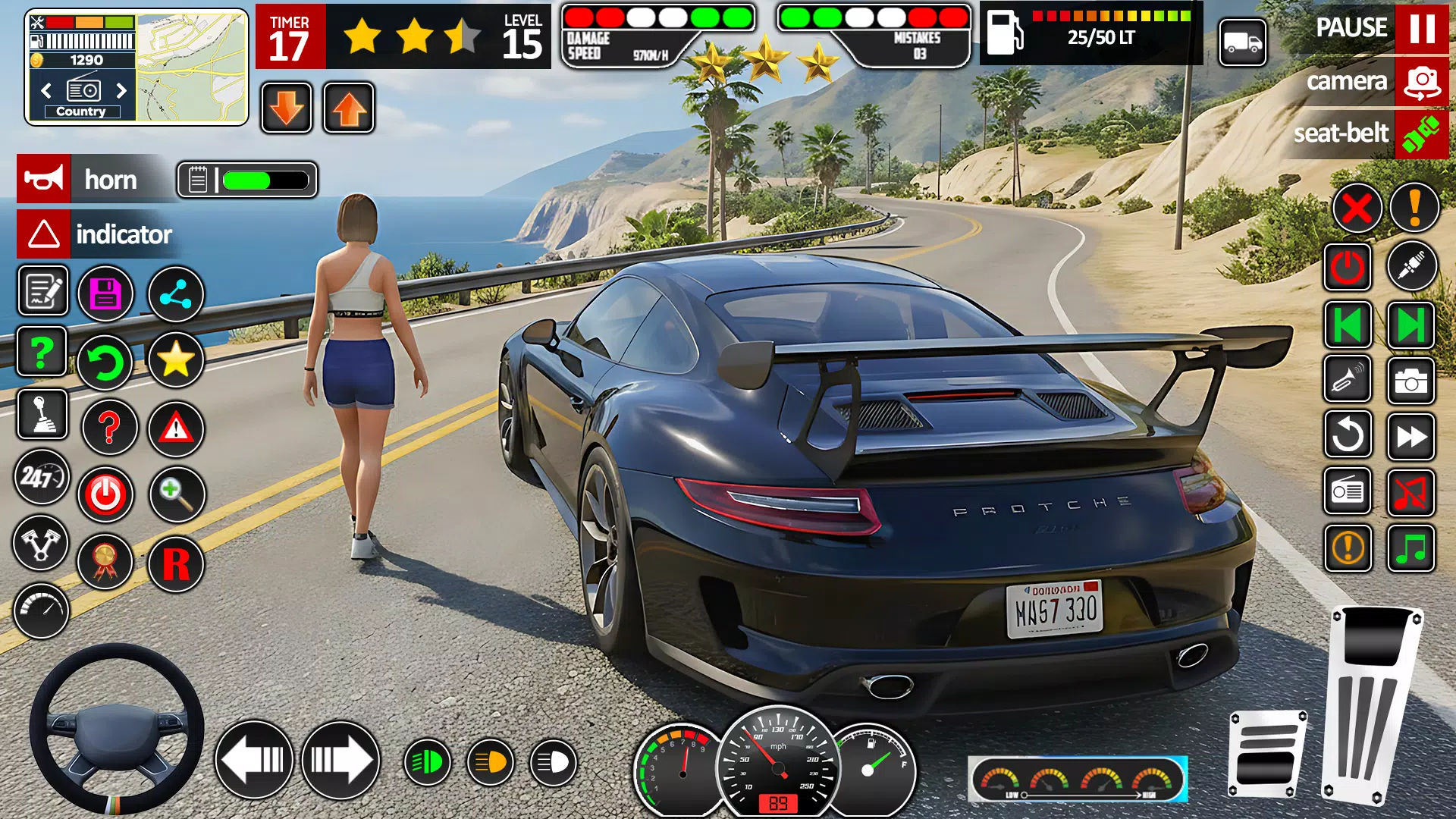
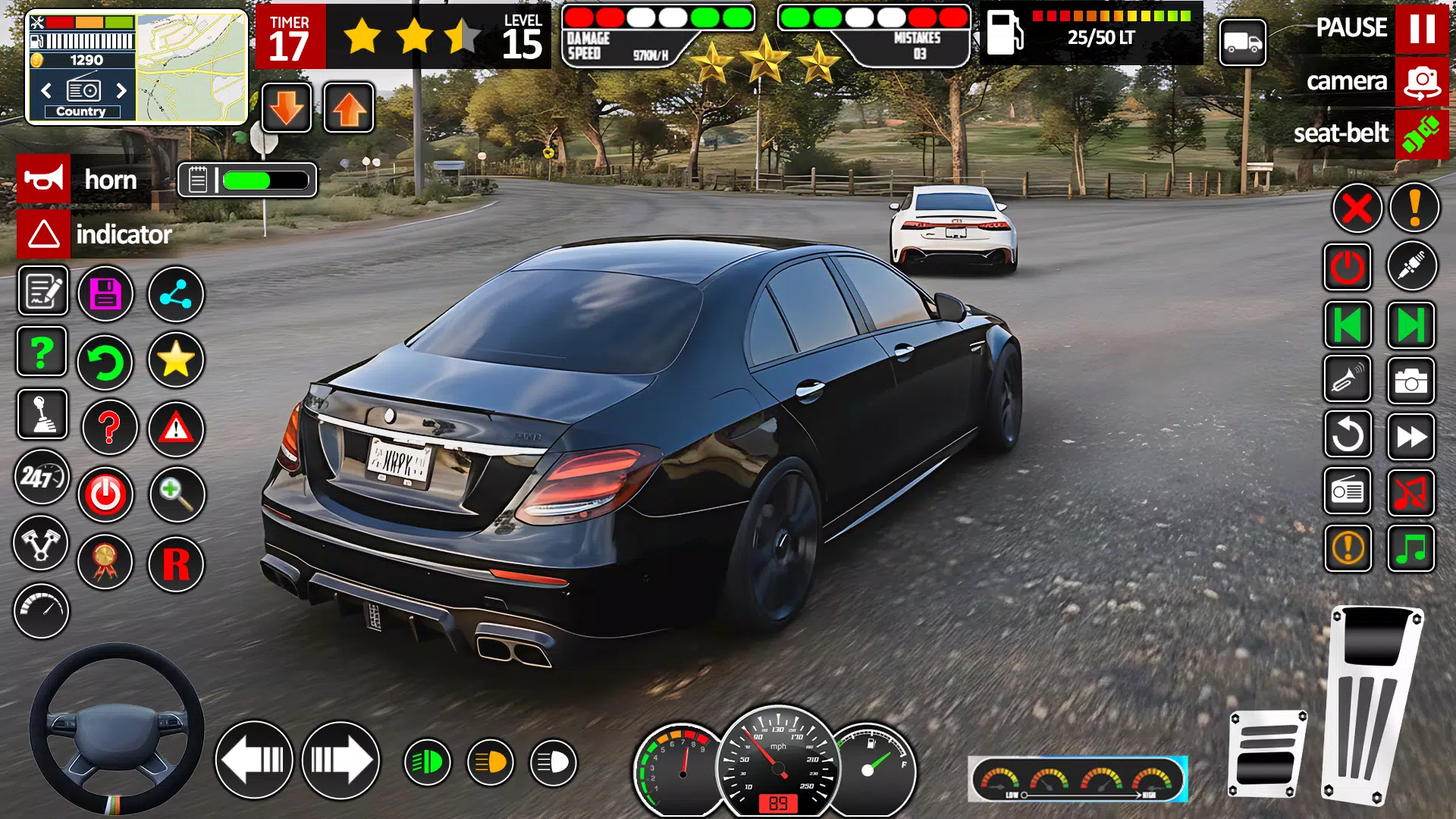
The gameplay centers on staged parking challenges: reverse parking, parallel parking, tight-spot maneuvers and angle bays, all presented as individual lessons with clear objectives. Steering options are adaptable to player preference, with virtual wheel control, tap-to-steer and adjustable sensitivity for touch input; brake assist and optional guidance lines can be toggled for a gentler learning curve. Camera angles include hood, bumper and free third-person views to help you judge distances, and an overview map shows approach lines for precision tasks. Each attempt records basic feedback—time taken, collision count and alignment accuracy—so you can track where to focus practice.
Progression and Level Structure
Levels are arranged by difficulty and scenario type, starting with wide, forgiving spaces and moving toward narrow, angled and multi-obstacle setups. Missions are grouped into districts of the simulated city, with each district introducing new traffic patterns, parked cars and environmental constraints that require tighter precision. Progression is performance-driven: completing missions with higher accuracy and fewer collisions unlocks more advanced scenarios and additional vehicle choices. The structure encourages gradual improvement through repetition and specific skill targets rather than random level selection.
Visual Style and Environment
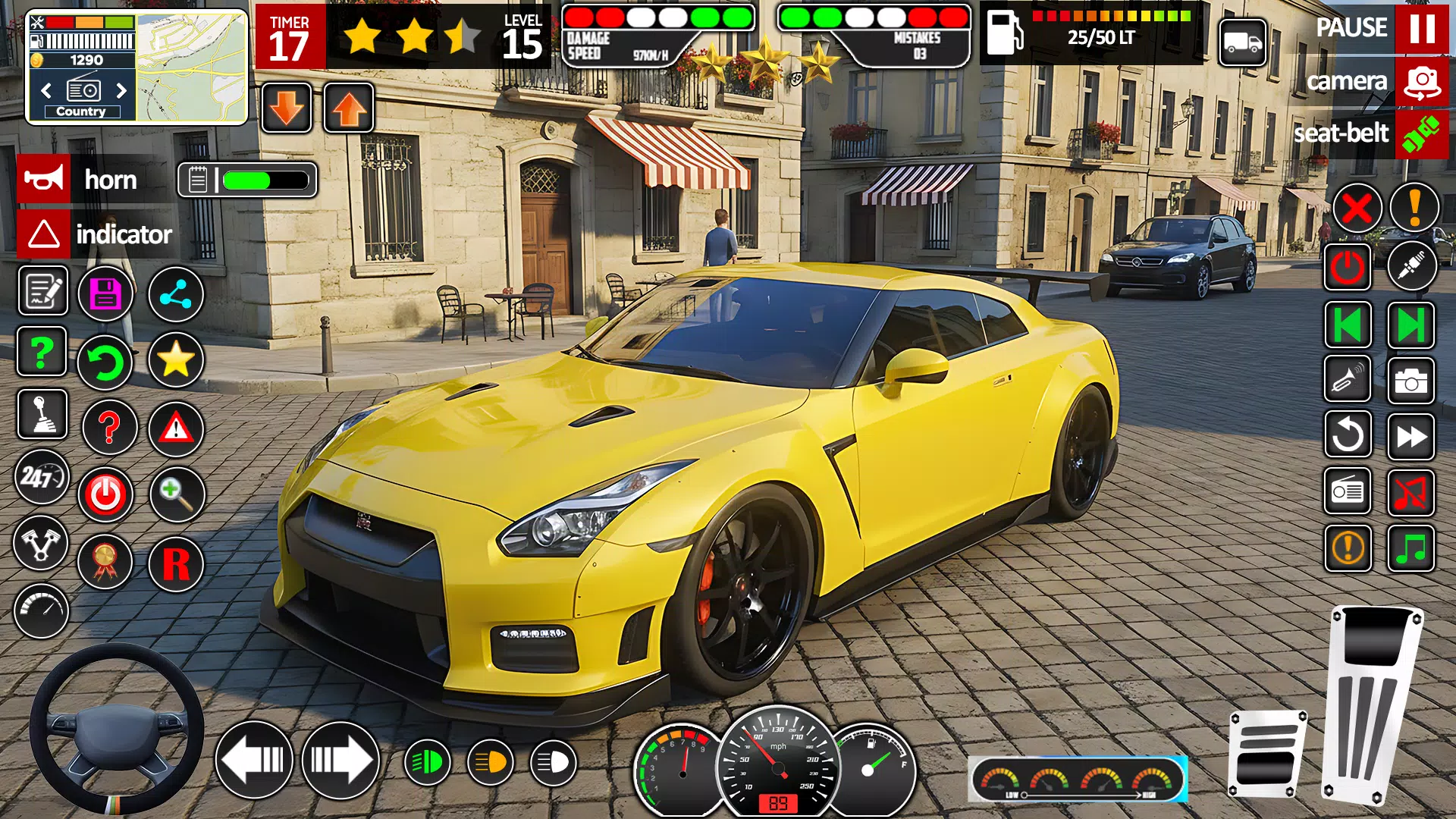
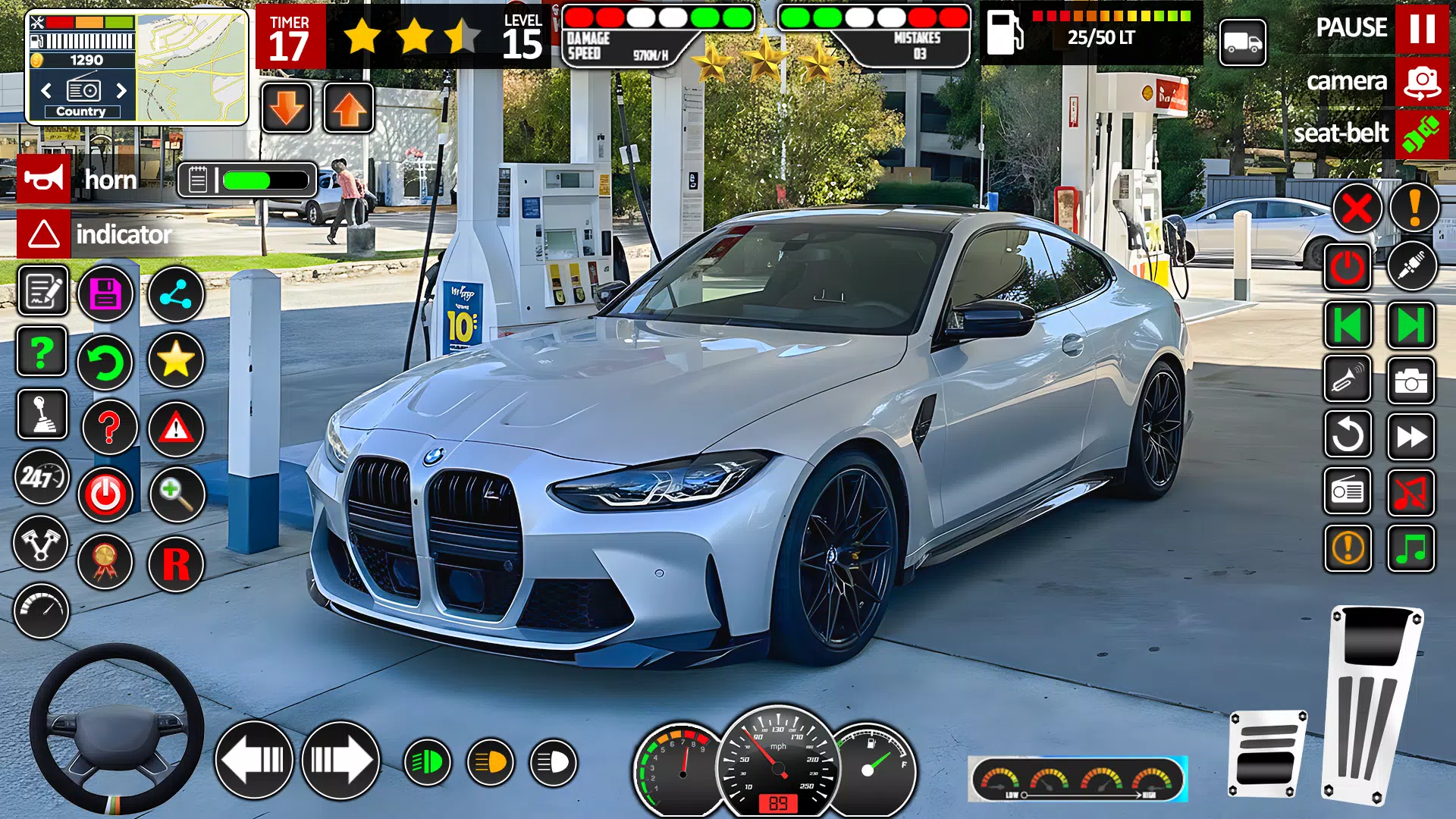
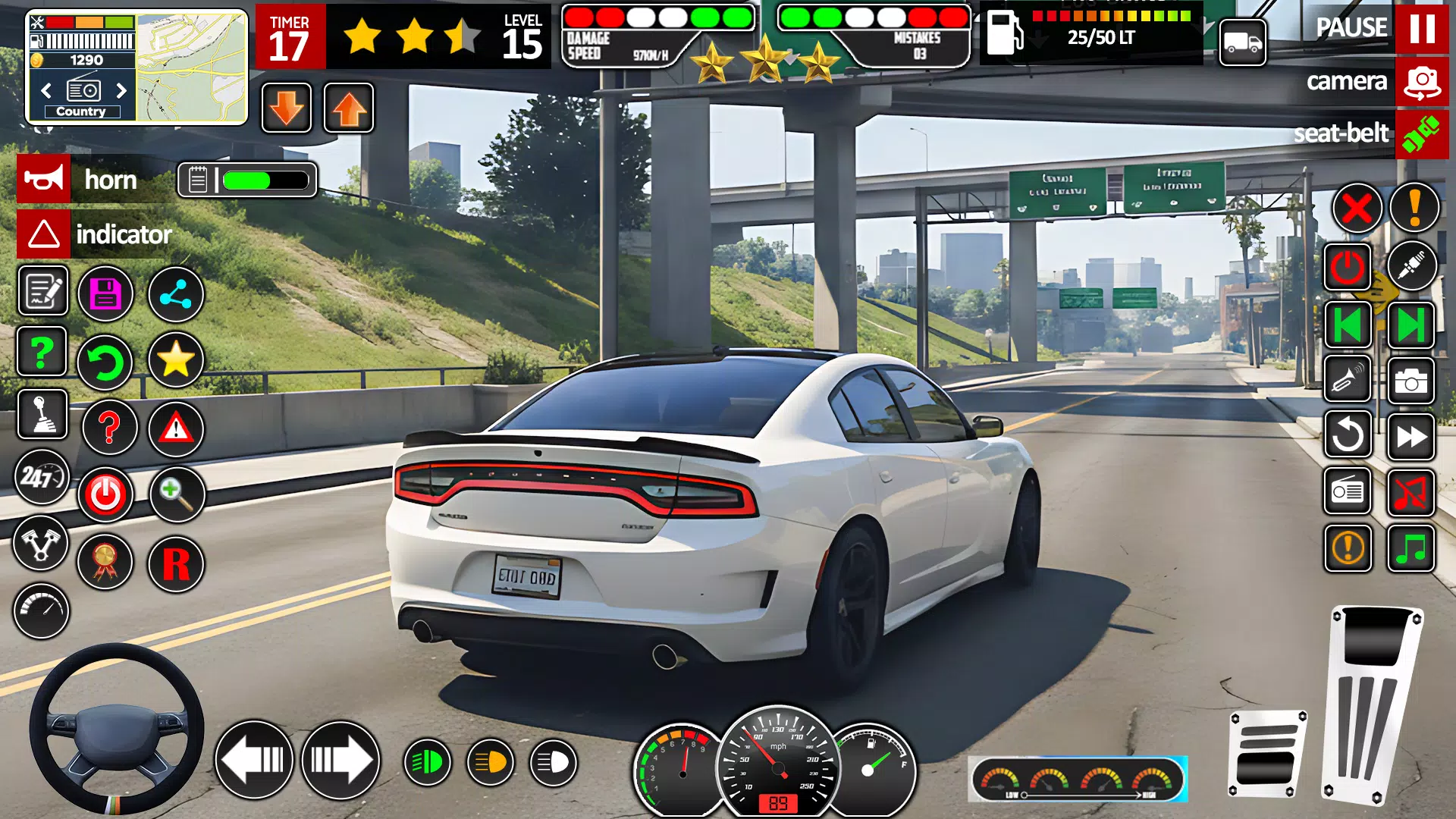
The game presents a clean, realistic 3D city environment with uncluttered signage and consistent visual cues to reinforce learning. Streets, parking lots and training yards are modeled at a scale intended to match real-world spatial relationships, so depth perception and vehicle width feel intuitive while you practice. Lighting and time-of-day settings are subtle rather than dramatic, prioritizing clarity of obstacles and curb lines so players can focus on technique instead of visual effects.
Customization and Vehicle Options
A selection of vehicles with differing sizes and turning radii lets you experience how various cars behave in parking situations; smaller cars are easier to place into tight spots while larger vehicles require earlier steering corrections. You can adjust control sensitivity, camera presets and on-screen HUD elements to suit personal preference, and cosmetic options such as paint color and simple trims help personalize the experience without changing handling fundamentals. These options allow tailored practice depending on the vehicle type you expect to drive in real life.
Challenge Systems and Replay Value
Replay value comes from layered challenges: precision scoring rewards minimal steering corrections and clean entries, while time trials and no-assist categories push players to refine technique. Penalties for contact with obstacles encourage cautious approaches, and optional scenarios that introduce parked cars or angled bays test spatial planning. Because each mission records objective metrics—alignment, distance from curb, and contact events—you can work toward specific improvement goals and reattempt stages to beat previous bests.
User Experience and Accessibility
The interface is designed for clarity: mission goals are stated before each attempt, and a short guided run-through shows the intended path for first-time players. Accessibility features include adjustable control sensitivity, simplified braking assistance and visible guidance overlays that can be disabled as skills improve. Tooltips explain traffic signs and recommended approach speeds so learners unfamiliar with local rules still benefit from the practice scenarios. The game is playable offline as a single-player trainer, allowing focused practice without requiring an internet connection.
Tips for Practice
Work mission-by-mission: start with guidance enabled, concentrate on approach angle and speed, then replay the same scenario with fewer assists to solidify muscle memory. Use different camera views during practice to improve judgment for bumper placement and side clearance. Track performance metrics after each run to identify whether alignment, speed control or spatial awareness needs the most attention; incremental improvements in those metrics translate into more consistent parking under pressure.
About the App
Car Driving School- Parking 3d is intended as a focused training simulator for players who want practical, repeatable practice of parking maneuvers and basic traffic interactions. By concentrating on scenarios that mimic common driving-test tasks and providing adjustable controls and feedback, Car Driving School- Parking 3d helps learners build confidence and measurable skills before they apply them on the road.
Show More