CubeX
Version:3.2.1.4
Published:2026-07-25
Introduction
CubeX is a cube-solving app designed for players who want a practical, hands-on way to learn, practice and improve on 3x3 Rubik-style puzzles. The app combines guided instruction with a visual 3D simulator and a fast solver so you can study individual algorithms, rehearse full solves under a timer, and explore pattern creation without relying on an internet connection. CubeX places clear step-by-step walkthroughs and an advanced engine in the same interface, making it suitable for beginners learning methodical stages as well as experienced cubers who want to optimize move counts and execution speed.
Gameplay and core mechanics
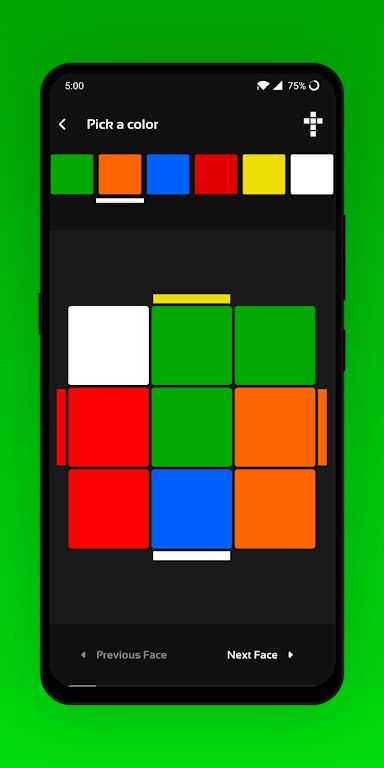
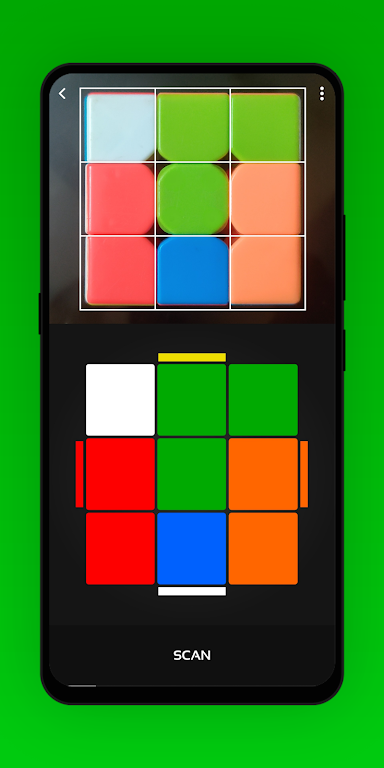
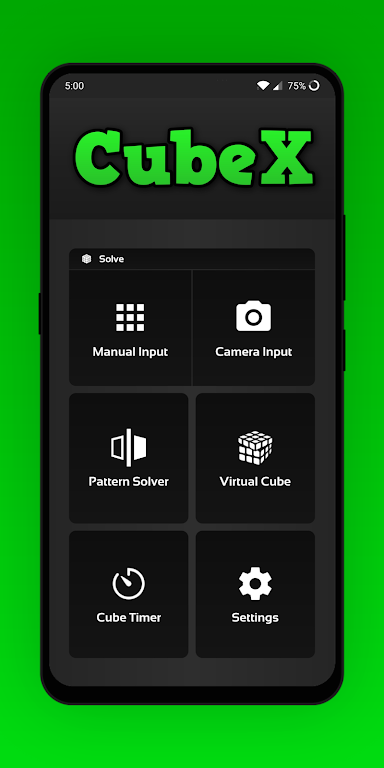
Gameplay in CubeX centers on realistic cube manipulation and problem solving. You can input any valid cube state manually or use the camera scan to capture faces quickly; once the app has the state it provides either a guided CFOP-style walkthrough or a shortest-path solution generated by a two-phase solver. The step-by-step mode breaks a full solve into intuitive stages — cross, first two layers, orientation and permutation of the last layer — so you can practice one stage at a time. A separate pattern solver reproduces specific visual patterns from any starting position and is ideal for rehearsing setups and memorization drills.
Controls and visual presentation
CubeX offers touch-driven controls that mimic the feel of a physical cube: swipe to rotate faces, pinch or drag to change the camera angle, and tap specific stickers to highlight them for algorithm drills. The 3D virtual cube supports smooth animations and adjustable rotation speed so you can slow down sequences for step learning or speed them up for flow practice. Visual style is clean and focused, with high-contrast sticker options, optional coordinate labels for algorithm notation, and a colorblind-friendly palette to support accessibility during scanning and practice.
Progression and practice systems
The app organizes learning around progressive practice sessions. Beginners can follow guided CFOP walkthroughs that introduce algorithms and stage priorities with clear textual and visual cues, while intermediate users can switch to solver-assisted hints that show shorter sequences to reach the solved state. Practice sessions can be structured by stage, by algorithm set, or by custom pattern challenges, and the integrated scrub-and-replay feature lets you step forward and backward through moves to reinforce finger-tricks and turning accuracy. CubeX records local progress so you can track which algorithms you have drilled and which stages still need work.
Timer, challenges and replay value
CubeX includes an integrated solve timer with inspection support to replicate real-world practice conditions. You can create repeated drills with random scramble generation or load specific scramble sequences for targeted training. Challenge modes range from speed runs, where the solver simply provides the shortest route for verification, to endurance sessions where you repeat a difficult pattern until execution becomes reliable. These modes, combined with algorithm rehearsal and the pattern library, give the app long-term replay value for both hobbyists and dedicated practitioners.
Customization and user experience
Customization options let you tailor the interface and cube behavior to your training needs. Choose between different sticker sets, adjust animation speed, toggle move notation overlays, and enable haptic feedback or subtle audio cues for turn confirmation. The app supports saving custom patterns and favorite algorithms for quick access, and the ability to save and load cube states makes it easier to return to partial solves or to repeat exact practice scenarios without re-scanning.
Accessibility and offline use
Accessibility features in CubeX include large UI elements, optional text labels for algorithm steps, and a colorblind palette to improve contrast during camera scanning. The app is fully functional offline: all solver routines, tutorial content and the 3D simulator work without an internet connection, making it suitable for practice anywhere. Camera-based scanning may require steady lighting and careful framing, so manual entry is always available as a reliable fallback.
Limitations
CubeX is purpose-built for 3x3 cube practice and does not provide solving tools for larger NxN puzzles or nonstandard shapes. Some advanced solver outputs prioritize move count and can be compact in ways that are harder to execute without additional rehearsal. Camera sensitivity to lighting and angle means that in some situations manual state input will give faster and more consistent results. Despite these limitations, CubeX remains a focused, offline-ready trainer that helps players learn methodical solving, reduce move count and improve solve consistency.
Show More