Chessis: Chess Analysis
Version:9.1
Published:2026-08-06
Introduction
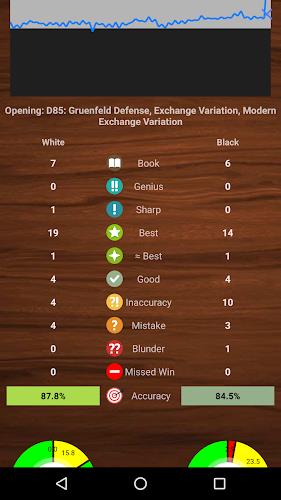
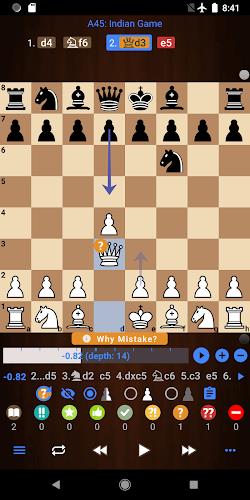
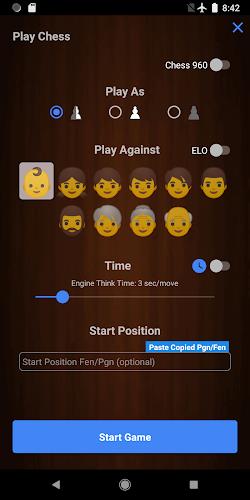
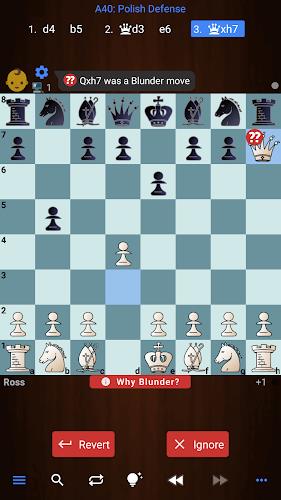
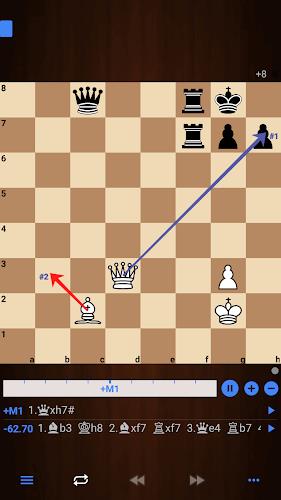
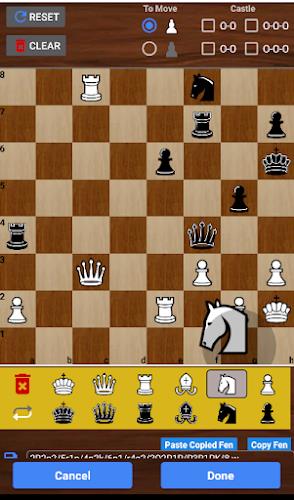
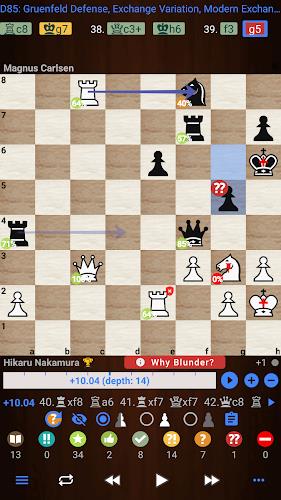
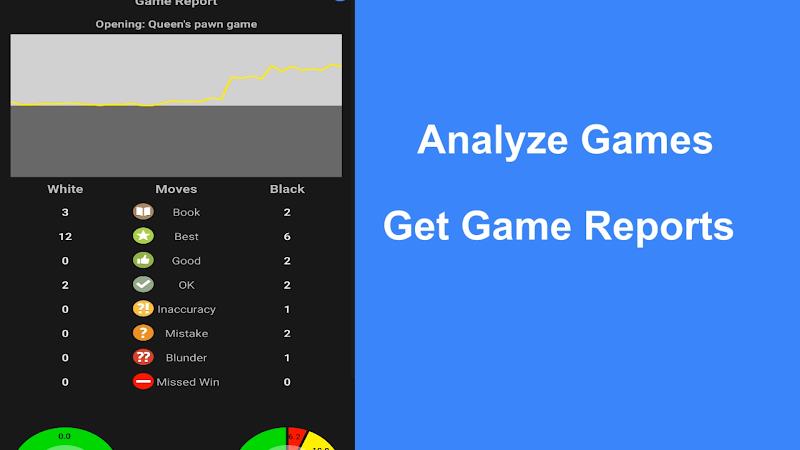
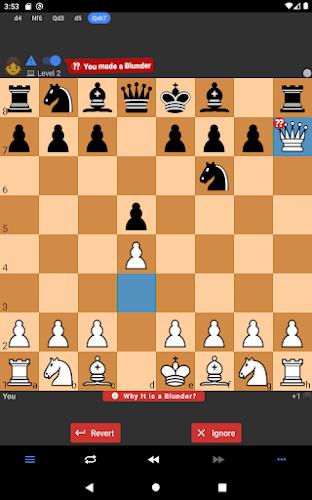
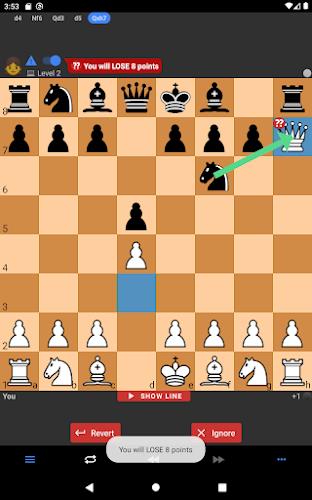
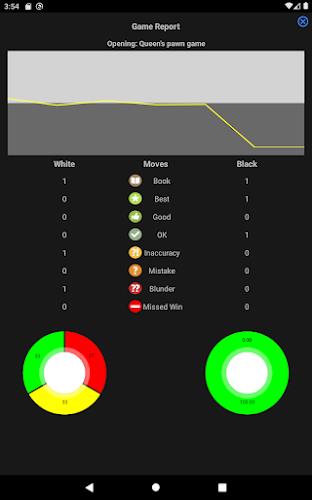
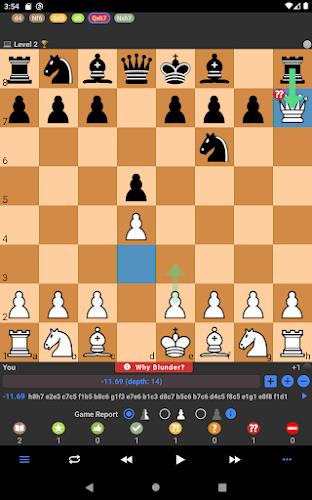
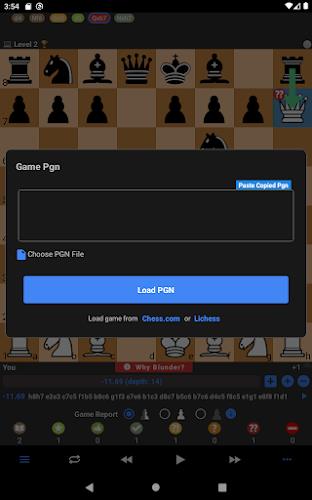
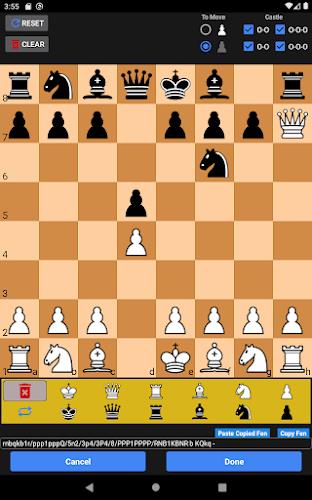
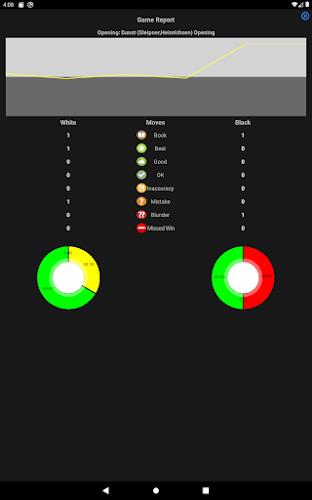
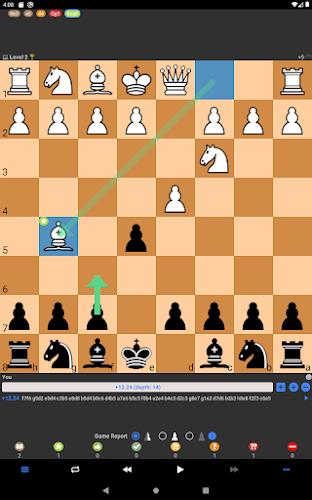
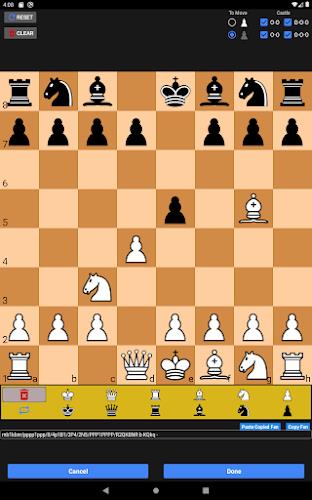
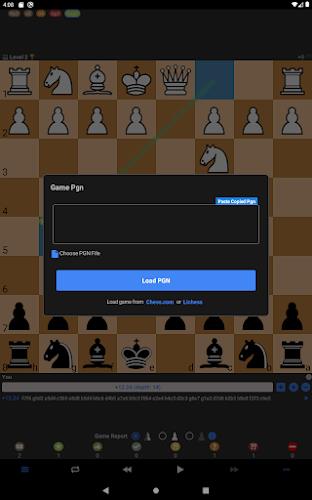
Chessis: Chess Analysis is a focused chess companion designed for players who want to combine practical play with structured study. Chessis: Chess Analysis places a strong engine at the center of both training and post-game review, producing clear game reports that flag blunders, missed wins and the best moves, and it uses annotated lines to explain why a particular move was wrong so you can learn from concrete examples. The app supports playing against the computer at adjustable difficulty, setting up custom positions with a board editor, opening and exporting PGN files, and searching a local games database to revisit instructive moments.
Key features and analysis
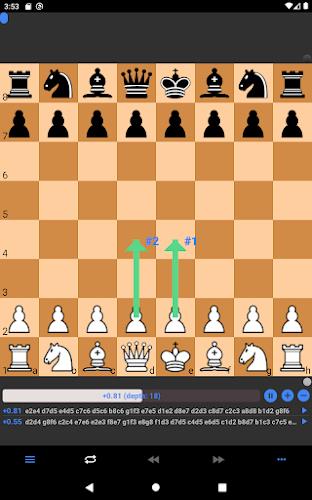
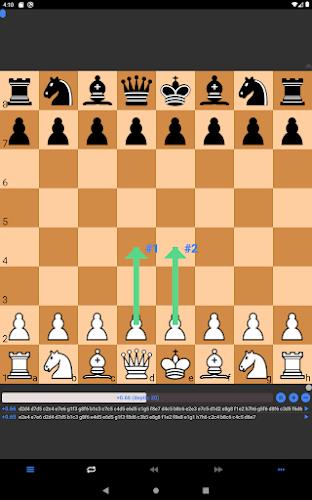
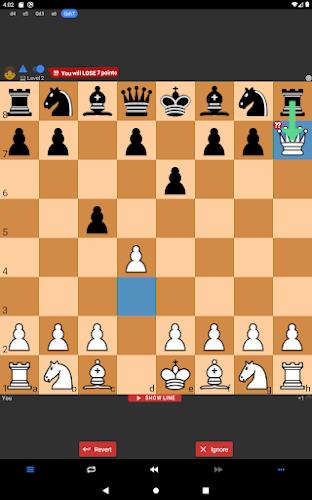
The app’s analysis engine delivers multi-line reports with human-friendly commentary: blunders are highlighted and paired with the engine’s better continuations, optional NNUE evaluation is supported for sharper tactical judgment, and users can control analysis depth, hash size and thread count for tailored performance. Chessis: Chess Analysis can display move strength and engine lines in real time, create annotated PGNs you can export for offline study, and include multiple engine lines so you can compare candidate continuations. Support for Chess960 positions and FEN search makes it easy to recreate uncommon setups for focused practice.
Gameplay and controls
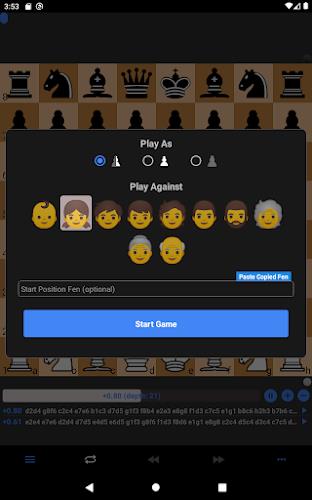
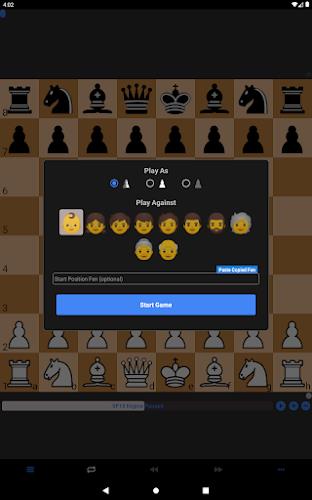
Playing against the computer is straightforward: tap or drag pieces to move, enable move confirmation if you prefer, and switch between clock-based or engine think-time controls to simulate different game conditions. The engine level can be adjusted by limiting depth or time per move, and a live move-strength meter warns you when a move weakens your position. When practicing tactics, the app can suggest playable engine lines so you can test a defensive or attacking idea immediately on the board.
Progression, study routines and reports
Progression in Chessis: Chess Analysis is built around repeatable study habits rather than arbitrary rewards. After each game the app generates a report that categorizes mistakes and missed opportunities, letting you filter by blunders, inaccuracies and missed wins to focus study sessions. You can save annotated PGNs to track how your decision-making changes over time, replay critical moments from the database, and re-run deeper analysis on selected positions as your understanding grows. The Pro tier unlocks advanced report depth and longer analysis time for deeper study if you need it.
Customization and visual style
Visual customization helps keep study comfortable and accessible: choose from multiple board colors and piece sets, toggle coordinates on or off, and enable visual aids such as arrows and threat indicators that highlight tactical motifs. For players with accessibility needs, there are high-contrast and large-piece themes to improve visibility, plus options to adjust font sizes and feedback intensity. These styling choices make it easier to focus on the moves and patterns that matter most to your improvement.
Replay value and offline capability
Replay value comes from a flexible combination of adjustable engine strength, the ability to load and edit PGNs, and a searchable games database for revisiting instructive positions. Because the analysis and engine play run locally, Chessis: Chess Analysis works offline without requiring an internet connection, which makes it suitable for train rides or places without reliable service. You can add external engines in OEX format to experiment with different analysis styles, and multiple engine lines let you explore alternative plans from the same position.
User experience and accessibility
The interface is designed to be approachable for newer players while retaining the advanced controls experts expect: contextual tooltips explain analysis concepts, a board editor simplifies setting up study problems, and lightweight performance settings reduce battery use on older devices. Clear, step-by-step explanations accompany flagged mistakes so club players and learners can understand the why as well as the what, and small touches like undo, move confirmation and replay controls keep practice sessions frictionless.
Known limitations and upgrade details
Some deeper analysis tools and convenience features are reserved for the Pro upgrade: unlocking NNUE for the strongest local evaluations, enabling unlimited engine lines and extending report depth and runtime require the paid tier. Configuring external engines and tweaking advanced engine settings can be technical for users unfamiliar with engine parameters, so the app provides documentation and sensible defaults to ease setup. Chessis: Chess Analysis focuses on solo practice and study; it does not include online matchmaking or ranked multiplayer features, keeping the emphasis on analysis-driven improvement.
Show More