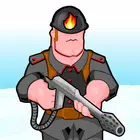
Battalion Commander 2
Version:1.1.60
Published:2026-10-12
Introduction
Battalion Commander 2 blends tactical squad-level combat with base management and fast reflex firefights, delivering a compact but deep mobile strategy experience. The game puts you in command of elite units across varied battlefields, balancing unit upgrades, resource allocation, and real-time skirmishes to dominate enemy forces.
Core Gameplay Loop
At its core, Battalion Commander 2 asks players to plan ahead while reacting quickly. Matches begin with a deployment phase where you choose units and formation, then shift into live engagements where positioning, cover, and timing decide outcomes. Combat is short and decisive, encouraging repeated plays to refine tactics and test different compositions.
Unit Types and Synergies
The roster includes infantry, heavy gunners, snipers, and special support units that each serve distinct roles. Infantry secure objectives, heavies soak damage and clear areas, snipers eliminate high-value threats at range, and support units provide buffs, repairs, or area denial. Building effective synergies between unit abilities is essential for success in Battalion Commander 2, since a well-timed special skill can turn the tide of a match.
Progression and Upgrades
Progression is driven by experience, resources, and unlockable equipment. As you level up, new weapons, armor modules, and tactical perks become available. The upgrade tree rewards focused investment: improving a squad’s accuracy or survivability unlocks new tactical options on harder maps. Resource management between immediate upgrades and long-term research creates strategic decisions outside of combat.
Maps, Modes, and Level Design
Maps in Battalion Commander 2 range from tight urban alleys to open deserts and fortified compounds, each demanding different tactics. Objective-based modes include capture-and-hold points, timed skirmishes, and escort missions. Environmental elements—such as destructible cover, elevation, and choke points—add depth and require players to adapt loadouts and strategies to each battlefield’s layout.
Controls and User Interface
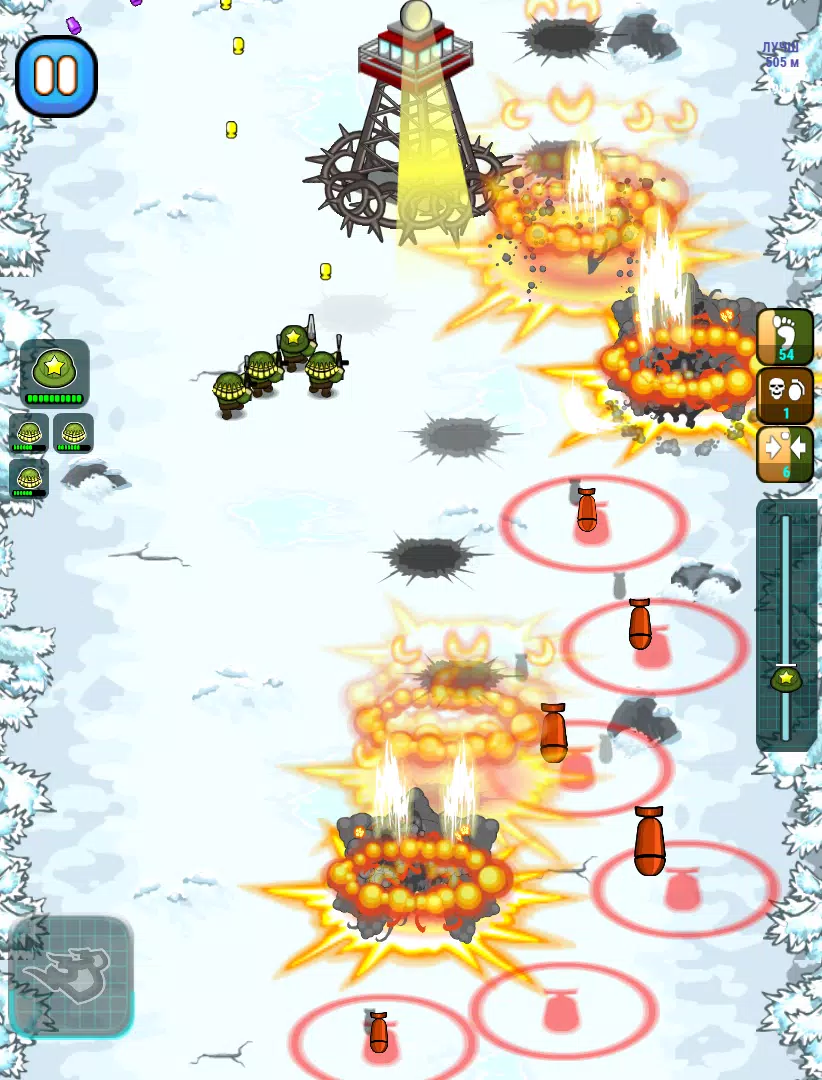
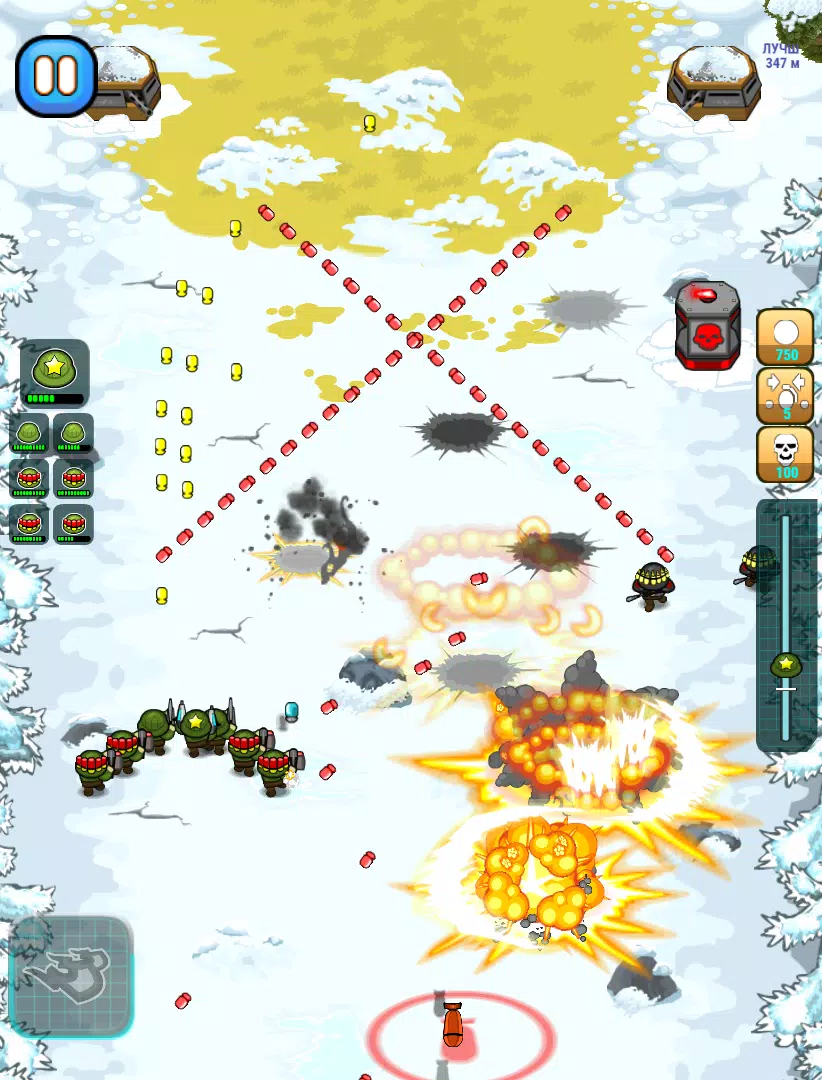
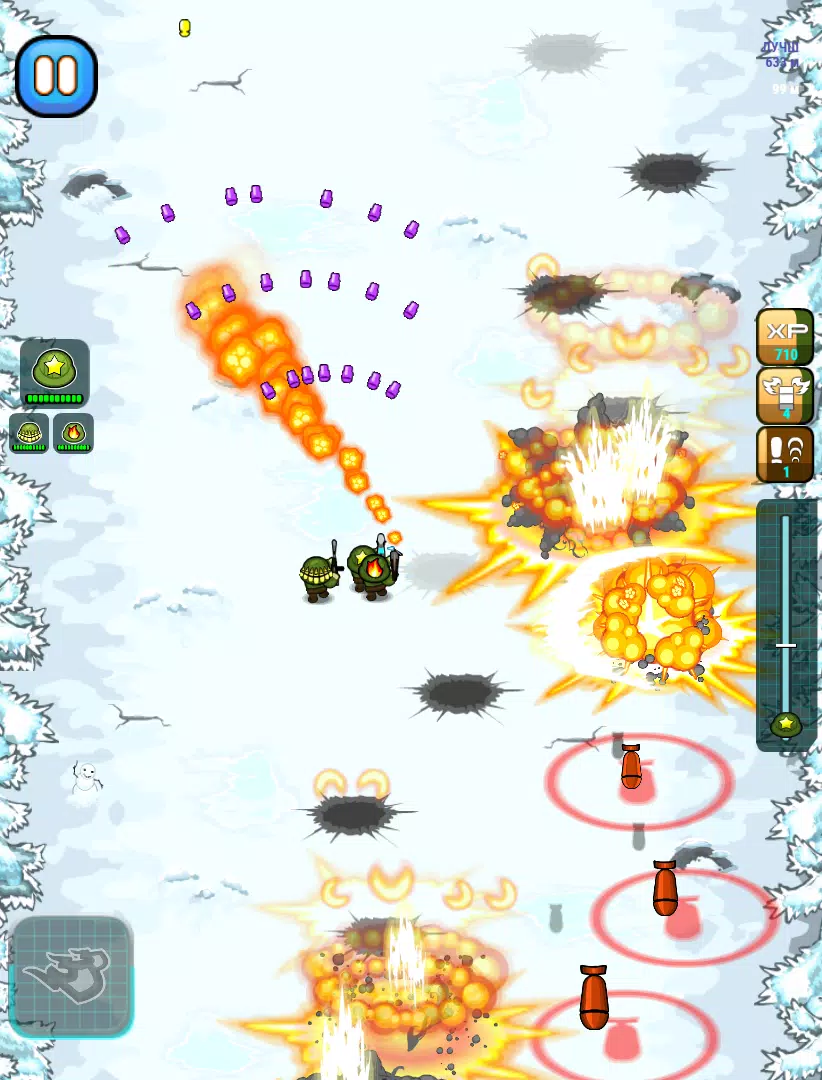
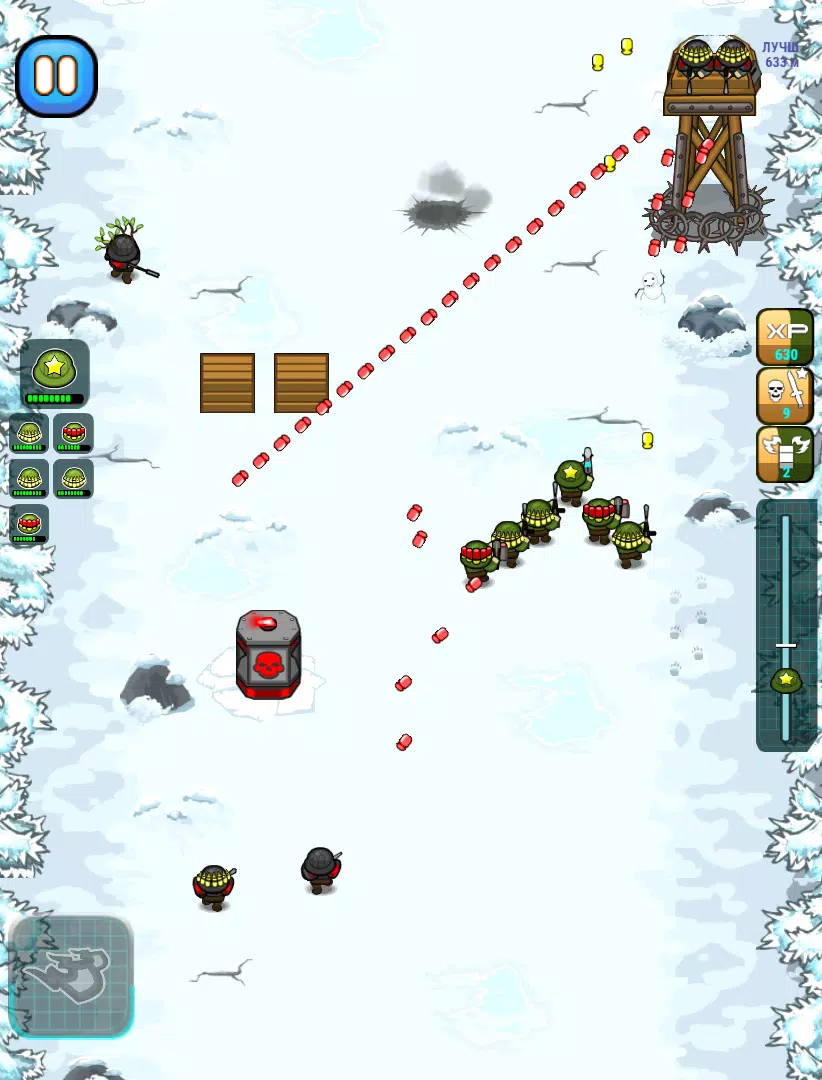
Controls are streamlined for touchscreens: drag to move squads, tap to target abilities, and use quick-select hotkeys for rapid unit swaps. The interface prioritizes clarity, showing unit health, cooldowns, and threat indicators without clutter. Customizable control sensitivity and layout options make Battalion Commander 2 comfortable on a wide range of devices.
Performance and Visual Style
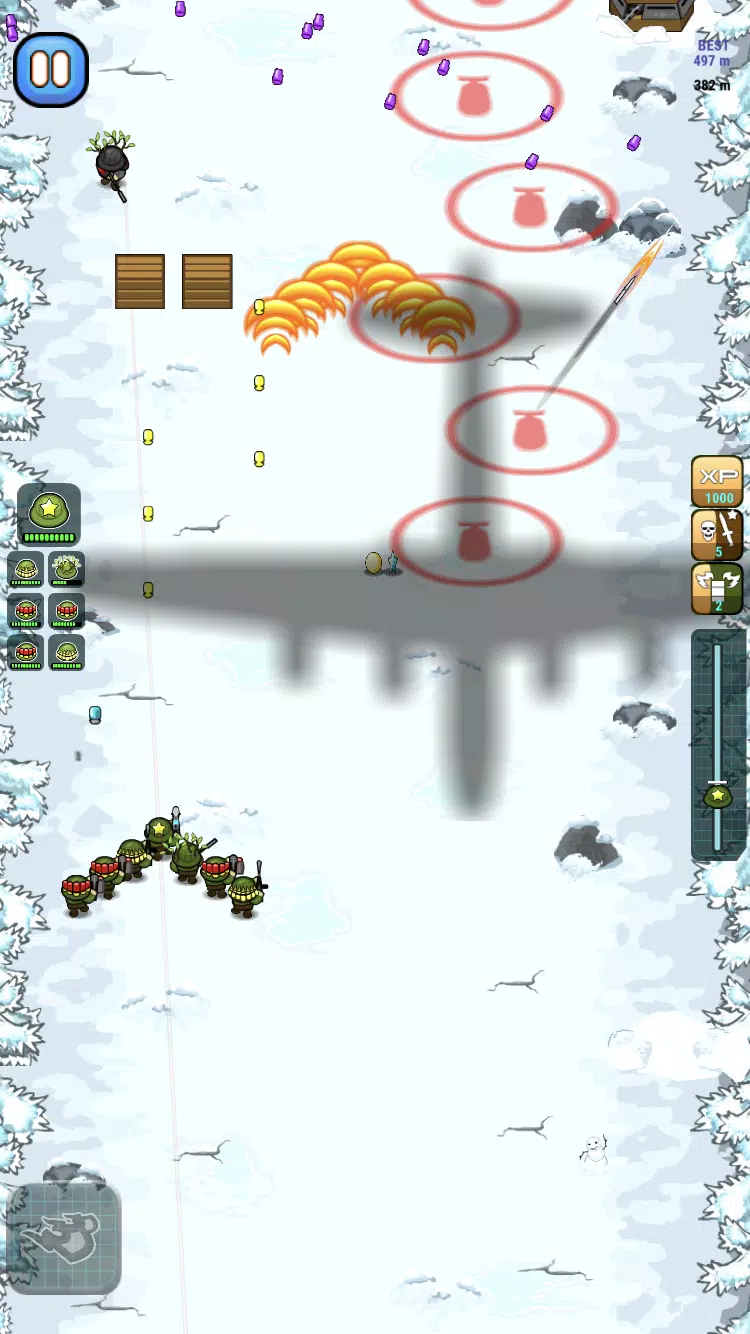
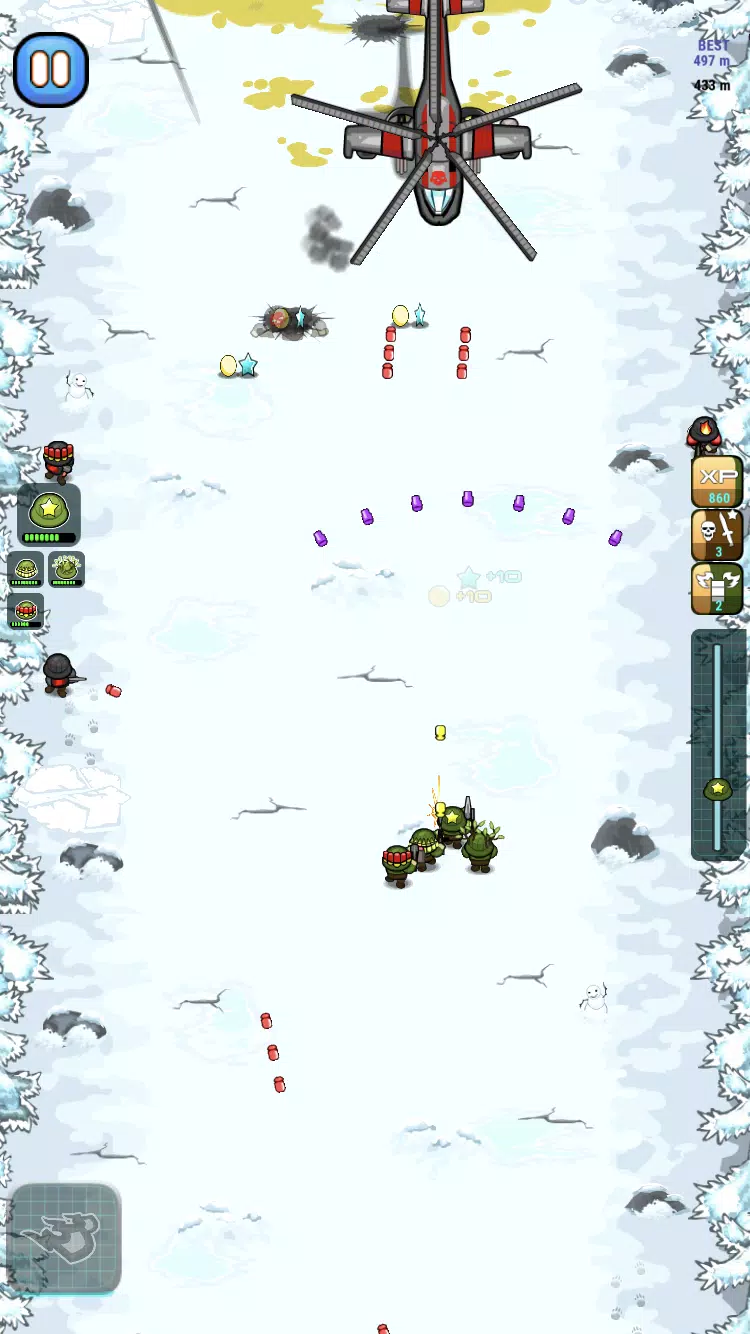
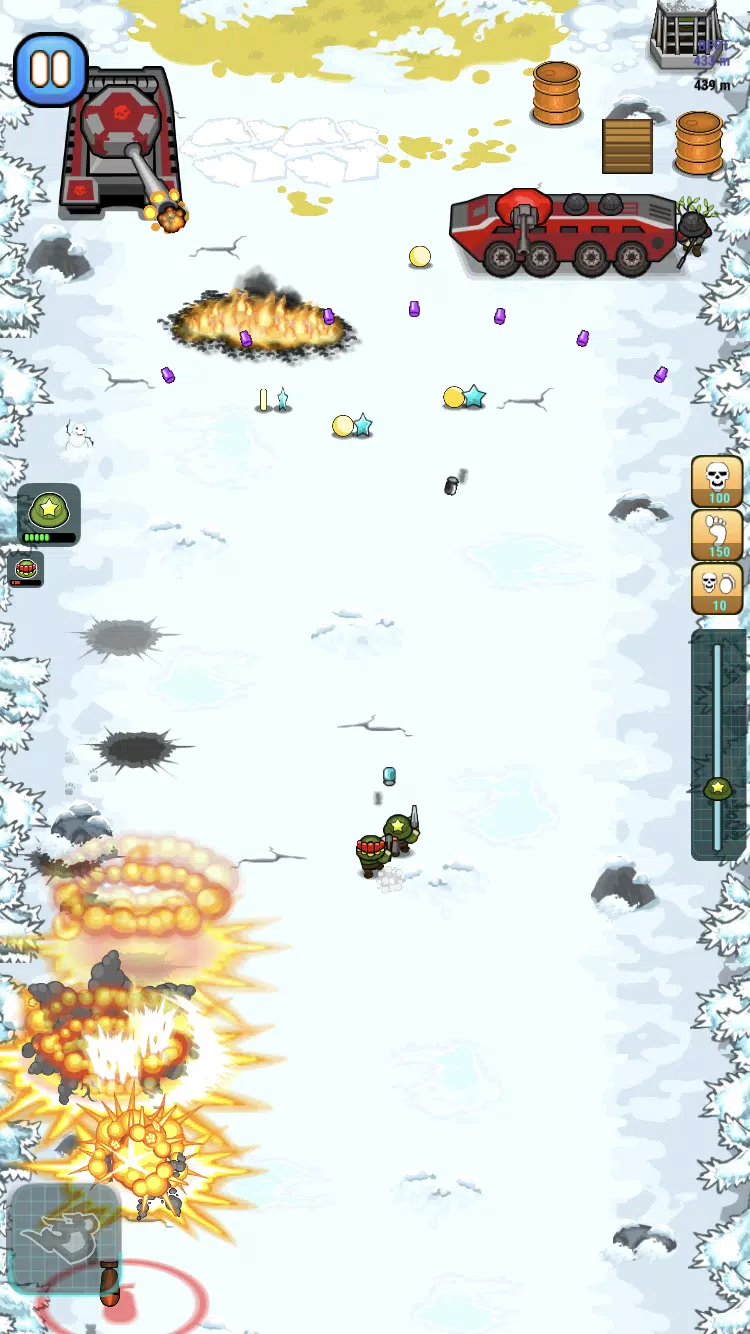
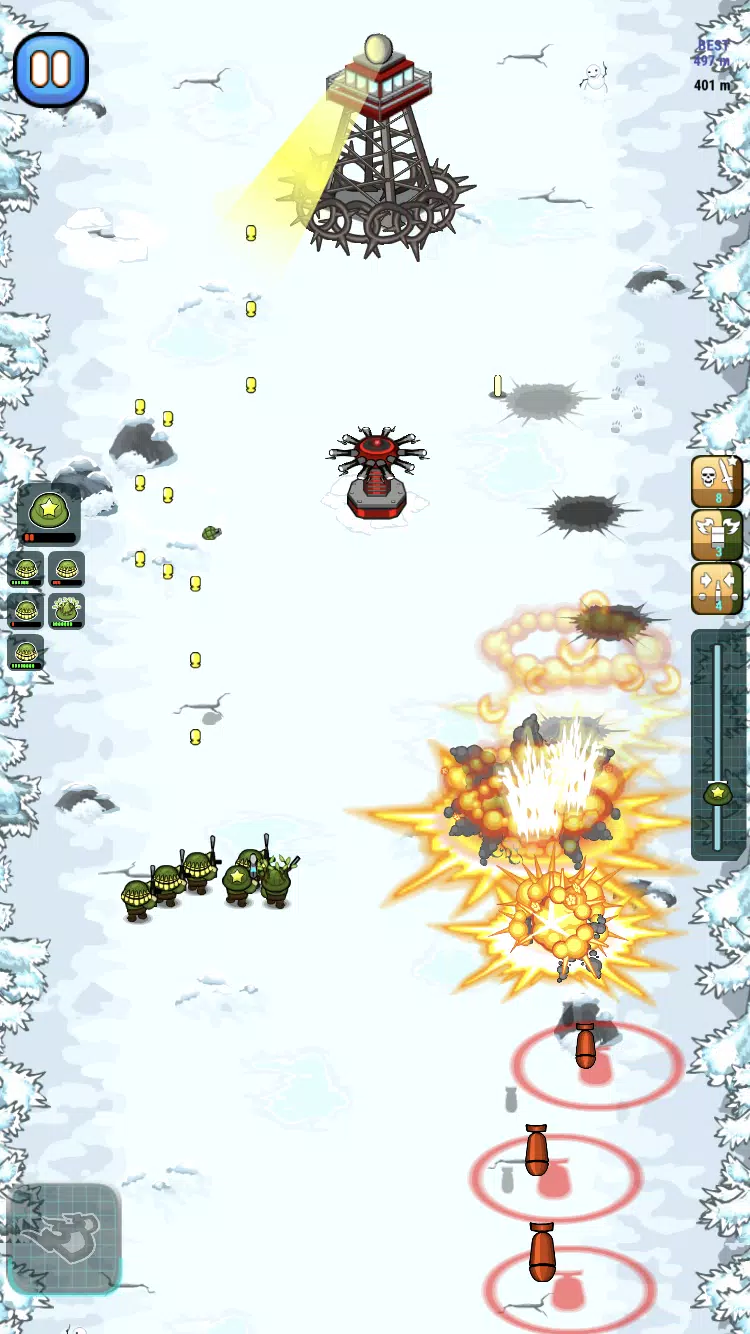
Graphically, the game favors clean, readable visuals over hyper-realism so that tactical information is always visible. Animations are crisp and effects are designed to communicate impact rather than just spectacle. Optimization options let players toggle graphical detail to maintain smooth frame rates on older hardware while newer devices can enjoy richer lighting and particle effects.
Strategy Tips for New Commanders
- Scout early: Use fast units to reveal enemy positions and avoid ambushes.
- Prioritize upgrades: Focus on one or two key units during early progression to unlock game-changing abilities.
- Control choke points: Position heavy units to block enemy advances while snipers cover flanks.
- Adapt loadouts: Swap equipment between matches to counter enemy compositions and map hazards.
Multiplayer and Competitive Play
Battalion Commander 2 supports asynchronous and live multiplayer modes. Ranked matches emphasize strategic depth and reward consistent performance, while casual playlists let you experiment with unconventional tactics. Weekly events and limited-time scenarios introduce objectives that test specific skills and offer seasonal rewards to enhance your roster.
Customization and Personalization
The game offers cosmetic and functional customization. Skins and emblems let you personalize squads, while loadout presets help you switch strategies quickly between matches. Commander perks add another layer of personalization, allowing players to emphasize aggression, defense, or support depending on preferred playstyle.
Getting Started Quickly
New players should complete the tutorial and the first campaign chapters to earn starter resources and key unlocks. Experiment with the different unit roles in lower-stakes matches to learn how their abilities interact. Regularly check the upgrade tree and event shop to capitalize on limited-time offers that accelerate progression.
Battalion Commander 2 delivers a focused strategy experience that rewards thoughtful planning and rapid tactical decisions. With varied maps, an engaging progression system, and accessible controls, it provides a satisfying challenge for players who enjoy managing squads and outmaneuvering opponents on the battlefield.
Show More