Milky Way
Version:0.4.20
Published:2026-10-12
Introduction
Milky Way is a compact stargazing and night-sky utility that brings interactive star maps, live wallpapers, and augmented reality guides to Android devices. It helps users identify constellations, track planets, and schedule observing sessions with intuitive controls and offline data for remote viewing.
What the App Offers
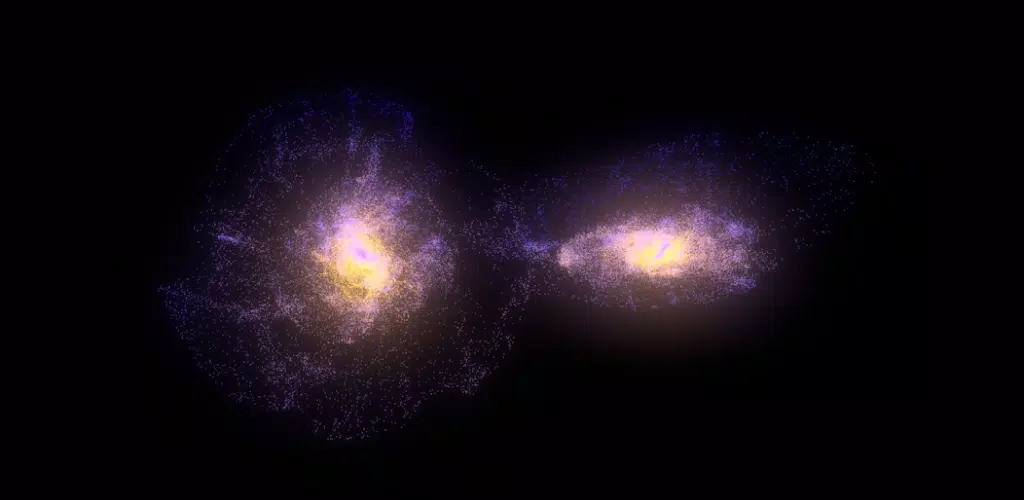
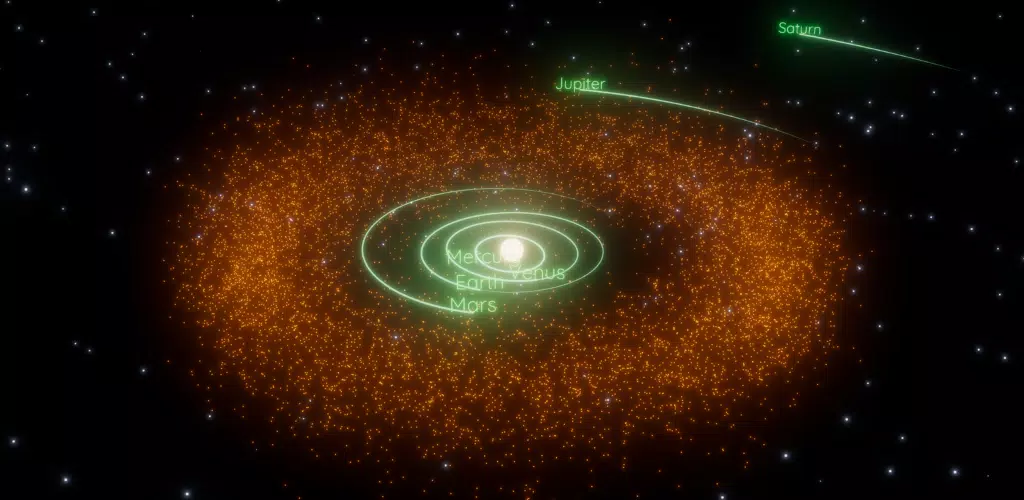
Milky Way combines several astronomy-focused tools into one streamlined package. Expect a searchable star catalog, detailed planet trajectories, and a time-lapse feature that simulates the sky for any hour or date. The app also includes customizable widgets, live wallpapers that mirror current sky conditions, and an offline mode so you can use it far from urban networks.
Key Features
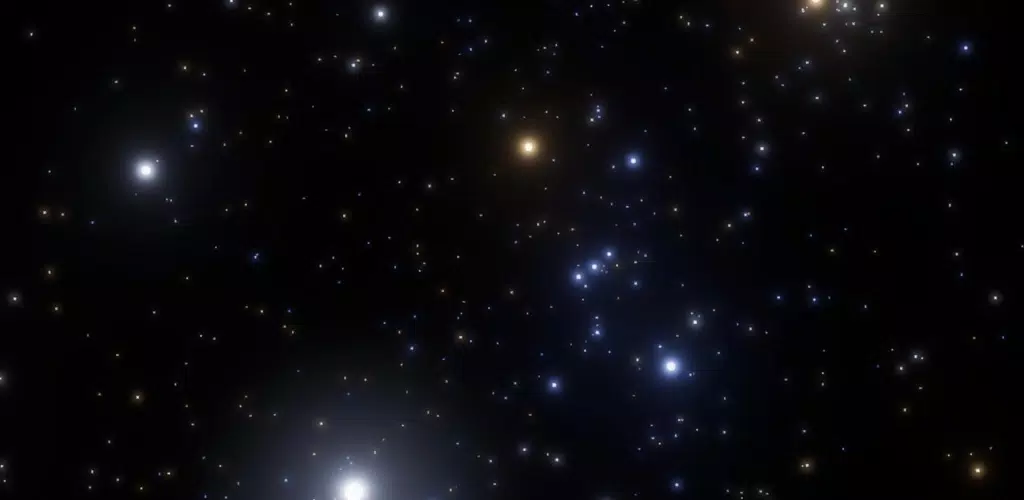
- Interactive Star Map: Pan and zoom a high-resolution sky chart with labeled stars, deep-sky objects, and meteor showers.
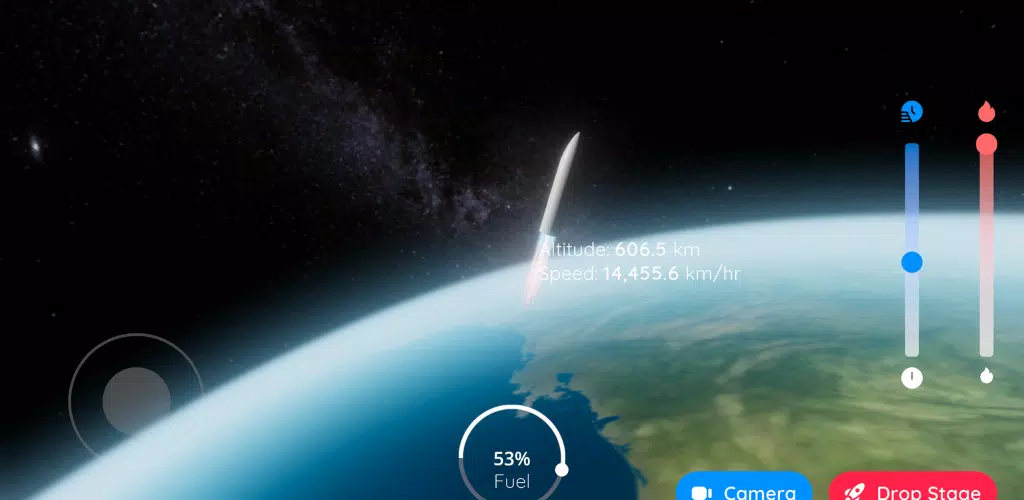
- Augmented Reality View: Point your device at the sky and receive real-time overlays showing constellation lines, object names, and directional cues.
- Offline Database: Download star charts and object details for use while camping or traveling without an internet connection.
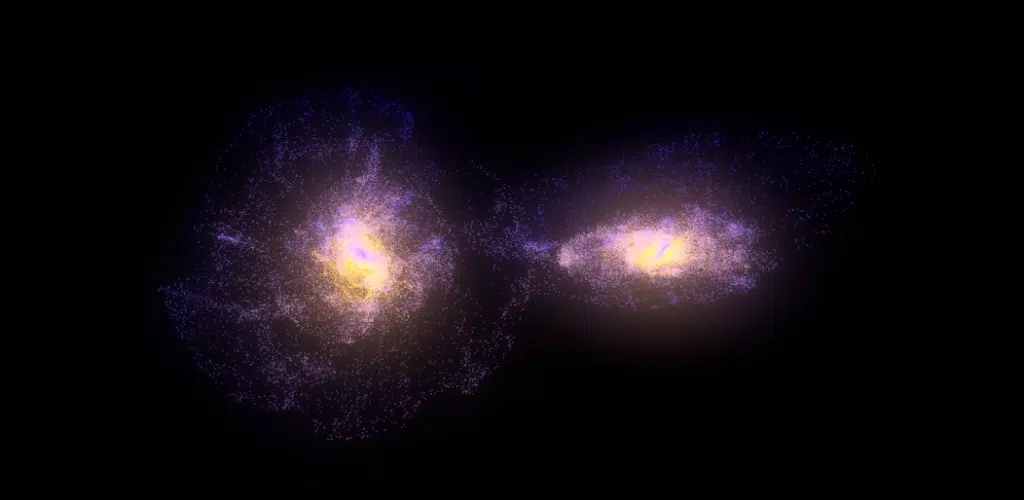
- Live Wallpaper & Widgets: Keep the night sky on your home screen with configurable wallpapers and compact widgets for time and visible-planets info.
- Observation Planner: Create watchlists, set reminders for upcoming celestial events, and export sessions for later review.
Interface and Navigation
The interface favors clarity: a bottom toolbar provides quick access to map, search, AR, and settings. Controls are responsive and designed for touch; a single tap displays object facts while long-pressing can pin favorites. A dark-mode theme reduces glare during night observation and a manual brightness control keeps the screen usable without ruining night vision.
How It Fits Into Your Routine
Use Milky Way as a planning tool before heading outdoors, then switch to AR mode to confirm positions once you’re under the night sky. The observation planner makes it easy to set alerts for meteor showers or planetary alignments, and the exported logs help you track what you’ve seen over weeks and months. Photographers can consult rise/set times and optimal viewing windows to plan long-exposure shots.
Customization and Personalization
Tailor the experience with multiple map styles, adjustable label density, and a constellation art toggle that overlays stylized figures. Widgets come in several sizes and show different data sets — from a minimalist star-finder to an expanded panel with next-event countdowns. You can also change units, set your preferred sky coordinate system, and pick which catalogs are visible on the map.
Performance and Compatibility
Milky Way runs smoothly on most modern Android devices thanks to GPU-accelerated rendering and an efficient caching system. Offline downloads are compressed to save storage, and the app offers options to limit data usage. It supports a wide range of screen sizes and is optimized for both phones and tablets. Battery-saving options include reduced frame rates and a low-power map mode to extend observation sessions.
Practical Tips and Workflow
Start by calibrating the compass and granting location permission to get accurate local skies. Use the search box to jump to any named star, galaxy, or planet, then add important targets to your observation list. For stargazing sessions, enable night mode and lower the screen brightness. If you plan to be offline, pre-download the charts for your intended area and time window to ensure uninterrupted access.
Getting Started
Installation is straightforward and setup takes only a few minutes. After opening Milky Way, allow location and storage permissions, choose your preferred display theme, and download any offline packs you need. The onboarding guide walks through the AR view and the observation planner so you can begin exploring the sky right away.
Milky Way blends practical tools with a polished presentation to make stargazing more accessible and enjoyable. Whether you want quick identifications, in-depth planning, or a beautiful wallpaper that reflects the night sky, this app is built to support both casual skywatchers and committed observers alike.
Show More