Phone Case DIY
Version:3.5.0.0
Published:2026-10-14
Introduction
Phone Case DIY is a mobile design studio that lets users create custom phone covers with an intuitive, drag-and-drop editor and realistic previews. Designed for hobbyists and small businesses, it combines template libraries, material simulations, and export tools so you can design, share, and produce protective cases quickly from your Android device.
What the app is for
Phone Case DIY targets anyone who wants a personalized phone case without advanced design software. It simplifies the creative process by offering premade templates, sticker packs, and adjustable layouts. You can approach the app as a casual creator, a social-media-ready designer, or a small seller preparing print-ready artwork for production.
Key tools inside the studio
The toolset emphasizes accessibility while keeping useful design controls. Important components include:
- Template library: A broad selection of case outlines for popular phone models, including camera cutout accuracy and button placements.
- Image & text layers: Add photos, vector decals, or custom text and edit them independently with opacity, rotation, and masking.
- Pattern generator: Create repeatable backgrounds with adjustable scale, spacing, and color palettes.
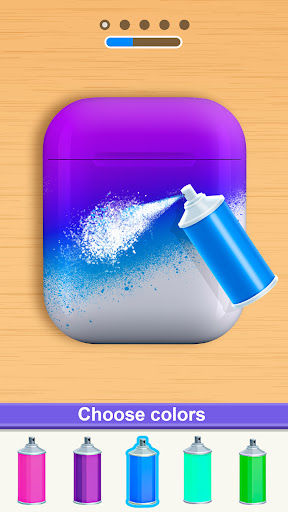
- Materials preview: Simulate matte, glossy, and transparent finishes with lighting and shadow effects so you can preview the final look.
- Export options: Save high-resolution PNGs, PDFs with bleed guides, or print-ready templates compatible with many manufacturing services.
How it works in practice
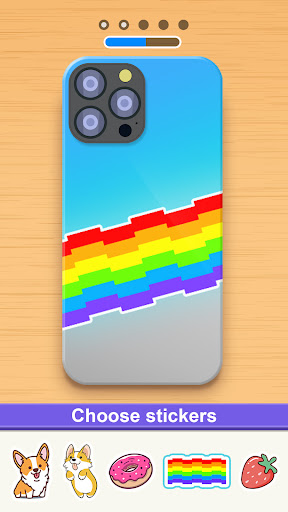
Designing starts by selecting your phone model and a base template. From there, you import images from your gallery, use built-in stickers, or apply patterns created inside the app. Layers are managed through a simple sidebar, making it easy to reorder elements. The real-time 3D preview gives a realistic sense of how textures and colors wrap around edges and camera holes.
Customization and creative control
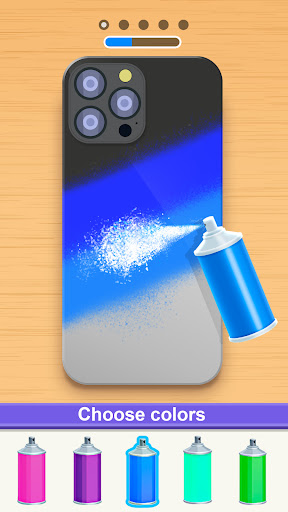
Phone Case DIY balances presets with manual adjustments. Color pickers support hex input for precise matching. You can clip artwork to specific zones, apply gradient overlays, and fine-tune shadow depth for embossed looks. For more advanced users, the app supports alignment guides, grid snapping, and a layer opacity slider to blend elements subtly.
User experience and performance
The interface focuses on touch-friendly controls and quick responsiveness. Menus are grouped by workflow — create, adjust, preview, export — which reduces friction when switching tasks. Phone Case DIY runs smoothly on mid-range devices, though very large image files may cause slower renders; the app recommends downscaling imports while maintaining sufficient resolution for print.
Integration and export workflow
Export formats are designed with production in mind. The app can output PNGs with transparent backgrounds or PDFs that include cut lines and bleed margins. If you sell cases, you can share direct links to your designs or batch-export files for a print partner. Cloud backup and local storage options help protect your work across devices.
Tips for new users
Start by choosing the correct phone model to avoid alignment issues. Use high-resolution images (300 DPI when possible) and export with bleed to prevent trimming artifacts. Keep important design elements away from edges and camera areas. Experiment with material previews to check how colors shift under different finishes.
Practical advice for sellers
If you plan to sell designs, create mockups using the 3D preview and export both product images and print files. Maintain a consistent margin and color profile across listings. Phone Case DIY’s batch export and template cloning features speed up creating multiple variations for seasonal collections.
Installation and first steps
Installation is straightforward from the Android marketplace. On first launch, allow storage permissions to import photos and enable offline mode if you need access without internet. The onboarding tutorial walks through basic tools, and sample templates provide a quick way to test features before starting a full project.
Phone Case DIY is a practical choice for anyone wanting to turn creative ideas into tangible accessories. With layered editing, material simulations, and print-ready exports, it covers the workflow from concept to production in a compact, mobile-friendly package.
Show More