Word Search: Word Find
Version:3.8
Published:2026-10-14
Introduction
Word Search: Word Find is a polished mobile puzzle game that challenges players to locate hidden words across themed grids. Combining relaxed play with timed challenges, it offers varied difficulty levels, daily puzzles, and power-ups to sharpen vocabulary and pattern recognition in short sessions.
What this puzzle delivers
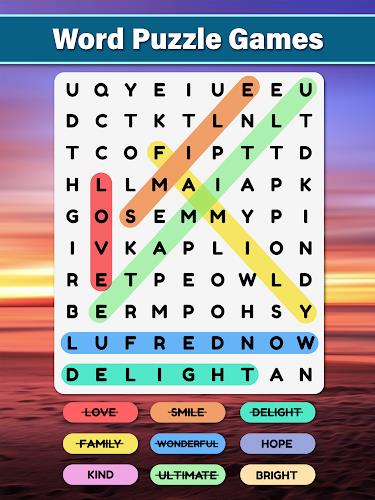
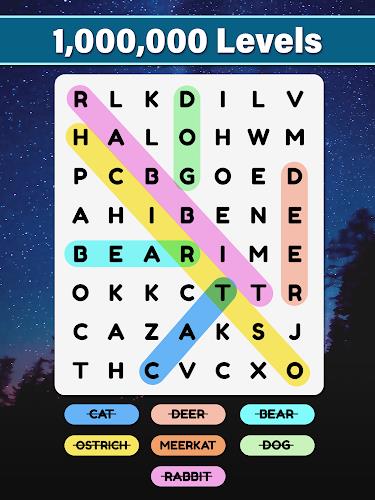
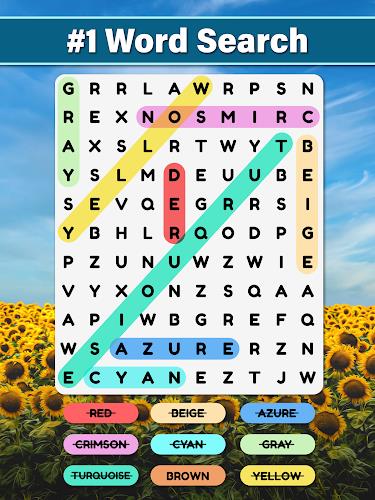
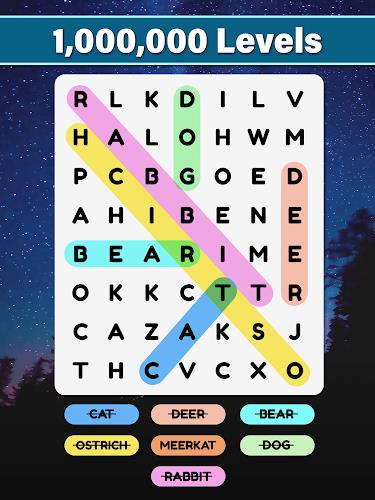
Word Search: Word Find blends classic word-search mechanics with modern mobile design. Each level presents a grid filled with letters and a target list of words to uncover. Puzzles range from small, casual grids to expansive boards that demand concentration, making it simple to play for five minutes or settle in for a longer session.
Core gameplay and mechanics
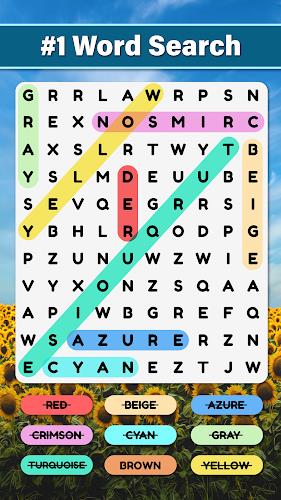
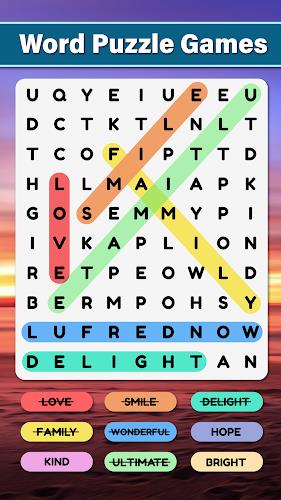
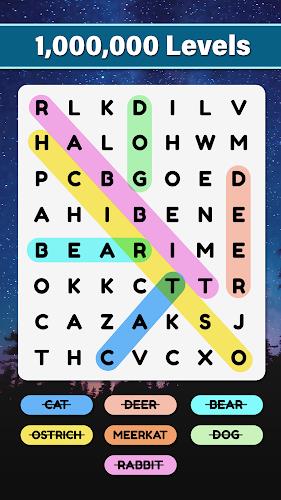
Gameplay is straightforward: swipe or tap to highlight words horizontally, vertically, diagonally, or in reverse. The interface recognizes continuous traces and provides instant feedback when a target is completed. Time-limited rounds add pressure for players chasing high scores, while relaxed modes remove the clock for a stress-free experience.
Progression, levels, and challenges
Levels are grouped into themed packs that progress in difficulty. Early packs introduce common words and shorter puzzles. Later packs include longer terms, overlapping word patterns, and obstacles like mixed-language boards or decoy letters. Players earn stars or points based on speed and accuracy, unlocking new packs, cosmetic themes, and bonus rounds.
Features that stand out
This title focuses on accessibility and variety. Key features include:
- Daily challenges that refresh the leaderboard and reward consistent play.
- Multiple difficulty modes from beginner to expert to suit different skill levels.
- Power-ups and hints to reveal letters, shuffle grids, or auto-highlight a word when stuck.
- Theme packs such as animals, travel, or science that introduce vocabulary sets tied to each topic.
User interface and performance
The UI uses large, readable fonts and contrasting colors to make scanning grids easy on smaller screens. Animations are minimal but purposeful, delivering satisfying visual feedback when words are found. Load times are short and the app performs smoothly on a wide range of Android devices, with battery-friendly options for extended play.
How to approach each session
Start each puzzle by scanning for distinctive letter clusters and long word fragments. Use diagonal and reverse checks early to eliminate possibilities. When playing timed modes, glance through the entire grid first to mark potential anchors then trace outward. Save hints for moments when you’ve exhausted pattern recognition—they are best used strategically rather than habitually.
Tips for beginners
- Scan method: Move your eyes in rows and columns to form an initial map of likely words.
- Look for anchors: Long uncommon letter combinations often indicate the ends of words.
- Use themes: If a level has a theme, preview the word list to narrow expectations.
Social and replay elements
Leaderboards and achievement systems add a competitive edge. Players can compare times and star counts with friends, and seasonal events introduce limited-time puzzles with unique rewards. Replay value is high because each grid can be solved in different ways and daily content keeps the experience fresh.
Getting started and installation notes
Downloading and installing Word Search: Word Find is quick on most Android devices. Permissions are minimal—typically storage for saving progress and optional ad preferences. New players should start in practice mode, complete a few themed packs to build familiarity, then test their speed in timed challenges.
Why many players keep coming back
Players enjoy Word Search: Word Find for its clean presentation, scalable difficulty, and cognitive benefits. It rewards quick pattern recognition while also serving as a relaxing pastime. Whether you want a brief mental warm-up or a focused vocabulary session, the app adapts to both playstyles.
Show More