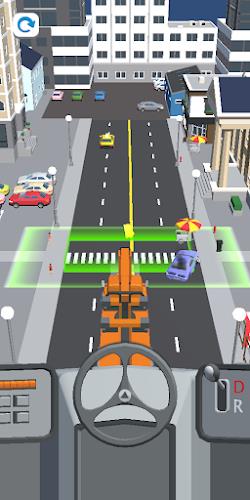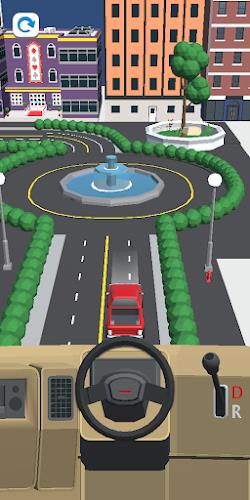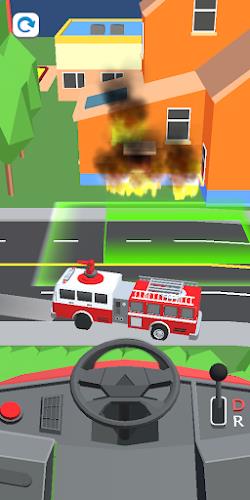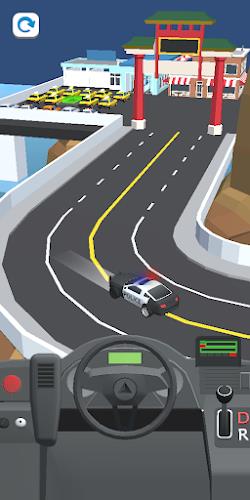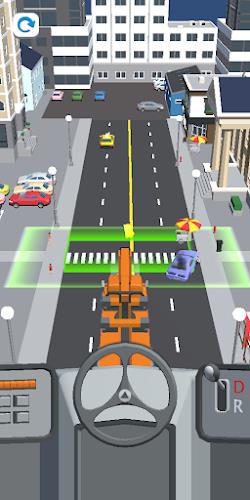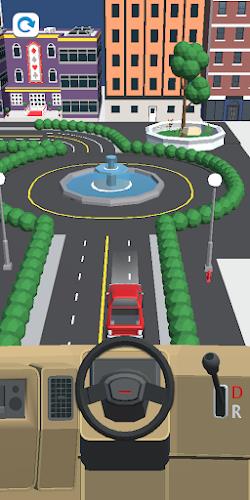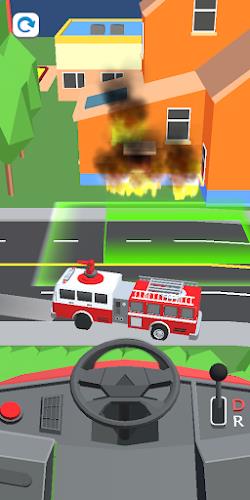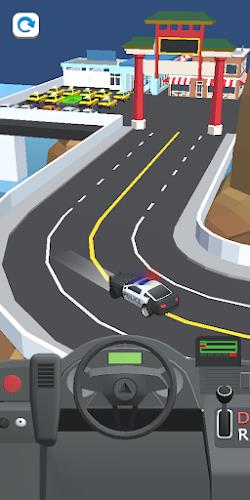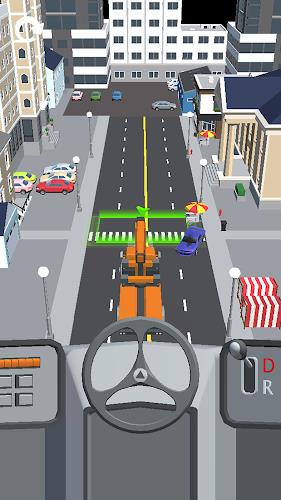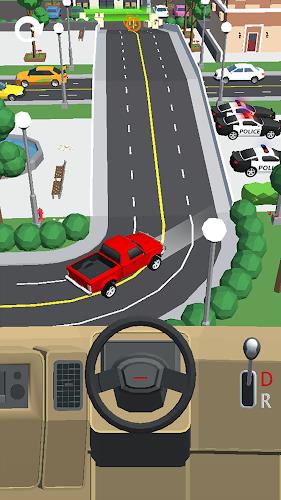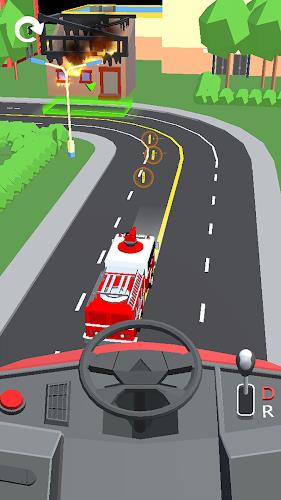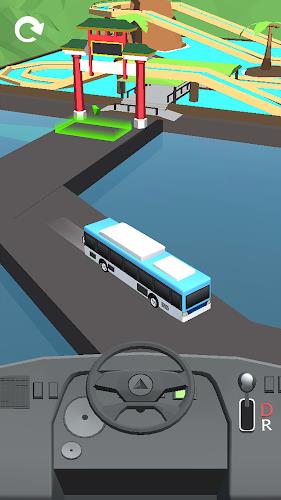
Car Drive 3D: Vehicle Masters
Version:1.1.17
Published:2026-10-14
Introduction
Car Drive 3D: Vehicle Masters delivers an engaging driving experience that blends open-world exploration with mission-based objectives. Players control a variety of vehicles across diverse environments while upgrading performance, mastering maneuvers, and tackling challenges that demand both precision and creativity.
Quick overview
Car Drive 3D: Vehicle Masters puts emphasis on realistic vehicle behavior within accessible controls. Whether you prefer cruising city streets, racing through off-road trails, or completing timed objectives, this title balances arcade accessibility with physics-driven handling for an entertaining ride.
What sets the game apart
The appeal of Car Drive 3D: Vehicle Masters lies in its mixture of freedom and structured progression. Levels are designed to reward exploration as much as speed. Environmental variety and a broad vehicle roster keep gameplay fresh while modular upgrades allow players to fine-tune performance to their playstyle.
Gameplay mechanics and progression
Players advance by completing missions, collecting in-world currency, and unlocking new cars. Core mechanics include drifting, hill climbs, tight cornering, and tactical use of boost systems. A simple upgrade tree covers engine, suspension, tires, and cosmetic parts, giving a tangible sense of improvement without overwhelming complexity.
Mission types you’ll encounter
- Time trials and checkpoint runs that test precision and route planning.
- Delivery and fetch tasks that encourage efficient navigation.
- Challenge arenas focused on stunts, drifts, or obstacle avoidance.
- Free drive sessions for practice and exploration.
Vehicles and customization options
The vehicle roster spans compact cars, muscle machines, SUVs, and specialty off-road rigs. Each class behaves differently under throttle, braking, and steering input. Customization is both functional and visual: swap engines or tires for improved stats, and apply paints, decals, and rims to personalize your fleet.
Upgrade systems explained
Upgrades are tiered so that early investments yield noticeable gains, while higher tiers require focused effort. Balancing weight reduction against raw power or prioritizing grip over top speed creates meaningful choices. The game’s UI presents stats clearly, helping players evaluate trade-offs before committing upgrades.
Environment design and visuals
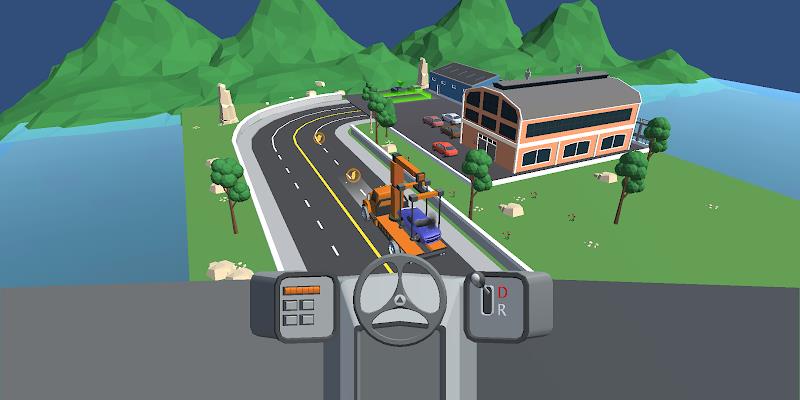
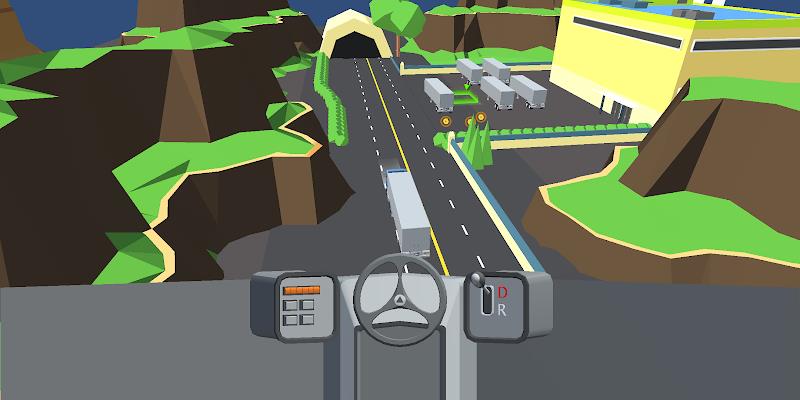
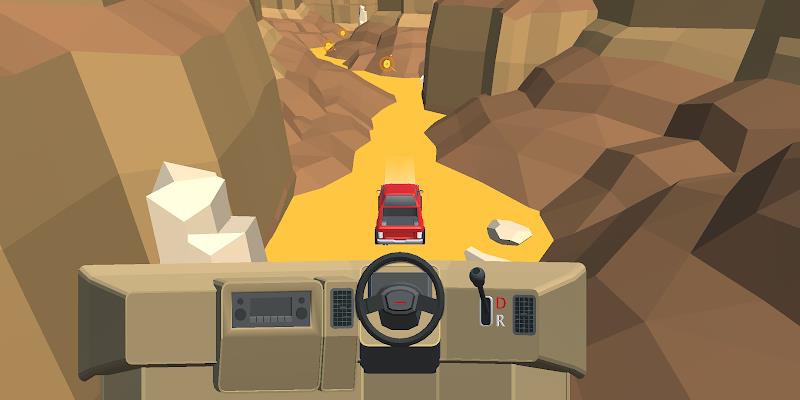
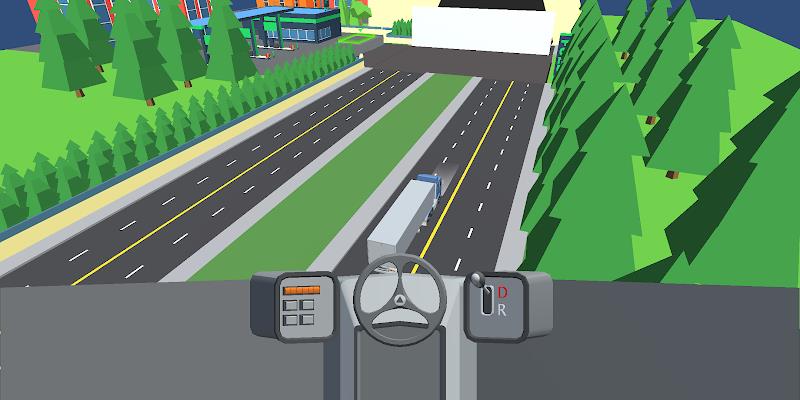
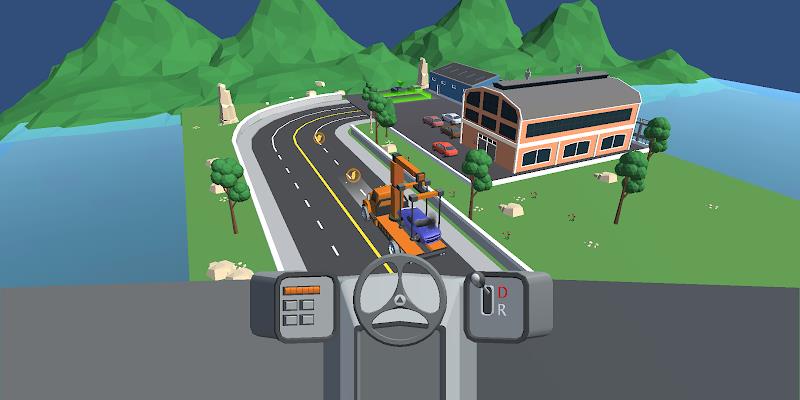
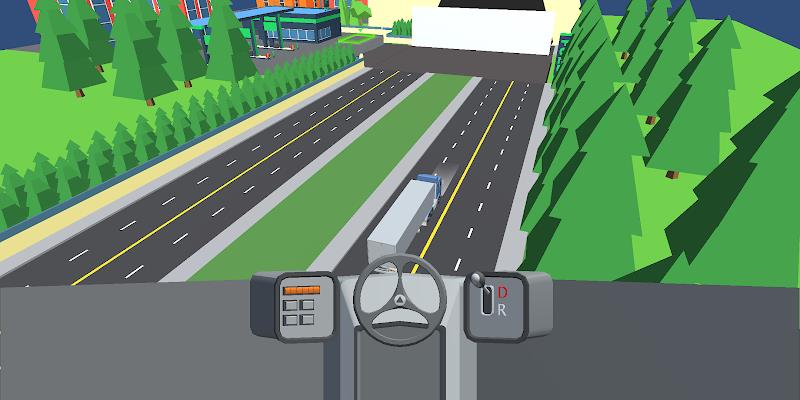
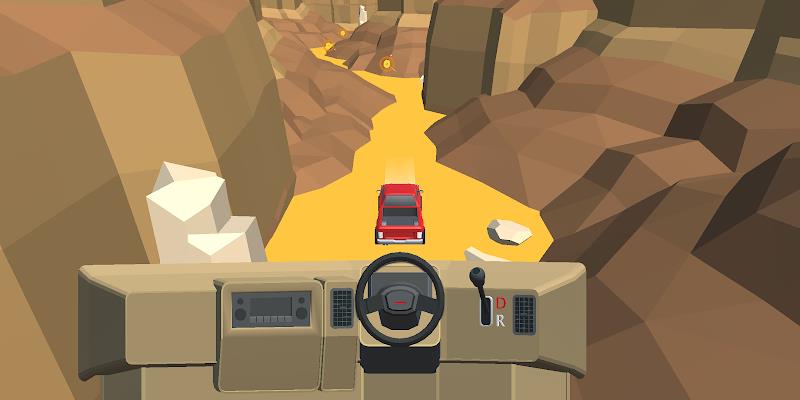
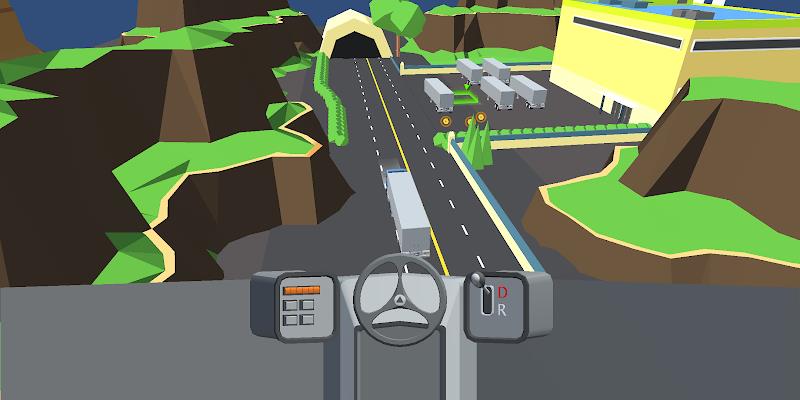
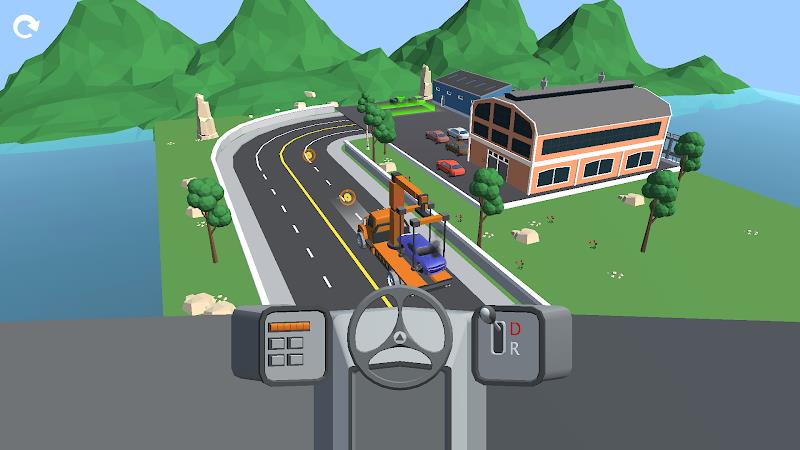
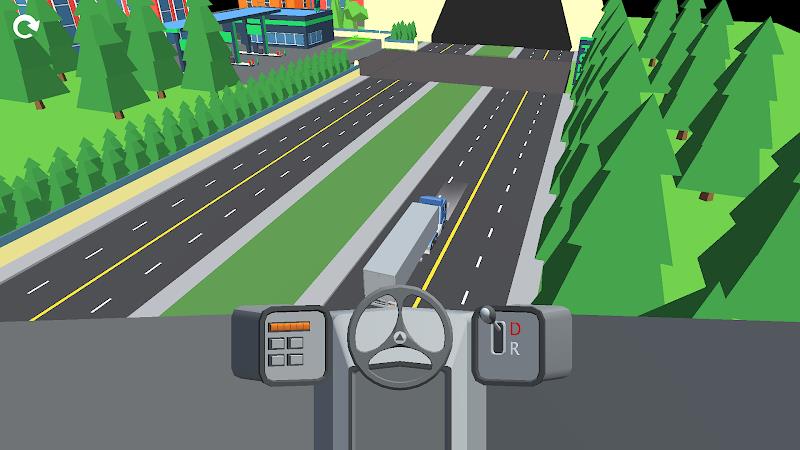
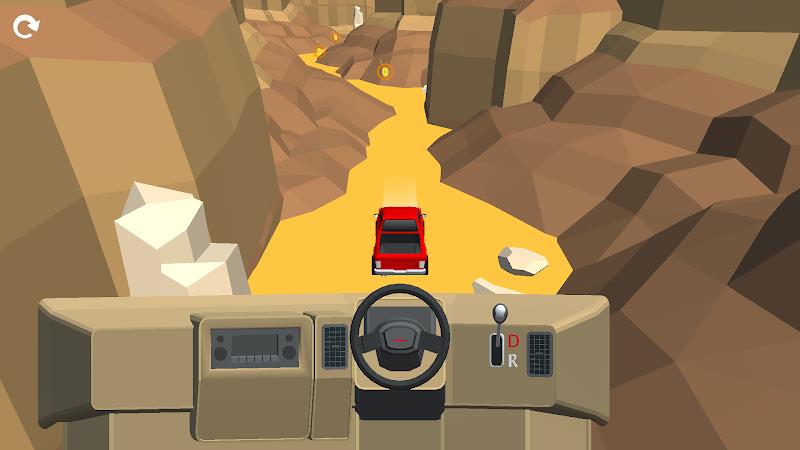
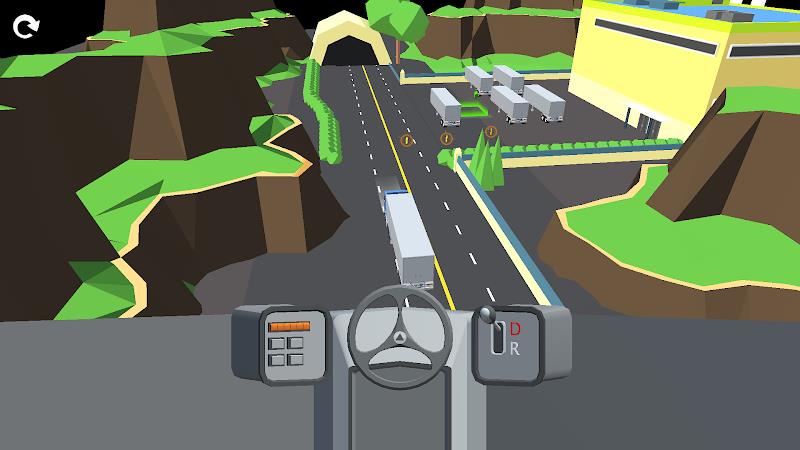
Maps in Car Drive 3D: Vehicle Masters range from neon-lit urban districts to dusty mountain trails. Lighting, weather effects, and varied surfaces influence traction and visibility. Visual fidelity strikes a practical balance: attractive enough for immersion, optimized for smooth performance across a wide range of devices.
Controls and camera options
Control schemes include tilt, touch steering, and a virtual wheel, each adjustable in sensitivity. Multiple camera views are available: cockpit, bumper, and third-person follow. These choices make the game accessible to casual players while allowing more committed drivers to find a competitive setup.
Performance and interface
Menus are straightforward and load times are brief. HUD elements keep mission goals and vehicle stats visible without clutter. Performance settings let users scale graphical detail to preserve frame rate on older devices, ensuring consistent handling and responsive input across diverse hardware.
Tips for new players
- Start with handling tutorials to learn braking points and drift recovery.
- Prioritize tire and suspension upgrades for better control before adding raw horsepower.
- Explore freely to find hidden rewards and side missions that accelerate progression.
- Adjust camera and steering sensitivity until vehicle responses feel intuitive.
Community and replay value
Car Drive 3D: Vehicle Masters encourages replay through leaderboard challenges, collectible vehicles, and scenario modifiers that alter traction, traffic density, or time limits. Players who enjoy mastery will find value in refining runs and optimizing vehicle builds for specific tasks.
Getting started
Installation is quick and onboarding moves from basic controls to practical missions in just a few minutes. New players can jump into relaxed driving or select focused challenges to accelerate rewards. Progress is saved automatically, letting players pick up where they left off.
With varied content, adjustable difficulty, and deep vehicle tuning, Car Drive 3D: Vehicle Masters provides a satisfying driving sandbox that appeals to both casual cruisers and players who enjoy technical vehicle optimization.
Show More