Word Cipher
Version:1.1.1
Published:2026-10-14
Introduction
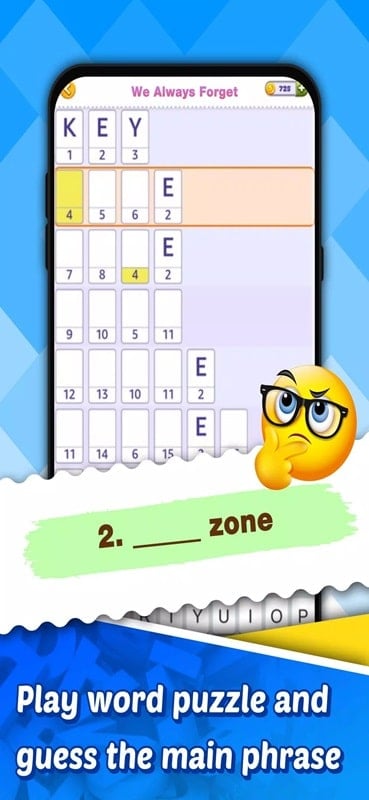
Word Cipher delivers a thoughtful brain-training puzzle experience that asks players to decode interlocking crosswords, connect-word grids and logic challenges through an expanding series of stages. In each level Word Cipher blends familiar crossword mechanics with connected-letter boards, hints revealed behind text boxes and occasional mini-games such as matching rounds or picture-colouring puzzles to vary pacing and warm up reasoning.
Key Features
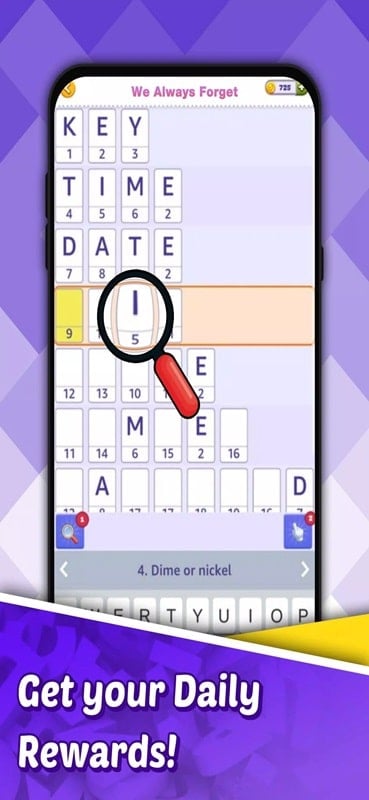
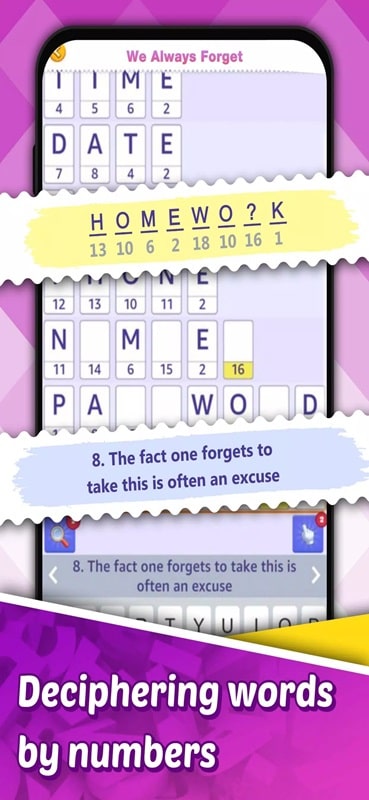
The core gameplay mixes crossword-style clues with a grid of connected tiles: tap or drag to select letters, use in-level suggestions when you need guidance, and reveal definitions hidden under text boxes to confirm a thought process rather than hand the answer straight away. Hints are intentionally partial so players learn patterns and vocabulary over time. Occasional matching and picture-colouring mini-games break up sessions and introduce new puzzle logic without changing the central decoding experience.
How to Play and Controls
Controls are simple and accessible: touch to select a starting letter and swipe or tap subsequent tiles to build a word, or tap single tiles for short answers. Long-press a clue area to reveal contextual hints, and use the suggestion button to highlight promising connections when you feel stuck. The interface emphasizes clarity—selected letters are highlighted, wrong attempts are gently indicated, and you can undo steps quickly. For devices with keyboards, typed entry is supported wherever appropriate, making practice sessions comfortable for different player preferences.
Progression and Level Structure
Stages are arranged in progressive sets that nudge players from straightforward vocabulary exercises to more complex, interconnected puzzles. Completing a stage unlocks the next group of puzzles and introduces new themes or mechanics gradually so the learning curve stays steady. Some stages are short practice boards while others are multi-part crosswords that require planning across several connected lines. The variety of themed levels and modes keeps advancement interesting without relying on artificial timers or intrusive monetization mechanics.
Visual Style and Customization
The visual design favors a clean, low-distraction layout: high-contrast letter tiles, readable fonts and a calm color palette that helps focus on pattern recognition. Players can personalize the experience through adjustable font sizes and alternative color themes to improve readability and comfort during long sessions. Simple animations clarify interactions without drawing attention away from solving, and uncluttered clue panels ensure players understand each line's definition at a glance.
Replay Value and Challenge Systems
Replay value comes from optional challenge variants and replaying difficult boards to improve accuracy and strategy. Many puzzles support multiple valid solutions or speeded practice modes for players who want to test efficiency. The game emphasizes strategic letter connections and vocabulary growth rather than reflexes, so returning to earlier stages often reveals new approaches or previously unseen word combinations. Periodic themed packs and new stage additions expand the puzzle pool for long-term engagement.
Accessibility, Settings and Offline Play
Accessibility options include adjustable text size, clear visual contrast modes and simplified control settings for one-handed play. Hints can be tailored in frequency from sparing to generous so players control how much assistance they receive. Word Cipher is designed to be fully playable offline after initial download, letting users practice vocabulary and logic without a persistent internet connection; small optional downloads add themed packs when desired.
User Experience and Support
The app puts the player in control: gentle feedback on incorrect attempts, contextual suggestions to nudge progress and a hint system that explains why an answer fits a clue. The tutorial introduces core mechanics in a short guided set of puzzles, and help screens describe available controls and tips for pattern recognition. If you need support, in-app help and a clear FAQ explain common questions about controls, puzzles and accessibility settings.
Tips for Solvers
Start each new themed stage by scanning the grid for short words and shared letters, reveal definitions sparingly to keep learning value high, and use the suggestion system to identify promising connections when a solution stalls. Approach complex interconnected crosswords with planning—identify anchor words first and expand outward. With patience and steady practice Word Cipher rewards clever solving and vocabulary growth rather than speed alone.
Show More