Weight Loss Quiz
Version:1.0
Published:2026-10-14
Introduction
Weight Loss Quiz is a lightweight Android app that uses short, science-informed questionnaires to profile eating habits, activity levels, and lifestyle patterns and then provides personalized guidance to support healthier routines. The app is designed for quick daily use, clear feedback, and practical recommendations that fit busy schedules.
What the app does
Weight Loss Quiz focuses on assessment and gentle behavior change rather than prescriptive dieting. By answering brief multiple-choice questions, users receive insights into key areas such as calorie awareness, meal timing, hydration, sleep, and physical activity. The results highlight strengths, flag opportunities for improvement, and suggest small, achievable actions to build consistency over time.
Core features
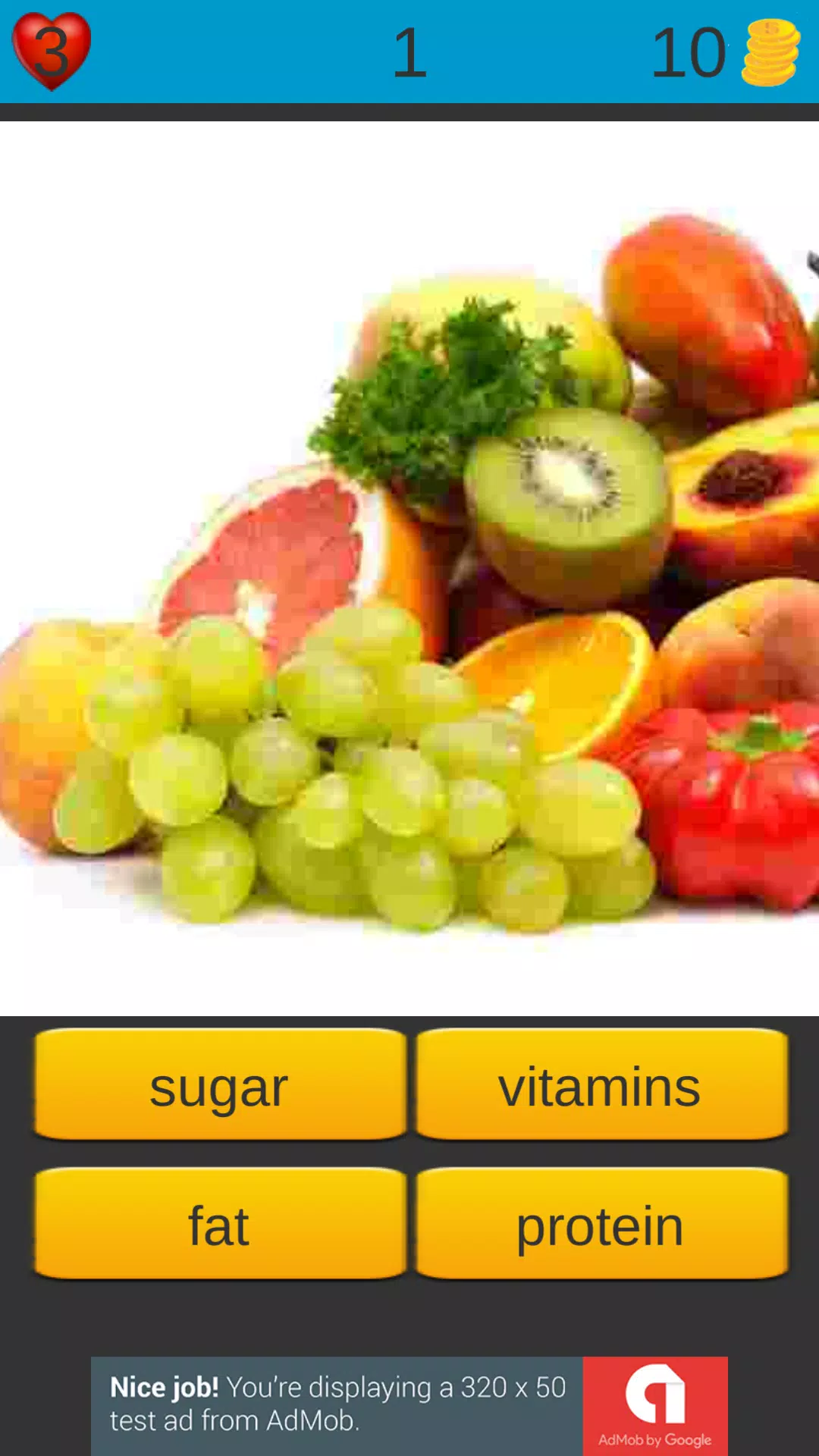
- Smart questionnaire: Adaptive quizzes that adjust based on prior answers to explore relevant habits without taking more time than necessary.
- Personalized suggestions: Actionable tips tailored to your profile, with a mix of nutrition, exercise, and lifestyle recommendations.
- Progress tracking: Simple visual indicators show trends and milestones, making it easy to notice improvements week by week.
- Reminders and streaks: Optional notifications encourage routine checks and reinforce new behaviors with gentle prompts.
- Offline capability: The core quiz and tip library work without an internet connection for privacy and convenience.
User interface and experience
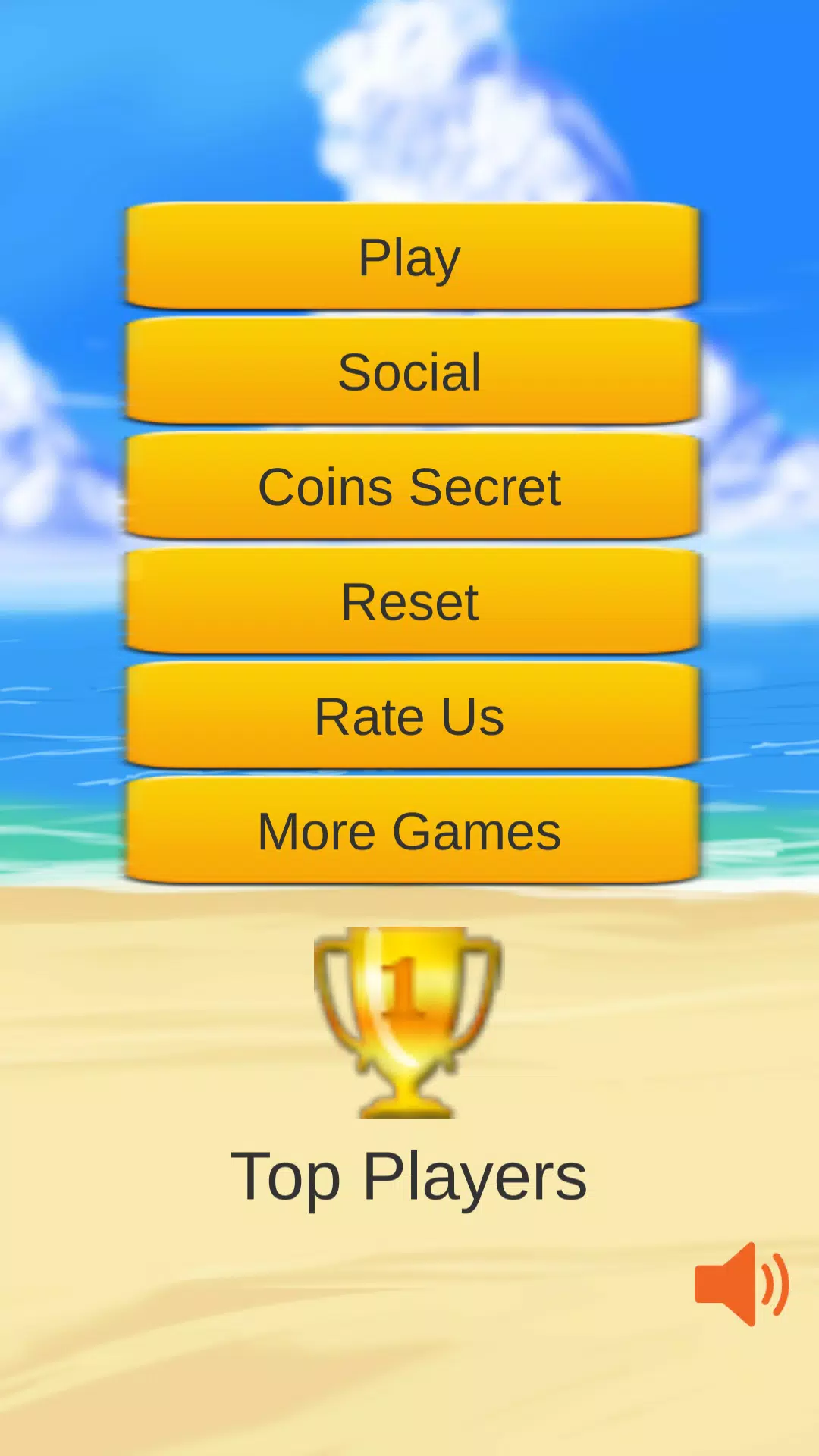
The app uses a clean, mobile-first layout that puts answers and insights within thumb reach. Large tap targets, concise wording, and clear icons reduce friction during daily use. Results are presented in plain language with short bullet-style recommendations, so users can act immediately rather than wade through dense reports.
How the workflow looks
Getting value from Weight Loss Quiz follows a straightforward flow: take the initial assessment, review the prioritized recommendations, choose one or two small goals, and use daily check-ins to build momentum. Periodic reassessments refresh suggestions as habits evolve, keeping guidance relevant and avoiding one-size-fits-all advice.
Customization and flexibility
Weight Loss Quiz lets users tailor settings to match personal preferences. Choose the quiz frequency, enable or disable reminder times, and select focus areas such as nutrition, sleep, or activity. Users can record contextual notes alongside check-ins to capture real-life circumstances that affect progress.
Performance and compatibility
The app is designed to be resource-efficient, minimizing battery and data usage. It runs smoothly on a broad range of Android devices and maintains responsive performance on older hardware. Local data storage options and a compact install size make it suitable for users with limited device space.
Privacy and data handling
Weight Loss Quiz emphasizes privacy by keeping most data on-device unless users opt into cloud backup. Collected responses are used solely to generate personalized feedback and are not sold to third parties. Clear permission prompts explain any optional integrations, such as syncing with fitness trackers.
Practical tips for better results
- Answer questions honestly — accurate input yields more useful suggestions.
- Pick one small habit to change at a time, such as adding a daily 10-minute walk or drinking an extra glass of water.
- Use the reminder feature sparingly to avoid notification fatigue; choose times when you’re most likely to act.
- Retake the quiz monthly to capture improvements and get fresh recommendations.
Why people choose this app
Users who prefer a structured yet flexible approach find Weight Loss Quiz appealing because it reduces overwhelm and focuses on sustainable changes. The combination of quick daily interactions, clear guidance, and lightweight design makes it an attractive tool for people seeking steady progress without strict regimens.
Getting started
Install the app, complete the first five to eight questions, and review your initial plan. Set a single, realistic goal from the recommendations and enable a reminder if you want a nudge. Over time, use the tracking visuals to celebrate small wins and refine your focus areas for ongoing improvement.
Show More