Board Games—with love from Qt
Version:1.1.1
Published:2026-10-14
Introduction
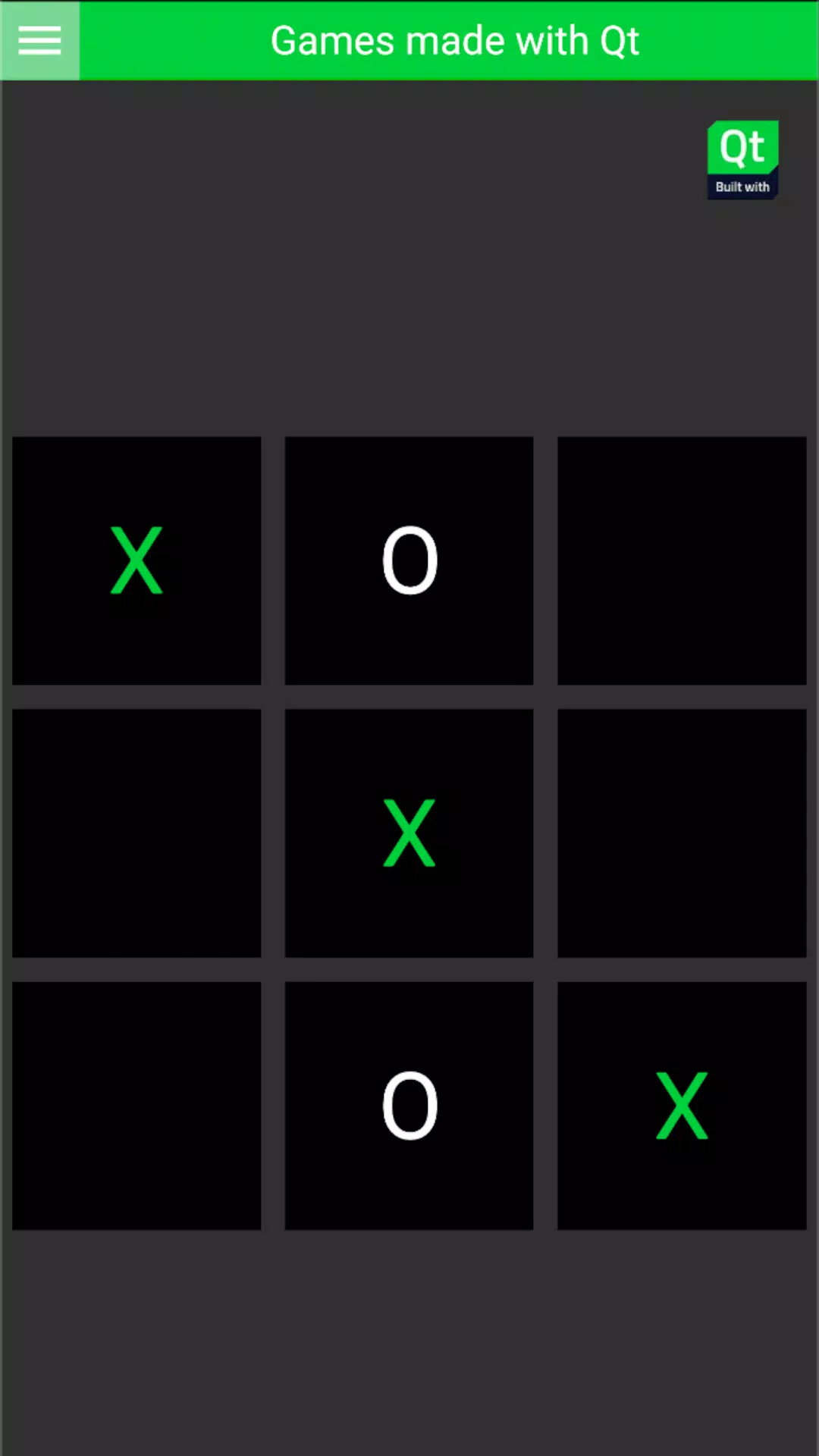
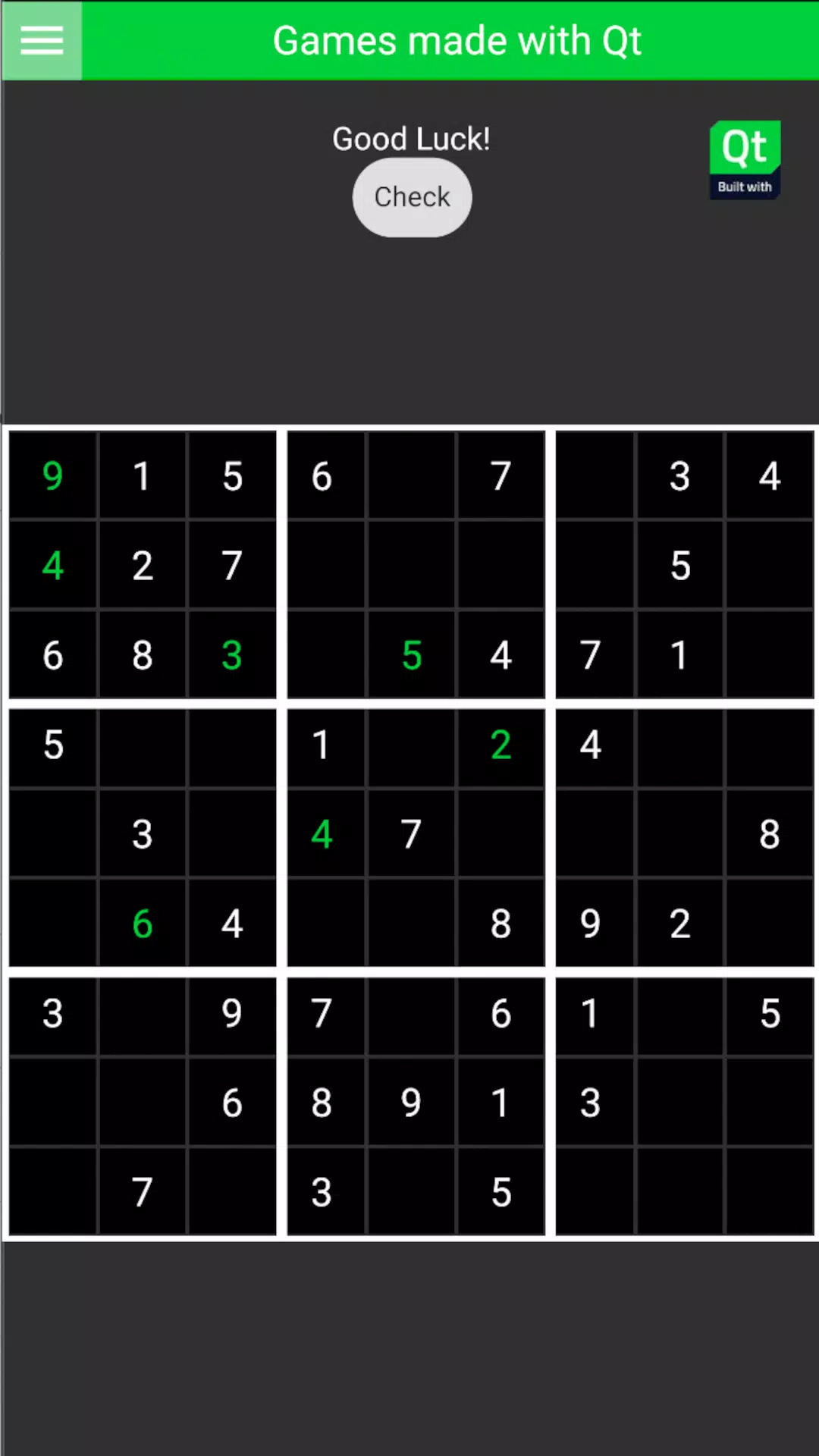
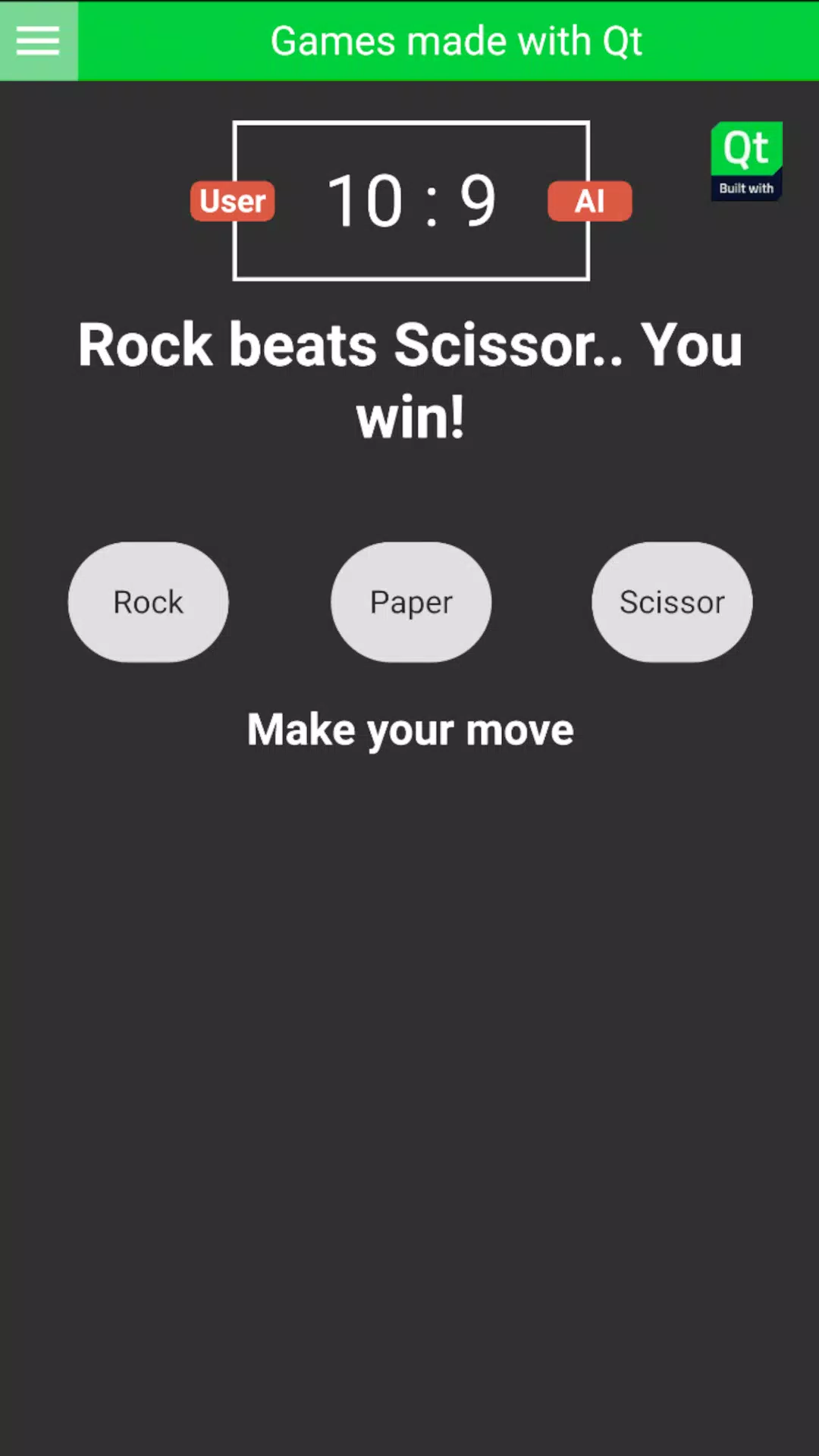
Board Games—with love from Qt brings a polished collection of classic tabletop titles to your Android device, offering local and AI matches with intuitive controls and clean visual design. The app delivers faithful rule implementations alongside adjustable difficulty and optional house rules to suit casual play or more competitive sessions.
Core gameplay and modes
At its heart, Board Games—with love from Qt focuses on delivering the fundamental tabletop experience for several popular games. Players can choose from single-player matches against configurable AI, pass-and-play with friends on one device, and online multiplayer when available. Each game includes a tutorial mode, quick match options, and full sessions that preserve turn history and move validation.
Game mechanics and progression
The collection emphasizes transparent rules and predictable mechanics so strategy and skill remain central. AI opponents scale through multiple difficulty tiers, allowing newer players to practice against forgiving opponents and seasoned players to face tougher, more strategic behavior. Match outcomes feed into a local profile so you can track wins, losses, and preferred game variants over time.
Controls and interaction
Touch controls are designed for clarity: tap to select, drag to move pieces, and pinch to zoom on complex boards. Contextual hints appear when the app detects unfamiliar situations, and illegal moves are blocked with clear messages. The interface reduces accidental inputs during timed matches, and move confirmations are available for players who prefer an extra prompt before committing an action.
Strategic depth and learning curve
Each title included in Board Games—with love from Qt rewards different strategic approaches. Some games prioritize long-term planning and control of space, while others lean on tactical skirmishes and quick calculation. The AI offers post-game analysis in many scenarios, highlighting critical moments and suggesting alternative plays, which is useful for players aiming to refine their tactics.
Customization and settings
Customization options let you tailor sessions to your preferences. Choose between multiple board themes and piece sets, toggle sound and animation intensity, and enable advanced rule sets or simplified versions for faster play. Time controls are adjustable, including incremental options for deeper, tournament-like games. The app stores custom presets so groups can quickly resume a favored setup.
Visuals, audio, and presentation
The visual style is clean and functional, prioritizing readability over flashy effects. Boards are rendered with high-contrast elements and adaptive layouts that work well on phones and tablets. Subtle animations provide feedback for captures and scoring without slowing pace. Ambient sound effects and an unobtrusive musical backdrop enhance immersion but are optional for noise-sensitive environments.
Multiplayer and local play
Board Games—with love from Qt supports several multiplayer flows. Local pass-and-play is optimized for quick sessions among friends, while asynchronous online matches let players take turns over longer periods. Where available, matchmaking pairs you with opponents of similar skill and records match statistics. For privacy, profile options limit visible information and let you control who can join your games.
Performance and compatibility
The app is engineered to run smoothly across a wide range of Android devices, with sensible fallbacks for older hardware. Load times are minimal and memory usage is optimized for multi-tasking. Battery-friendly settings reduce animation and background activity during extended play. Regular updates improve compatibility and introduce balance tweaks or new features.
Tips to get the most from the app
- Start with tutorials: Use guided lessons to learn core mechanics before jumping into ranked matches.
- Adjust AI difficulty: Gradually increase challenge to develop strategy without frustration.
- Save presets: Create and reuse custom rulesets for consistent group play.
- Use analysis tools: Review past games to identify recurring mistakes and alternative lines of play.
Getting started
Download Board Games—with love from Qt, explore the game list, and try a quick match to become familiar with controls. Configure your preferred layout and sound levels, then invite friends for a local session or join an online game. The learning curve is gentle, and the variety of available titles keeps play sessions fresh.
Show More