EA SPORTS FC™ 26 Companion
Version:25.1.1.7498
Published:2026-10-14
Introduction
The EA SPORTS FC™ 26 Companion is a companion app that keeps your squad, transfers and objectives within reach when you’re away from the console. It delivers quick squad edits, market browsing, and live notifications to help you manage Ultimate Team tasks and stay competitive on the go in a streamlined interface.
Overview of the app experience
EA SPORTS FC™ 26 Companion acts as a bridge between your phone and the full EA SPORTS FC 26 experience. Designed to support Ultimate Team and other modes, the app prioritizes speed and convenience. You can adjust lineups, check the transfer market, and complete club management chores without booting up the main game.
Core functionality at a glance
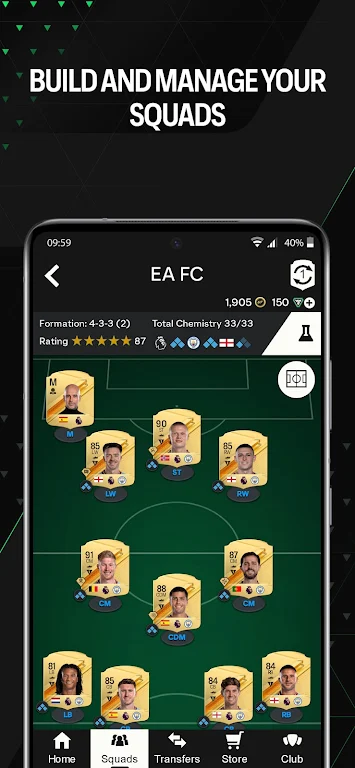
- Squad management – Swap players, change formations, and view chemistry with minimal taps.
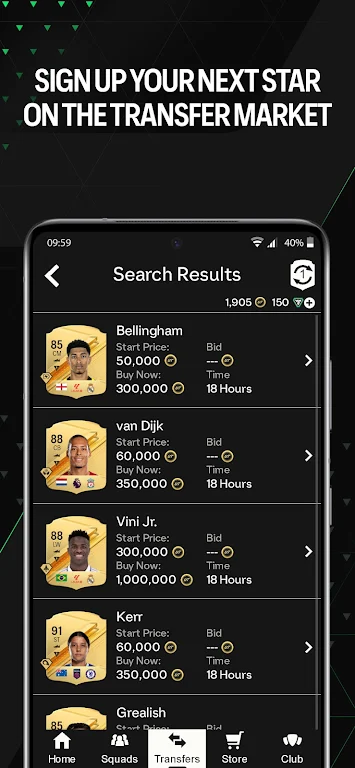
- Transfer market – Search, bid, and buy items; track prices and set watchlists.
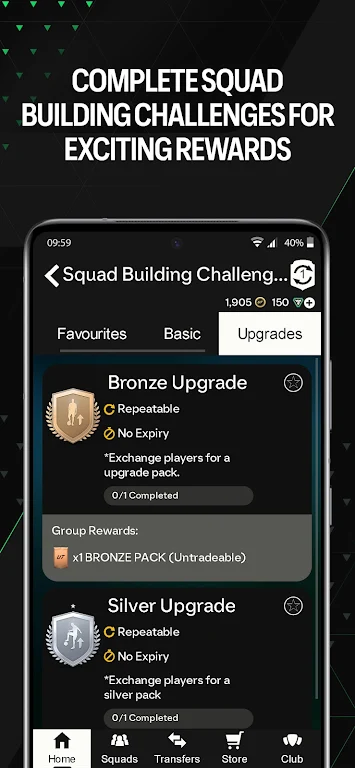
- Objectives and SBCs – Monitor time-limited objectives and submit Squad Building Challenges directly from the app.
- Notifications – Receive alerts for completed transfers, bid status, and club events.
How it works in daily use
Using EA SPORTS FC™ 26 Companion feels like handling administrative tasks for your club. The app syncs with your account and updates in near real time, enabling you to respond to market opportunities or swap players before a match. Routine activities become faster because the interface reduces the number of menus you must navigate.
Navigation and interface design
The layout focuses on quick access: tabs for Transfers, Squad, Club, and Objectives keep the most-used tools visible. Visual cues and compact card designs help you compare player stats and chemistry without scrolling through dense screens. The app also uses gestures and short menus to maintain efficiency on smaller displays.
Tools and systems for competitive users
For players who treat Ultimate Team like a hobby or side business, the Companion app provides practical tools. Price checking, watchlists, and saved searches speed up trading workflows. The app supports common bidding patterns and lets you manage multiple offers, which is especially useful during peak market hours.
Customization and account control
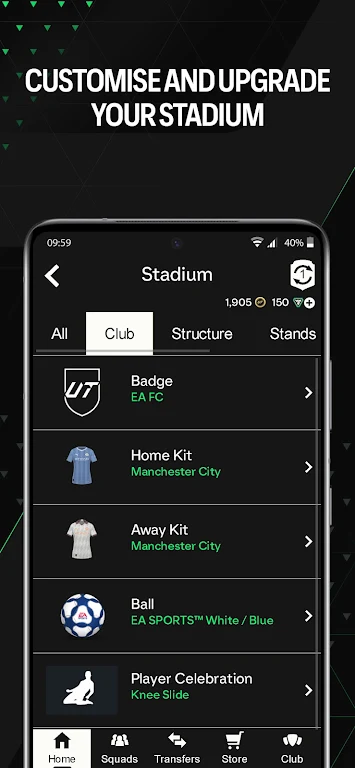
EA SPORTS FC™ 26 Companion allows quick editing of kits, badges, and stadium settings attached to your club profile. While major customization remains in the main game, the app covers the essentials so you can fine-tune your squad presentation between play sessions.
Performance and reliability
Performance varies by device and connection, but the app generally performs well on modern smartphones. Load times for searching the market are short, and background notifications arrive promptly. Occasional sync delays can occur during heavy server demand; however, most routine tasks remain usable even when demand spikes.
Security and account safety
The app follows the platform’s authentication flows, requiring your EA account sign-in to access club data. Use two-factor authentication on your main account to add a layer of protection. Be cautious when using public Wi-Fi for transactions to avoid exposure to unsecured networks.
Tips for newcomers
- Enable notifications to catch important bids and transfer completions quickly.
- Use saved searches to monitor target players or consumables without manually entering filters each time.
- Manage SBCs early in daily cycles to avoid missing deadline windows or market volatility.
- Keep the app updated to benefit from performance improvements and new feature rollouts.
Why many players install it
Players choose EA SPORTS FC™ 26 Companion for its convenience and time-saving design. It reduces friction when managing a club, allowing you to react faster to the market and handle administrative tasks while away from the console. For casual and dedicated players alike, having these tools in your pocket streamlines the broader EA SPORTS FC 26 experience.
Getting started
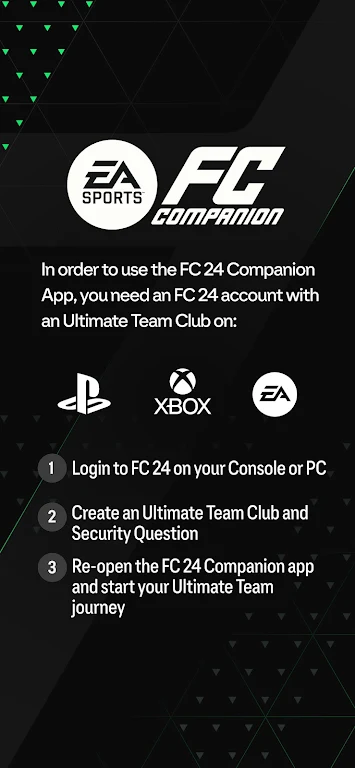
To begin, download the app from your device store, sign in with your EA account, and allow the required permissions. Syncing typically completes within minutes, after which your squad and club details appear. Spend a few minutes exploring the Transfers and Squad sections to familiarize yourself with the controls.
EA SPORTS FC™ 26 Companion is a practical extension for anyone who wants to maintain momentum between play sessions. Its focused toolset and fast workflows make routine team management simpler and better suited to busy schedules.
Show More