Mechanic: Car Tuning Simulator
Version:1.1.4
Published:2026-10-14
Introduction
Mechanic: Car Tuning Simulator puts you in charge of a bustling garage where you repair, rebuild, and customize cars from the ground up. This realistic workshop sim emphasizes part-by-part tinkering, performance tuning, and visual upgrades, delivering an engaging progression loop for players who love automotive detail and creative problem-solving.
Core Gameplay Loop
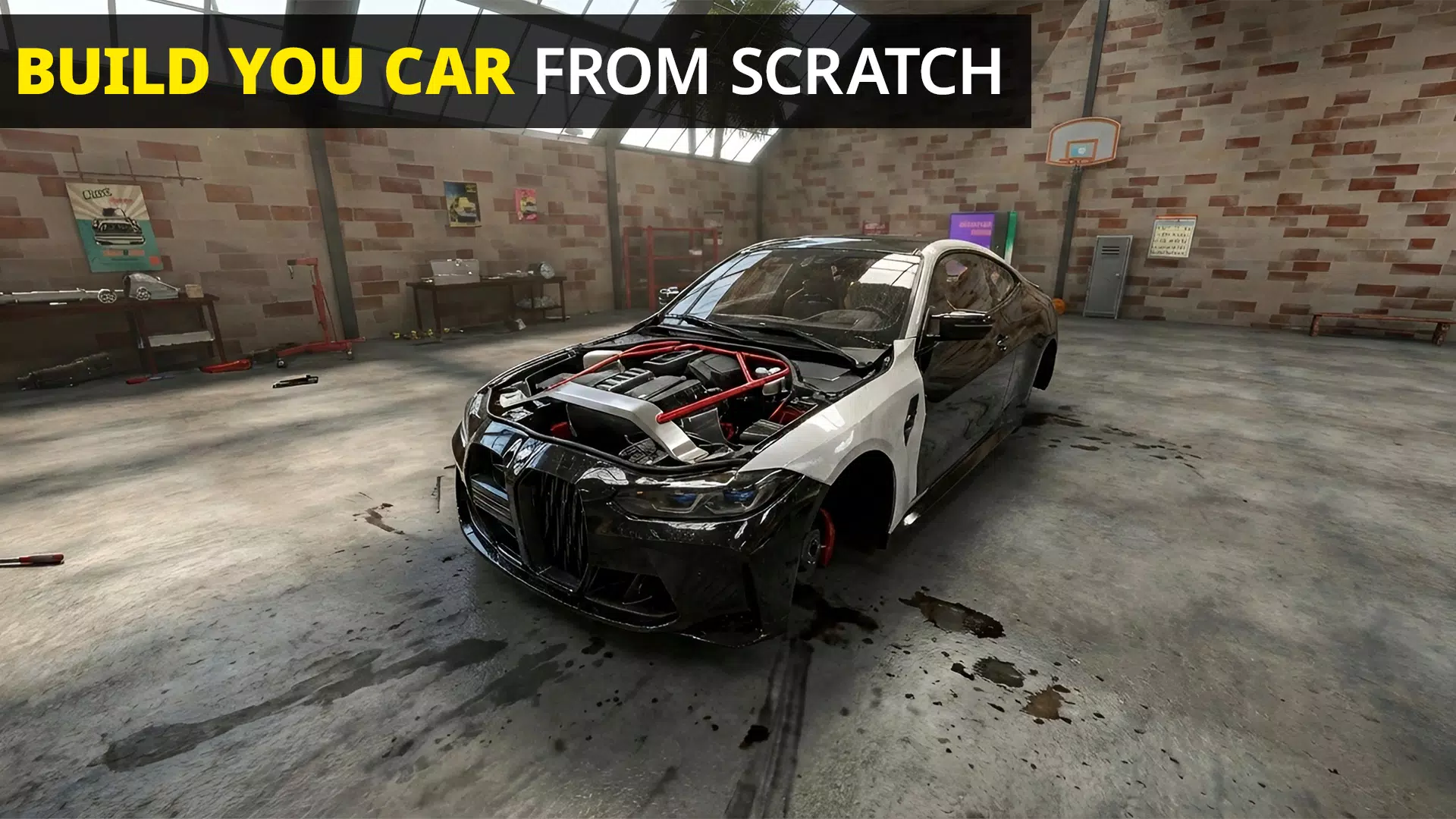
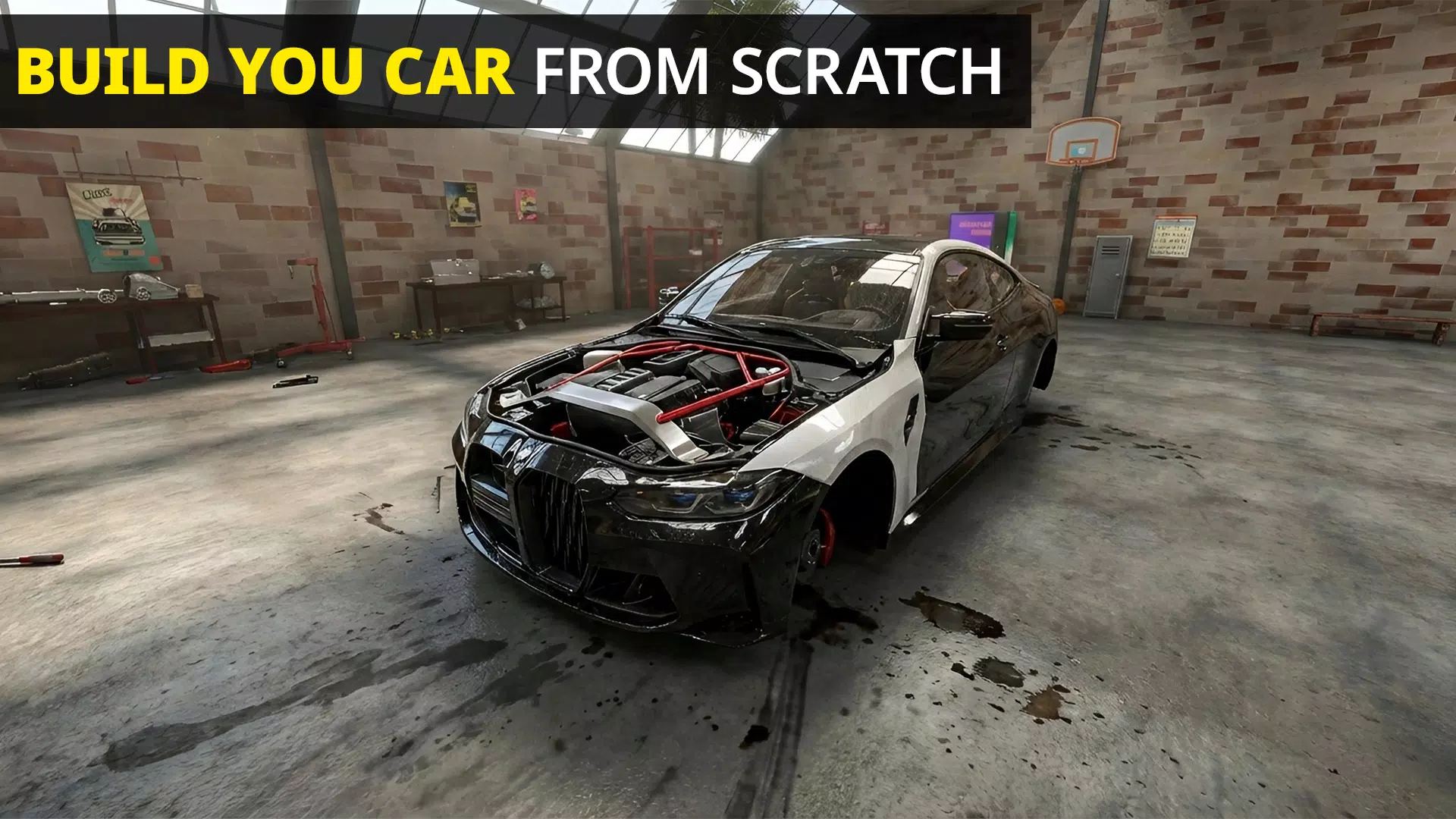
Mechanic: Car Tuning Simulator centers on a satisfying loop of diagnostics, repair, and improvement. Players receive jobs from customers or take on restoration projects, disassemble vehicles to inspect individual components, replace or rebuild parts, and finally test drive to verify performance. Each task rewards in-game currency and XP, which unlocks advanced tools and rarer projects.
Repair and Tuning Systems
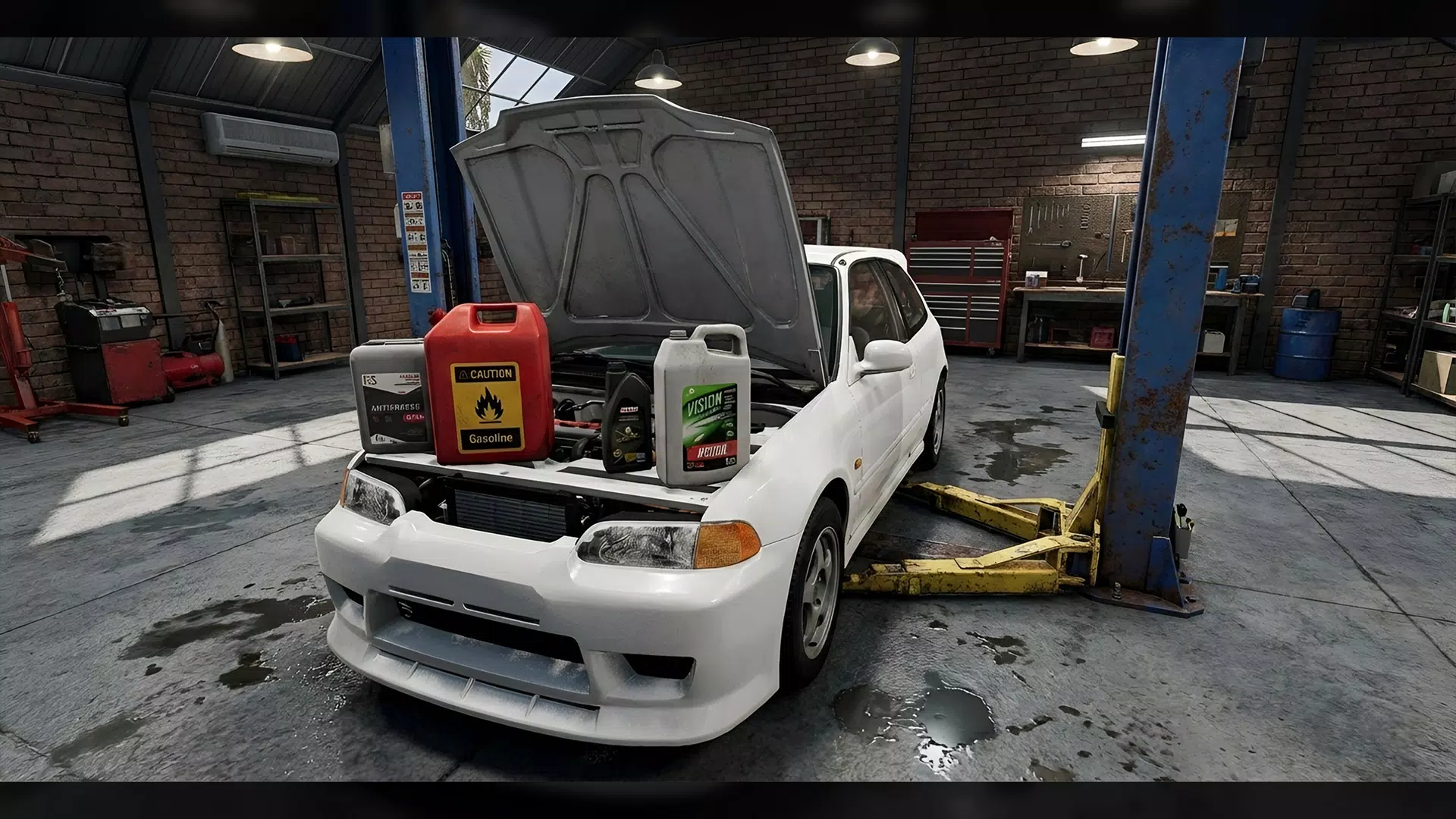
The simulator models many workshop processes with clear mechanics that reward careful planning. Engine overhauls, transmission swaps, suspension tuning, and brake servicing each require a different toolset and approach. Tuning extends beyond simple stat boosts: changing camshafts, adjusting turbochargers, or swapping differentials alters how a car behaves under acceleration and cornering. Successful tuning often involves iterative testing and making incremental changes rather than single upgrades.
Customization and Visual Detailing
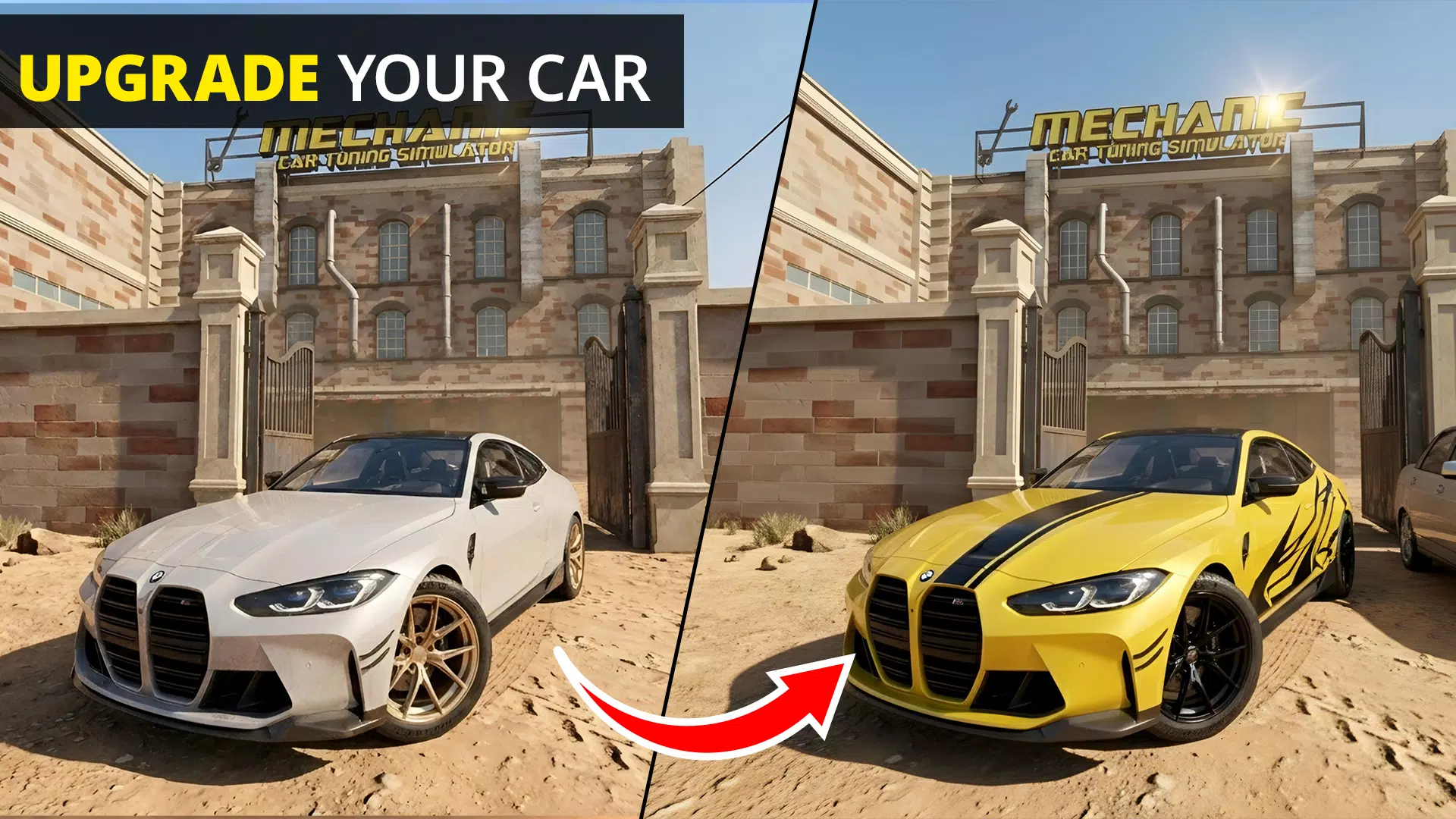
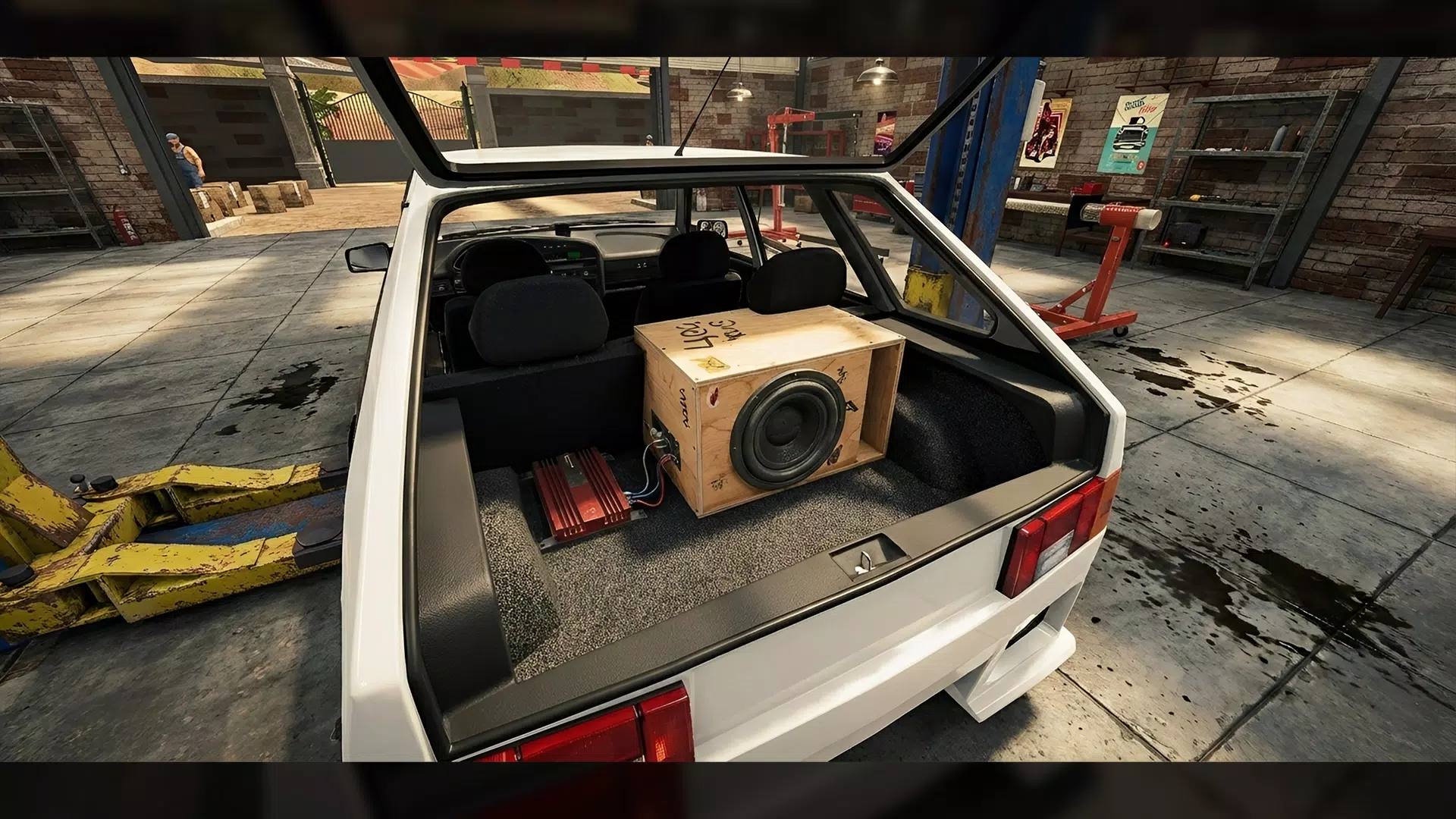
Beyond mechanical work, customization is a major draw. Players can swap body parts, adjust ride height, fit widebody kits, and choose paint, vinyls, rims, and interior trims. Visual updates are more than cosmetic — some body modifications affect aerodynamics and weight distribution, subtly influencing performance. The customization suite is intuitive, offering both preset styles and fine-grain controls for builders who want a unique look.
Workshop Management and Progression
Progression in Mechanic: Car Tuning Simulator ties into workshop growth. Completing jobs improves reputation, unlocking higher-paying contracts and specialty cars. Earnings can be reinvested into tools, diagnostic equipment, larger garage bays, and staff hires. Resource management becomes strategic as you balance short-term repairs with long-term investments that enable more complex restorations and faster turnaround.
Maps, Jobs, and Variety
Projects come from a broad roster of vehicles ranging from compact daily drivers to classic muscle cars and tuned imports. Some jobs are time-sensitive, demanding quick diagnostics and efficient workflow, while restoration projects allow for slower, meticulous rebuilding with a focus on authenticity. The variety keeps gameplay engaging by rotating objectives and introducing rare models that require uncommon parts or skills.
Controls, Interface, and Visuals
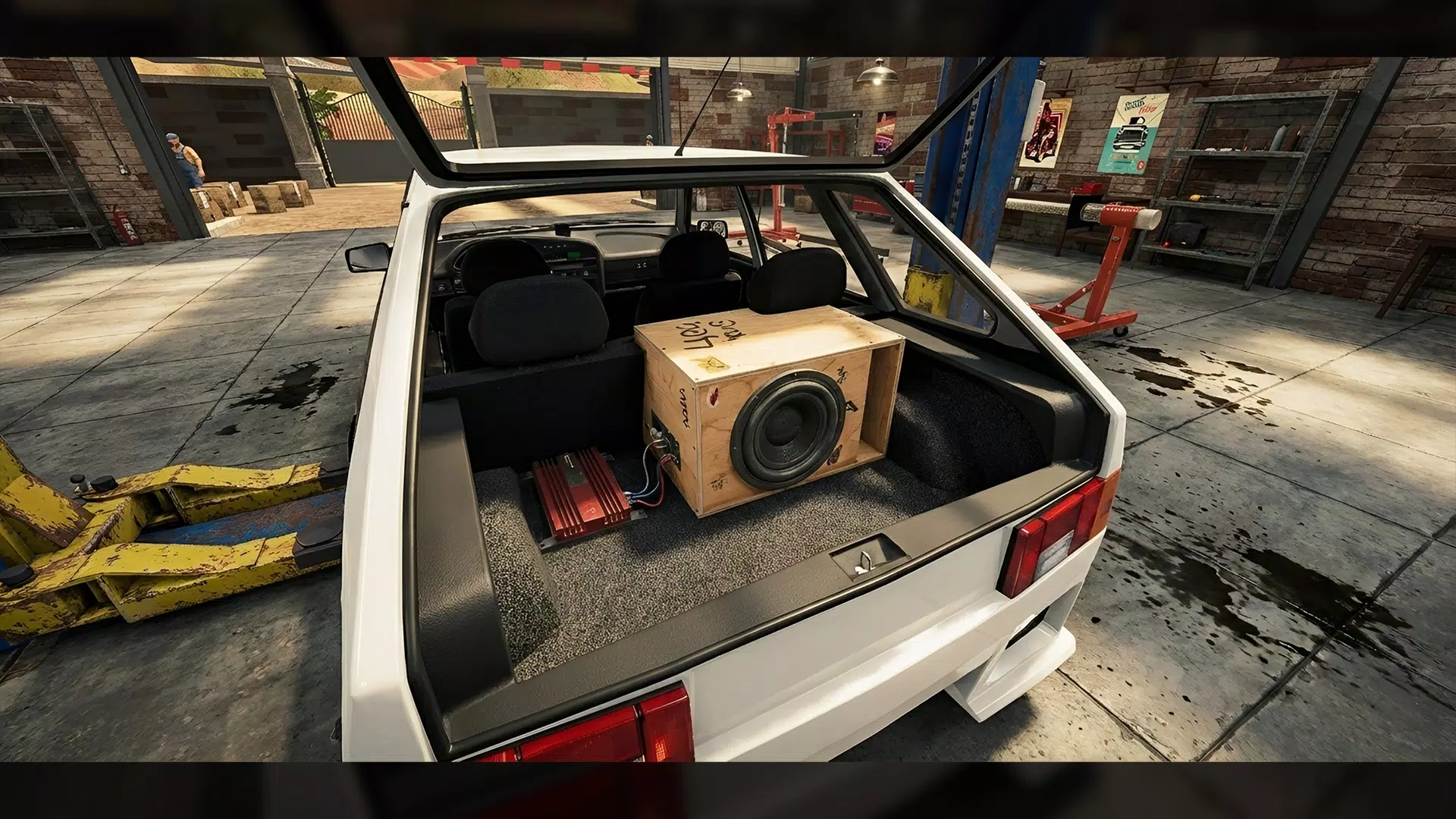
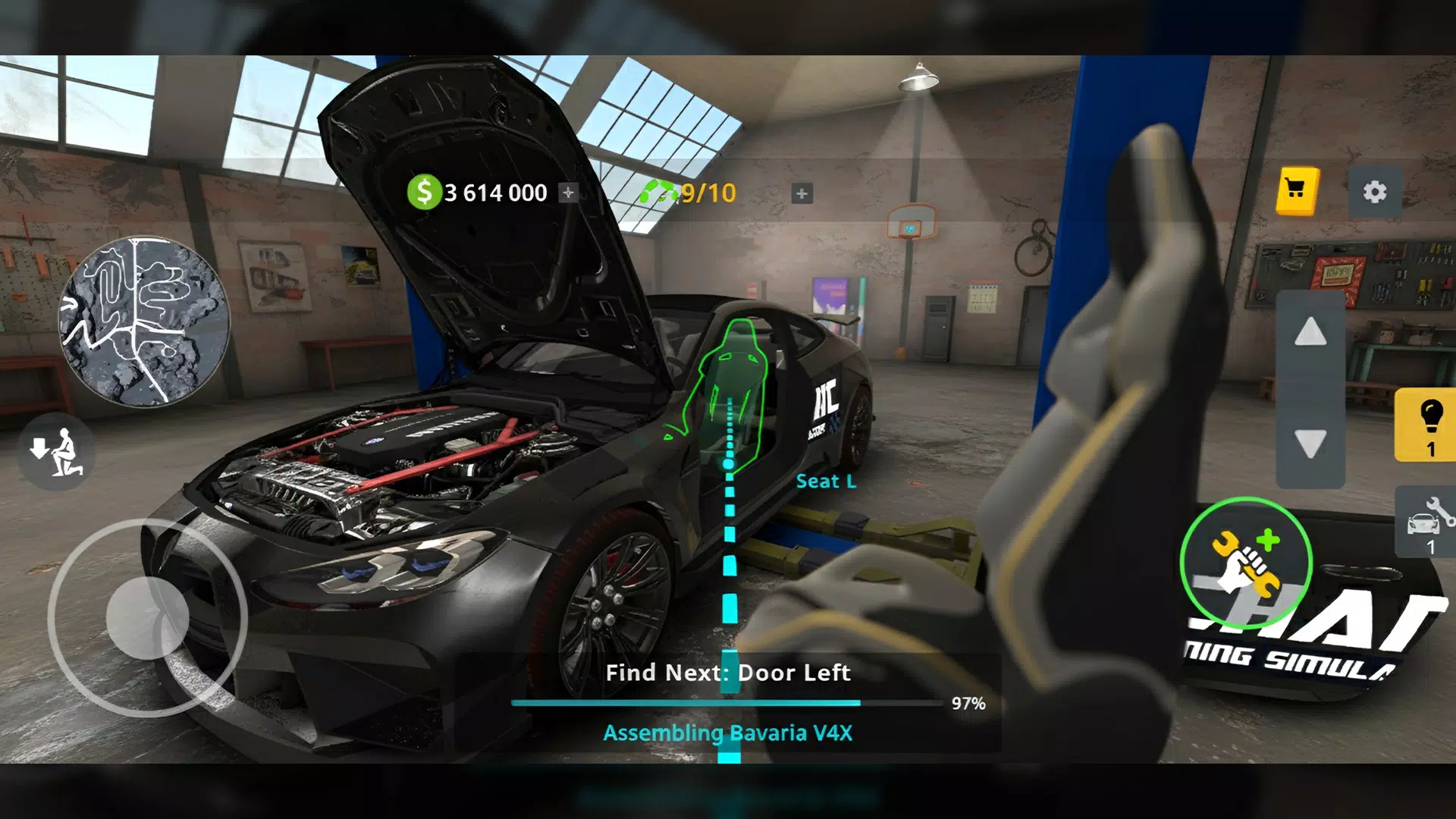
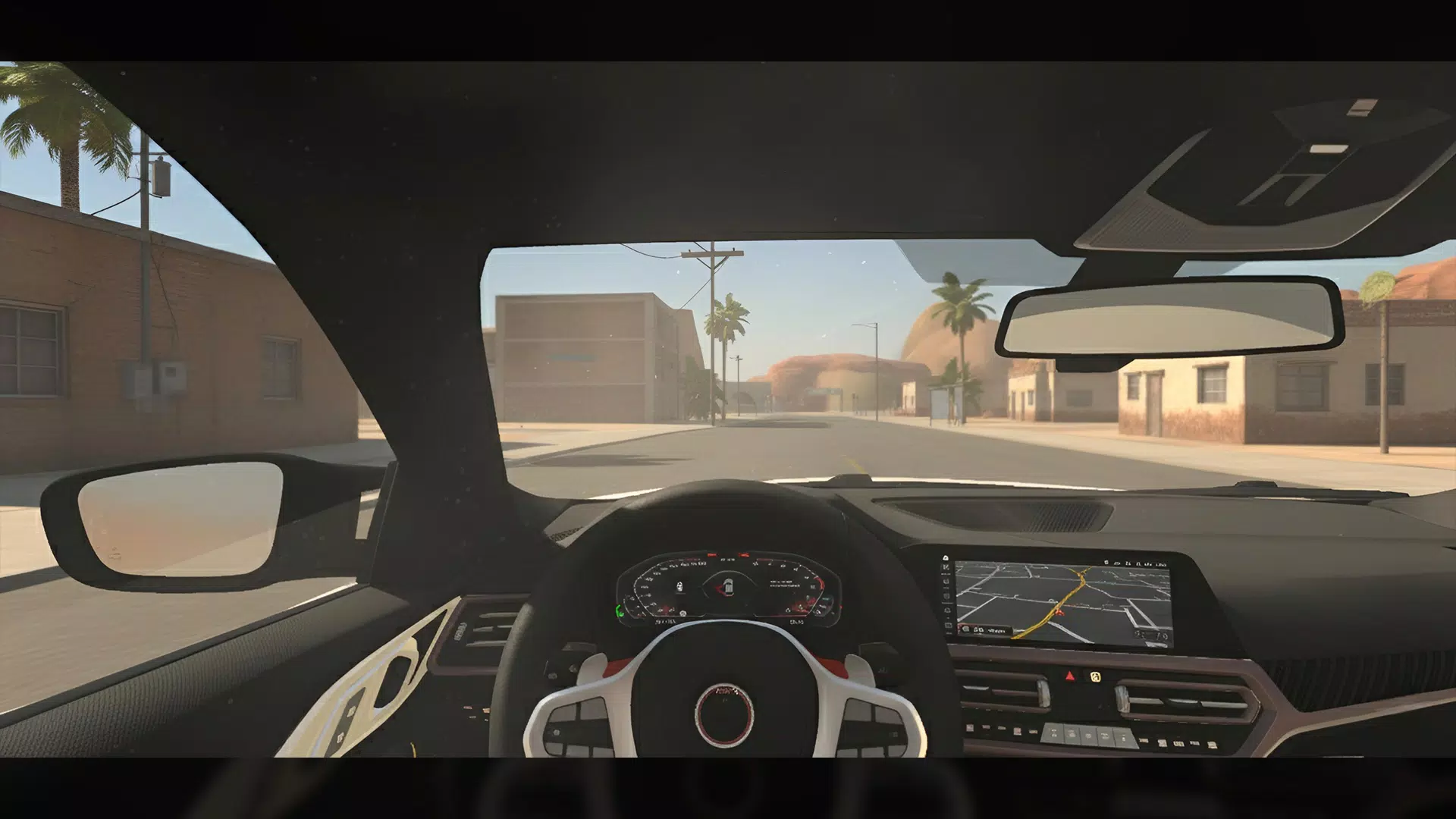
The control scheme is designed for touchscreens with contextual tool menus and drag-and-drop part placement. An uncluttered HUD presents job details, part lists, and tolerance indicators so players can prioritize tasks. Graphical fidelity focuses on close-up detail of engine bays and suspension components rather than full-scene photorealism, which makes it easier to inspect parts and follow repair steps.
Strategy and Player Choice
Mechanic: Car Tuning Simulator encourages problem-solving over rote progression. Players decide whether to complete jobs quickly for steady income or take on ambitious restorations that pay more but require rare parts and longer timelines. Choosing to specialize in certain vehicle types or performance upgrades creates different career paths and long-term strategies.
Performance and Device Compatibility
The game is optimized for a range of Android devices but benefits from mid-to-high-tier hardware for smoother animations and faster load times. Settings allow players to adjust graphic detail and effects to balance battery use and visual clarity. Save sync and cloud backup options help preserve long projects when switching devices.
Getting Started: Practical Tips
- Prioritize diagnostics: Run full scans before starting repairs to avoid wasted parts.
- Invest in tools early: Better tools speed up jobs and unlock advanced repairs.
- Specialize wisely: Focus on one vehicle class initially to build reputation and part inventories.
- Test iteratively: Small tuning steps followed by test drives produce more reliable performance gains.
Why It Stands Out
Mechanic: Car Tuning Simulator blends technical depth with accessible controls, making it appealing to players who enjoy both simulation and creative expression. Detailed part-level interaction, a meaningful upgrade tree, and a steady stream of varied contracts create a satisfying career progression that rewards patience and mechanical insight.
Whether your interest lies in perfecting lap times, restoring classics to showroom condition, or creating visually striking builds, Mechanic: Car Tuning Simulator offers a flexible sandbox with a clear sense of advancement and a reward structure that keeps every job feeling purposeful.
Show More