Real Piano
Version:1.24
Published:2026-10-15
Introduction
Real Piano brings a full-featured piano keyboard to your phone or tablet, giving musicians and beginners a portable space to play, practice and record. Real Piano uses an 88-key layout and multitouch detection so you can perform full-range pieces and complex chords on a single device, while adjustable key sizing and responsive audio work together to make each session feel natural and musical. Whether you want to explore melodies, build chord vocabulary or simply enjoy playing a realistic keyboard sound on the go, Real Piano is built to be immediate and easy to use.
Key features and instruments
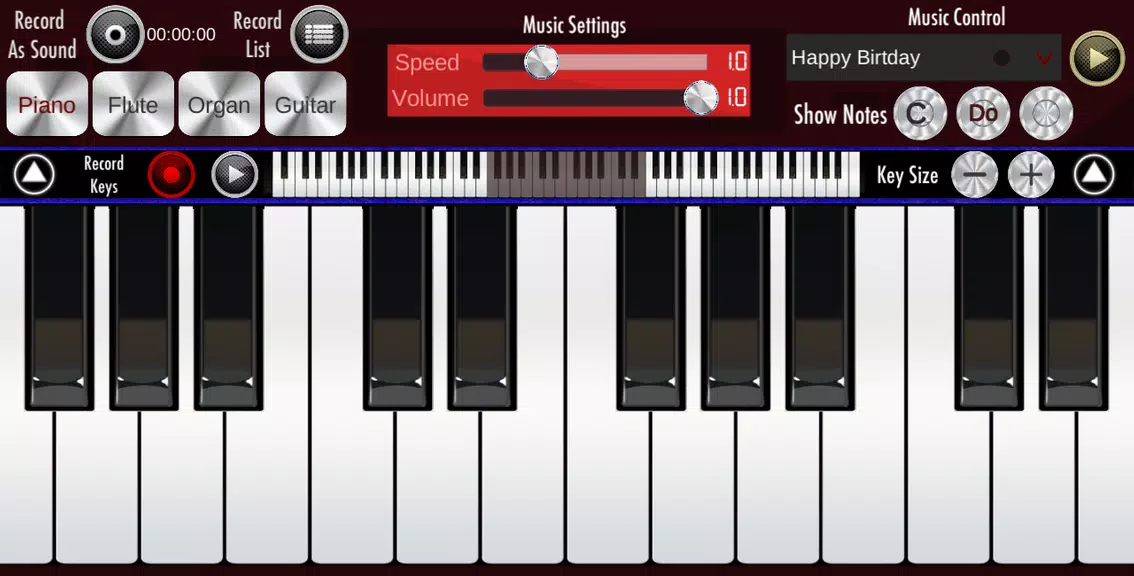
The app recreates a broad sonic palette with multiple instrument presets that include grand piano, synth tones, organ, acoustic guitar and flute. The full 88-key keyboard spans seven octaves, letting users play everything from simple scales to full arrangements that require extended range. Multitouch support enables simultaneous notes and layered textures, and studio-quality samples deliver cleaner tone and dynamics than many simple keyboard apps. Adjustable key size makes it practical on small phones as well as large tablets, and loop playback helps you build patterns and practice repeating passages.
Controls and interaction
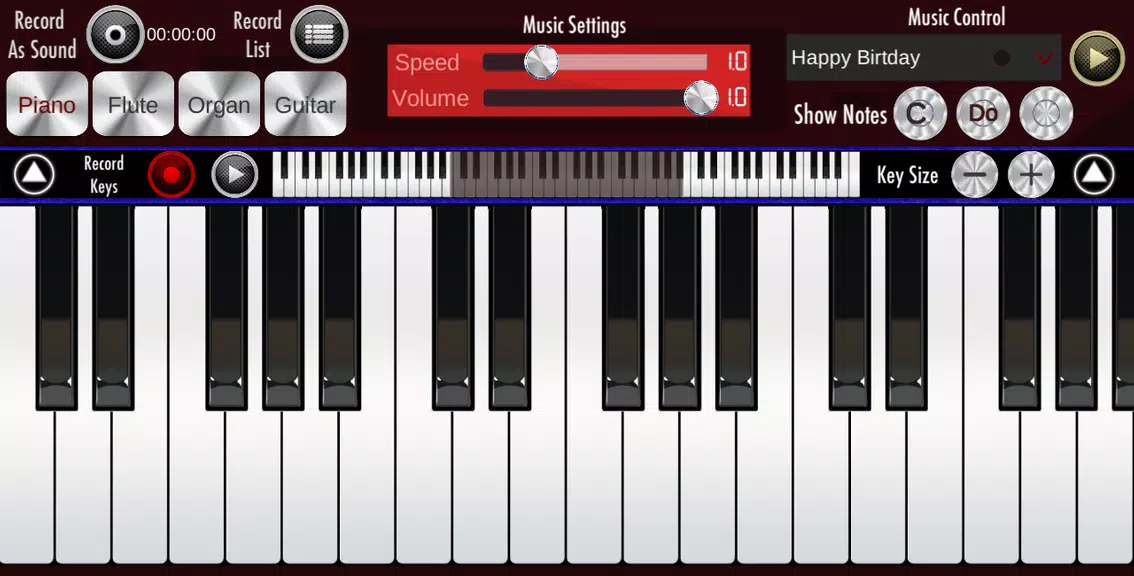
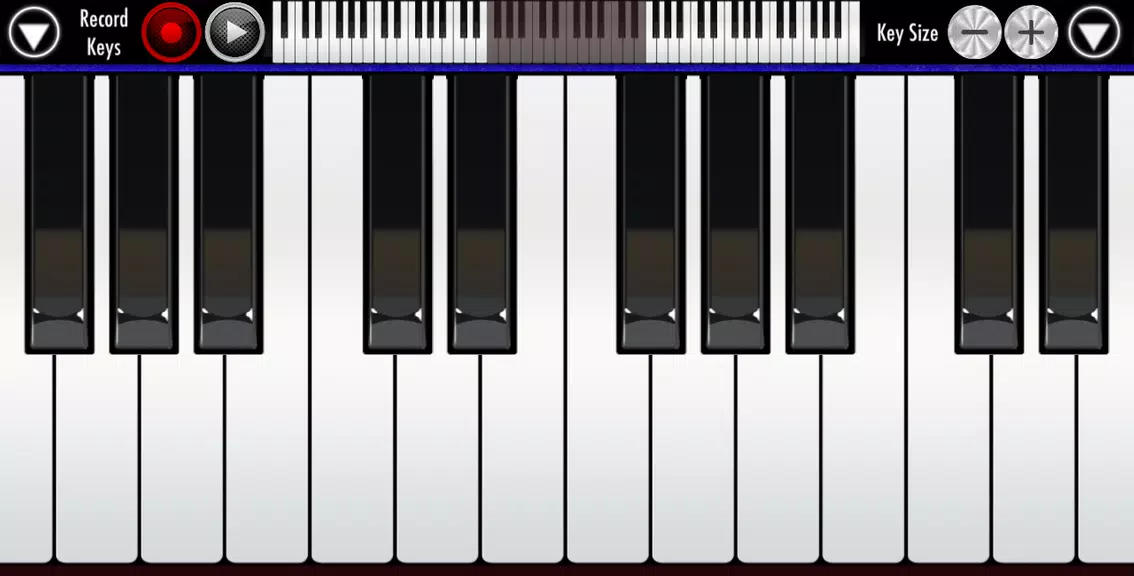
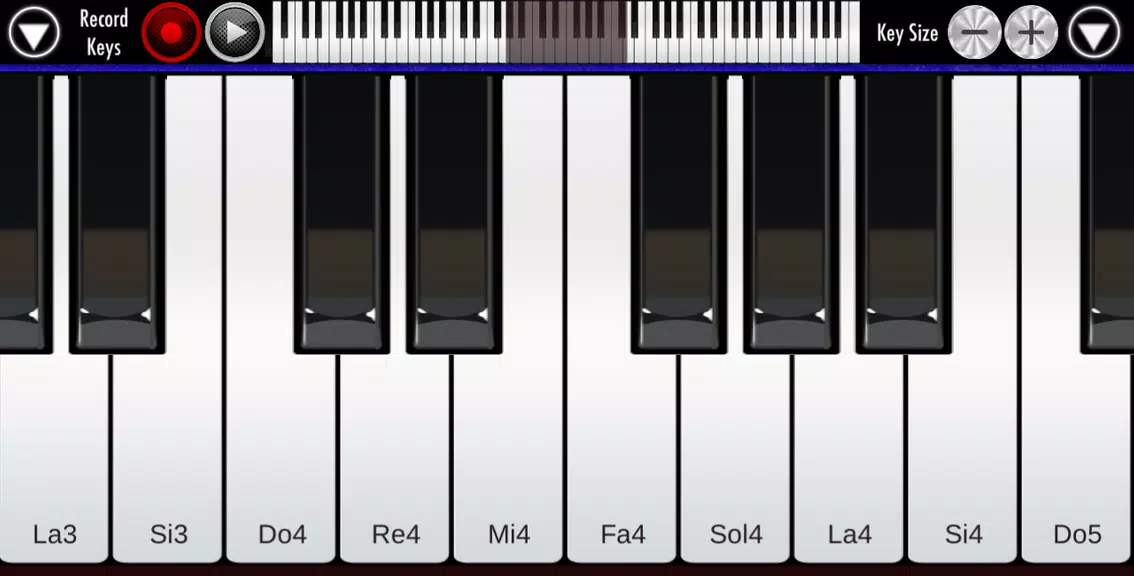
Controls are straightforward so the focus stays on playing: tap keys to sound notes, press multiple fingers for chords and use the plus and minus controls to change visible key width and scroll to other octaves. Touch sensitivity is designed to be forgiving for casual users while remaining precise enough for players who rely on accurate timing. The interface avoids clutter so you can see the full keyboard and instrument selector at a glance, with visual feedback when keys are pressed to help reinforce timing and hand position.
Practice, progression and learning
Progression in Real Piano is self-directed and practical. Instead of rigid levels, the app supports gradual improvement through repeated practice across the keyboard and by using the recording function to compare takes. Beginners can start with a few notes and simple chords, then expand to larger intervals and full arpeggios as their confidence grows. The seven-octave layout encourages learning across registers, and the ability to slow down and loop short passages during playback makes it easier to target tricky transitions and refine fingerings over multiple sessions.
Visual style and interface
The visual design is intentionally clean and lightweight, focusing on a realistic key layout and readable labels where needed. Keys provide immediate visual confirmation when pressed, and the adjustable size preserves clarity on both compact phones and larger tablets. The app keeps menus minimal to reduce distraction during practice, so you can concentrate on touch control and musical expression without digging through multiple screens.
Recording, playback and self-review
Real Piano includes a record mode that saves performances as sound files and also logs touched keys for later review. Saved recordings can be played back for self-assessment, looped to work on specific phrases and exported for sharing outside the app. The key log feature is particularly useful for teachers or self-taught players who want to inspect which notes and chords were used in a passage; listening and reviewing recorded takes is a practical way to track progress over time.
Customization and accessibility
Customization focuses on making playing accessible: change the visible key size to accommodate different hand spans and screen sizes, select from several instrument voices to match the piece you are practicing, and rely on clear visual feedback for each touch. Because the app is lightweight, it launches quickly and keeps CPU and battery use modest, which helps players practice longer without worrying about device performance. These accessibility choices make Real Piano a good fit for children, newcomers and seasoned players who need a portable practice tool.
Offline play and replay value
The app works reliably offline, so you can practice without a network connection while traveling or in situations where connectivity is limited. Replay value comes from open-ended musical exploration: recording, experimenting with instrument voices and working through progressively harder material using the full 88-key range provide ongoing challenges. Loop playback and recorded take comparisons create a simple but effective feedback loop for continued improvement.
Limitations to consider
While Real Piano reproduces many aspects of a real keyboard, a touch-screen cannot fully replicate the weighted action and tactile nuance of an acoustic or weighted digital piano. The recording and export tools are straightforward and intended for quick captures rather than advanced mixing or multi-track production. On very small screens, even with adjustable key sizing, dense chord work can feel cramped compared with a physical keyboard, so users should experiment with key width and octave positioning to find the most comfortable setup.
Show More