Genshin Impact Cloud
Version:4.3.0
Published:2026-10-15
Introduction
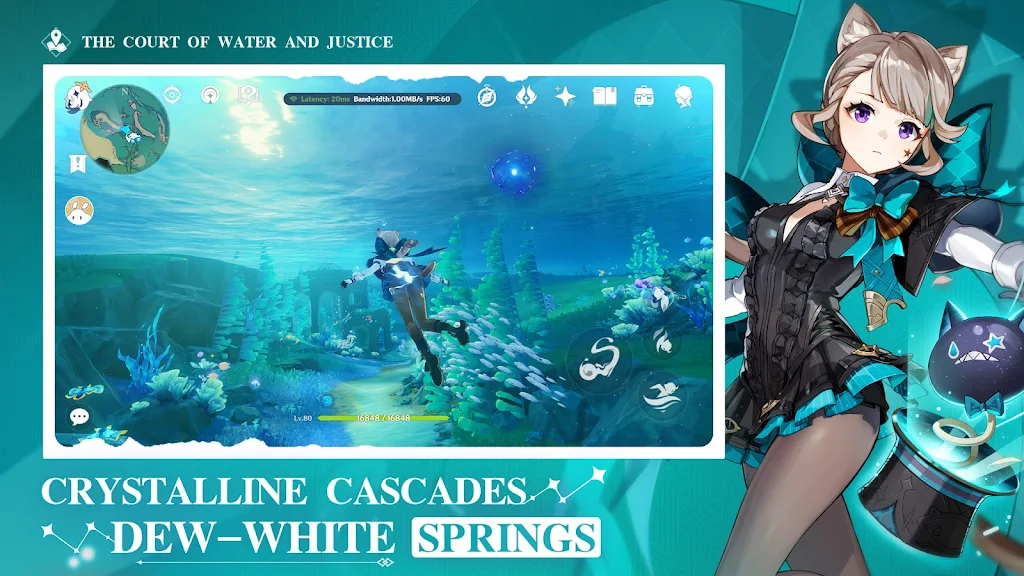
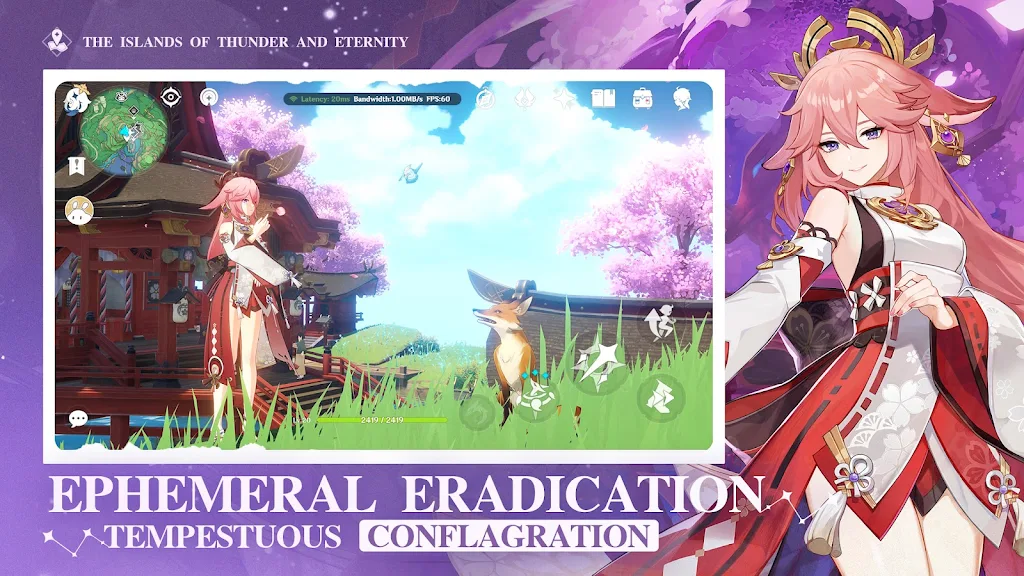
Genshin Impact Cloud brings the expansive open-world fantasy of Teyvat to devices via high-quality cloud streaming. It lets players explore vast landscapes, switch between characters, and engage in elemental combat without heavy local hardware. The experience prioritizes accessibility while preserving the core gameplay and visual fidelity fans expect.
Overview of the cloud experience
Genshin Impact Cloud replicates the full-scale game through remote servers, reducing the need for top-tier phones or tablets. Rather than a stripped-down mobile port, it delivers near-console visuals and consistent frame pacing, provided network conditions are stable. Cloud streaming can be ideal for gamers who move between devices or want instant access without large downloads.
Core gameplay elements retained
The streaming version preserves primary mechanics: exploration, quests, combat, and multiplayer. Players still assemble teams, pursue character progression, and tackle domains and bosses. Expect the same roster, elemental interaction system, artifact optimization, and world events familiar to long-time players.
Key features at a glance
- High-fidelity visuals: Textures and lighting aim to match the original experience with dynamic weather and day-night cycles.
- Cross-platform access: Play from compatible devices without re-downloading assets; progression syncs with your account.
- Low setup requirements: No need for large local storage or powerful GPUs—most processing runs on cloud servers.
- Multiplayer support: Co-op and shared exploration remain available, enabling team strategies and domain runs.
How the elemental combat works here
Elemental reactions are unchanged: combining elements like Hydro + Electro or Pyro + Cryo produces tactical advantages. The streamed input is responsive when latency is low, so timing windows and skill combos feel familiar. Build planning and artifact farming keep the same depth, rewarding optimized team compositions.
Performance and controls
Streaming introduces variables such as latency and bandwidth. Under strong Wi-Fi or 5G, Genshin Impact Cloud can sustain smooth controls and acceptable visual quality. The interface supports touch control schemes and external controllers. Sensitivity settings and HUD scaling help adapt the layout for smaller screens.
Network considerations
For consistent play, aim for stable connections above 15–20 Mbps and low ping to the service region. Users on unreliable mobile networks might notice occasional frame drops or compressed textures. The app typically offers quality presets to balance resolution and responsiveness.
Tips for players starting out
- Optimize your team early: Focus on complementary elemental synergies rather than chasing every new character.
- Manage resources: Prioritize weapon ascension and artifact sets for main DPS and support characters.
- Use co-op wisely: Join friends for domains and bosses to speed progression and gather materials more efficiently.
- Monitor network: If latency spikes, pause challenging fights and retry when conditions improve.
Progression advice
Daily commissions, world exploration, and resin management remain core to long-term advancement. Prioritize content that yields ascension materials relevant to your primary characters. Event participation often provides valuable resources and unique rewards.
User experience and accessibility
Genshin Impact Cloud aims to lower entry barriers without fundamentally altering game systems. New players gain immediate access to content across devices, while veterans can jump into the latest regions without redownloading bulky updates. Quality-of-life options such as UI scaling and controller mapping make sessions more comfortable.
Who should try it
Cloud streaming suits players with limited device specs, travelers who switch devices frequently, or anyone wanting to avoid large downloads. If you prioritize absolute minimal input lag for competitive timings, local installs on high-end hardware may still offer the edge.
Getting started
Set up requires a stable account and a compatible device. After signing in, check connection diagnostics and select quality settings that match your network. Allow a few practice sessions to adjust controls and sensitivity. Once configured, you can explore Teyvat much like you would on other platforms.
Genshin Impact Cloud brings the series’ characteristic sense of discovery to users who need flexibility without sacrificing the game's signature systems. With the right network conditions and a bit of setup, most players will find the experience close to the original while enjoying the convenience of cloud access.
Show More