Absolute RC Heli Sim
Version:3.57
Published:2026-10-15
Introduction
Absolute RC Heli Sim delivers a focused and realistic remote-control helicopter experience on Android, blending a refined flight model, responsive input options, and varied training environments so pilots can practice and improve away from the bench. This editor introduction explains how Absolute RC Heli Sim models small-scale rotorcraft behavior, what control choices and progression systems are available, and practical tips for new and experienced users who prefer a simulator that prioritizes skill development over arcade-style assists.
Realistic flight modeling
The core physics emphasize rotorcraft fundamentals: collective lift, tail-rotor torque, gyroscopic precession and blade response are simulated to produce consistent reactions to throttle, cyclic and pedal inputs. Wind, inertia and ground effect are represented in ways that reward smooth control, proper trimming and anticipation of momentum. Autorotations, torque management and tail control are intentional parts of the learning curve, with tuning options that let you dial in more forgiving behavior for practice or tighten dynamics for advanced handling. The result is a flight model designed for incremental skill transfer rather than unpredictable arcade responses.
Controls and responsiveness
Absolute RC Heli Sim supports multiple input methods so you can match your preferred setup: on-screen dual sticks for touch play, tilt steering for casual sessions, and external Bluetooth controller support for tactile precision. Input mapping allows swapping axes, setting dead zones and applying exponential curves to reflect the sensitivity and response of a physical transmitter. Adjustable camera-follow options, input smoothing and latency reduction help with close maneuvers and landings, and presets let you switch quickly between casual practice and competition-style control schemes without rebuilding settings from scratch.
Customization and tuning
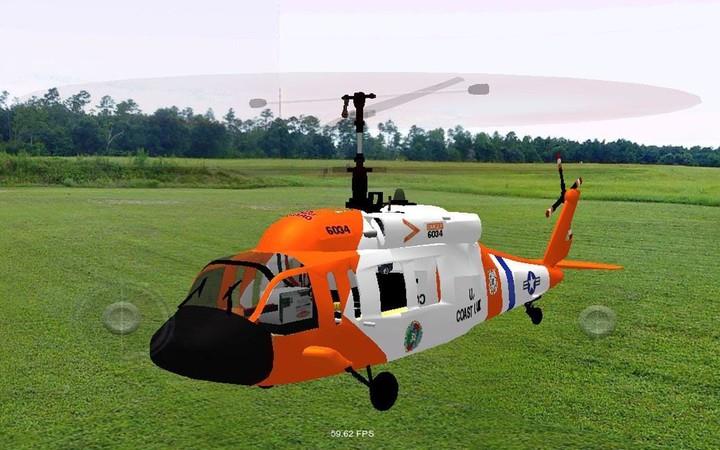
Customization focuses on changes that affect flight characteristics rather than purely cosmetic swaps. Swapping frames, rotor blades and motor types alters inertia, top speed and responsiveness so each configuration behaves uniquely. Cosmetic liveries and camera mounts let you personalize appearance and recording perspectives, but the meaningful changes come from tuning parameters such as cyclic authority, tail gain and throttle curves. The progression system unlocks parts that move a model from a stable beginner configuration toward higher-performance setups, encouraging experimentation as your stick work becomes more precise.
Environments and level structure
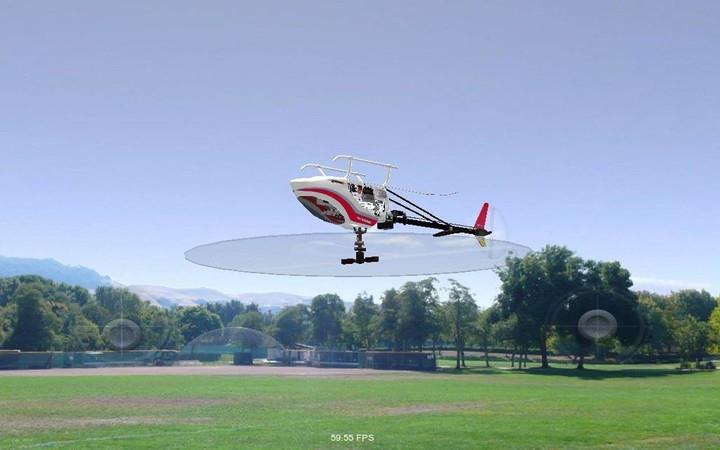
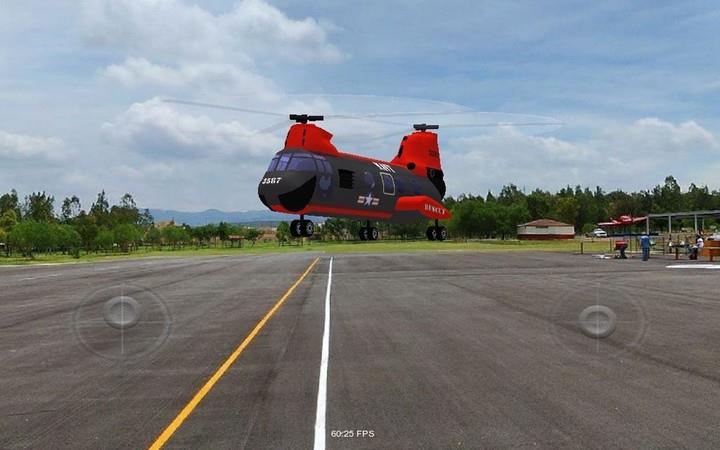
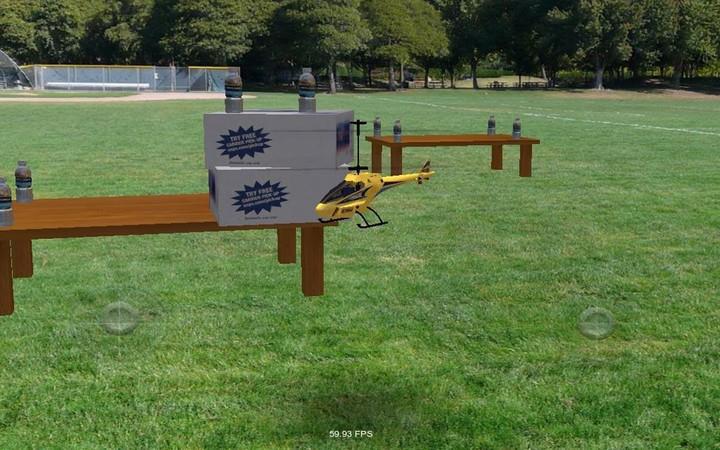
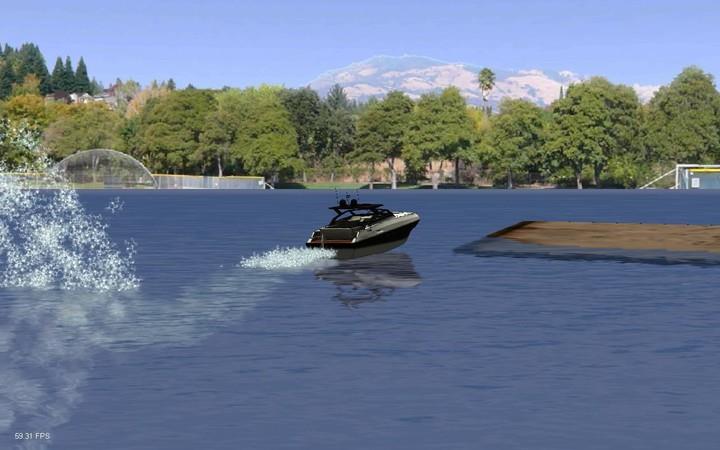
Maps are organized to teach distinct skills: open practice ranges provide safe space for hovering and trim work, urban course layouts demand tight orientation control and obstacle awareness, and forested trials introduce confined approaches and visual occlusion. Stage design follows a deliberate template where early modules isolate single skills—hovering, orientation, smooth approach—while later courses combine those abilities into timed circuits and efficiency challenges. Environmental effects such as gusting winds, narrow gaps and visual clutter are introduced gradually so you confront one new element at a time.
Modes, lessons and progression
The app separates guided lessons, daily practice challenges and free-fly so you can choose structure or open exploration. Lessons break tasks into incremental steps: basic hovering, heading control, autorotation recovery and simple aerobatics are presented with measurable success criteria. Completing lessons rewards parts and presets that unlock more advanced physics settings, and challenge ladders increase difficulty by tightening margins for success and shortening target times rather than by randomly altering controls.
Graphics, sound and performance
Visuals prioritize clarity of motion and readable silhouettes so you can judge speed and orientation at a glance, keeping frame rates steady on a wide range of devices. Adjustable quality settings manage shadows, draw distance and post-processing so you can favor fidelity or battery life as needed. Audio design focuses on useful cues: rotor thrum, mechanical clicks and ambient gusts provide context without overwhelming input feedback, and audio toggles let you mute nonessential effects during focused training.
Replay, analysis and challenge systems
Replay analysis and ghost flights are built to help you refine technique: compare control inputs, flight lines and throttle curves side-by-side with previous attempts to spot drift, late corrections or inefficient turns. Time trials, asynchronous leaderboards and structured challenge ladders give measurable goals and progression without requiring persistent online play. Replay export and simple sharing tools make it easy to archive sessions, review improvements over time and build a personal practice log.
Accessibility, offline play and user experience
Settings include left- or right-handed control layouts, HUD customization and sensitivity presets to accommodate varied users and skill levels. Many practice lessons and core features are available offline so you can train without a network connection; cloud features are limited to optional replay sharing and asynchronous leaderboards rather than mandatory online access. Thoughtful defaults, gradual assistance reduction and clear visual aids help newcomers progress without frustration while letting experienced pilots remove aids to increase challenge.
Getting started and practical tips
Start in an assisted beginner mode to learn trims and throttle behavior, practice hovering near ground markers to develop station-keeping, then tackle simple circuits to build coordination and situational awareness. Use tuning options to create a forgiving baseline, save it as a preset, and tighten parameters as your confidence increases. Regular short sessions across different maps consolidate skills faster than long, infrequent play, and reviewing replays after practice flights is one of the most effective ways to identify recurring control errors and track improvement in Absolute RC Heli Sim.
Show More