Best Piano
Version:4.0.1
Published:2026-10-15
Introduction
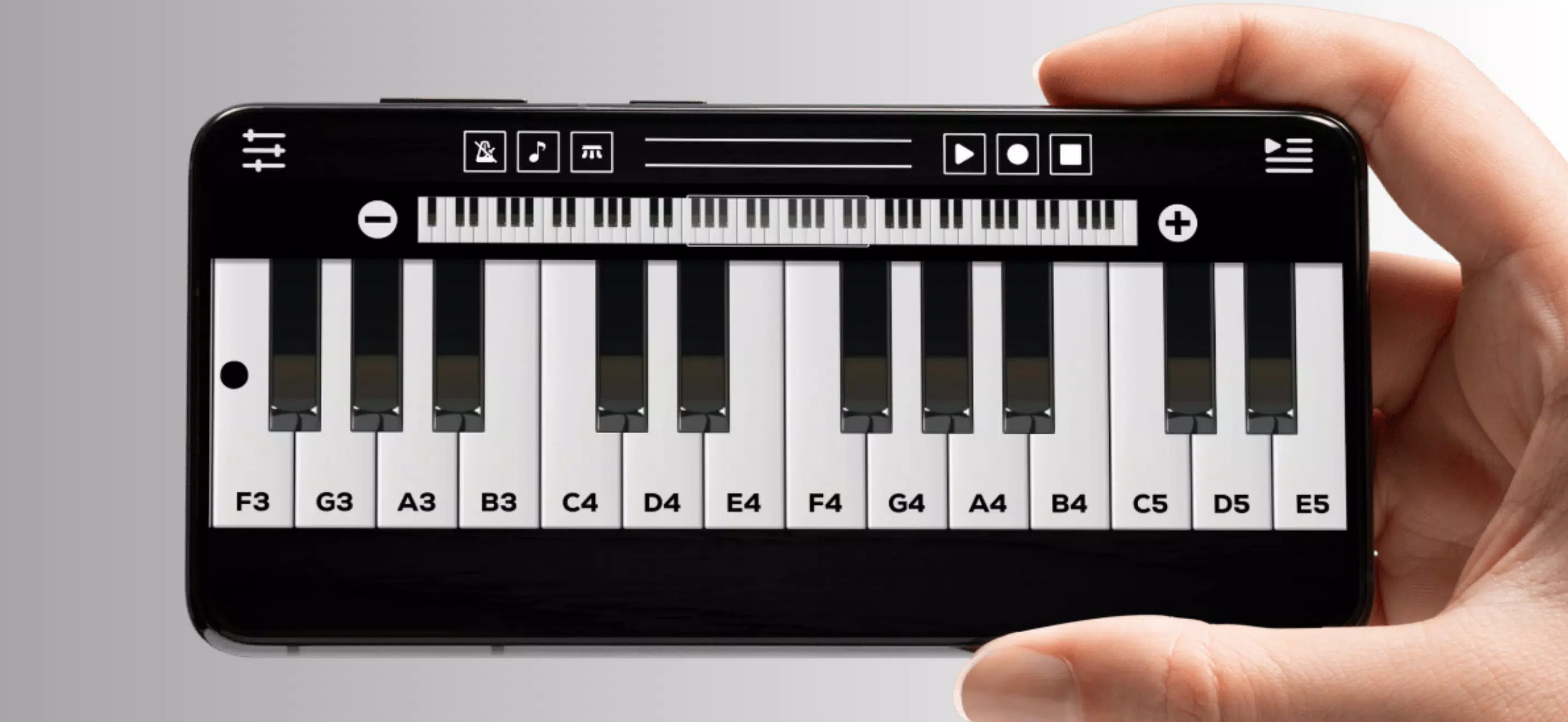
Best Piano delivers a realistic, touch-friendly keyboard experience for Android devices, combining responsive note detection, curated song lessons, and customization options. It’s designed for casual practice and focused learning, offering multi-octave support, adjustable sound profiles, and smart learning tools that guide technique and timing improvements.
Key Features at a Glance
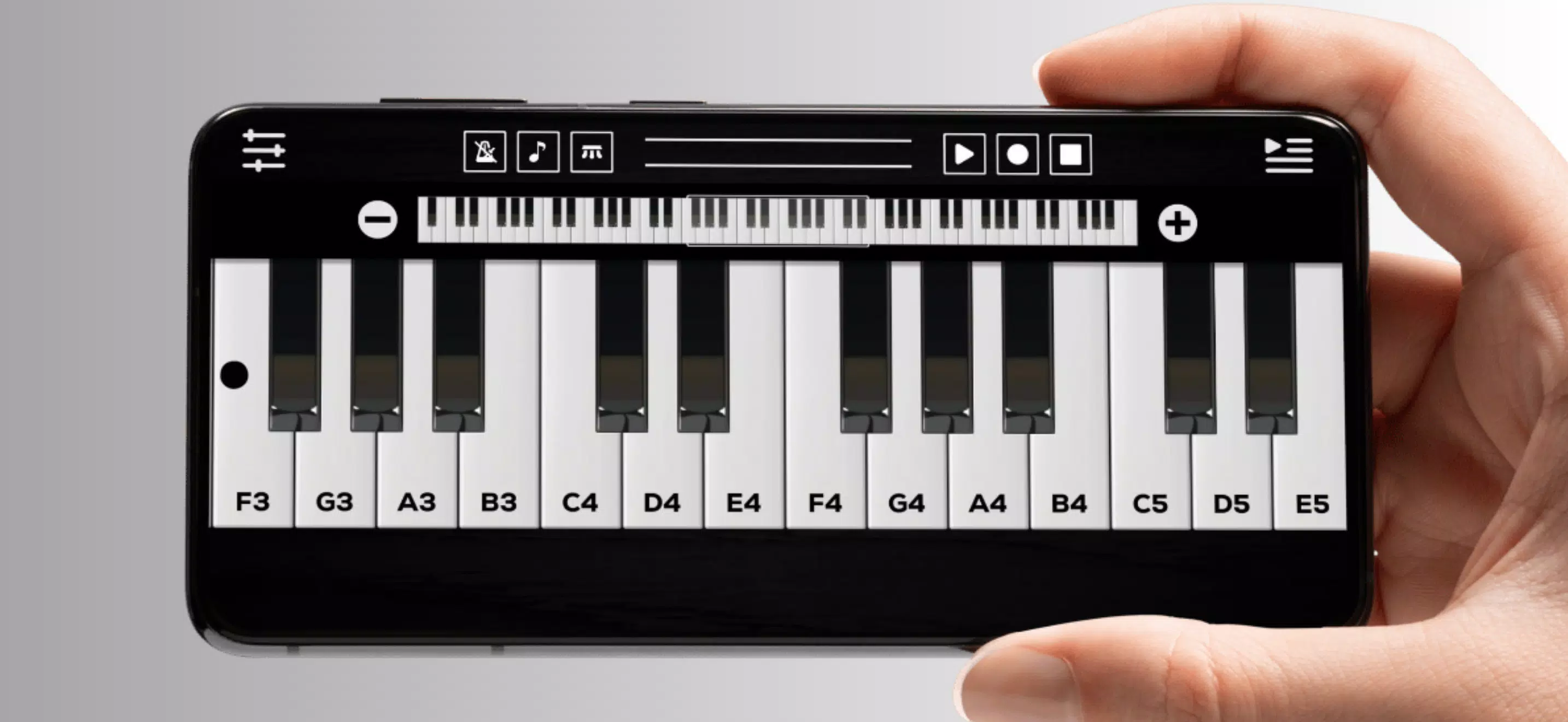
Best Piano packs a collection of features that balance playability with educational value. The app includes a full 88-key layout with optional split and zoom views, high-quality sampled instruments, and a library of popular songs with visual guidance. Practice modes track accuracy and timing, and a metronome helps you build rhythmic consistency.
User Interface and Controls
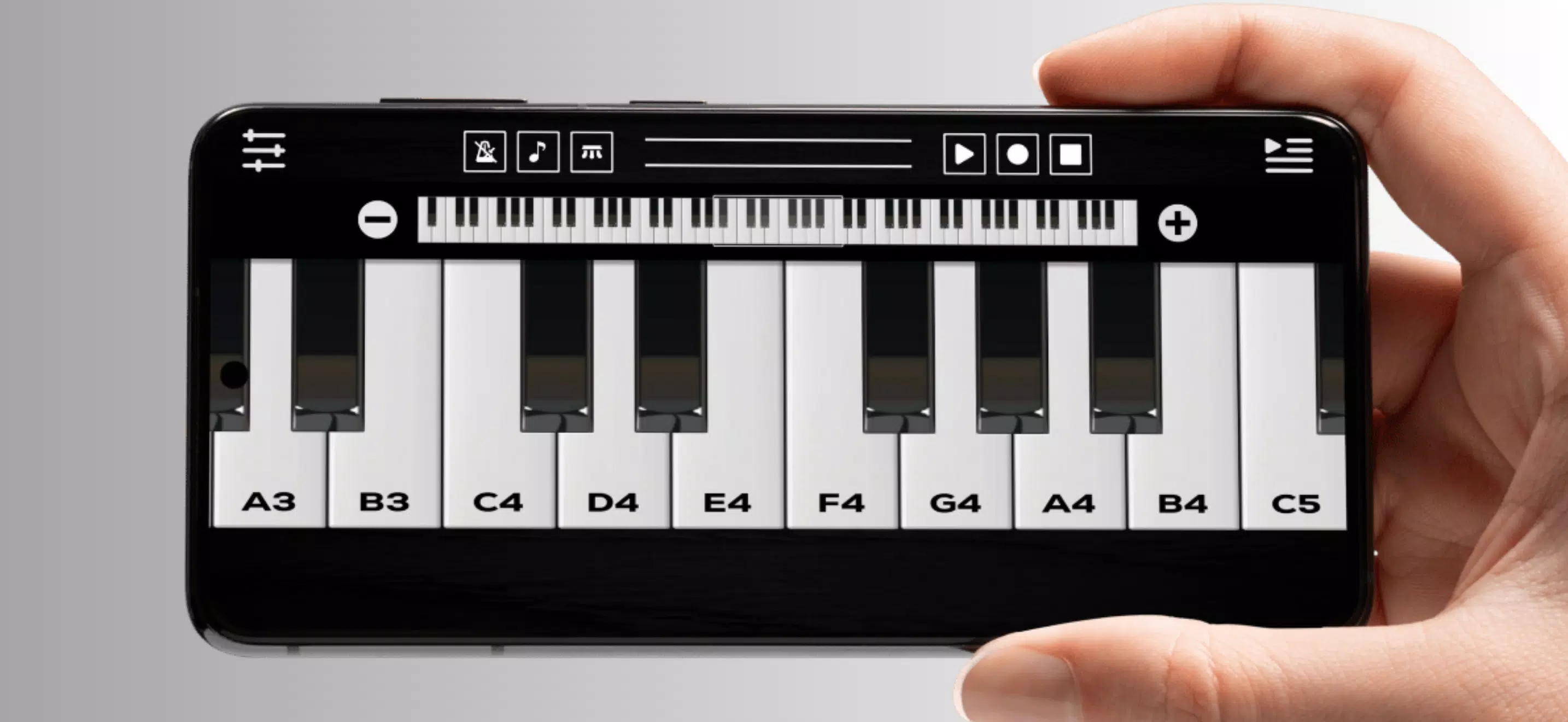
The interface prioritizes clarity and responsiveness. Keys are scaled automatically to fit different screen sizes and orientations, while gestures let you glide across octaves or pinch to zoom for fine control. On-screen labels and note-highlighting can be toggled, and control panels keep tempo, volume, and instrument selection accessible without interrupting play.
Learning Tools and Guided Practice
Best Piano includes structured lessons and interactive exercises that teach scales, chords, and common patterns. Visual cues show which keys to press and when, while real-time feedback evaluates note accuracy and velocity. Lesson progress is logged so users can resume at their level, and a practice planner helps set daily goals and monitor improvements over time.
Customization and Sound Options
Customization is a strong point. Users can switch between acoustic grand, electric piano, synth pads, and organ voices. Each instrument has adjustable attack, sustain, and reverb settings to shape tone. Key labels, color themes, and split-key assignments can be personalized, and mapping presets allow players to save custom layouts for different playing styles.
Workflow for Creating and Sharing
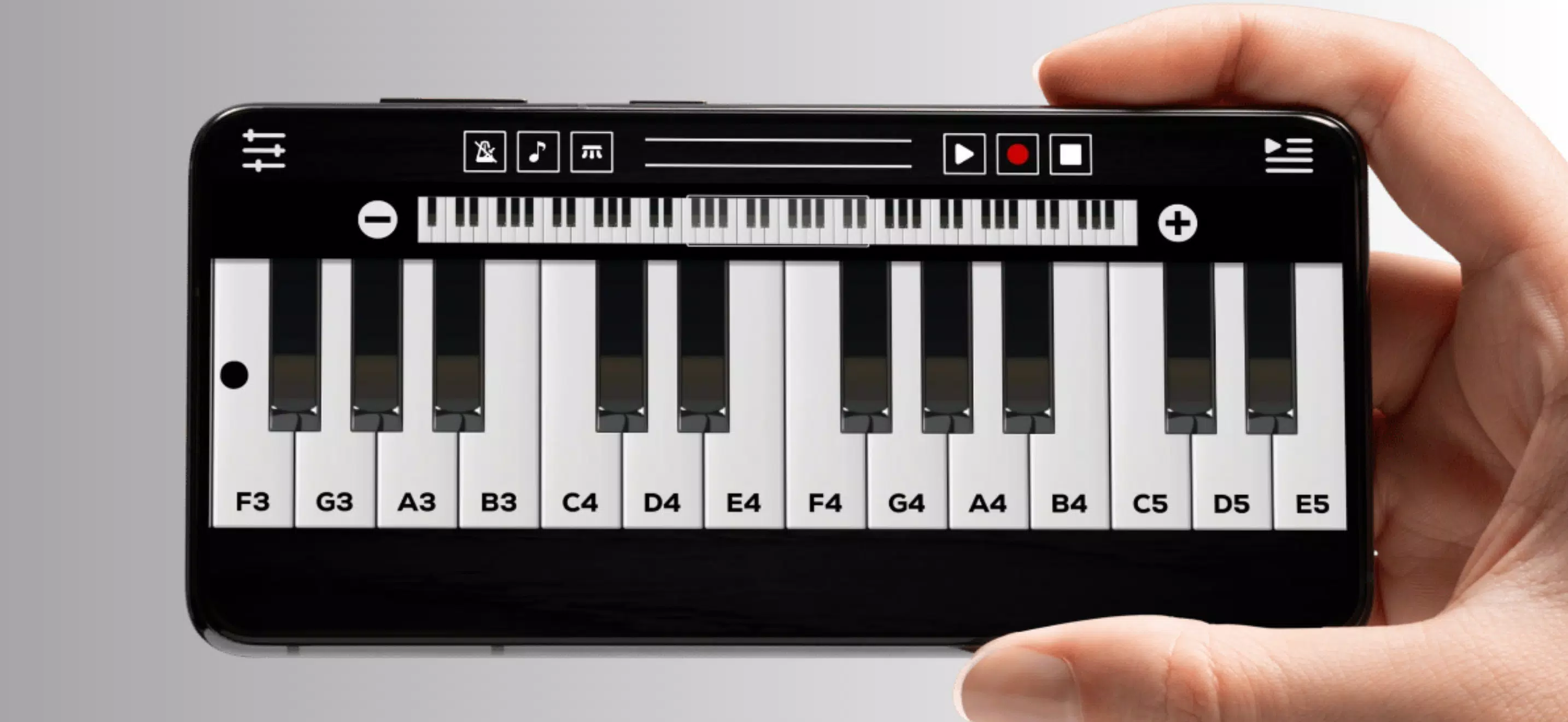
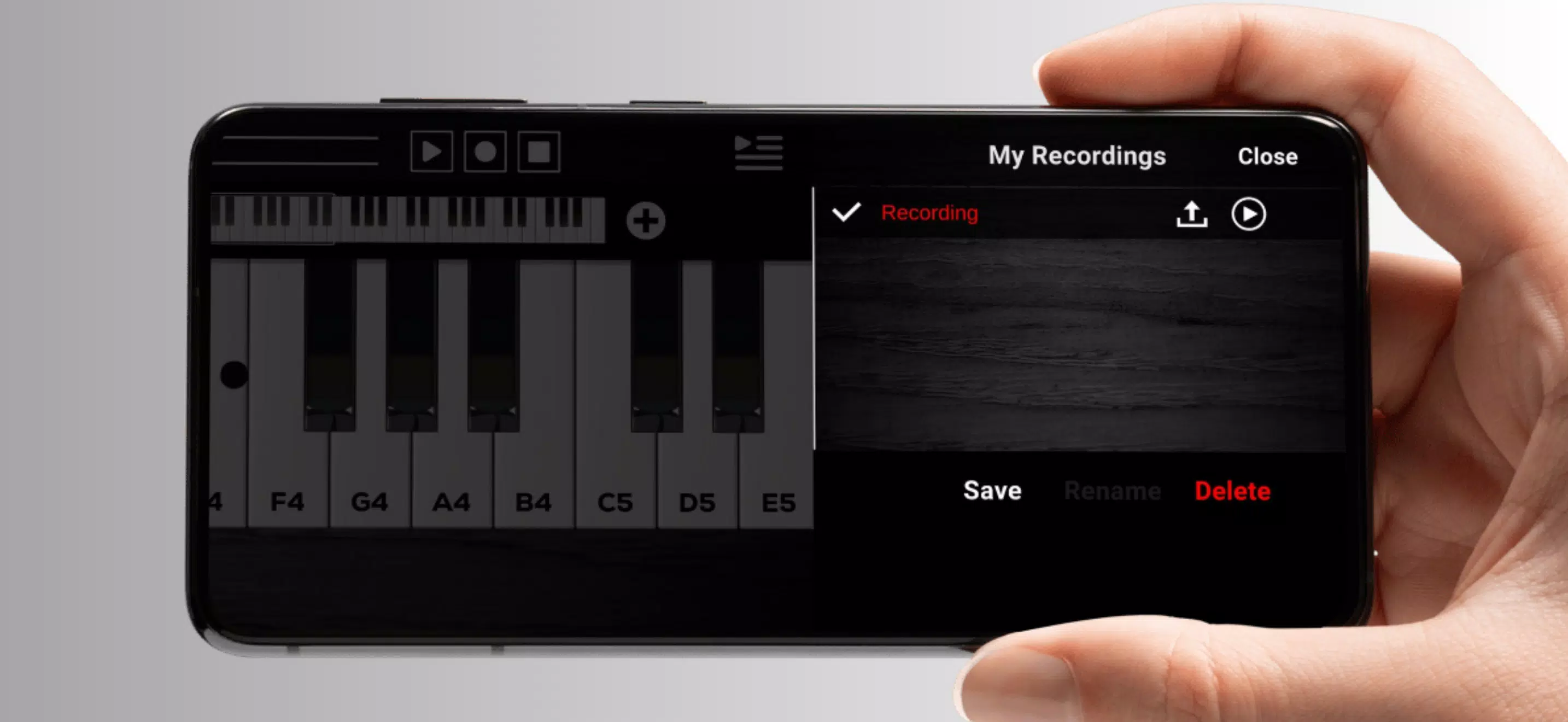
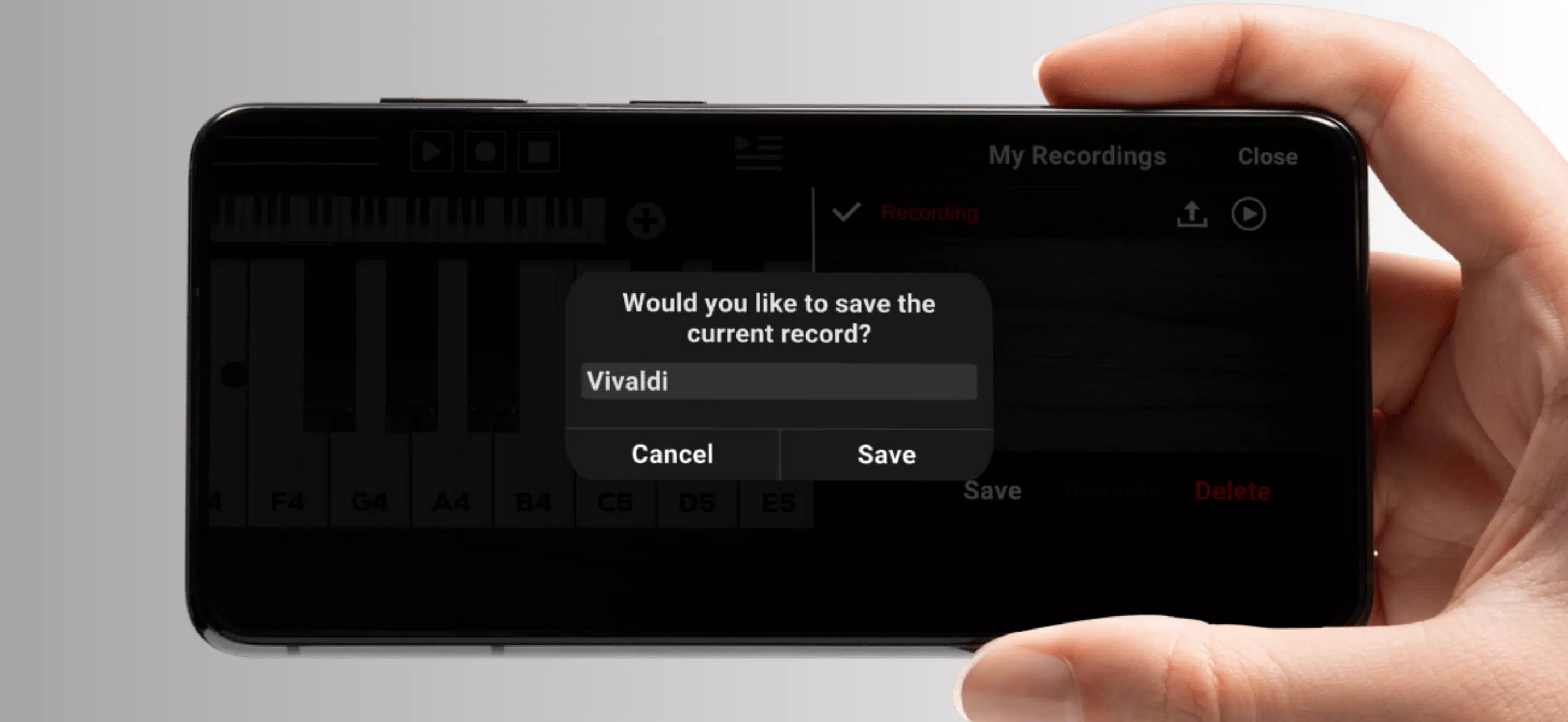
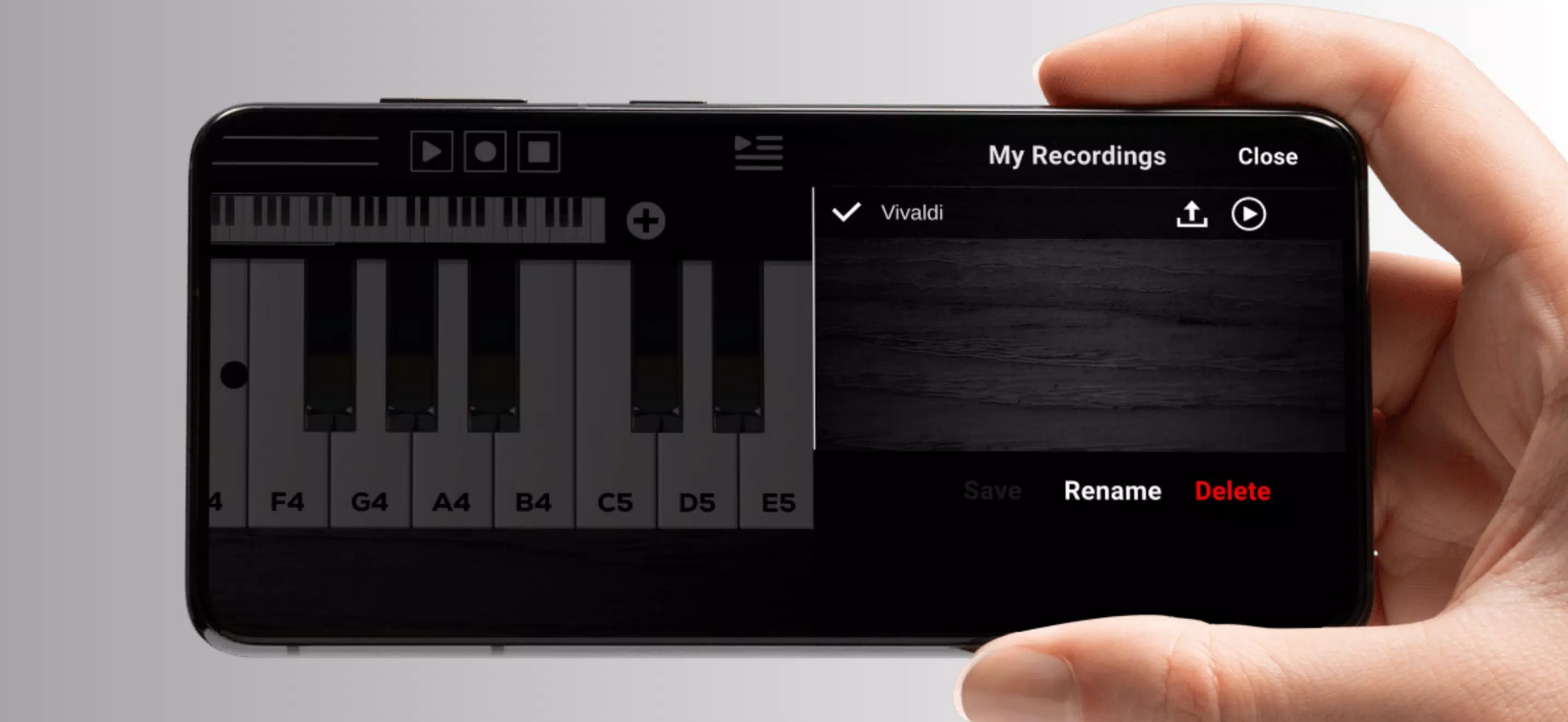
For users who compose or record on the go, Best Piano offers basic recording functionality with loop and overdub support. Recorded tracks can be exported as audio files for use in other apps or shared directly. A built-in chord library and simple notation view help translate ideas into structured arrangements without needing external tools.
Performance and Compatibility
Performance has been optimized for a wide range of Android hardware. The engine minimizes latency for reliable touch response even on mid-range devices, and battery-saving options reduce background processes during extended practice sessions. MIDI input and output are supported via USB and Bluetooth, enabling integration with keyboards and DAWs for more advanced setups.
Practical Uses and Scenarios
Best Piano serves multiple workflows: warm-up and technique drills before rehearsals, quick composition sessions while traveling, or structured lessons for steady progress. The app’s adaptable layout makes it suitable for tablets, phones, and devices connected to larger displays, so you can practice at home or in transit without sacrificing functionality.
Tips for Getting the Most Out of the App
- Enable metronome and slow-down features when learning new pieces to improve timing and accuracy.
- Use split-key mode to practice left- and right-hand parts separately before combining them.
- Record short sessions to evaluate dynamics and phrasing, then listen back critically to identify improvements.
- Experiment with different instrument profiles to find tones that motivate practice and match the genre you prefer.
Final Thoughts on Value
With its blend of realistic sound, adaptive controls, and educational tools, Best Piano is a flexible mobile instrument for players who want both playability and progress tracking. The app's feature set supports a range of activities from casual jamming to focused study, making it a practical choice for learners and creators who rely on Android devices.
Show More