Piano Companion
Version:6.54.823
Published:2026-10-31
Introduction
Piano Companion is a versatile music reference and practice tool that helps players explore scales, chords, and progressions with an interactive keyboard and customizable settings. It consolidates theory, ear training, and chord charts into a single interface, making it easier to practice, compose, and analyze music on the go.
Core functionality
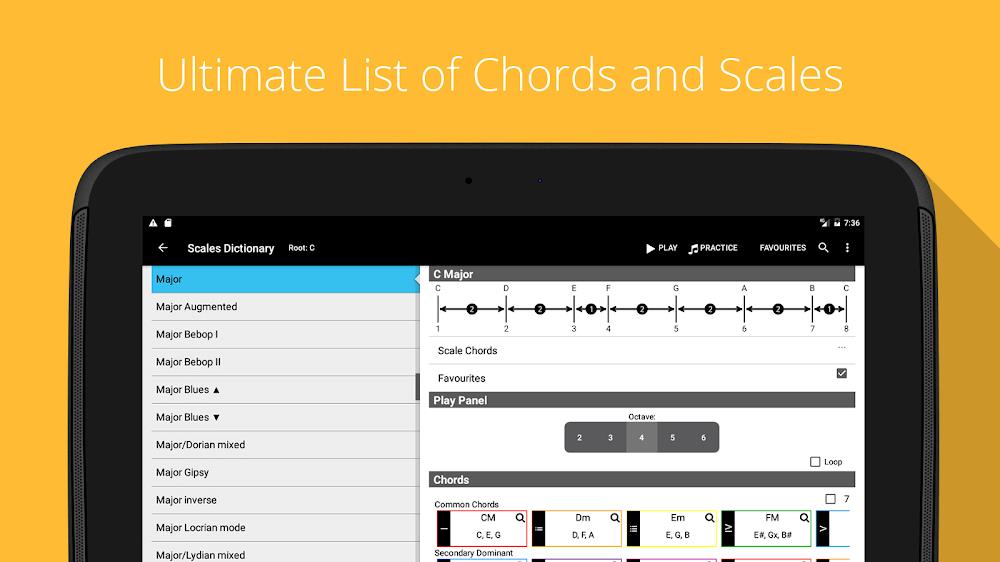
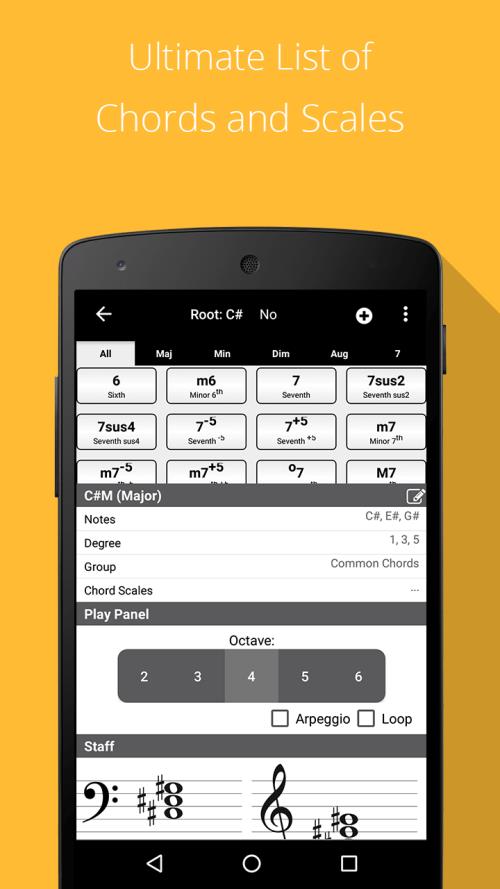
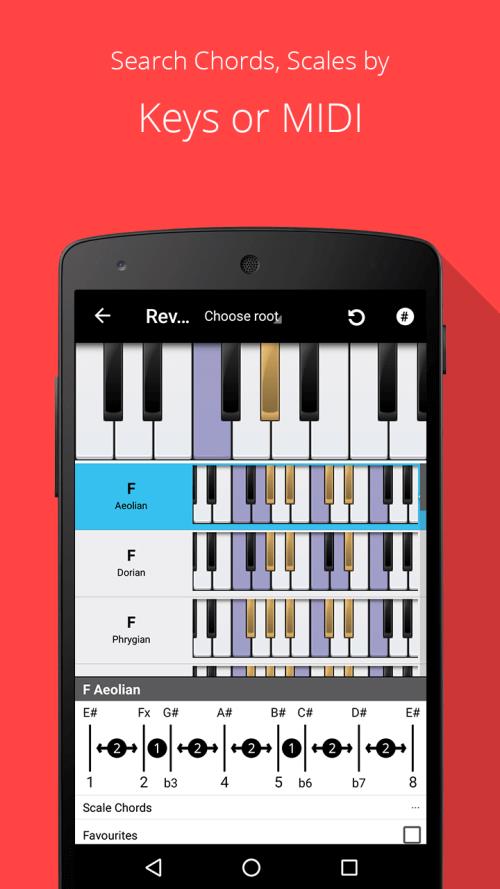
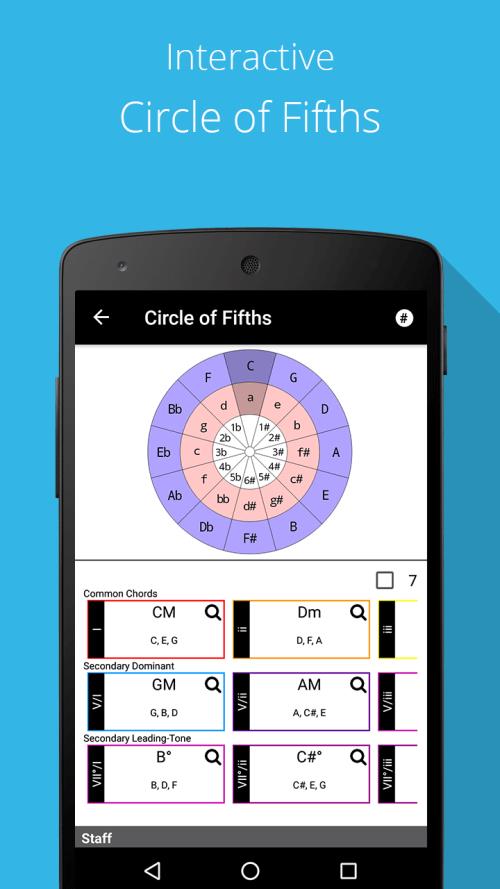
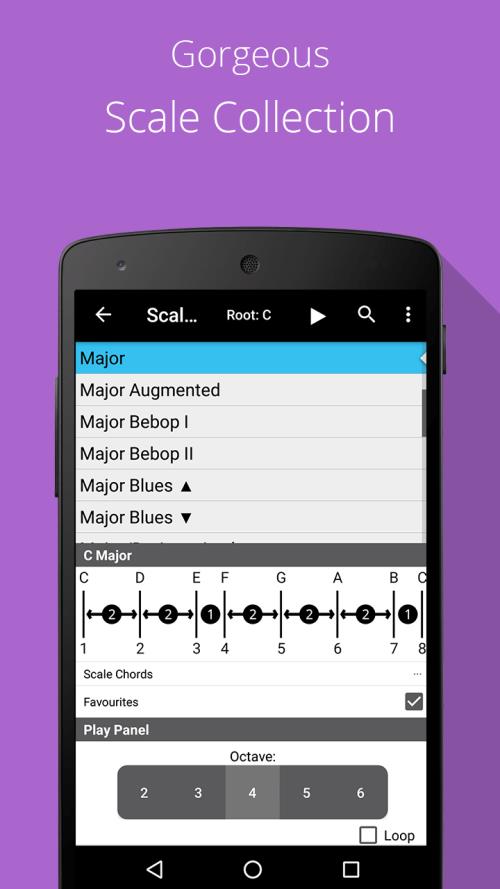
Piano Companion provides a dynamic chord and scale library accessible from a responsive virtual keyboard. Users can view chord voicings, alternate fingerings, and scale modes instantly. The app supports chord names and notations in multiple formats, allowing quick lookup while rehearsing or writing arrangements. It also generates common chord progressions and highlights how scales fit over those chords.
Learning and practice tools
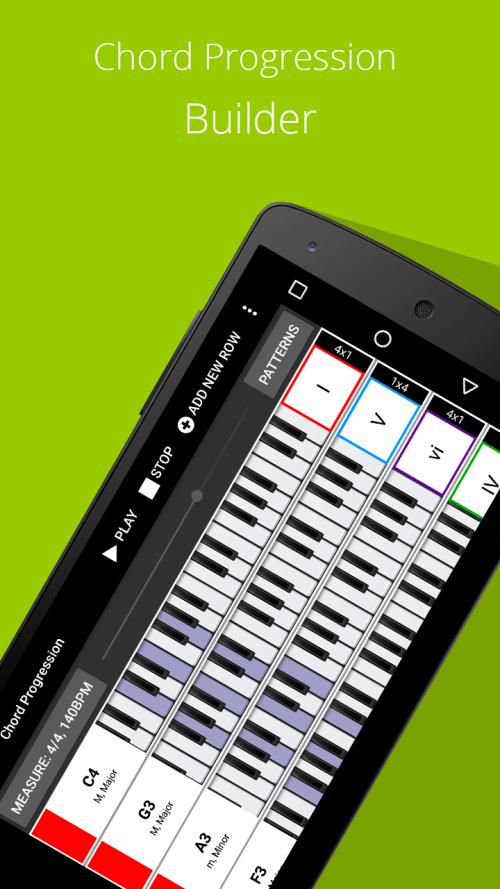
The app includes several practice-oriented utilities designed to accelerate musical understanding. An ear training module plays intervals and chords for recognition drills. A progression builder lets users assemble sequences, loop sections and change tempo for repetition. Built-in backing tracks and metronome controls create realistic practice scenarios so players can develop timing and improvisation skills inside the same workspace.
Interface and workflow
The interface focuses on clarity and speed: a clean layout shows the keyboard, chord panel and scale selector without overwhelming menus. Tapping a chord instantly updates the display with alternate positions and recommended scales. Users can switch between piano, guitar and tablature views when available, creating a fluid workflow for transcribing or adapting parts between instruments.
Customization and personal library
Customization is central to the app experience. Users can save favorite chords, progressions, and scales in a personal library and tag them for easy retrieval. Transposition tools enable instant key changes while preserving voicings. Tone and display settings allow adjustment of keyboard size, color themes, and notation preferences to suit individual comfort and accessibility needs.
Composition and analysis
Piano Companion doubles as a composition assistant. The progression builder and chord suggestions help generate ideas when writing songs. Analytical features break down harmonic relationships and show common substitutions, substitutions, and modal interchange options. This makes the app useful both for sketching new material and for dissecting existing songs to understand why they work.
Performance and compatibility
Designed for mobile performance, the app loads quickly and runs smoothly on a wide range of Android devices. Audio playback and MIDI compatibility offer flexibility for integrating with external keyboards or DAWs. Offline access to the chord and scale database ensures the tool remains useful during rehearsals or gigs where internet access is limited.
Why musicians choose it
Musicians appreciate the app for its balance of depth and accessibility. The immediate visual feedback on chord shapes and scale relationships speeds up learning, while the ability to save custom progressions supports long-term practice goals. The app is equally handy during writing sessions, live rehearsals, and theory study, offering practical tools without unnecessary complexity.
Tips to get the most from the app
- Create themed libraries: Organize progressions by genre or project to jump into focused practice quickly.
- Use looping and tempo controls: Slow down complex changes during learning, then increase speed as proficiency grows.
- Experiment with substitutions: Try alternate chords suggested by the analysis tool to find fresh harmonic colors.
- Connect MIDI devices: Link an external keyboard to see real-time chord detection and to play with richer sounds.
Final notes on adoption
Piano Companion fits well into the routines of students, teachers, and working musicians by offering a compact, searchable reference and a suite of practice features that respond to real-world musical needs. With regular updates and adaptable settings, the app remains a practical companion for developing technique, expanding harmonic vocabulary, and bringing creative ideas to life.
Show More