Windows Clicker
Version:1.0.0
Published:2026-11-01
Introduction
Windows Clicker is a minimalist incremental tap game that invites players to take over a simulated machine using simple taps and steady upgrades, blending quick-session pick-up-and-play with longer idle progression and a tongue-in-cheek hacker theme.
Overview
At its core, Windows Clicker is built around a straightforward click-and-upgrade loop: each tap generates influence or resources, those resources buy upgrades that increase output, and over time the numbers snowball to create a satisfying sense of progress. The game pairs immediate tactile feedback on each tap with systems that reward planning about which upgrades to prioritize, making it appealing for both short bursts and more patient incremental play.
Gameplay Mechanics
Gameplay focuses on three familiar elements executed with clarity: manual tapping, passive income that accumulates during idle periods, and purchasable upgrades that unlock new multipliers and efficiencies. Clicking provides instant rewards while permanent upgrades and temporary boosts alter the pace of growth. Players will notice a steady escalation of milestones that act as short-term goals while longer progression paths open up as numbers increase.
Controls and User Experience
The controls are intentionally simple so the interface stays approachable on phones and tablets. Tapping the main element is the primary action; upgrade menus and confirmation dialogs are compact and labeled for quick decisions. Visual and audio feedback for each interaction is kept minimal to match the overall aesthetic, but settings allow you to adjust feedback volume and animation speed to suit your device and play style.
Progression Systems
Progression in Windows Clicker combines immediate gains from active tapping with idle earnings that continue when the app is not in the foreground, creating multiple ways to advance. Upgrade trees offer incremental percent boosts, automation options that reduce the need for constant tapping, and milestone rewards that unlock new stages of virtual systems. These layers produce a loop where short-term choices feed long-term growth and encourage revisiting the game to optimize builds.
Visual Style and Presentation
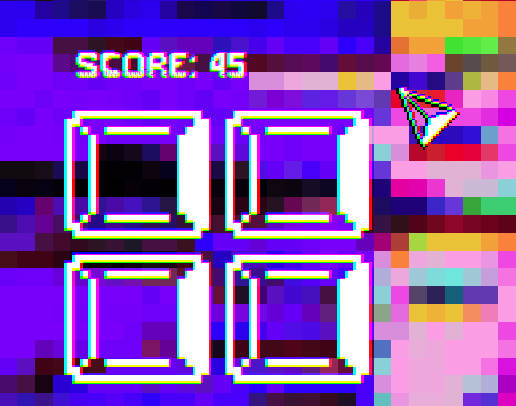
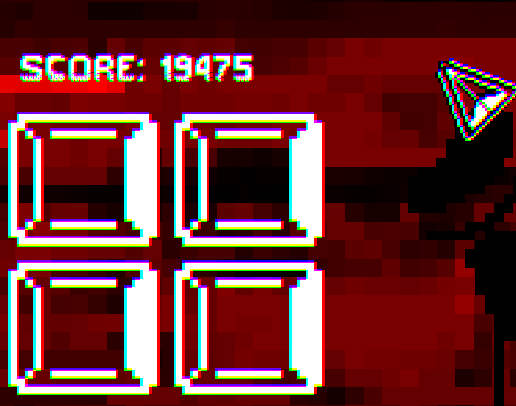
The visual design embraces a minimalist, slightly retro computer aesthetic that supports clarity of information rather than flashy distractions. Clean lines, simple icons, and contrast-driven UI elements ensure that numbers and progress indicators are always easy to read. The restrained visual language complements the cheeky hacker motif and helps maintain performance on a wide range of devices.
Level Structure and Challenge Systems
Rather than conventional level maps, progression is organized into themed stages representing different virtual systems and simulated machines. Each stage increases challenge through higher targets and tougher efficiency thresholds, and periodic milestone challenges require focused short-term runs to achieve a new breakthrough. These escalating goals provide variety and a sense of accomplishment without introducing complex mechanics.
Customization and Replay Value
Customization options are focused on accessibility and personalization rather than altering core balance: adjustable input sensitivity, audio toggles, and visual contrast settings let players tailor the experience. Replay value comes from experimenting with different upgrade paths and optimizing for speed versus long-term idle growth. The incremental design encourages multiple playthrough approaches as new strategies emerge with progression.
Accessibility and Offline Play
The app emphasizes accessibility through readable text sizes, clear contrast, and simple navigation. Controls remain consistent across device orientations and screen sizes. Windows Clicker is designed to be playable without a constant network connection so you can progress during commutes or in offline situations; game state saves locally to preserve your progress between sessions.
User Experience Tips
For best results, alternate between active tapping sessions to reap immediate gains and passive idle periods to accumulate long-term resources. Focus early upgrades on multipliers that scale with your tapping speed, then transition toward automation and persistent boosts to maintain momentum. Short daily check-ins are enough to keep steady growth while longer runs unlock deeper milestones.
Who Should Try It
This title will suit players who enjoy incremental growth games, minimalist interfaces, and a lighthearted hacker-flavored premise. If you like clear progression, accessible controls, and the compounding satisfaction of numbers rising over time, Windows Clicker provides a polished single-player clicker experience with options for both quick sessions and extended play.
Show More