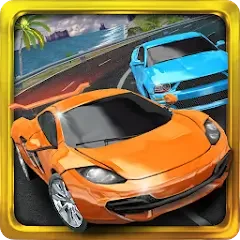
Turbo Driving Racing 3D
Version:3.0
Published:2026-11-11
Introduction
Accelerate, drift - then overtake, Turbo Driving Racing 3D throws you into high-energy street races where split-second moves decide who leads. This Android title blends simple controls with a focus on speed and risk: tilt to steer, tap to throttle and brake, and push your car through winding urban circuits while upgrading performance between runs. Whether you want quick adrenaline between tasks or longer sessions to polish your runs, the game aims to deliver loud engines, sculpted cars, and tense head-to-head moments.
Gameplay of Turbo Driving Racing 3D:
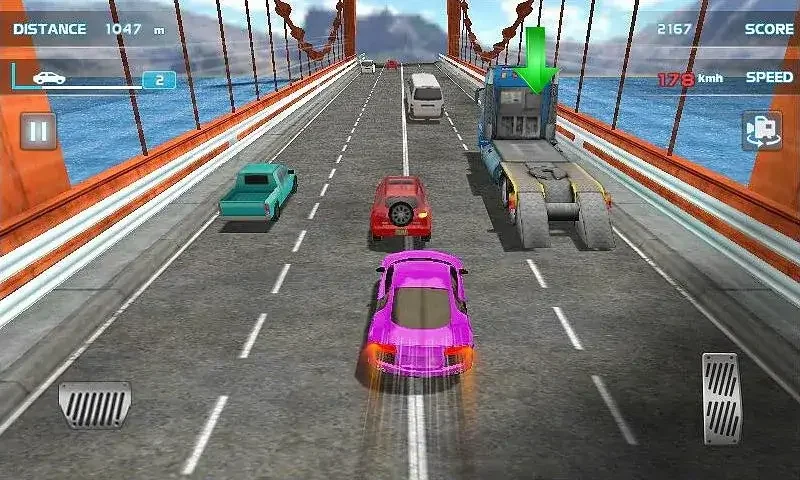
Controls and input: Steering uses device tilt while two on-screen buttons handle acceleration and braking, letting you concentrate on line and timing rather than complex button combos.
Risk vs reward speed system: Driving at moderate speeds makes it easier to nudge opponents aside safely, while higher speeds increase point multipliers and the chance of catastrophic crashes.
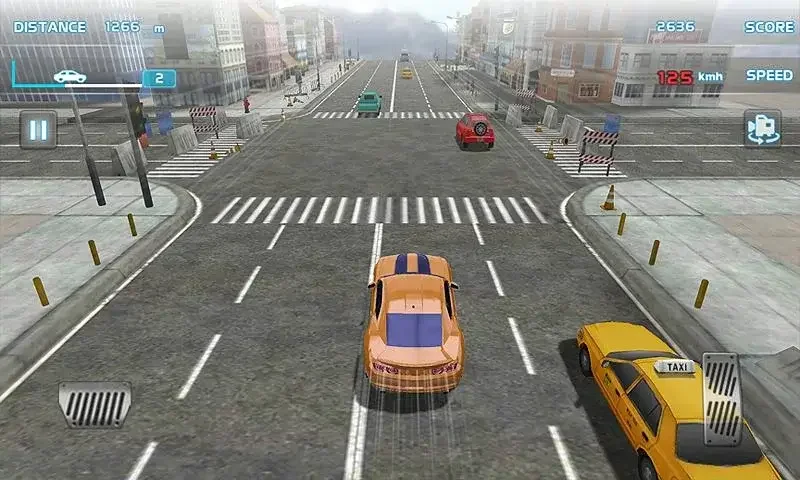
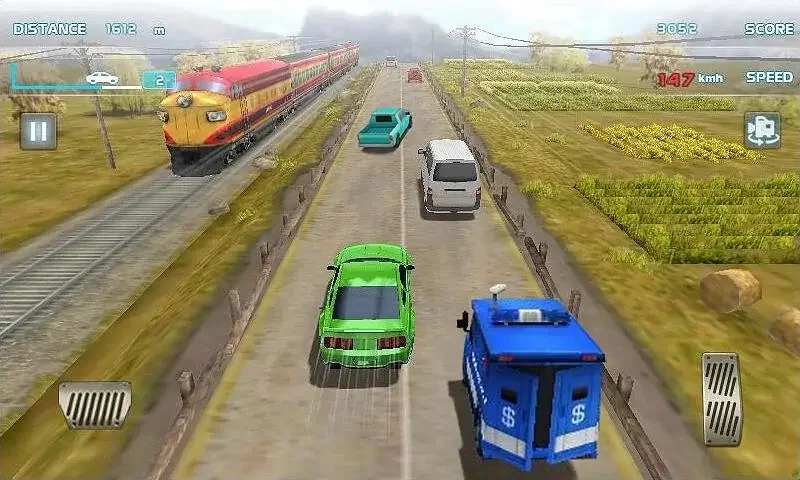
Tracks and obstacles: Each stage places you in a different city environment with longer routes and tighter turns as you progress, plus larger vehicles such as container trucks that require different tactics.
Progression loop: Win races to earn currency and unlock new cars, then spend upgrades on speed, braking, and transmission to tackle tougher events and longer courses.
Features of Turbo Driving Racing 3D:
Realistic car models: Vehicles are designed to resemble high-end sports cars, giving each ride a distinctive silhouette and engine note.
Immersive audio: Engine roars and street ambience add a cinematic feel to every race, helping you sense when to push and when to pull back.
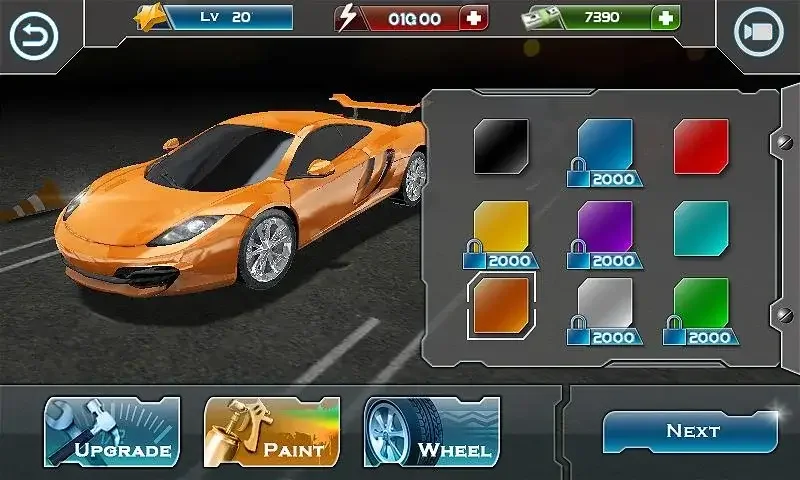
Upgradeable parts: Simple upgrade tiers for speed, brakes, and gears let you tune performance without deep customization menus.
Mobile optimization: The game runs smoothly on most Android handsets and keeps input responsive so races feel immediate.
Tips and Tricks:
Balance speed and safety: Hold back slightly before narrow sections; accelerating into traffic at very high speed often ends a run, while steady pace yields consistent finishes.
Use side impacts selectively: Bumping smaller cars from the side can open a gap, but avoid larger trucks where collisions are more likely to flip your vehicle.
Upgrade smartly: Prioritize brakes for twisty tracks and speed for long straights. A well-rounded build can be more forgiving than maxing a single stat.
FAQs about Turbo Driving Racing 3D:
How do I steer and control the car?
You steer by tilting your device left or right and use the on-screen throttle and brake buttons to manage speed and stops.
What happens if I hit another vehicle at top speed?
High-speed impacts often lead to severe crashes that end your current race, so collisions carry a meaningful penalty at extreme velocity.
Can I customize or upgrade my cars?
The game includes basic upgrade options for components like speed, brakes, and gear response so you can adapt cars to different tracks.
Conclusion:
Turbo Driving Racing 3D delivers an accessible arcade racing loop centered on tilt steering, aggressive passes, and car upgrades, making it a good pick if you enjoy short bursts of competitive driving or building a small garage of standout cars; features and exact monetization may vary with updates and across stores.
Show More