

CellSwipe
Version:1.0.2
Published:2026-08-11
Introduction
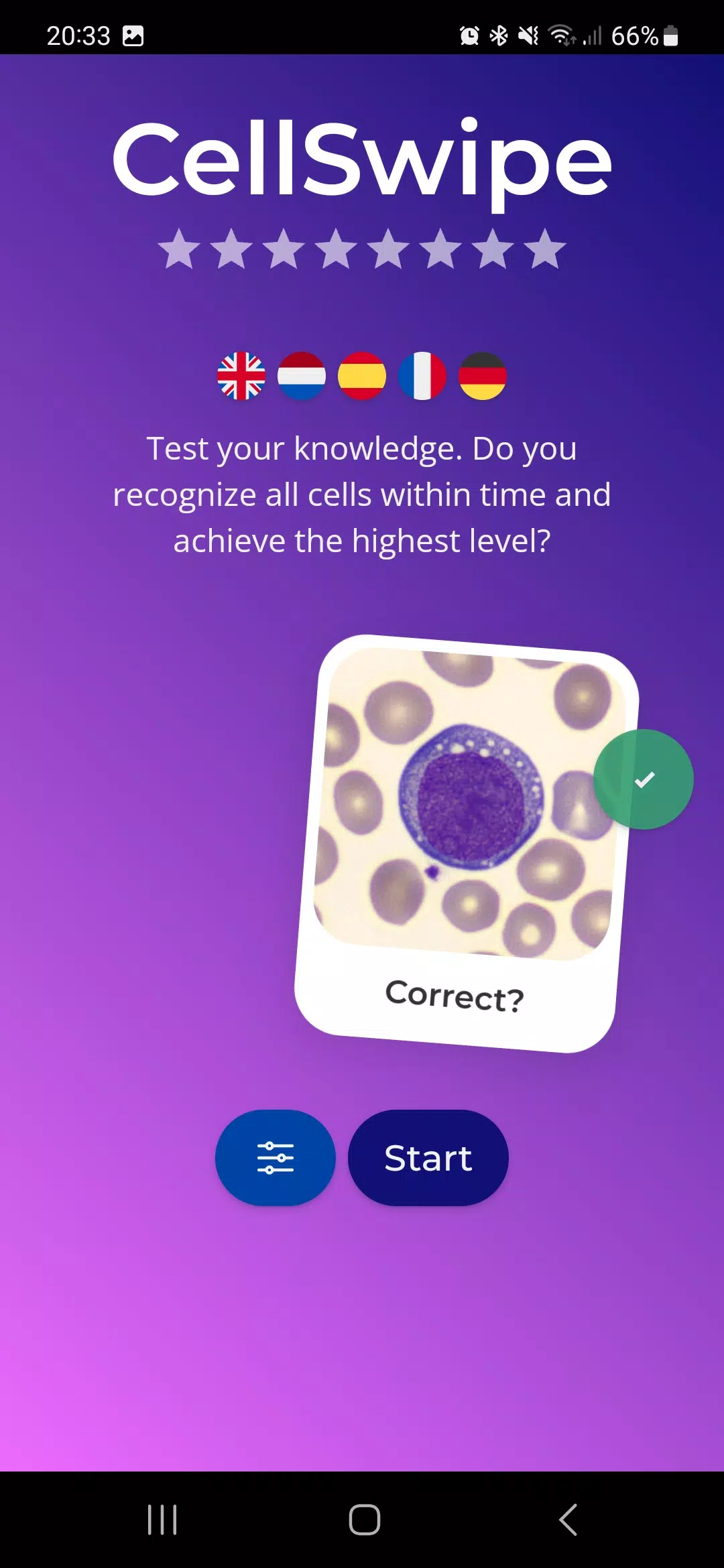
CellSwipe is a focused, image-based learning app built to help medical students, laboratory technologists, and clinicians sharpen rapid visual recognition of white blood cells. CellSwipe places short, repeatable practice rounds at the center of study, pairing high-quality labeled microscopy images with simple swipe or tap responses so learners can practice pattern recognition, track speed and accuracy, and convert mistakes into targeted review without replacing hands-on microscopy training.
How it works
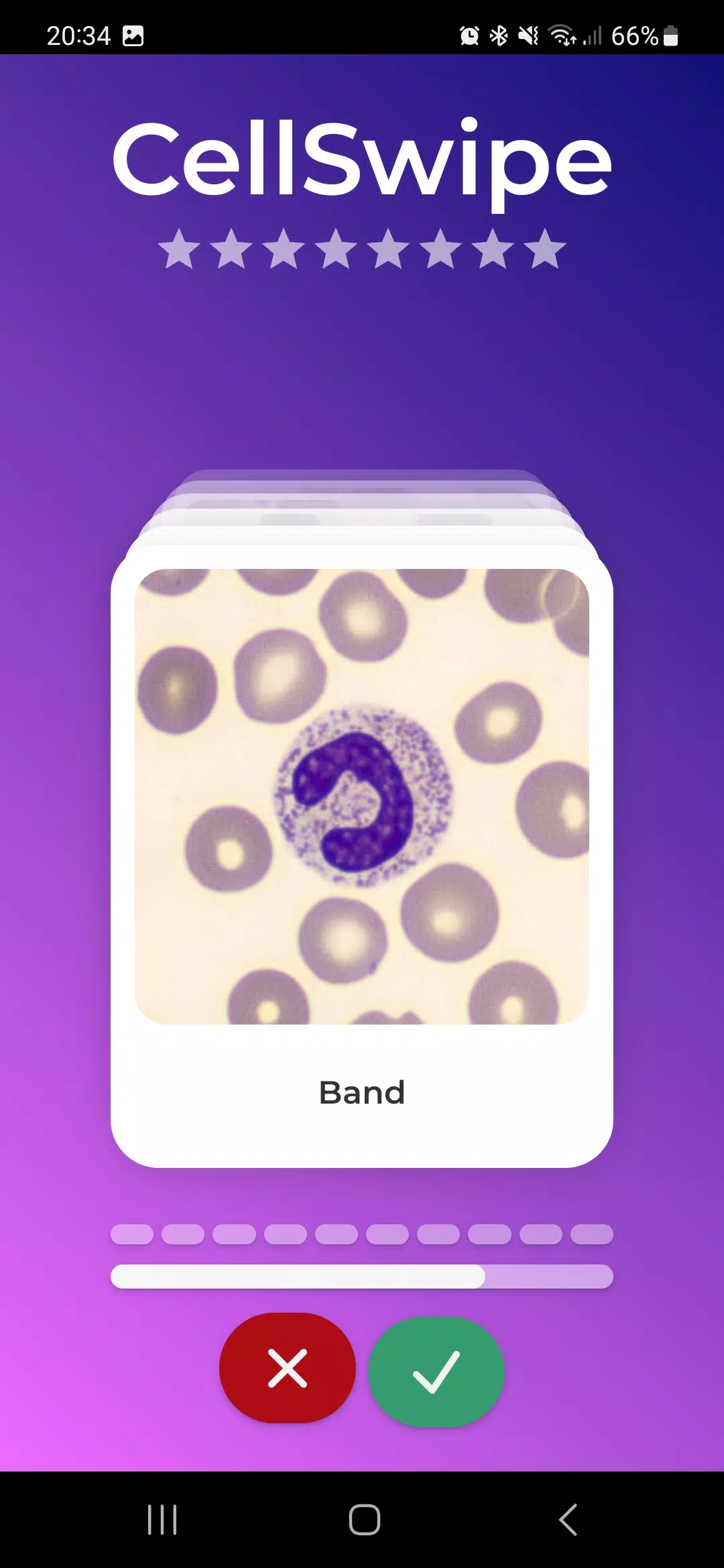
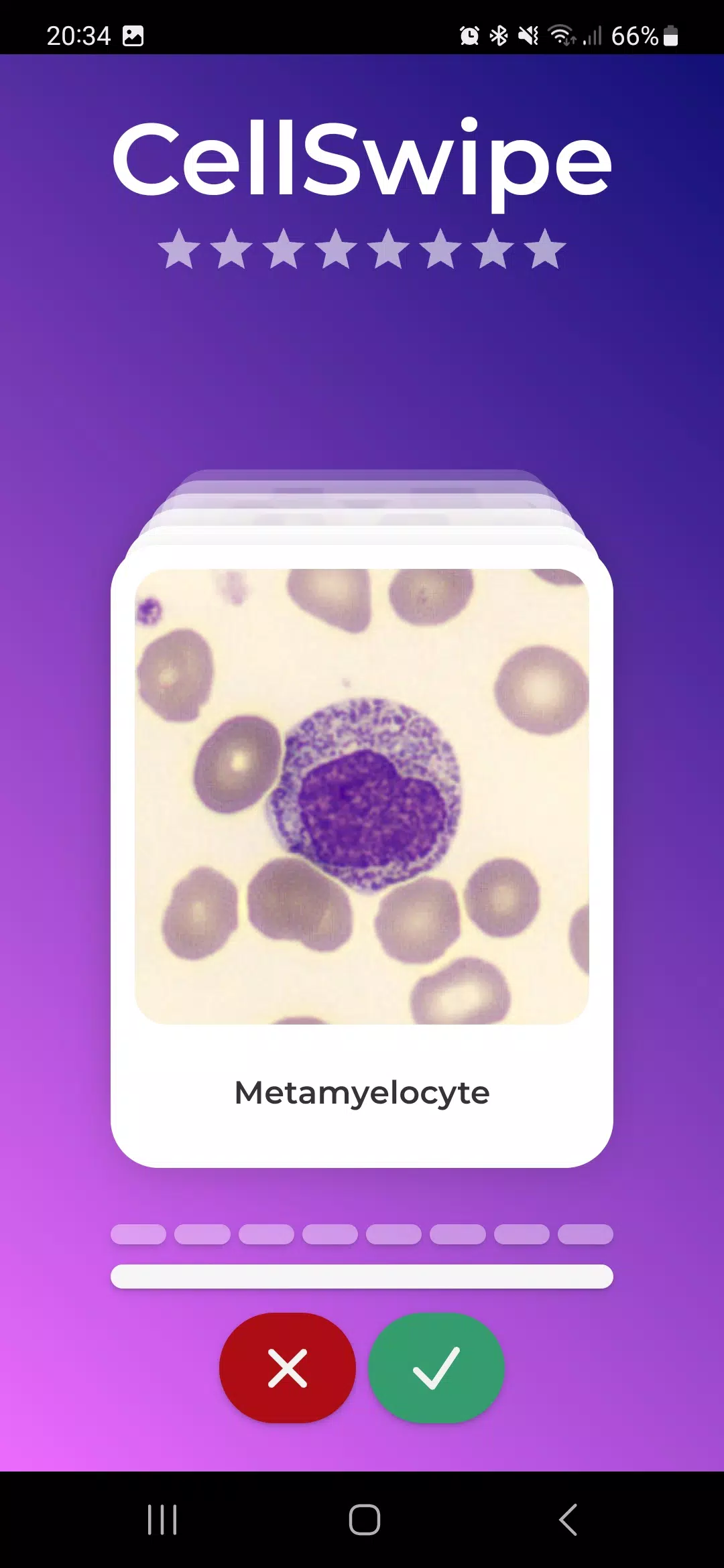
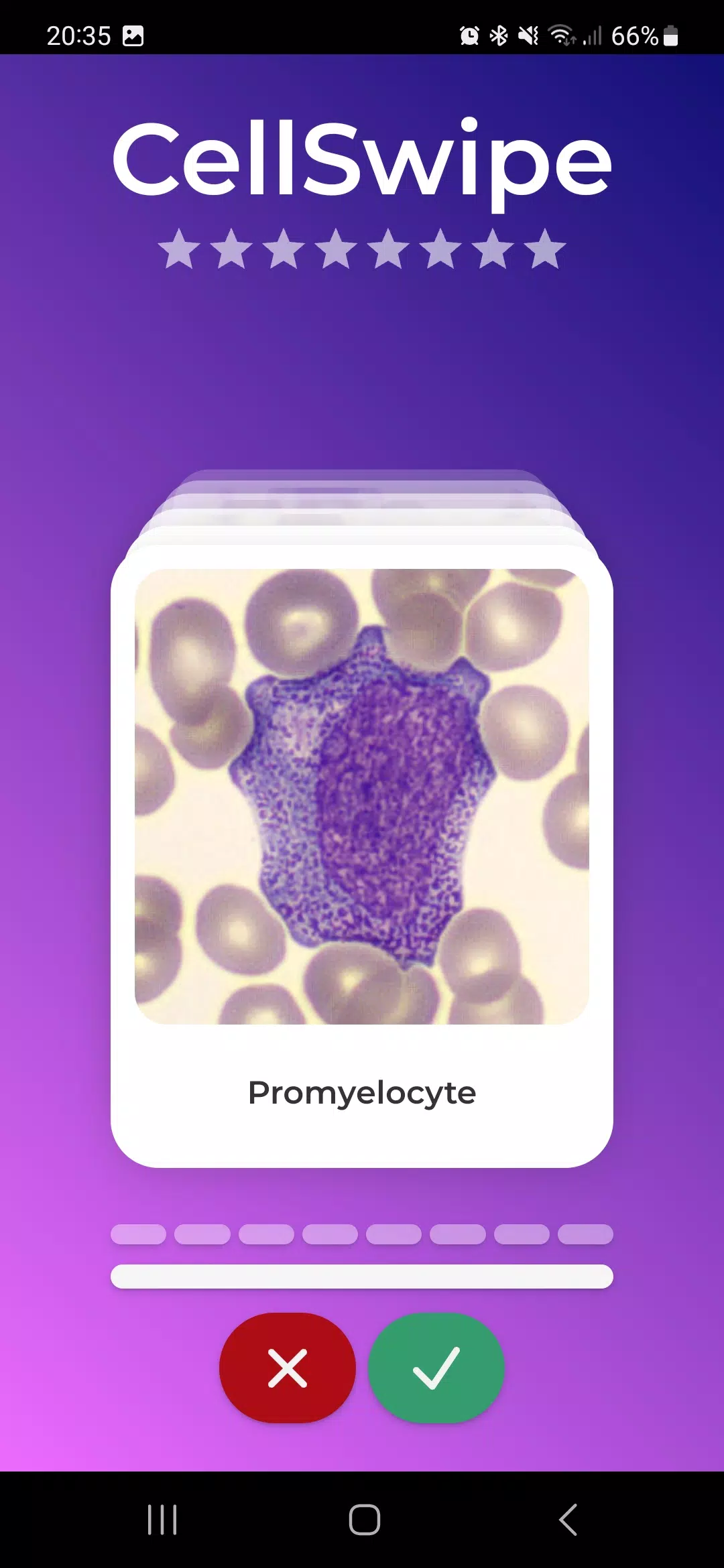
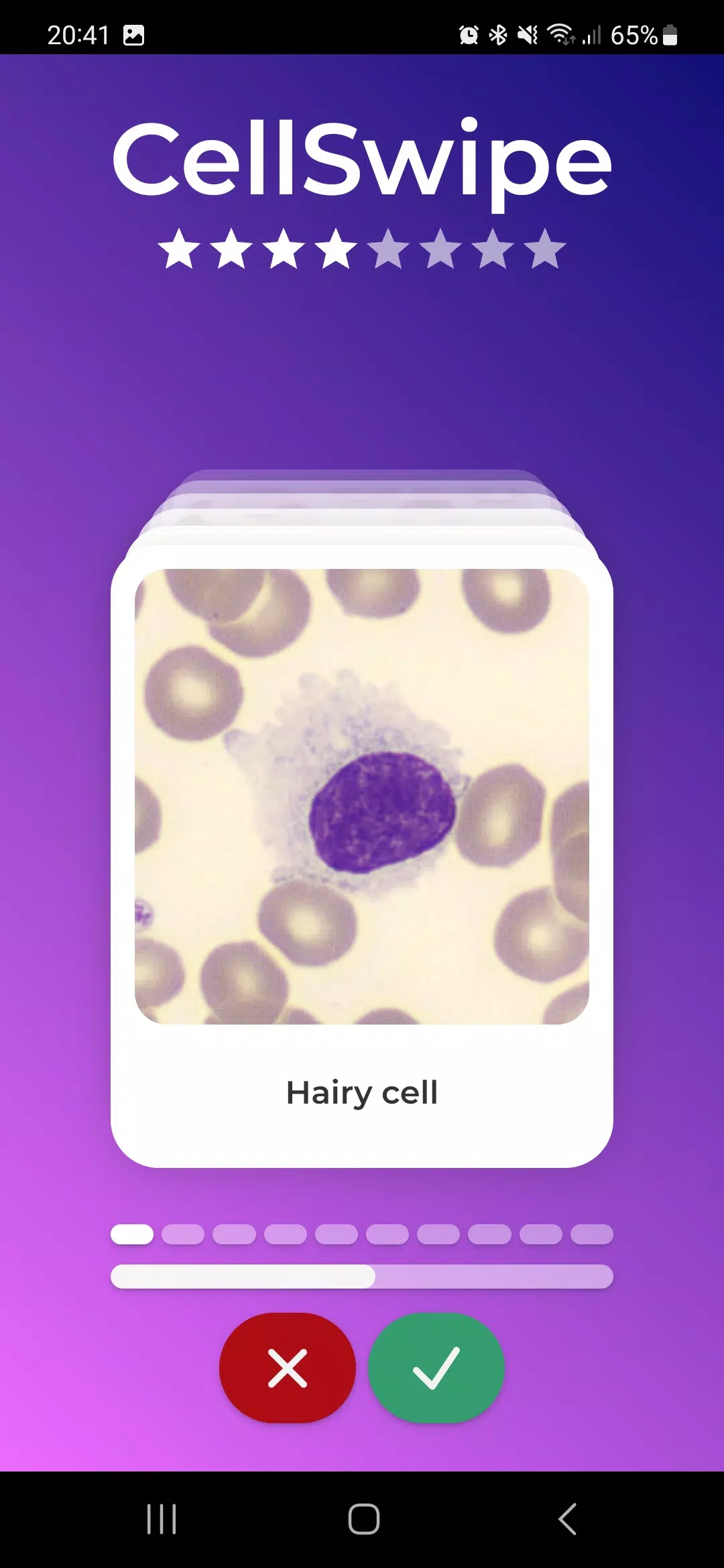
The primary interaction model uses left and right swipes to accept or reject an image-title pairing, with optional tap controls for users who prefer explicit buttons. Each round presents a randomized stream of labeled images drawn from a curated library that includes normal cell types and a range of abnormal morphologies. Timed rounds simulate fast screening conditions to build recognition under pressure, while untimed modes support deliberate, reference-first learning. After each decision CellSwipe provides immediate visual feedback and a concise explanation that highlights discriminating features, helping the user link visual cues to diagnostic labels.
Gameplay mechanics and controls
Gameplay emphasizes repetition, short sessions, and progressively challenging sets. Swiping right accepts the proposed label and swiping left flags a mismatch; both gestures are reinforced by brief animations and color-coded feedback so users see their performance at a glance. For accessibility and device variability the app also supports tap-to-confirm and tap-to-reject controls, adjustable timer lengths, and a clear pause/resume option. Response time is measured for each card so learners can review timing patterns alongside accuracy metrics.
Progression and level structure
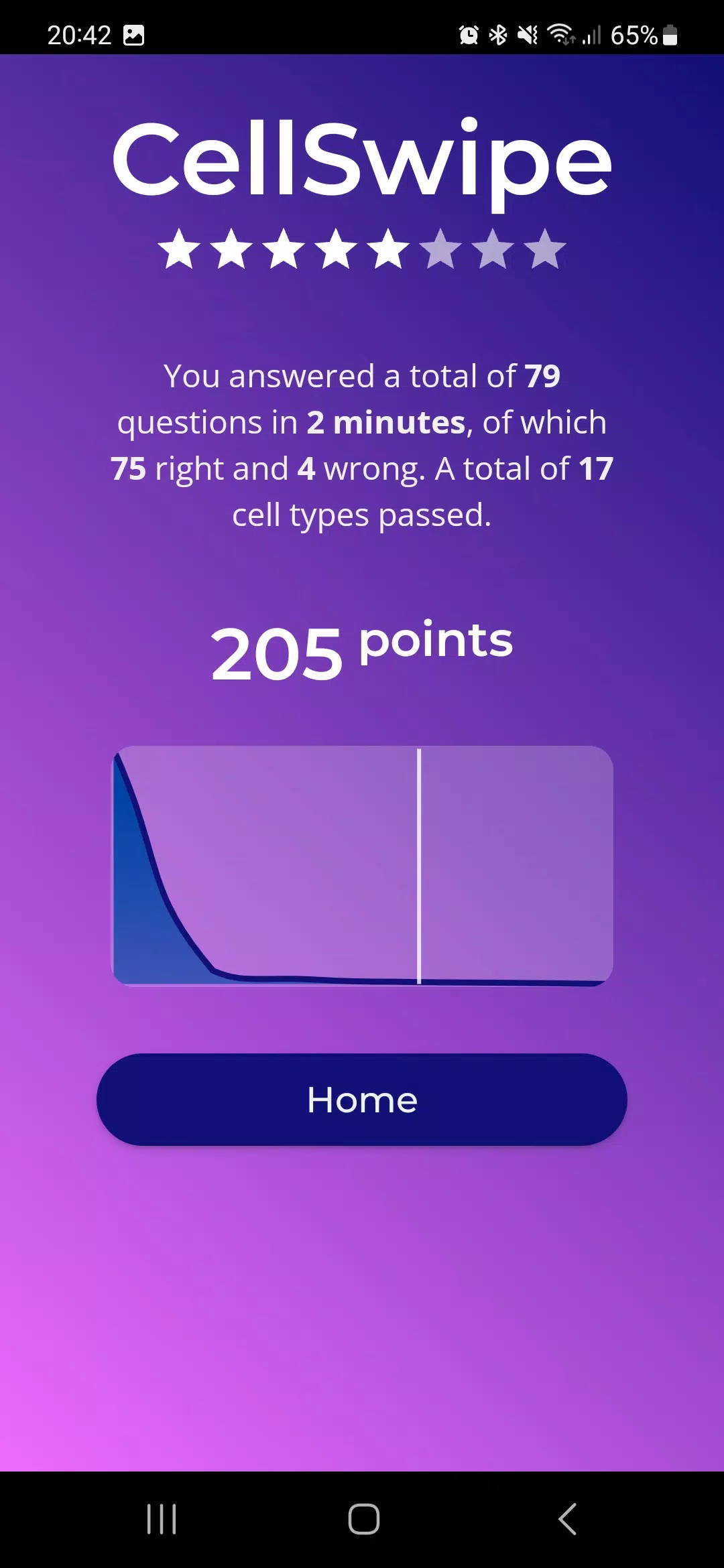
Progression is driven by measurable performance rather than arbitrary unlocks: rounds are grouped into sessions of configurable length with running scores, streaks, and accuracy percentages. Difficulty is tunable by reducing time-per-card, increasing the proportion of visually similar distractors, or narrowing the image set to specialized categories such as neutrophils, lymphocytes, eosinophils, blast forms, or atypical cells. Sessions can be set to focus on a single category to form a microlearning workflow, or mixed to build general recognition across common morphologies.
Customization and study management
Users can customize practice by filtering the image library by cell type, pathology category, or difficulty tier, and by choosing session length and timing options. Focused practice sets allow a student to isolate problematic morphologies and repeat them until performance improves. Session histories record past rounds and scores so learners can revisit specific cards or trends, and in-app reference links point to deeper explanatory material and example cases for users who want to study errors beyond the immediate feedback.
Visual style and content quality
Visual fidelity is prioritized for clear morphology recognition: images are cropped and presented at resolutions suitable for mobile screens, with optional annotations and a zoom feature to inspect fine details without losing overall context. A neutral color palette and optional high-contrast theme support consistent viewing across lighting conditions, while adjustable typography improves readability for extended practice. Labels and explanation panels use concise, fact-based text to reinforce visual learning without overwhelming the card interface.
Replay value, accessibility and offline use
Replay value comes from randomized decks, configurable difficulty settings, and the ability to target weak spots identified by scoring summaries. Accessibility features include adjustable font sizes, high-contrast display options, and optional auditory cues for correct and incorrect answers. The core image library is stored locally to enable offline study in low-connectivity environments; users can continue practicing and sync additional resources or updates when they have a connection.
Challenge systems and limitations
Challenge modes tighten timers and reward streaks to simulate high-throughput screening scenarios, encouraging faster pattern recognition while still providing explanatory feedback after errors. It is important to note that CellSwipe is intended as a supplemental practice tool for visual recognition skills and not a replacement for laboratory training, formal coursework, or full diagnostic workflows. The app is most effective when used alongside conventional microscopy practice and supervised learning opportunities.
Show More
Information
Screenshots
Latest Update












Latest News
-
![Revealing the Launch Playlists and Cross-Progression for COD Warzone Mobile News]()
-
![March 2024 Free Redemption Codes for Honkai: Star Rail News]()
-
PUBG Mobile Teams Up with Bentley Motors: Luxury Cars, Exclusive Collectibles, and Beyond 2024-04-18
![PUBG Mobile Teams Up with Bentley Motors: Luxury Cars, Exclusive Collectibles, and Beyond News]()
-
![Monster Never Cry is now accessible on both Android and iOS mobile devices. News]()
-
V2.2 of the Farlight 84 update introduces an overhauled Season structure, fresh in-game currency, an 2024-04-16
![V2.2 of the Farlight 84 update introduces an overhauled Season structure, fresh in-game currency, an News]()
-
![Arrival of Genshin Impact 4.6 Update: 'Embers of Two Realms, Twilight of Crimson' News]()
-
April 2024 Clash of Clans Update: Unveiling a Fresh Companion, Enhanced Levels, Chat Tagging, and Be 2024-04-16
![April 2024 Clash of Clans Update: Unveiling a Fresh Companion, Enhanced Levels, Chat Tagging, and Be News]()






