

SATCO-UP
Version:2.0
Published:2026-08-22
Introduction
SATCO-UP is a mobile application that blends practical cognitive training with operational management features to support both individual users and internal operators. The app focuses on reaction and observation drills presented as short, scenario-like tasks, while also offering tools for block order handling, account overviews, inventory checks and real-time activity tracking for organizations. SATCO-UP is designed to be compact and efficient so that staff can sharpen quick decision-making skills and manage routine operational workflows from a single, secure interface.
Key Features
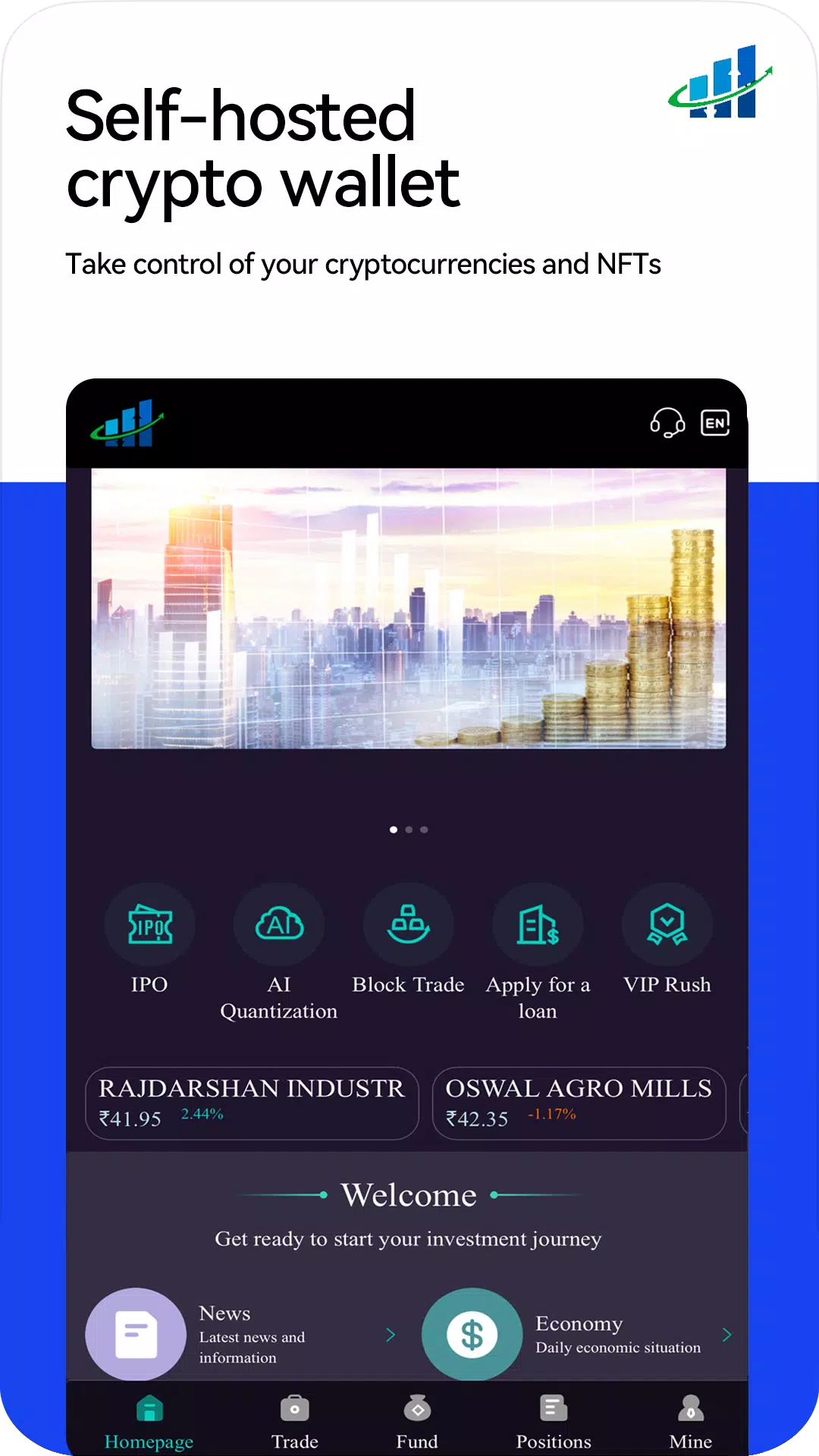
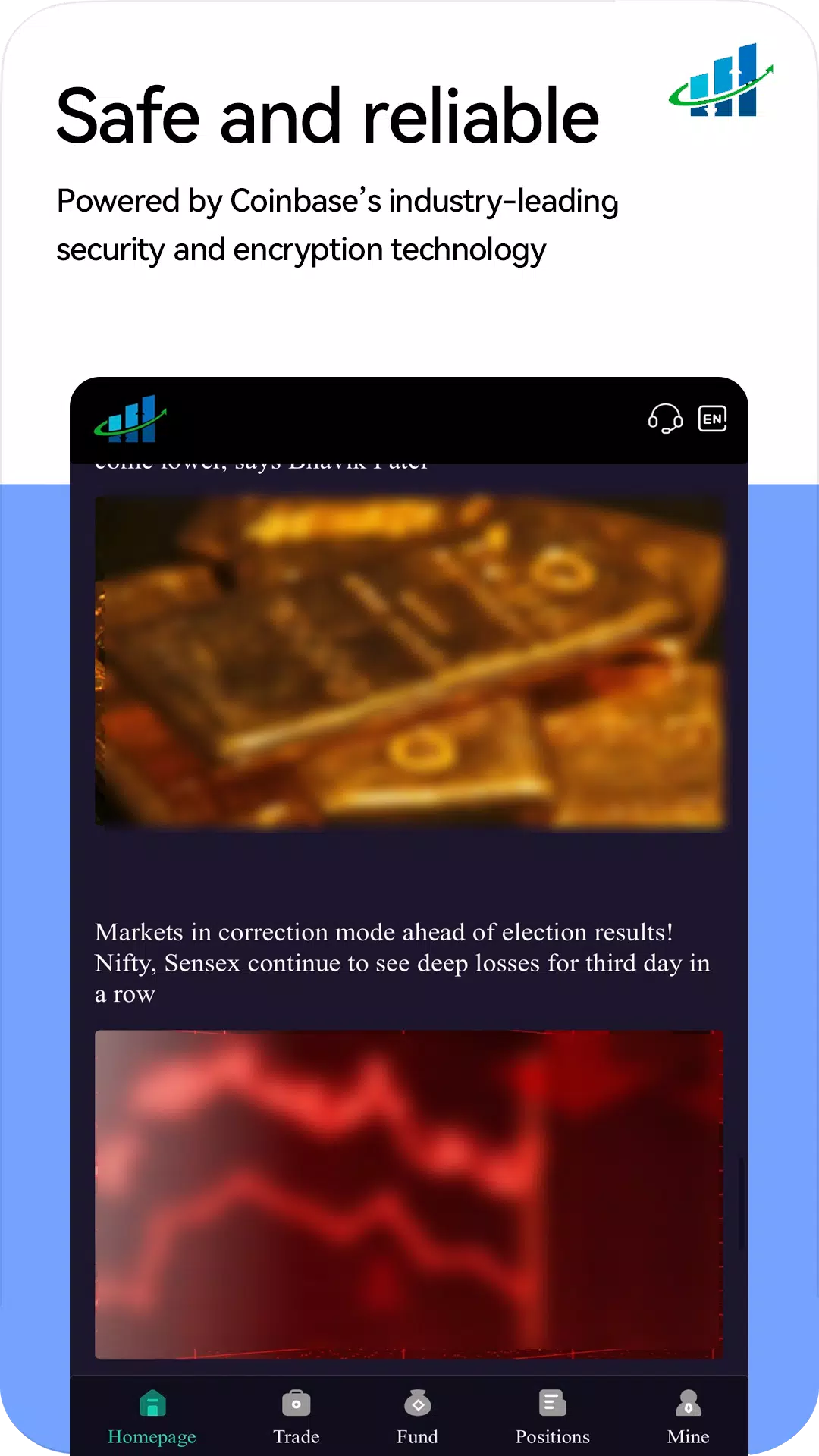
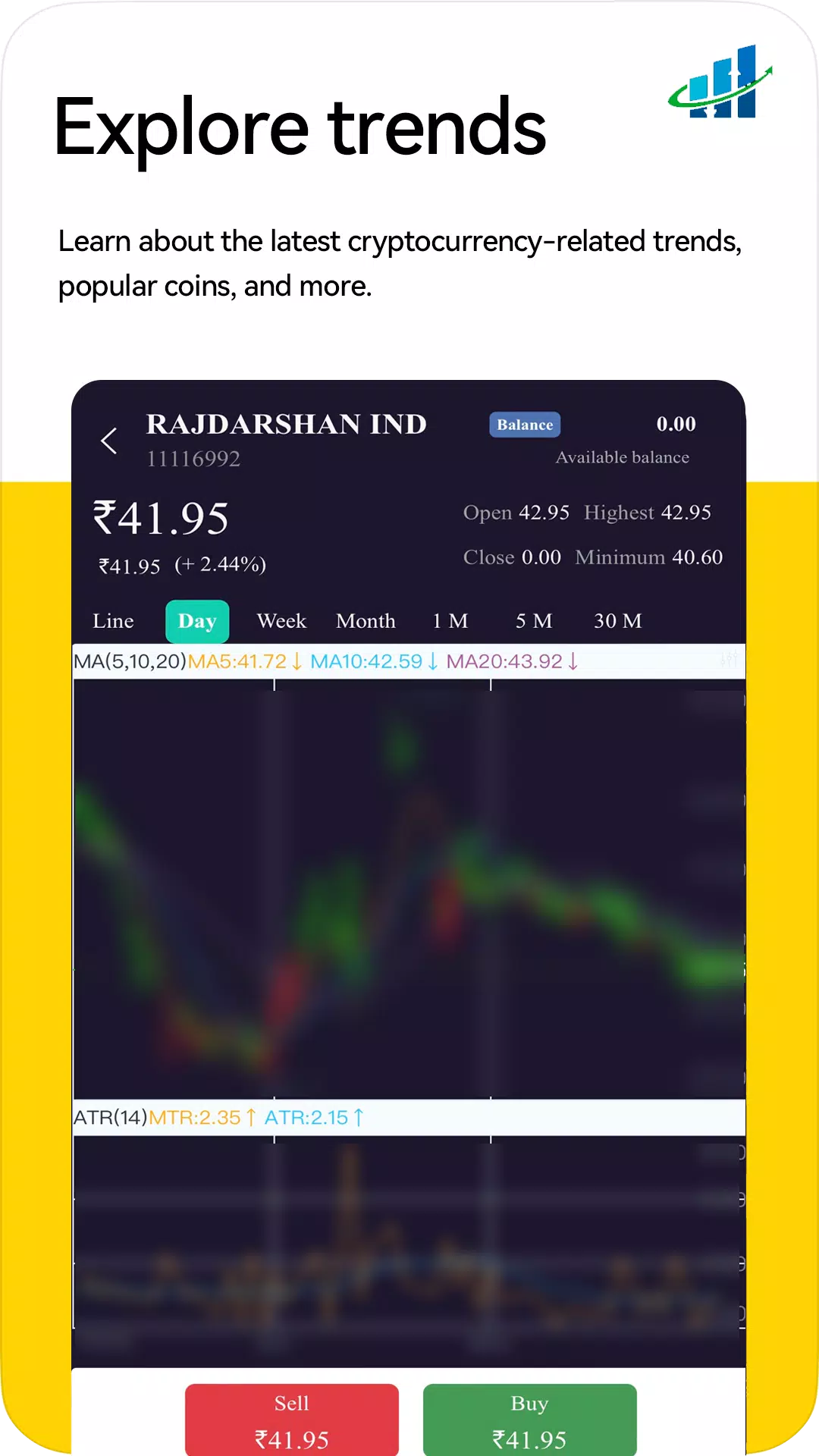
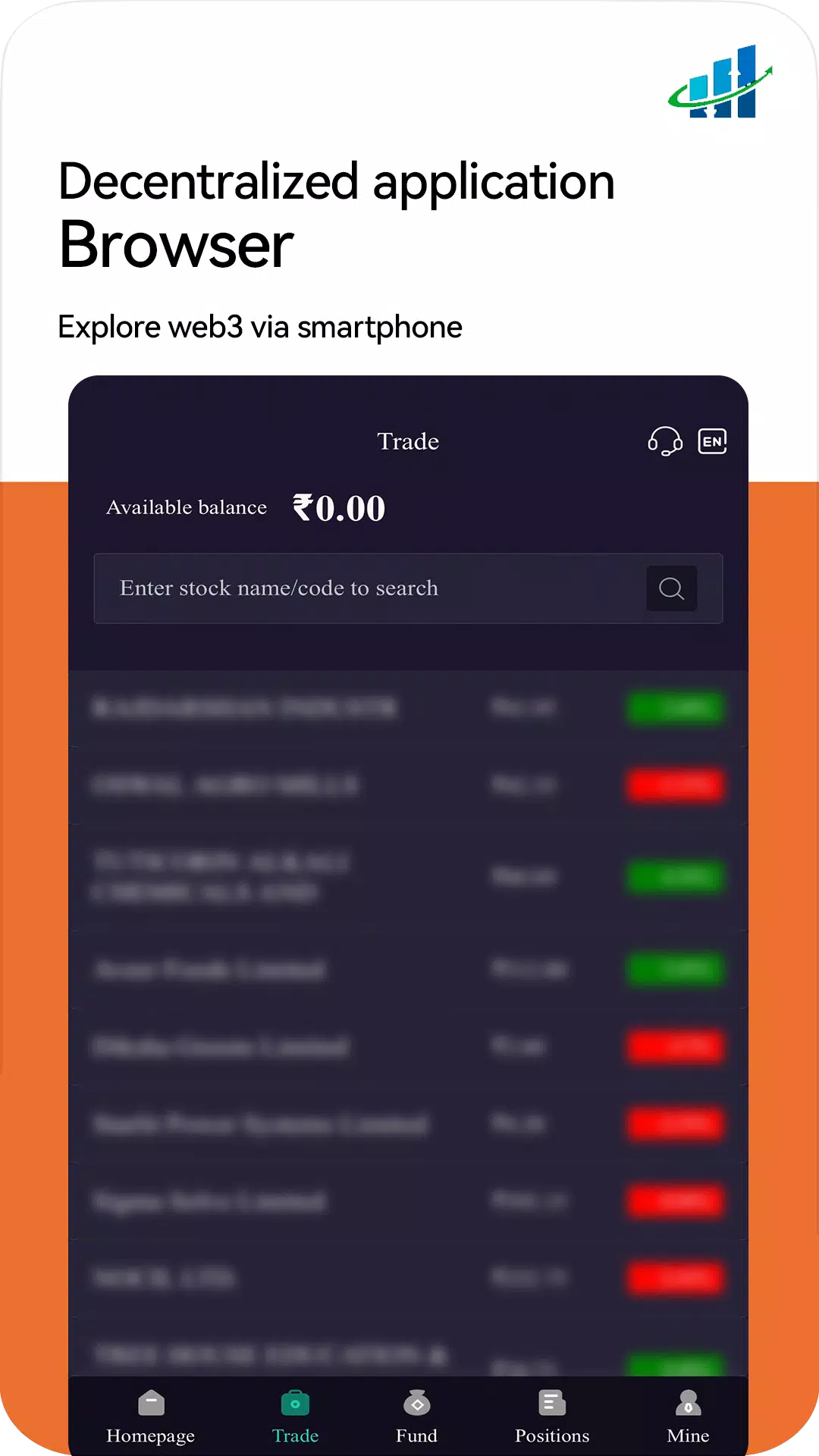
The app delivers interactive training exercises that simulate realistic conditions where speed and accuracy matter, alongside business-oriented modules that simplify collective workflows. Core tools include block order management for coordinating grouped operations, an account overview screen for viewing balances and creating basic operations with minimal steps, and a persistent activity feed that shows ongoing internal processes to authorized operators. Inventory access and order views let users inspect records and recent transactions, while strategy and market data modules provide contextual information to support coordinated decisions. Many features are permission-gated so that organizational credentials are required to access live operational functions.
Gameplay and Challenge Systems
Training content is presented as short, repeatable scenarios that emphasize reaction time, attention to detail and pattern recognition. Scenarios are structured with progressive difficulty and parameter variations so that a single exercise can be replayed with different constraints to remain challenging. Challenge systems include timed modes that track completion speed, accuracy metrics that measure precision in observation tasks, and multi-stage scenarios that combine quick decision-making with follow-up verification steps. The design favors small-session play: typical drills last from a few seconds up to a couple of minutes, encouraging regular practice without long time commitments.
Controls and Progression
Controls are optimized for touch devices and are intentionally simple to minimize friction during both training and operational tasks. Typical interactions include taps to confirm selections, swipes to scan lists or discard items, and drag-and-drop for arranging block orders or inventories. Long-press options reveal contextual actions for advanced management without cluttering primary screens. Progression is driven by performance: as users complete exercises with higher accuracy and faster times they unlock more complex scenario parameters and longer multi-stage tasks. A local performance history records improvement trends so users and supervisors can monitor progress over time without exposing sensitive data externally.
Visual Style and Level Structure
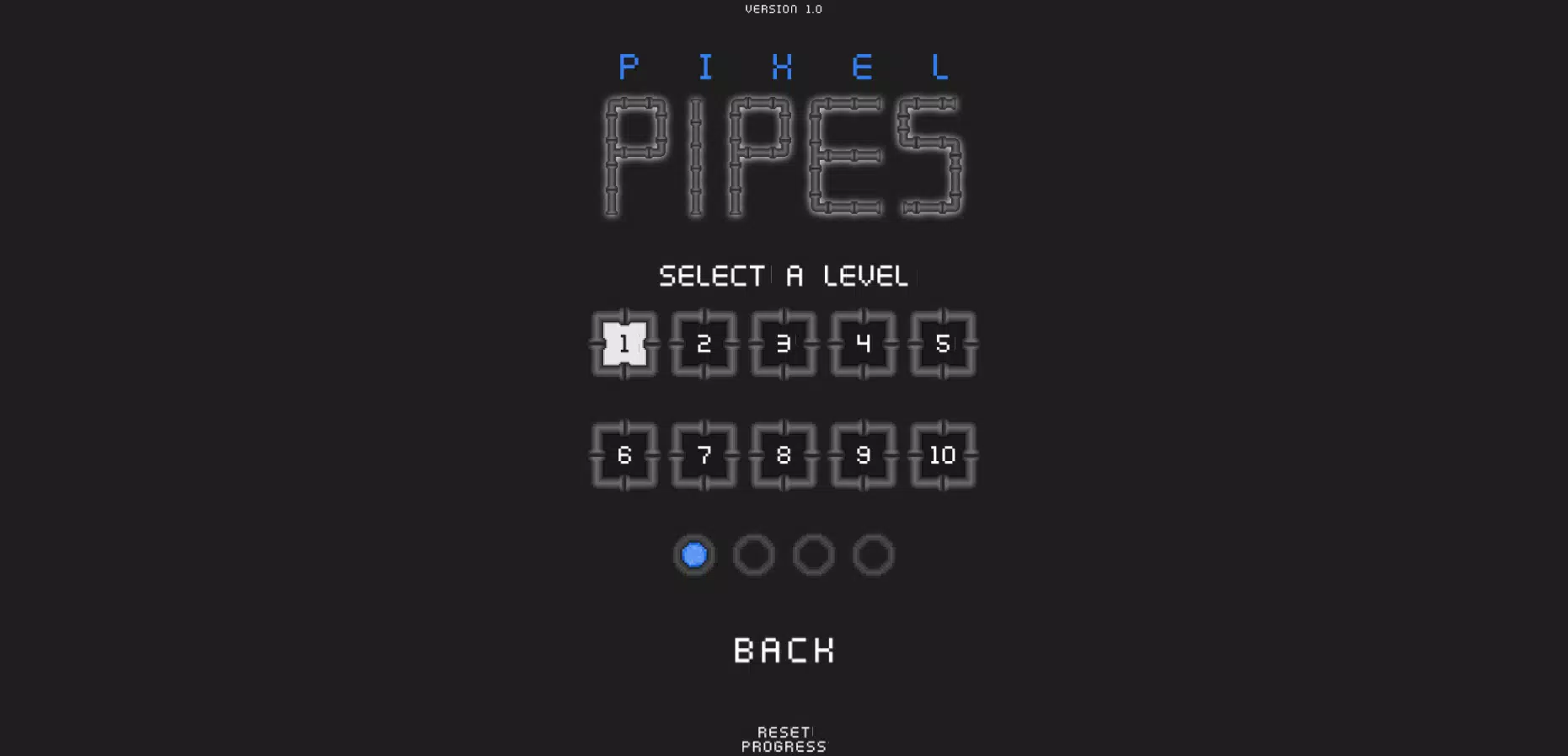
The interface favors a clean, efficiency-focused visual style that emphasizes legibility and quick access to controls. Screens are laid out to present the most relevant information first: tasks or orders at the top, secondary controls beneath, and a compact activity summary in a persistent area. Level structure is modular rather than linear; training packs are organized by scenario type and difficulty tier so users can select focused practice or follow a recommended progression path. Visual cues and subtle animations provide feedback on successful actions and errors while keeping distractions to a minimum to preserve concentration during timed drills.
Customization and Replay Value
Users can adjust difficulty settings, choose which scenario packs to prioritize, and set the length of practice sessions to match available time. Interface options include compact and expanded layouts to support different device sizes and user preferences. Replay value comes from randomized parameters within scenarios, adjustable timers, and staged combinations that mix reaction tasks with inventory checks and order verification, ensuring that repeated sessions remain varied and relevant to both skill-building and operational practice.
User Experience and Accessibility
The app places emphasis on straightforward workflows and reduced step counts for common operations so that account management and order activities can be completed quickly. Accessibility considerations include support for larger text sizes, high-contrast modes, and compatibility with standard Android accessibility services to assist users with visual or motor challenges. Touch target sizes and spacing are designed to reduce input errors during fast-paced drills, and contextual help is available inline to explain unfamiliar controls or scenario objectives.
Offline Use and Security
Basic training modules and previously cached inventory snapshots are available for offline use so users can practice skills or review records without a continuous connection. Live activity feeds and real-time operational controls require a network connection and appropriate organizational credentials. SATCO-UP includes standard account protections such as secure authentication and encrypted data storage for sensitive information; administrators can require organizational verification before enabling internal management features to keep operational access restricted.
Advantages and Limitations
The combination of cognitive training with practical management tools makes the app useful for teams that need both skill development and day-to-day operational oversight. The clean interface reduces task time and centralizes account and order controls, which helps with monitoring financial and inventory activity. Limitations include the fact that some modules are specific to internal workflows and may be irrelevant to general users, and certain live functions will only be available to authorized personnel with the proper credentials. Users unfamiliar with block order processes should expect a short learning curve when first using the app.
Show More
Information
Screenshots
Latest Update












Latest News
-
![Revealing the Launch Playlists and Cross-Progression for COD Warzone Mobile News]()
-
![March 2024 Free Redemption Codes for Honkai: Star Rail News]()
-
PUBG Mobile Teams Up with Bentley Motors: Luxury Cars, Exclusive Collectibles, and Beyond 2024-04-18
![PUBG Mobile Teams Up with Bentley Motors: Luxury Cars, Exclusive Collectibles, and Beyond News]()
-
![Monster Never Cry is now accessible on both Android and iOS mobile devices. News]()
-
V2.2 of the Farlight 84 update introduces an overhauled Season structure, fresh in-game currency, an 2024-04-16
![V2.2 of the Farlight 84 update introduces an overhauled Season structure, fresh in-game currency, an News]()
-
![Arrival of Genshin Impact 4.6 Update: 'Embers of Two Realms, Twilight of Crimson' News]()
-
April 2024 Clash of Clans Update: Unveiling a Fresh Companion, Enhanced Levels, Chat Tagging, and Be 2024-04-16
![April 2024 Clash of Clans Update: Unveiling a Fresh Companion, Enhanced Levels, Chat Tagging, and Be News]()






