
CCTV Camera Recorder
Version:1.1.1
Published:2026-10-12
Introduction
CCTV Camera Recorder turns an Android phone into a practical, no-frills surveillance and session capture tool that runs in the background and records while the screen is locked or other apps are active. CCTV Camera Recorder is designed for users who need reliable, discreet recording without watermarks, supporting both front and rear cameras and multiple resolutions up to full HD. This introduction explains how the app works, which controls and safeguards it offers, and what to expect when you use CCTV Camera Recorder for monitoring, documentation, or personal archiving.
Key features and recording options
The app offers a straightforward set of capture options: choose the camera to use, pick a resolution up to 1080p, and adjust image presets such as auto white balance and exposure to suit different lighting. Recordings are saved locally without a visible watermark and files are labeled by date and time for easy retrieval. An automatic stop mechanism prevents the app from continuing to record when device storage is low. Where device policy allows, shutter sounds can be muted. The app currently stores media on the device and lists Google Drive backup as a planned feature to arrive in a future update.
Controls, session flow and recording mechanics
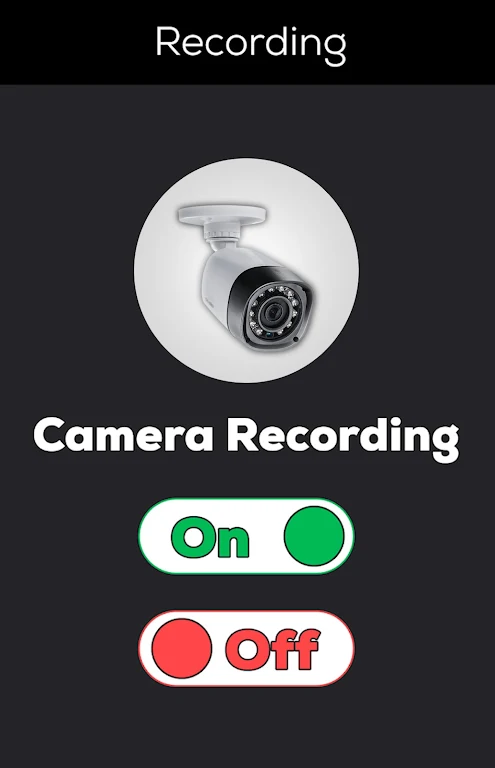
Controls are intentionally simple to reduce friction: a single-tap start/stop control, a configurable maximum duration to cap file size, and session split behavior that keeps long recording runs manageable. Recording mechanics include background operation with an option for screen-lock recording, explicit settings for maximum session length, and clear on-screen indicators when the app is active. These controls make it straightforward to capture timed demonstrations, event footage, or extended time-lapse style sessions without needing advanced setup.
File management, progression and replay value
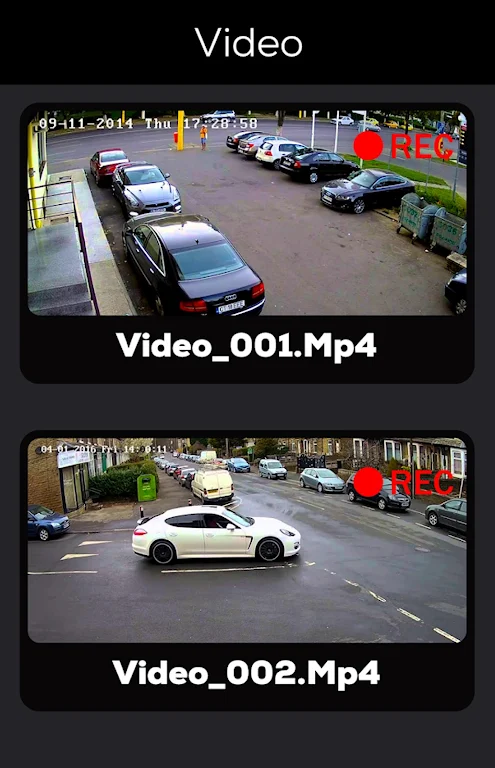
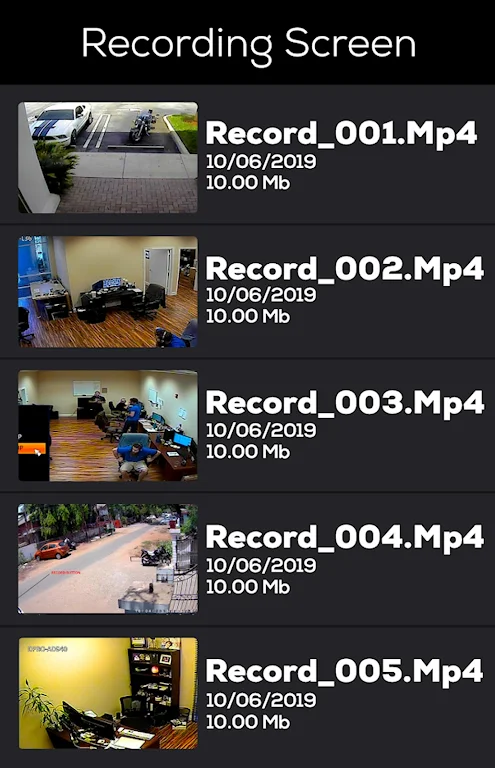
Files are produced as discrete sessions and stored where you choose on local storage so they can be reviewed or moved to a computer with minimal effort. A predictable file-naming scheme and per-session files create a simple progression for archive management: each new recording is a new entry in chronological order, which aids review and long-term retention. Saved video files are compatible with common media players, preserving replay value for security checks, demonstrations, or personal projects where clear, timestamped footage is useful.
Visual style, accessibility and user experience
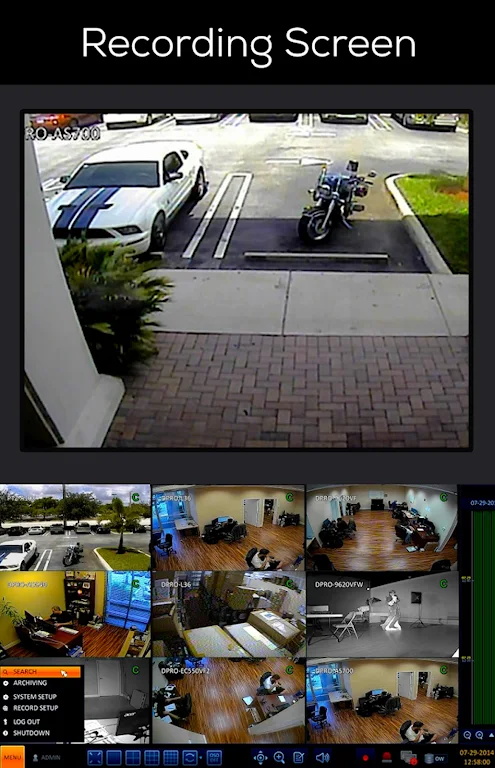
The interface follows a clean material-inspired visual approach that emphasizes readable typography and uncluttered layouts to keep important controls visible at a glance. Accessibility considerations include large, well-spaced buttons and straightforward menu structures to help users of varying experience configure settings quickly. The lightweight UI reduces distractions during operation and keeps battery use reasonable during extended sessions, while clear status indicators and simple progress views help you monitor remaining time and available storage at a glance.
Customization, performance and reliability
Customization focuses on practical capture settings rather than editing features: pick resolution, camera, auto white balance, and a maximum recording duration. This narrow focus helps maintain consistent performance across a broad range of devices. The app is built with a compact codebase to support reliable background operation and to minimize crashes during long recordings. When storage thresholds are reached the automatic stop prevents file corruption, and users can choose preferred storage locations to balance speed and capacity.
Offline operation, privacy and typical use cases
Because recordings are stored locally by default, CCTV Camera Recorder works fully offline and does not require a persistent network connection to capture footage. Typical use cases include home monitoring, capturing demonstrations, documenting repair or study sessions, and creating time-lapse-like videos. Local-first storage helps users maintain control over recorded media and simplifies transferring files to other devices for secure long-term storage.
Limitations, permissions and safe configuration
There are important limitations to note: background recording while the screen is locked requires Device Administrator permission for full functionality, and some manufacturers or system policies may prevent shutter sounds from being disabled. Google Drive backup is currently listed as coming soon, so do not rely on cloud sync until it ships. These constraints are documented in the app so you can make an informed decision about enabling permissions and selecting storage options that meet your privacy and safety needs.
Getting started and practical tips
To begin, grant camera and storage permissions and test a short recording to verify resolution and audio behavior on your device. Choose a maximum duration that balances coverage and file size, keep an eye on available storage, and periodically transfer important clips to external media for archiving. The app’s simple workflow and consistent file labeling make it straightforward to integrate into routine monitoring or documentation tasks without a steep learning curve.
Show More
Information
Screenshots
Latest Update












Latest News
-
![Revealing the Launch Playlists and Cross-Progression for COD Warzone Mobile News]()
-
![March 2024 Free Redemption Codes for Honkai: Star Rail News]()
-
PUBG Mobile Teams Up with Bentley Motors: Luxury Cars, Exclusive Collectibles, and Beyond 2024-04-18
![PUBG Mobile Teams Up with Bentley Motors: Luxury Cars, Exclusive Collectibles, and Beyond News]()
-
![Monster Never Cry is now accessible on both Android and iOS mobile devices. News]()
-
V2.2 of the Farlight 84 update introduces an overhauled Season structure, fresh in-game currency, an 2024-04-16
![V2.2 of the Farlight 84 update introduces an overhauled Season structure, fresh in-game currency, an News]()
-
![Arrival of Genshin Impact 4.6 Update: 'Embers of Two Realms, Twilight of Crimson' News]()
-
April 2024 Clash of Clans Update: Unveiling a Fresh Companion, Enhanced Levels, Chat Tagging, and Be 2024-04-16
![April 2024 Clash of Clans Update: Unveiling a Fresh Companion, Enhanced Levels, Chat Tagging, and Be News]()






