
MathMaster
Version:1.6.3
Published:2026-10-12
Introduction
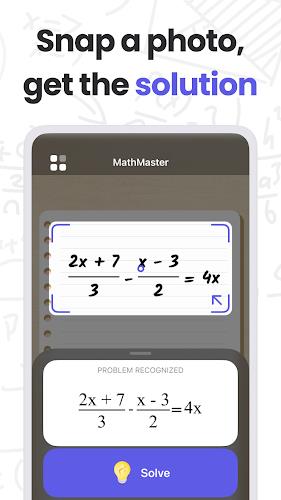
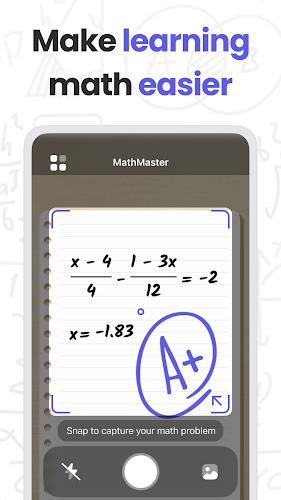
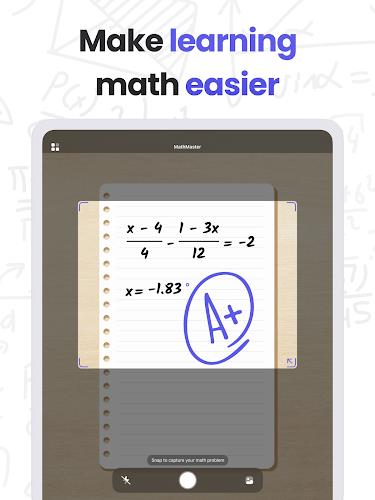
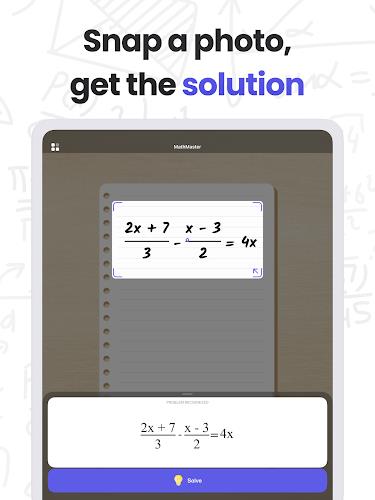
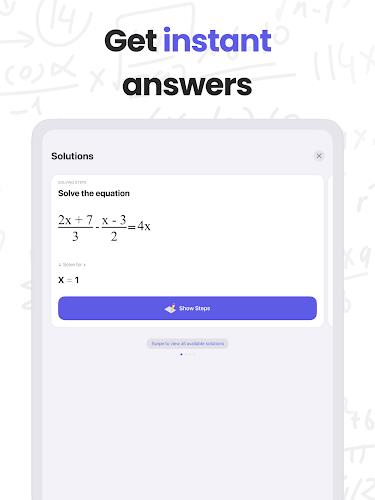
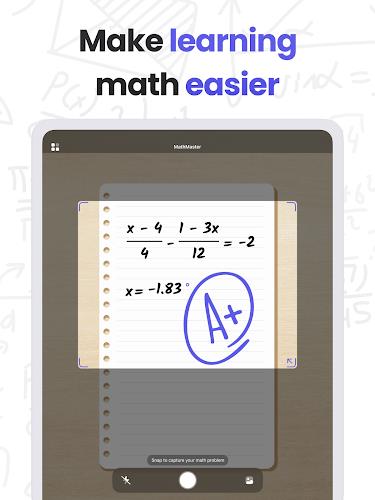
MathMaster is a versatile learning app designed to make math practice efficient and engaging for students of all ages. It combines adaptive exercises, step-by-step explanations, and timed challenges to build fluency across arithmetic, algebra, geometry, and more, while tracking progress and tailoring difficulty to each learner.
Core Features and Learning Tools
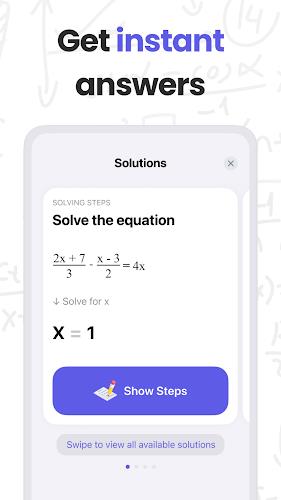
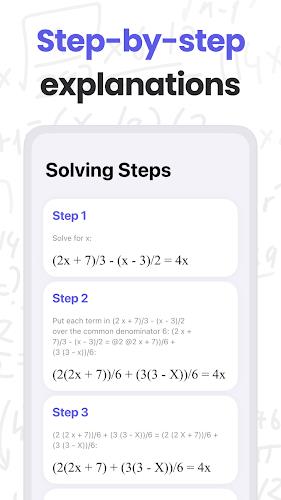
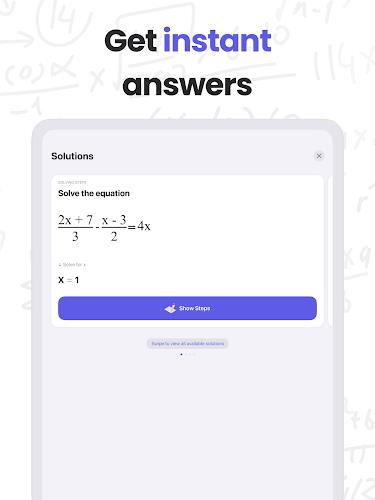
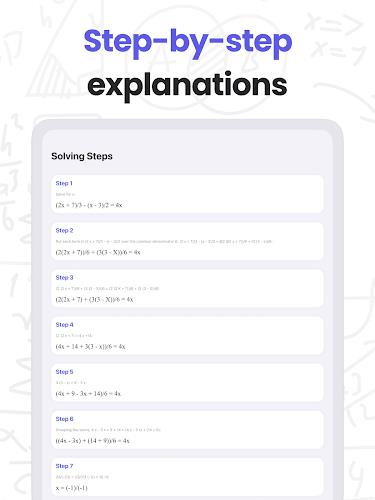
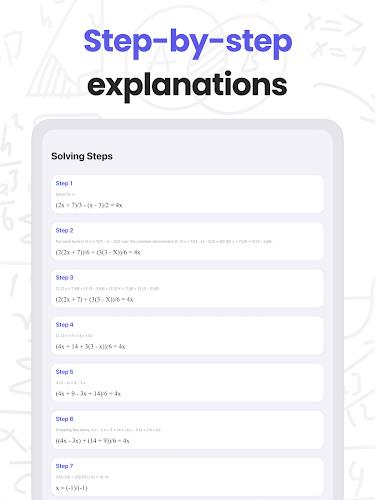
At its core, MathMaster offers a suite of tools intended to support deliberate practice and concept mastery. Users will find structured lesson modules, customizable problem sets, and an algorithm that adjusts question difficulty based on real-time performance. The app also includes worked solutions that unfold line-by-line, helping learners identify where mistakes occur and how to correct them.
Highlights:
- Adaptive practice engine that personalizes question selection.
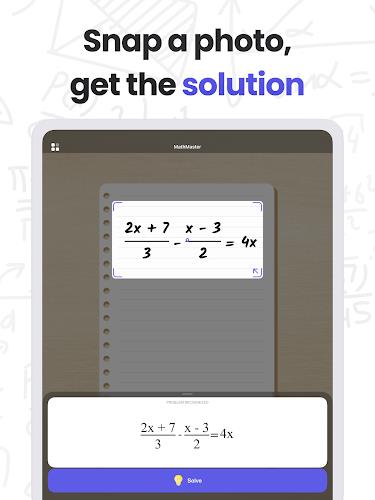
- Stepwise explanations that reveal each stage of a solution.
- Multiple practice modes including practice, review, and timed drills.
- Progress reports with milestones and areas for improvement.
Interface and User Experience
MathMaster's interface emphasizes clarity and quick access to study materials. Navigation uses a simple tabbed layout that separates lessons, practice, and reports. Visual cues such as color-coded difficulty badges and inline hints reduce cognitive load, while responsive input controls work smoothly on touchscreens and larger displays.
The app supports both portrait and landscape orientations and provides adjustable font sizes and contrast settings to accommodate different learning environments and accessibility needs.
How Practice and Progress Work
Progress tracking in MathMaster relies on a combination of short-term metrics and long-term mastery indicators. Each correct answer contributes to a skill meter; repeated errors trigger targeted review prompts. Weekly summaries highlight trends and offer recommended topics to revisit. Learners can set goals—such as mastering fractions or improving mental arithmetic speed—and the app will create a focused plan to reach them.
Study Modes and Customization
Flexibility is one of MathMaster's strengths. Teachers, parents, and individual learners can tailor practice sessions by selecting specific topics, adjusting the number of questions, or enabling time limits for speed training. A challenge mode lets users compete against past scores, while a relaxed mode removes timers for deeper conceptual work.
- Custom quizzes: choose topics, difficulty, and length.
- Class management: assign exercises and monitor student progress.
- Profile-based learning: different settings for kids, teens, and adult learners.
Integration and Compatibility
Designed to work across a wide range of Android devices, MathMaster is lightweight and optimized for performance. Offline access to saved lessons ensures uninterrupted study when connectivity is limited. Syncing with cloud accounts preserves progress and settings across devices, and exportable reports make it easy to share results with caregivers or educators.
Performance and Security
The app prioritizes fast load times and smooth interactions even on mid-range phones. Background analytics run efficiently to avoid draining battery life, and data related to progress and profiles is stored securely. Privacy settings allow users to control what information is shared and with whom, making it suitable for classroom deployment.
Practical Use Cases
MathMaster fits a range of educational contexts: quick daily warm-ups, homework support, remedial work for learners who need extra reinforcement, and enrichment for students seeking advanced challenges. Its structured revision plans are particularly useful before tests, enabling targeted review of weak spots rather than broad, unfocused study.
Getting Started Tips
New users should begin with a diagnostic test to let MathMaster map current skill levels. From there, enable recommended daily practice and set small, measurable goals. Activating the review reminders helps turn short sessions into consistent habits. For educators, creating shared class groups and assigning topic-based sets can streamline lesson planning and progress monitoring.
MathMaster balances adaptive technology with practical pedagogy to support steady improvement in math skills. With clear explanations, flexible study options, and dependable tracking, it helps learners build confidence while making the path to mastery measurable and manageable.
Show More
Information
Screenshots
Latest Update












Latest News
-
![Revealing the Launch Playlists and Cross-Progression for COD Warzone Mobile News]()
-
![March 2024 Free Redemption Codes for Honkai: Star Rail News]()
-
PUBG Mobile Teams Up with Bentley Motors: Luxury Cars, Exclusive Collectibles, and Beyond 2024-04-18
![PUBG Mobile Teams Up with Bentley Motors: Luxury Cars, Exclusive Collectibles, and Beyond News]()
-
![Monster Never Cry is now accessible on both Android and iOS mobile devices. News]()
-
V2.2 of the Farlight 84 update introduces an overhauled Season structure, fresh in-game currency, an 2024-04-16
![V2.2 of the Farlight 84 update introduces an overhauled Season structure, fresh in-game currency, an News]()
-
![Arrival of Genshin Impact 4.6 Update: 'Embers of Two Realms, Twilight of Crimson' News]()
-
April 2024 Clash of Clans Update: Unveiling a Fresh Companion, Enhanced Levels, Chat Tagging, and Be 2024-04-16
![April 2024 Clash of Clans Update: Unveiling a Fresh Companion, Enhanced Levels, Chat Tagging, and Be News]()






