

GetGorgeous
Version:5.4
Published:2026-10-12
Introduction
GetGorgeous is a mobile beauty and photo-editing app that helps users create polished portraits and stylish selfies with quick tools and guided adjustments. It combines one-tap enhancements, skin smoothing, and makeup overlays to streamline retouching, letting users produce share-ready images without a steep learning curve.
Core Features
Designed for people who want fast, professional-looking results, GetGorgeous bundles intuitive controls with automated options. The app offers:
- One-tap enhancements that adjust exposure, contrast, and color balance while preserving natural skin tones.
- Portrait retouching tools including blemish removal, skin smoothing, and eye brightening that can be applied selectively.
- Virtual makeup overlays for lipstick, blush, and eye shadow with adjustable intensity for subtle or bold looks.
- Background edits that replace or blur surroundings to emphasize the subject.
How Editing Flows
GetGorgeous guides users through a simple workflow: import a photo, apply automated corrections, fine-tune specific areas, and export. The editing pipeline balances speed and control. Automated presets speed up common corrections, while manual brushes and sliders allow targeted adjustments for users who want greater precision.
Tools and Controls
The toolset is split between global edits and localized adjustments. Global controls cover lighting and color, whereas localized tools let you refine eyes, lips, and skin texture without affecting the whole image.
- Brush and erase tools for selective application of effects.
- Layered adjustments to stack edits and toggle them on or off.
- Real-time preview so you can compare before and after versions instantly.
Customization and Presets
GetGorgeous includes a library of presets categorized by style—natural, editorial, vibrant, and monochrome. Each preset can be customized and saved, enabling you to build a personal editing style and apply consistent looks across multiple photos. Presets are a huge time-saver for social media creators and small businesses producing frequent visual content.
Performance and Compatibility
The app is optimized to run smoothly on a wide range of Android devices. Processing is handled on-device to protect privacy and reduce upload times, but some advanced filters use optional cloud acceleration for faster rendering on older phones. Memory-friendly caching and background rendering keep the interface responsive during complex edits.
User Interface and Accessibility
A clean, icon-driven interface makes tools easy to locate and learn. Contextual hints and a short walkthrough help first-time users get comfortable quickly. For accessibility, font sizes and contrast options can be adjusted, and touch targets are sized to minimize accidental taps. The overall layout focuses on large previews so edits are visible in detail.
Workflow Integration
GetGorgeous supports common export formats and direct sharing to social networks and messaging apps. It can integrate with cloud storage or gallery apps for seamless photo management. Export options include high-resolution JPEG and PNG, with metadata settings that let users decide whether to keep or strip location and camera details.
Tips for Best Results
To get the most from GetGorgeous, start with the one-tap correction to balance exposure, then zoom in to tackle small blemishes. Use subtle slider movements for skin smoothing to avoid an overly airbrushed look. Save custom presets after you dial in a look you like, and test edits on multiple lighting conditions to ensure consistency across shoots.
Getting Started
Download and open GetGorgeous, grant photo access, and import a test image. Explore the automated corrections first, then try a local adjustment with the brush tool. Save your edit and use the share button to post directly or save to your device. Frequent updates add new filters and performance improvements, so check the settings page for changelog notes.
Why Choose This App
GetGorgeous strikes a balance between efficiency and creative control. It suits casual users who want quick polish as well as creators who prefer fine-grain editing. The emphasis on privacy-friendly, on-device processing and an organized preset system makes it a practical choice for everyday portrait editing and content production.
Show More
Information
Screenshots
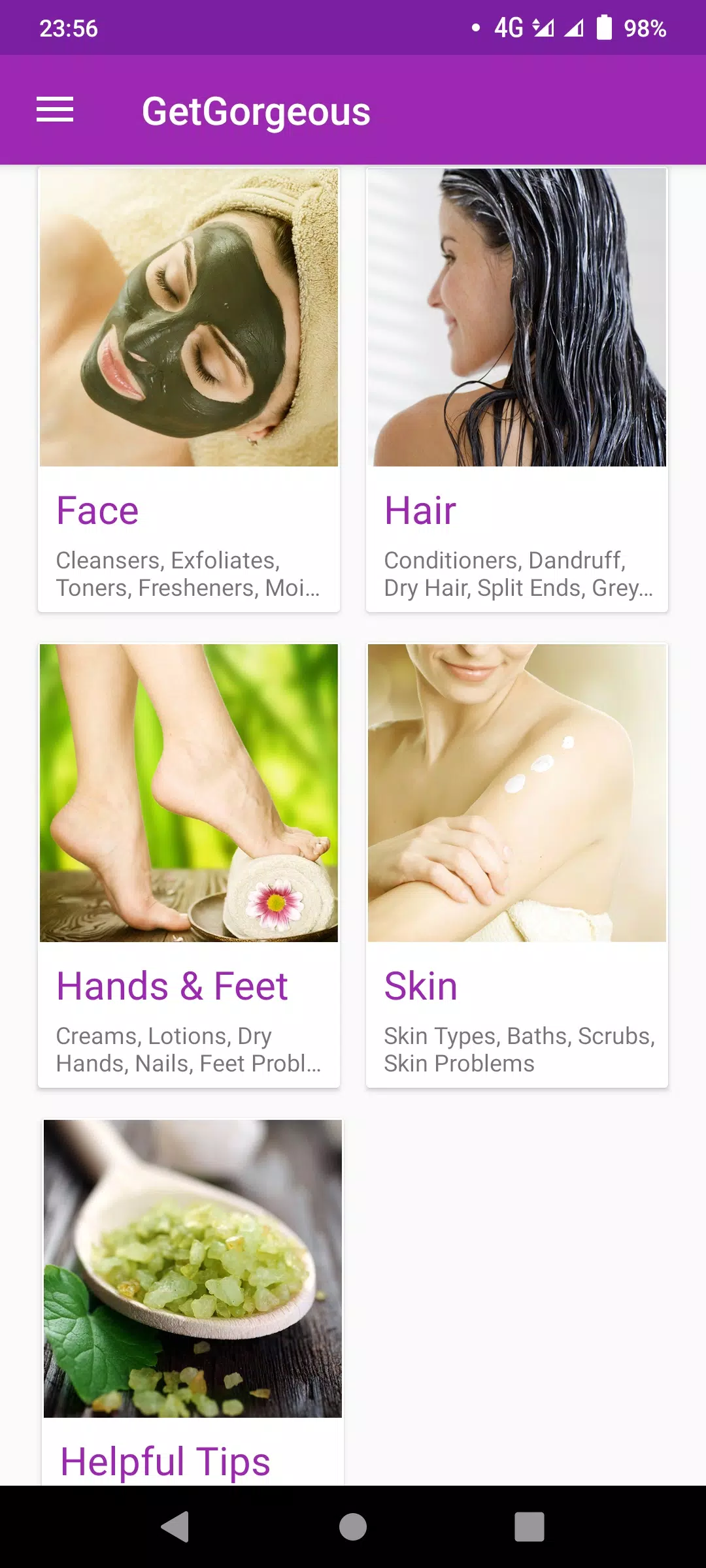
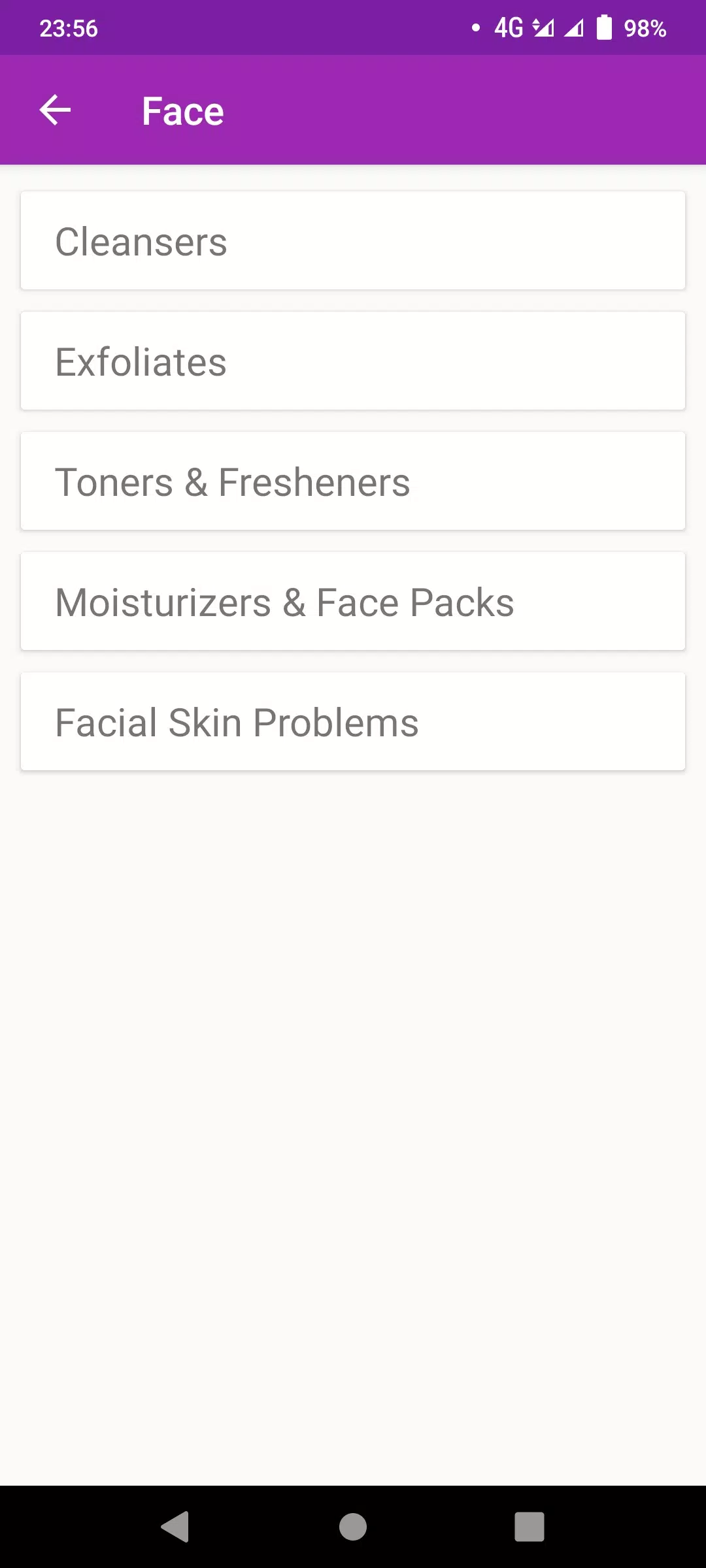
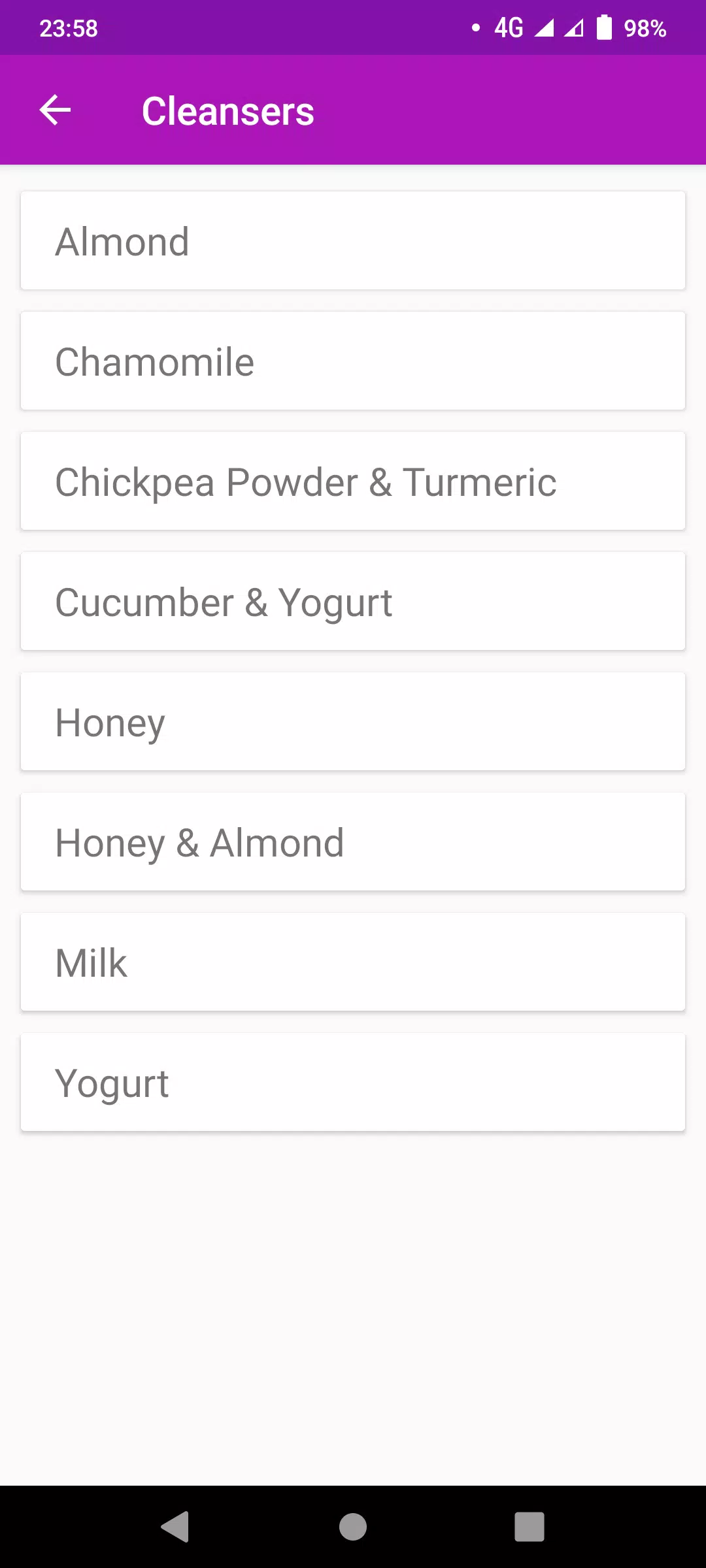
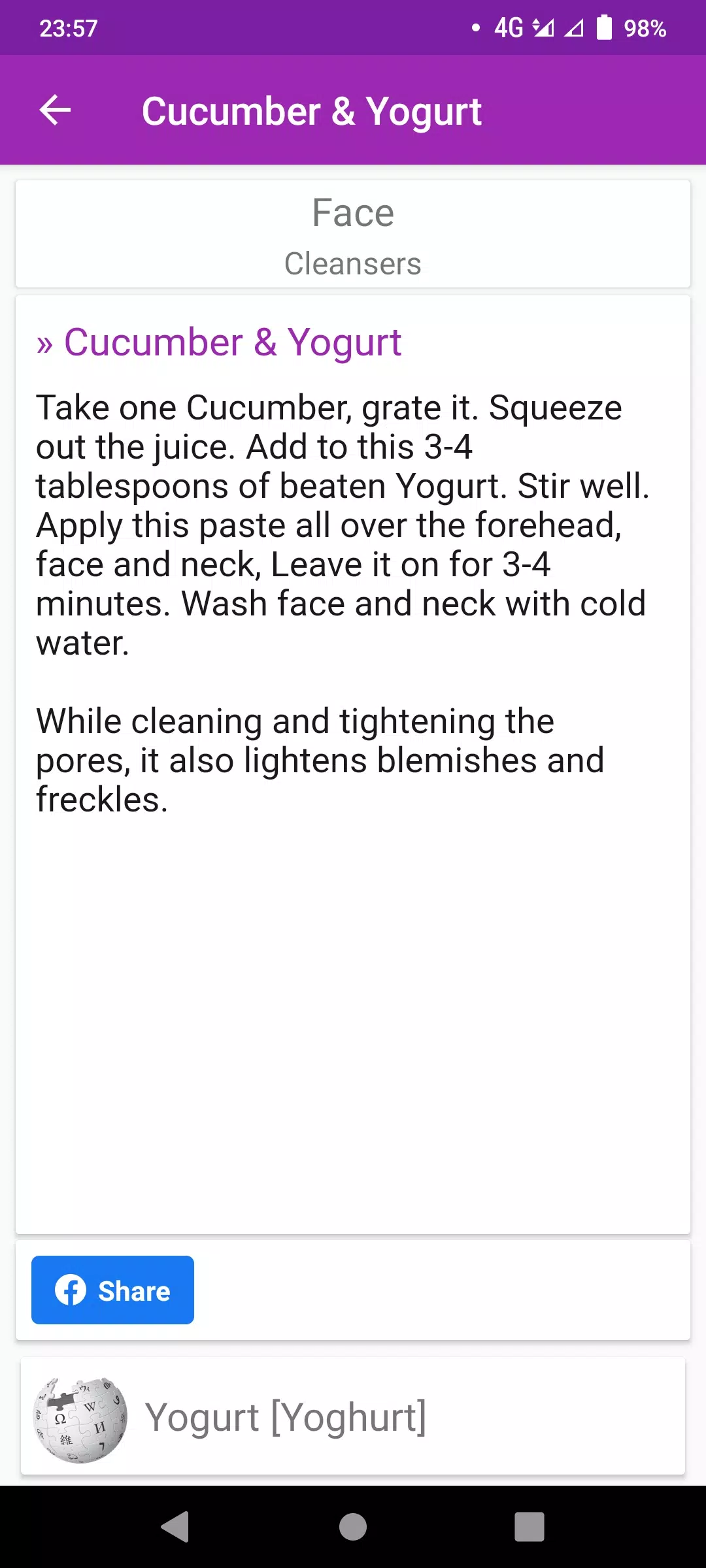
Latest Update












Latest News
-
![Revealing the Launch Playlists and Cross-Progression for COD Warzone Mobile News]()
-
![March 2024 Free Redemption Codes for Honkai: Star Rail News]()
-
PUBG Mobile Teams Up with Bentley Motors: Luxury Cars, Exclusive Collectibles, and Beyond 2024-04-18
![PUBG Mobile Teams Up with Bentley Motors: Luxury Cars, Exclusive Collectibles, and Beyond News]()
-
![Monster Never Cry is now accessible on both Android and iOS mobile devices. News]()
-
V2.2 of the Farlight 84 update introduces an overhauled Season structure, fresh in-game currency, an 2024-04-16
![V2.2 of the Farlight 84 update introduces an overhauled Season structure, fresh in-game currency, an News]()
-
![Arrival of Genshin Impact 4.6 Update: 'Embers of Two Realms, Twilight of Crimson' News]()
-
April 2024 Clash of Clans Update: Unveiling a Fresh Companion, Enhanced Levels, Chat Tagging, and Be 2024-04-16
![April 2024 Clash of Clans Update: Unveiling a Fresh Companion, Enhanced Levels, Chat Tagging, and Be News]()






