
Craith Lab
Version:1.5.4
Published:2026-10-12
Introduction
Craith Lab is a mobile productivity toolkit designed to streamline data capture, analysis, and prototype testing on Android devices. It brings a modular suite of measurement tools, visual dashboards, and export options into one app, helping field technicians, researchers, and makers work faster without juggling multiple utilities.
What Craith Lab Does
At its core, Craith Lab converts an Android phone or tablet into a flexible instrumentation hub. The app bundles sensors, data logging, and simple visualization so you can collect real-world measurements, annotate them, and package results for further processing. Rather than switching between separate utilities, this app centralizes common workflows for small-scale experiments and on-site testing.
Key tools and capabilities
- Sensor aggregation: Read from built-in accelerometers, gyroscopes, GPS, microphone, and connected Bluetooth devices.
- Custom data channels: Configure sampling rates, labels, and trigger conditions for each measurement stream.
- Real-time visualization: Plot live graphs and histograms to spot anomalies during collection.
- Export and sharing: Save CSV, JSON, or compressed packages and send results to email or cloud storage.
User interface and performance
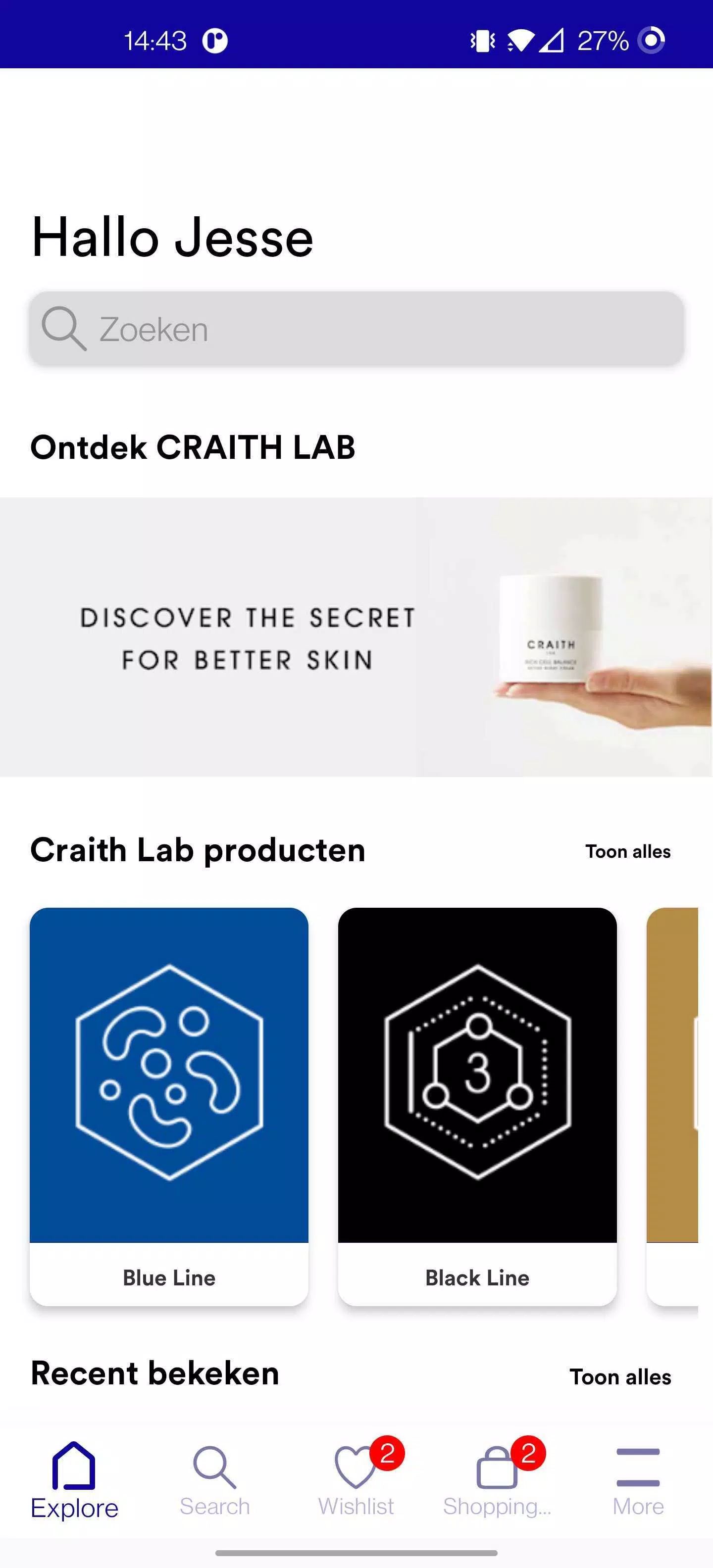
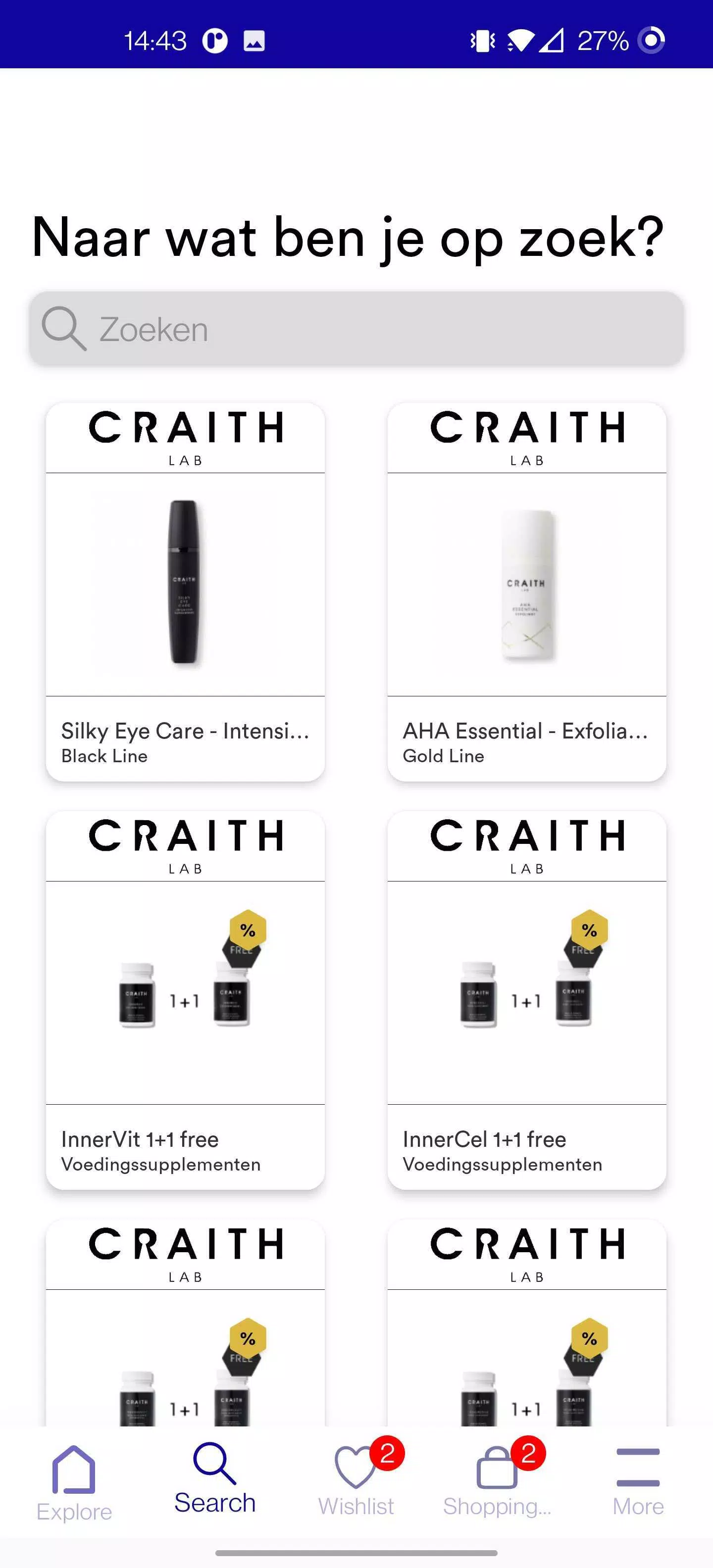
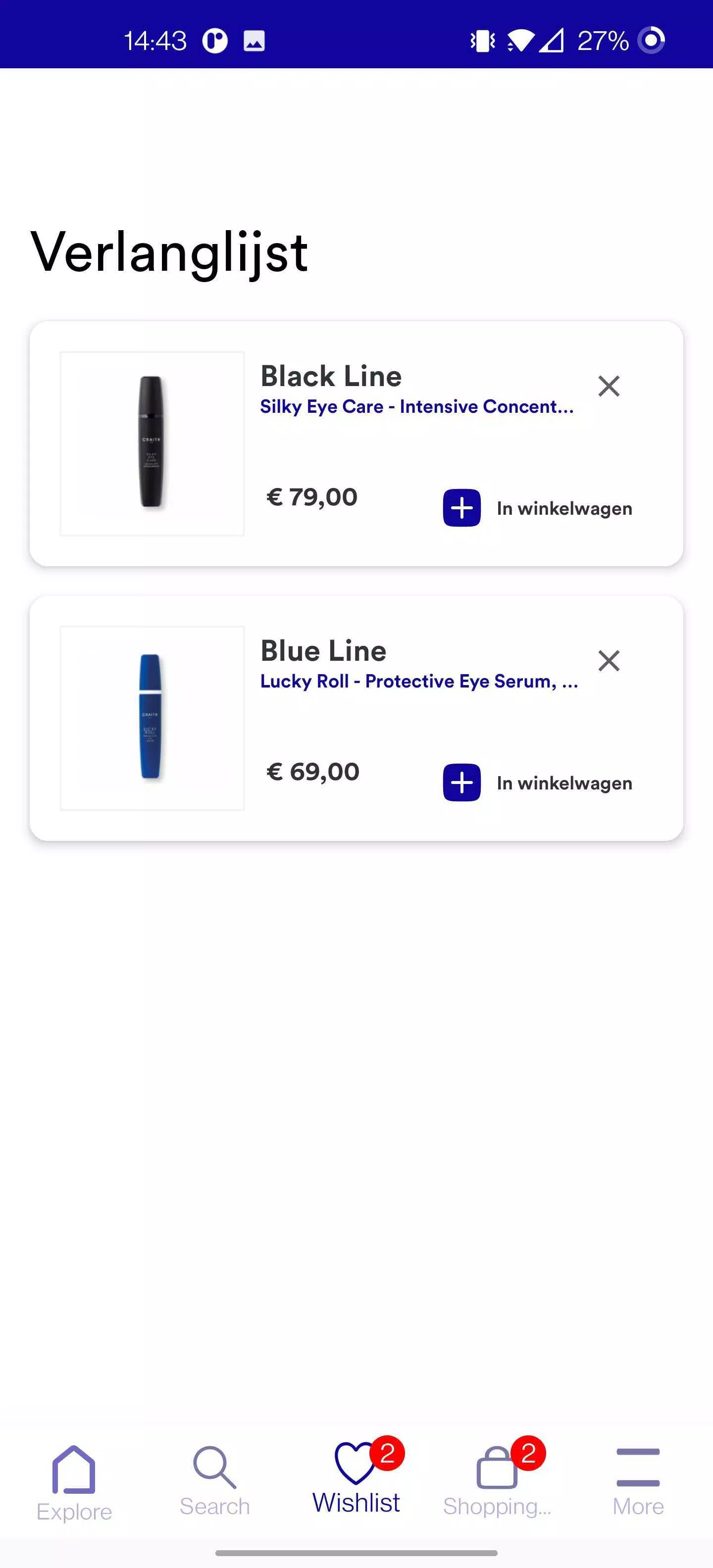
The interface favors clarity over clutter. Panels are organized so that live readings, recent logs, and controls are available with minimal tapping. On mid-range devices the app runs smoothly; heavier workloads are handled by batching writes and compressing data to avoid slowdowns. Craith Lab also includes background logging so long-term captures won’t be interrupted when you switch apps.
How the workflow typically looks
Start by creating a session profile, then pick which sensors or external inputs to enable. Calibrate if needed, set sampling parameters, and start recording. While the session runs you can tag events, take notes, and quickly export checkpoints. This structured approach reduces post-processing time and keeps datasets consistent across multiple trials.
Customization and integrations
One strength of the app is its adaptability. You can add custom labels and templates for recurring tasks, map channels to external devices via Bluetooth Low Energy, and script small processing steps with built-in filters. For teams that rely on cloud storage, Craith Lab supports common providers and can push completed sessions automatically to a shared folder.
Compatibility and device support
Craith Lab targets Android phones and tablets with recent OS versions. It performs best on devices with reliable sensor suites and BLE support. The app detects available hardware and adjusts options so you don’t see controls for unsupported inputs. Where external hardware is required, the device pairing screens guide you through discovery and reconnection steps.
Practical tips for beginners
- Start small: Create a short session to validate sensors and sampling rates before committing to long recordings.
- Use labels: Add clear, consistent tags during capture to simplify filtering later.
- Monitor battery: High-frequency sampling drains power quickly; connect to a charger for extended sessions.
- Test exports: Open exported CSV or JSON files on a desktop to ensure formatting matches your analysis pipeline.
Users who regularly collect field data will appreciate how Craith Lab minimizes setup time and reduces the risk of missing crucial readings. The logging safeguards, combined with easy export formats, make it straightforward to move from raw capture to analysis without manual reformatting.
Why professionals reach for it
Professionals choose Craith Lab because it blends immediacy with control. The app provides enough configurability for technical tasks while maintaining an accessible interface for quicker measurements. Small teams benefit from session templates and cloud sync, which standardize data across multiple devices and operators.
Getting started
Installation is typical for Android apps: grant necessary permissions for sensors and storage, run a brief hardware check, and create your first session profile. A friendly onboarding tour highlights the main screens and suggests best practices for reliable logging. Once set up, you can adapt the app to increasingly complex projects as needs grow.
Show More
Information
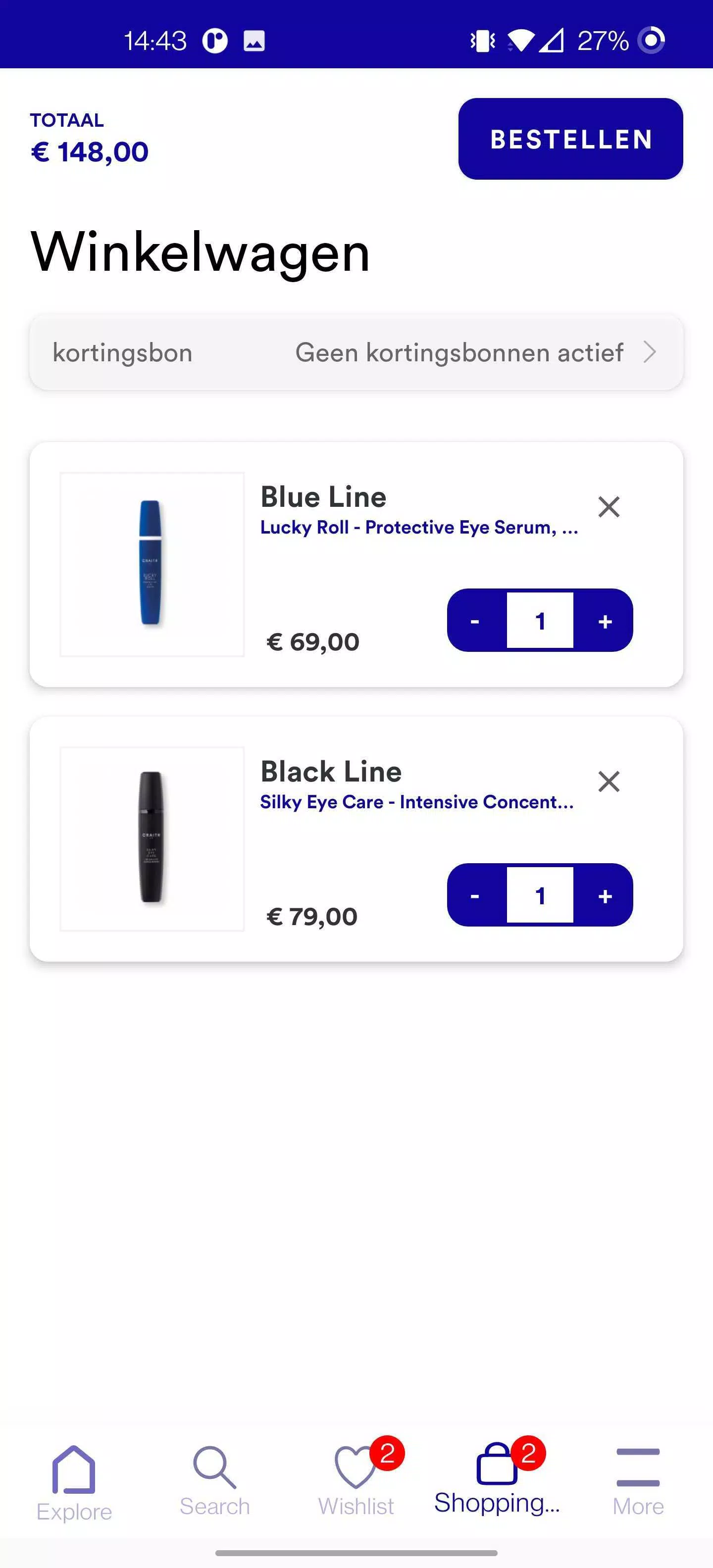
Screenshots
Latest Update












Hot Tags
Latest News
-
![Revealing the Launch Playlists and Cross-Progression for COD Warzone Mobile News]()
-
![March 2024 Free Redemption Codes for Honkai: Star Rail News]()
-
PUBG Mobile Teams Up with Bentley Motors: Luxury Cars, Exclusive Collectibles, and Beyond 2024-04-18
![PUBG Mobile Teams Up with Bentley Motors: Luxury Cars, Exclusive Collectibles, and Beyond News]()
-
![Monster Never Cry is now accessible on both Android and iOS mobile devices. News]()
-
V2.2 of the Farlight 84 update introduces an overhauled Season structure, fresh in-game currency, an 2024-04-16
![V2.2 of the Farlight 84 update introduces an overhauled Season structure, fresh in-game currency, an News]()
-
![Arrival of Genshin Impact 4.6 Update: 'Embers of Two Realms, Twilight of Crimson' News]()
-
April 2024 Clash of Clans Update: Unveiling a Fresh Companion, Enhanced Levels, Chat Tagging, and Be 2024-04-16
![April 2024 Clash of Clans Update: Unveiling a Fresh Companion, Enhanced Levels, Chat Tagging, and Be News]()






