

Pavone
Version:1.0.2
Published:2026-10-12
Introduction
Pavone is a versatile productivity app designed to centralize tasks, calendars, notes and collaborative workflows on Android devices. It blends intuitive organization tools with fast synchronization and adaptable views, helping users manage daily projects, appointments and files with minimal friction and a modern, responsive interface.
Core features that streamline work
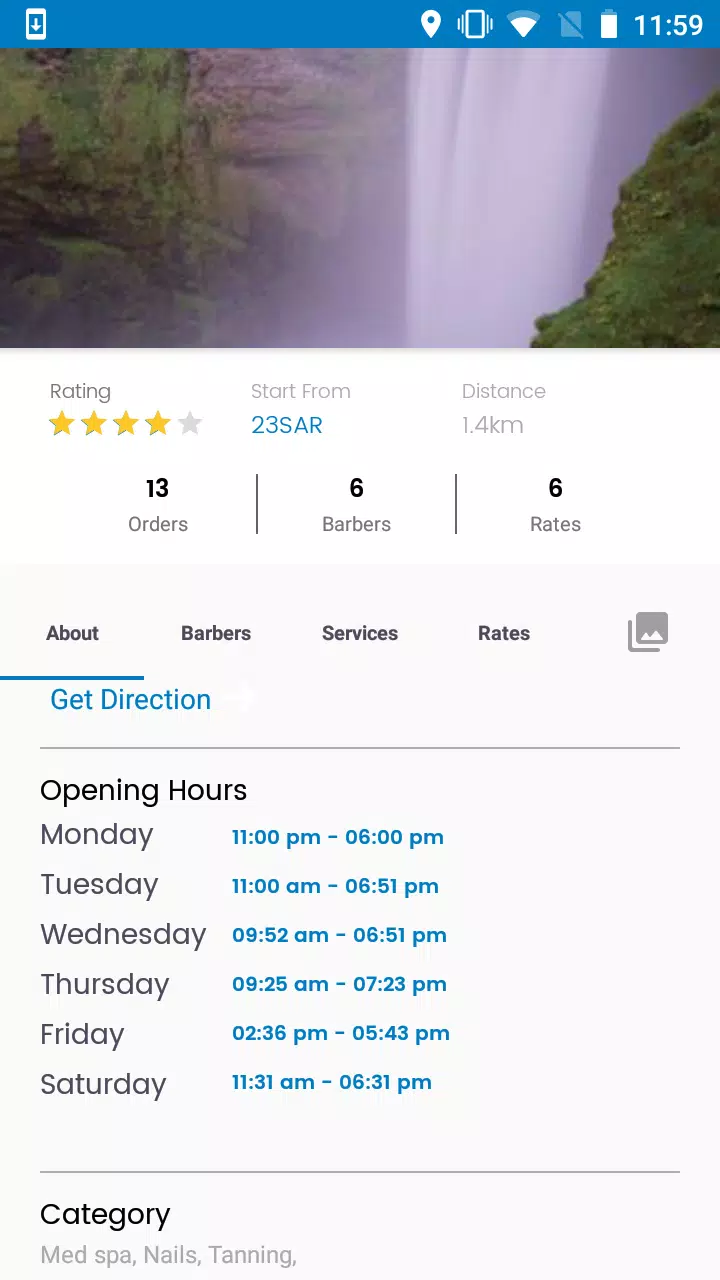
Pavone bundles task management, time planning and note-taking into a single environment. Tasks can be simple to-dos or multi-step projects with subtasks, deadlines and priority levels. The built-in calendar syncs with external services while offering day, week and agenda views. Notes support rich text, inline images and quick tagging so reference material stays contextually linked to tasks.
How Pavone fits into your workflow
Start a project, assign due dates and link related notes or files to keep everything connected. Pavone’s customizable lists and filters let you create focused views — for example, showing only high-priority tasks due this week or unmet milestones across projects. The app also supports reminders and smart recurrences, so repeating routines can be scheduled once and left to run automatically.
Interface and customization
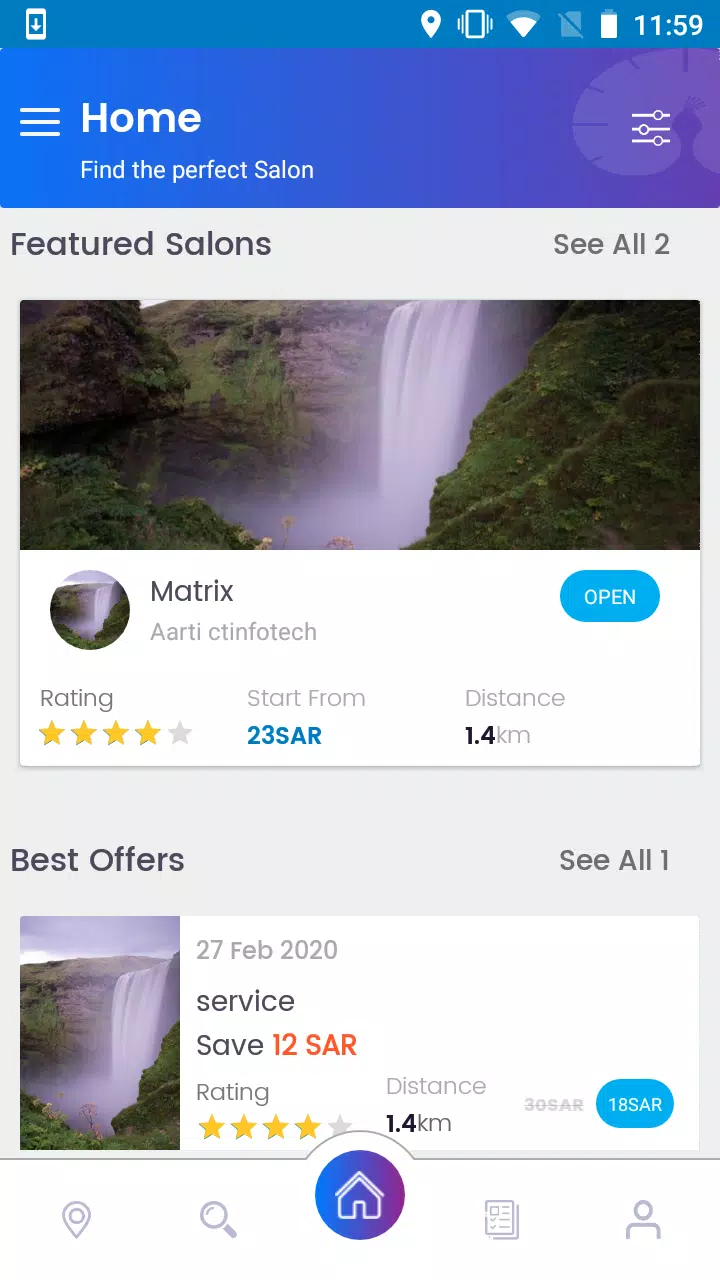
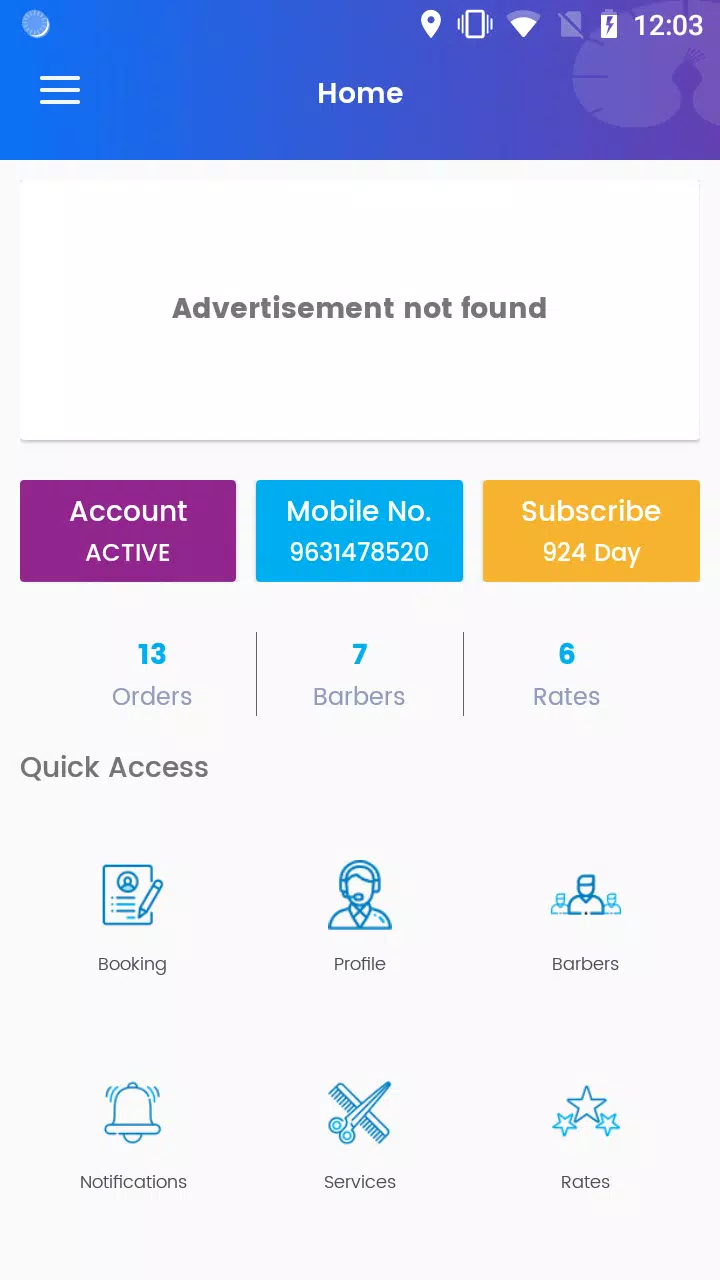
The user interface emphasizes clarity: a collapsible navigation pane, swipe gestures for quick actions and configurable card layouts for tasks. You can choose compact or spacious density, switch between light and dark themes and reorder panels to match your personal approach. Pavone also offers home screen widgets that surface upcoming tasks and a quick-entry shortcut for instantly capturing ideas.
Collaboration and sharing
Pavone includes team features for shared projects and real-time updates. Invite collaborators to specific lists, leave comments on tasks, and assign responsibilities with clear activity logs. Shared calendars make scheduling easier across time zones while permissions let you control who can edit, comment or only view certain sections.
Files, attachments and integrations
Attach documents, images and audio recordings directly to tasks or notes. Pavone integrates with popular cloud providers for easy file linking and backup. Built-in export options let you generate reports or pack project data for sharing with stakeholders. Connectors and automation tools enable syncing with external services so information flows where you need it.
Performance, compatibility and offline use
Pavone is optimized for modern Android devices and adapts to a wide range of hardware. The app remains responsive under heavy use, loading large task lists quickly and managing media attachments without lag. Offline support ensures you can view and edit content without a network connection; changes sync automatically once connectivity returns.
Security and privacy
Security is treated as a priority: Pavone uses encrypted storage for sensitive data and offers passcode or biometric locking for the app. Local backups and selective sync controls let users decide which content is stored in the cloud. Activity logs and role-based permissions add an extra layer for teams handling confidential projects.
Getting started with Pavone
- Install the app and create an account or sign in with an existing provider.
- Import tasks and calendars from other apps to start without rebuilding your workflow.
- Create a project, add tasks and attach a relevant note to test how items relate.
- Explore templates for common setups like weekly planning, client management or study schedules.
Tips for maximizing productivity
Use templates for recurring workflows, set context tags like @home or @office to filter tasks fast, and take advantage of pinned notes for high-value reference material. Configure notification rules so you receive only essential alerts, and review your Pavone dashboard each morning to prioritize the day ahead.
Why choose Pavone
Pavone aims to be both powerful and approachable. It combines robust organizational tools, reliable performance and thoughtful security controls in a package that scales from solo use to team collaboration. Regular updates introduce new integrations and refinements, keeping the app aligned with evolving productivity needs.
Download Pavone to consolidate scattered workflows into a single, adaptable workspace and start managing projects with greater clarity and less overhead.
Show More
Information
Screenshots


Latest Update












Latest News
-
![Revealing the Launch Playlists and Cross-Progression for COD Warzone Mobile News]()
-
![March 2024 Free Redemption Codes for Honkai: Star Rail News]()
-
PUBG Mobile Teams Up with Bentley Motors: Luxury Cars, Exclusive Collectibles, and Beyond 2024-04-18
![PUBG Mobile Teams Up with Bentley Motors: Luxury Cars, Exclusive Collectibles, and Beyond News]()
-
![Monster Never Cry is now accessible on both Android and iOS mobile devices. News]()
-
V2.2 of the Farlight 84 update introduces an overhauled Season structure, fresh in-game currency, an 2024-04-16
![V2.2 of the Farlight 84 update introduces an overhauled Season structure, fresh in-game currency, an News]()
-
![Arrival of Genshin Impact 4.6 Update: 'Embers of Two Realms, Twilight of Crimson' News]()
-
April 2024 Clash of Clans Update: Unveiling a Fresh Companion, Enhanced Levels, Chat Tagging, and Be 2024-04-16
![April 2024 Clash of Clans Update: Unveiling a Fresh Companion, Enhanced Levels, Chat Tagging, and Be News]()






