

E2
Version:1.6.0
Published:2026-10-12
Introduction
E2 is a compact productivity app designed to streamline file access, organize tasks, and secure sensitive data across devices. It combines a clean interface with powerful synchronization, quick search, and customizable workflows, making routine operations faster for professionals and casual users who need efficiency without complexity.
What E2 Brings to Your Device
E2 focuses on practical tools rather than gimmicks. At its core it merges file management, note-taking, and lightweight automation into a single workspace. The application is built for people who juggle documents, deadlines, and frequent context switching — it reduces friction between tasks and keeps critical items accessible.
Notable Features
- Unified File Browser: Navigate local and cloud storage with a consistent, searchable view that supports previews for common file types.
- Smart Search: Filter by tags, date ranges, and content snippets to find what you need without digging through folders.
- Task Quick-Add: Create tasks or reminders from any file or note and attach deadlines, priorities, and contextual links.
- Sync and Backup: Optional encrypted sync keeps your data current across devices while preserving privacy.
- Custom Workflows: Chain simple actions like renaming files, moving items to folders, or converting formats with a visual workflow editor.
How It Fits into Daily Workflows
The way E2 is organized encourages minimal interruption. You can pin frequently used folders, set up templates for repeated tasks, and create quick links to project-specific resources. Teams can share templates and workflows, keeping processes uniform without a heavy admin burden.
Interface and Performance
Design choices prioritize clarity: readable fonts, clear icons, and adaptive layouts for phones and tablets. E2 is lightweight and responsive on mid-range hardware. Background indexing is throttled to conserve battery, and data transfer can be restricted to Wi-Fi to avoid unexpected usage charges.
Customization and Extensions
Users who like to tailor their tools will appreciate E2’s modular approach. You can enable or disable modules such as OCR, cloud connectors, or versioning depending on your needs. The app also supports import/export of settings so you can migrate a personalized setup between devices.
Security and Privacy
Security features are integrated rather than bolted on. E2 offers local encryption for selected files, app-level authentication options, and end-to-end encrypted sync for those who opt in. Permissions are scoped and explained during setup so you understand why the app requests access to storage or calendars.
Tips for New Users
- Start Small: Enable only the modules you need and gradually add features to avoid clutter.
- Create Templates: Set up a template for recurring tasks or document collections to save time.
- Use Tags: Tags can replace deep folder hierarchies and make search more effective.
- Schedule Indexing: Move heavy indexing to off-peak hours to keep the device snappy during work time.
Who Gains the Most
E2 works well for freelancers, small teams, and busy professionals who want an all-in-one toolbox without signing up for multiple services. Power users appreciate the automation hooks, while casual users benefit from the straightforward file handling and task capture tools.
Installation and Getting Started
Getting started with E2 is straightforward: install from your device store, sign in or use a local-only mode, and follow the setup wizard to select your storage sources. The onboarding includes a short walkthrough that helps you create a first template and set basic preferences.
Final Observations
For those looking to simplify their digital workspace, E2 strikes a balance between capability and accessibility. It doesn’t overload the user with options but still provides meaningful depth where it counts — search, synchronization, and simple automation. If organization and privacy matter, it’s worth trying as a central hub for everyday productivity.
Show More
Information
Screenshots
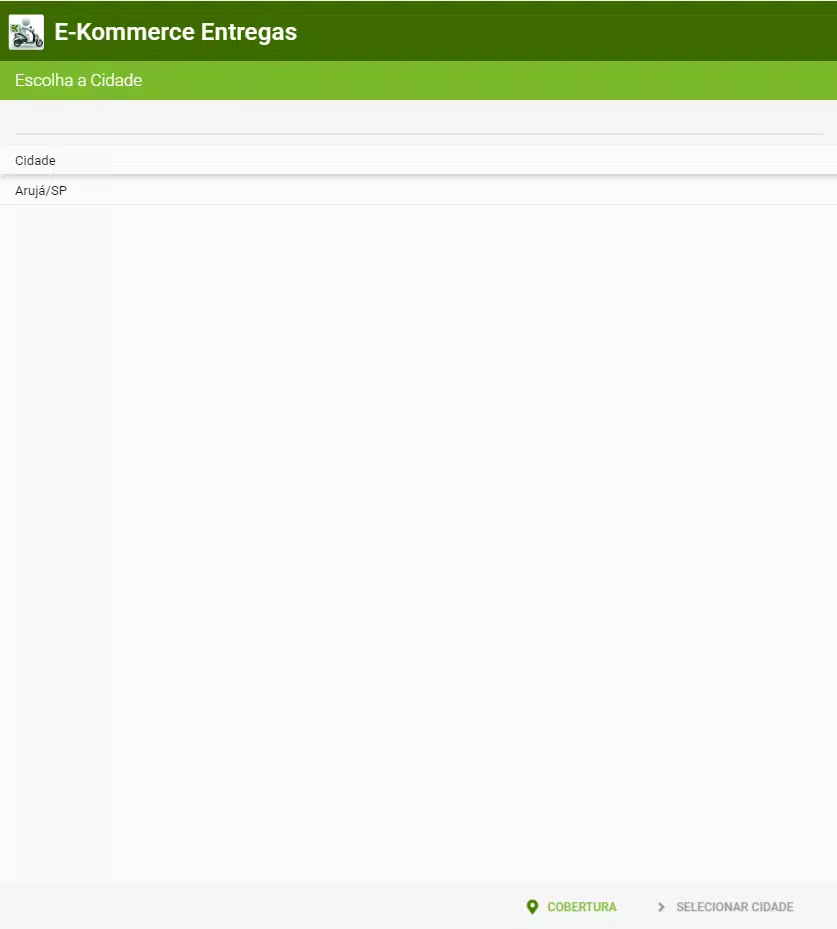
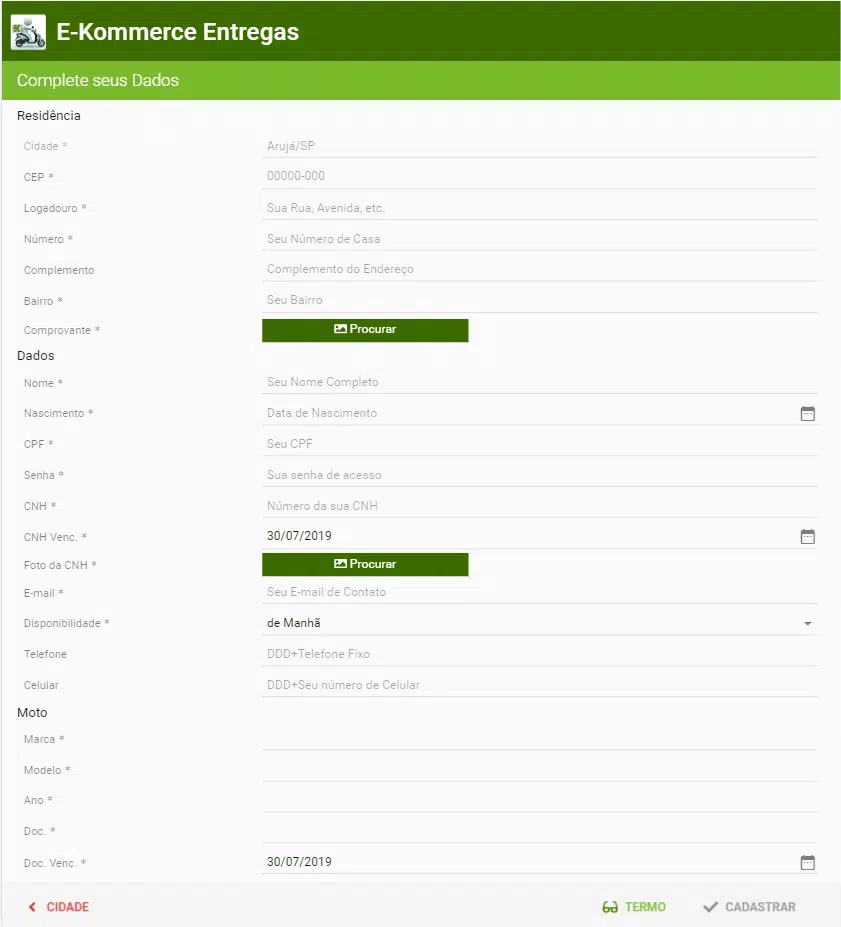
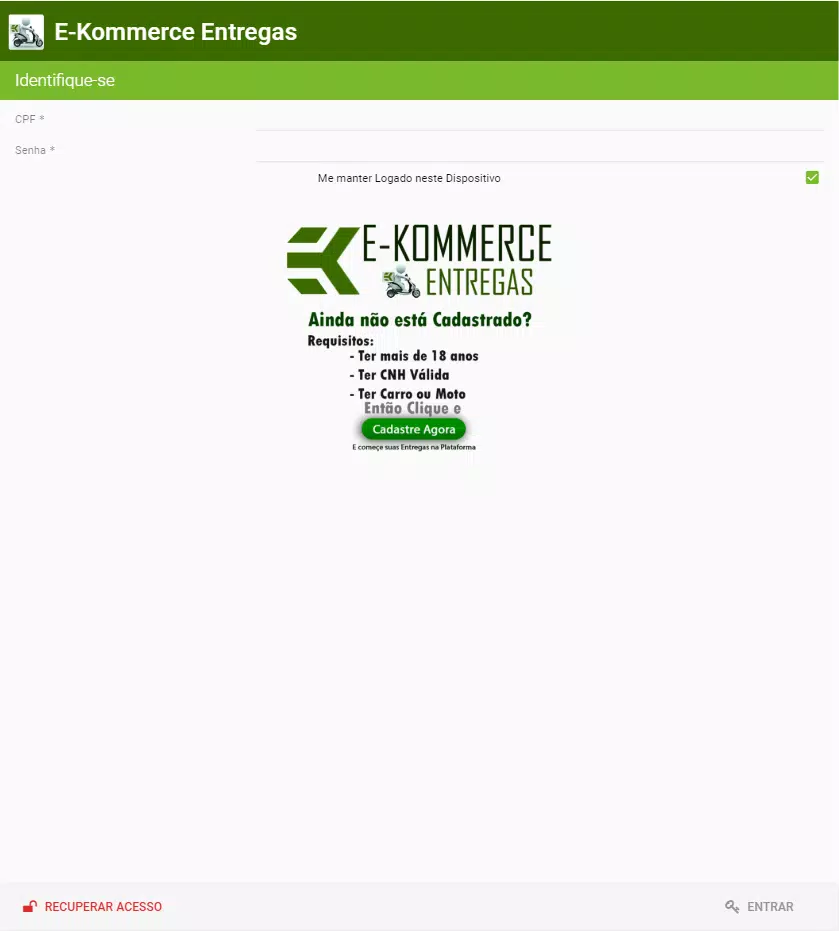
Latest Update












Hot Tags
Latest News
-
![Revealing the Launch Playlists and Cross-Progression for COD Warzone Mobile News]()
-
![March 2024 Free Redemption Codes for Honkai: Star Rail News]()
-
PUBG Mobile Teams Up with Bentley Motors: Luxury Cars, Exclusive Collectibles, and Beyond 2024-04-18
![PUBG Mobile Teams Up with Bentley Motors: Luxury Cars, Exclusive Collectibles, and Beyond News]()
-
![Monster Never Cry is now accessible on both Android and iOS mobile devices. News]()
-
V2.2 of the Farlight 84 update introduces an overhauled Season structure, fresh in-game currency, an 2024-04-16
![V2.2 of the Farlight 84 update introduces an overhauled Season structure, fresh in-game currency, an News]()
-
![Arrival of Genshin Impact 4.6 Update: 'Embers of Two Realms, Twilight of Crimson' News]()
-
April 2024 Clash of Clans Update: Unveiling a Fresh Companion, Enhanced Levels, Chat Tagging, and Be 2024-04-16
![April 2024 Clash of Clans Update: Unveiling a Fresh Companion, Enhanced Levels, Chat Tagging, and Be News]()






