
Zodiac Compare
Version:1.3
Published:2026-10-12
Introduction
Zodiac Compare is a focused astrology utility that helps users measure compatibility across signs and birth charts with intuitive tools and clear results. Ideal for casual users and hobbyists, the app visualizes zodiac relationships, highlights shared traits, and offers quick comparisons between two people or multiple charts in a few taps.
What the app does
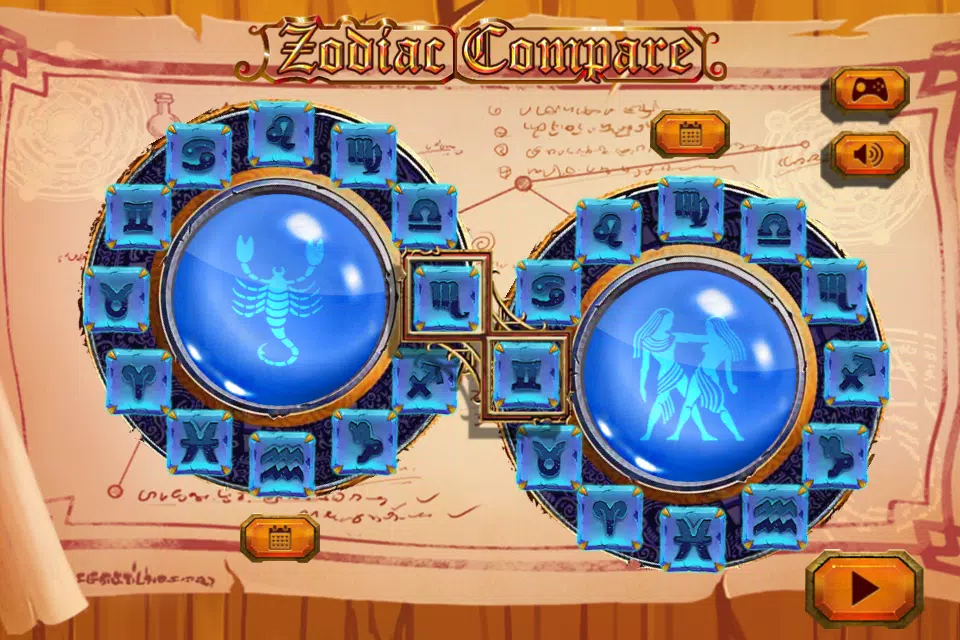
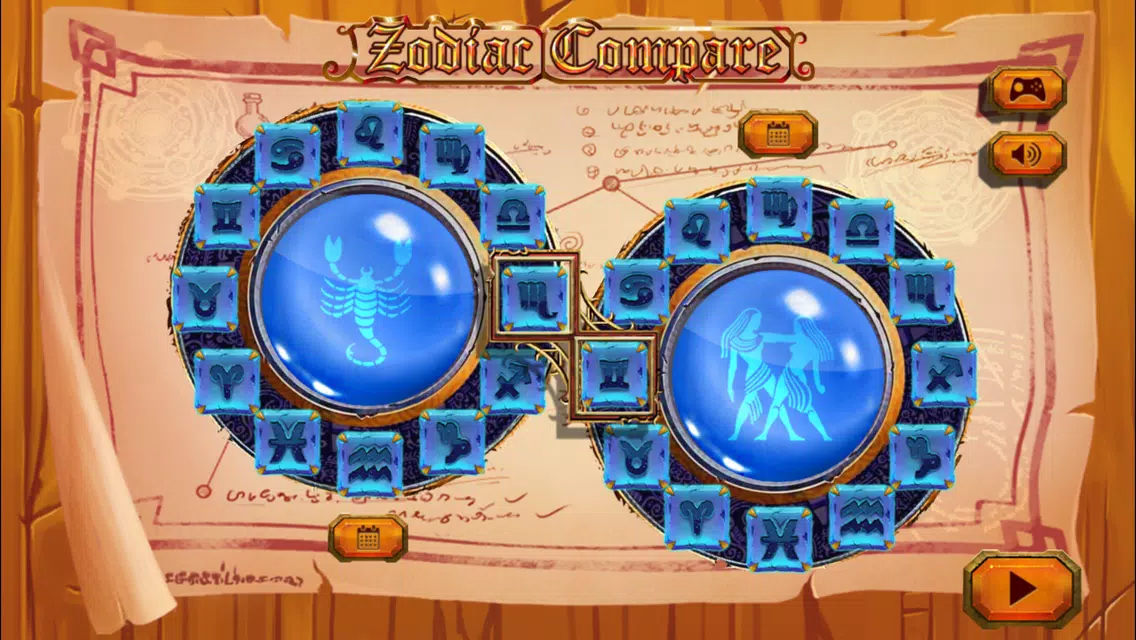
Zodiac Compare provides side-by-side comparisons of sun, moon, and rising signs, alongside selectable planetary aspects. The app is designed to deliver concise compatibility scores and readable explanations, avoiding jargon while still offering depth. It supports both quick assessments and more detailed chart analysis for users who want a deeper look.
Core functionality and tools
- Sign matching: Fast pairing of sun, moon, and rising signs to produce an overall compatibility snapshot.
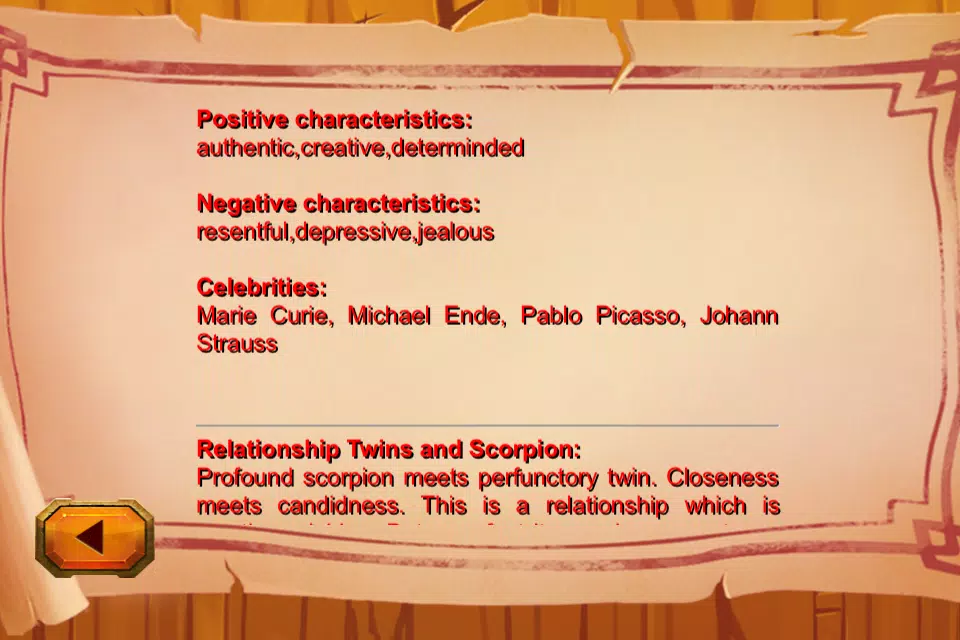
- Aspect analysis: Displays major aspects between charts (conjunctions, oppositions, trines, squares) with plain-language descriptions.
- Multi-profile support: Save several people and compare different combinations without re-entering birth details.
- Exportable summaries: Generate concise reports suitable for sharing or saving to reference later.
How it works
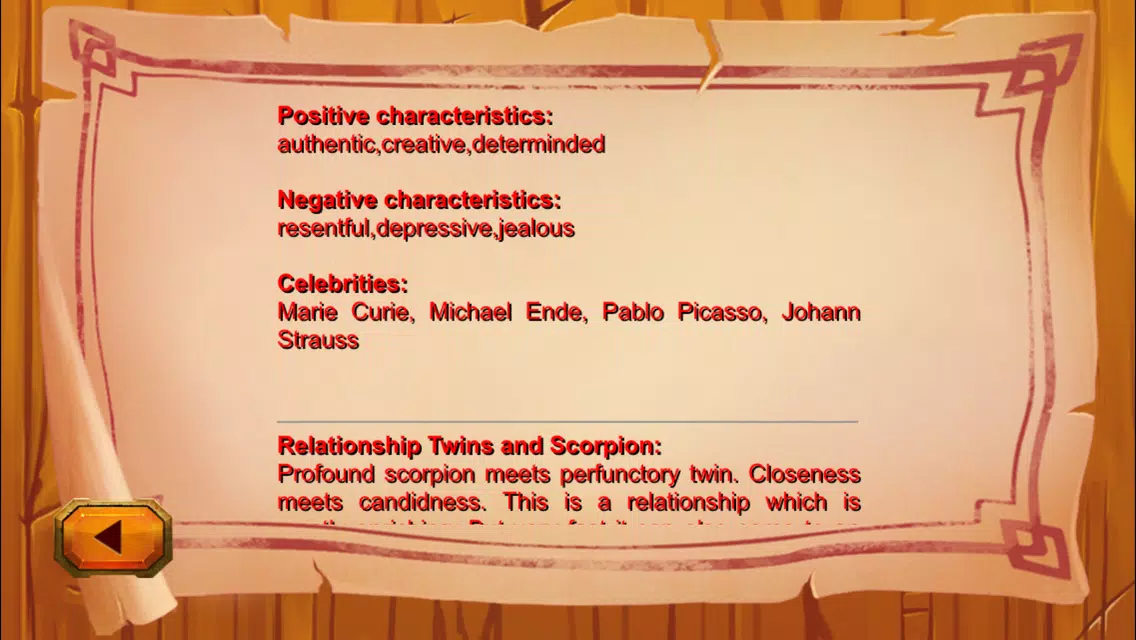
The workflow centers on entering birth information for one or more individuals, selecting which elements to include in the comparison, and then reviewing a structured output. Zodiac Compare calculates relationships between chart points and converts those into compatibility metrics and explanation blocks. A results screen separates strengths, challenges, and areas for growth so users can quickly find useful takeaways.
Interface and usability
The interface is built to guide users through setup: clear input fields, labeled toggles for including specific planetary data, and a visual summary panel. Color-coded indicators mark positive, neutral, and challenging matches, helping users assess results at a glance. Performance is responsive on modern devices, and animations are kept minimal to prioritize information clarity.
Customization and depth
Zodiac Compare scales from basic to advanced. Beginners can stick to sun-moon-rising comparisons, while experienced users may enable full planetary overlays and house placements. Users can rename saved profiles, reorder comparison lists, and choose between short summaries or extended explanations for each aspect.
Practical use cases
- Dating and relationships: Quickly gauge potential chemistry and typical friction points.
- Friendship and colleagues: Understand compatibility dynamics in workplace or social groups.
- Family insights: Compare parent-child or sibling charts to explore personality interactions.
- Personal reflection: Use comparisons to identify areas for self-development and communication strategies.
Performance and reliability
Stability and speed are central to the experience. Zodiac Compare runs calculations locally for immediate feedback and caches recent profiles to reduce repetitive inputs. The app handles multiple comparisons without lag and preserves user data through an intuitive save and load system. Regular updates typically refine interpretive text and add minor feature improvements rather than overhaul core flows.
First steps for new users
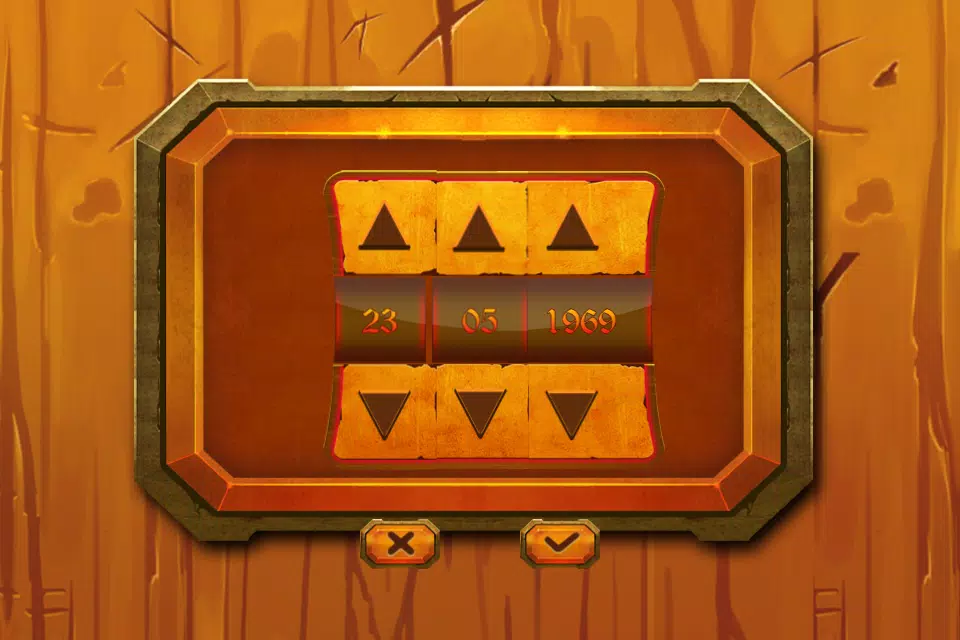
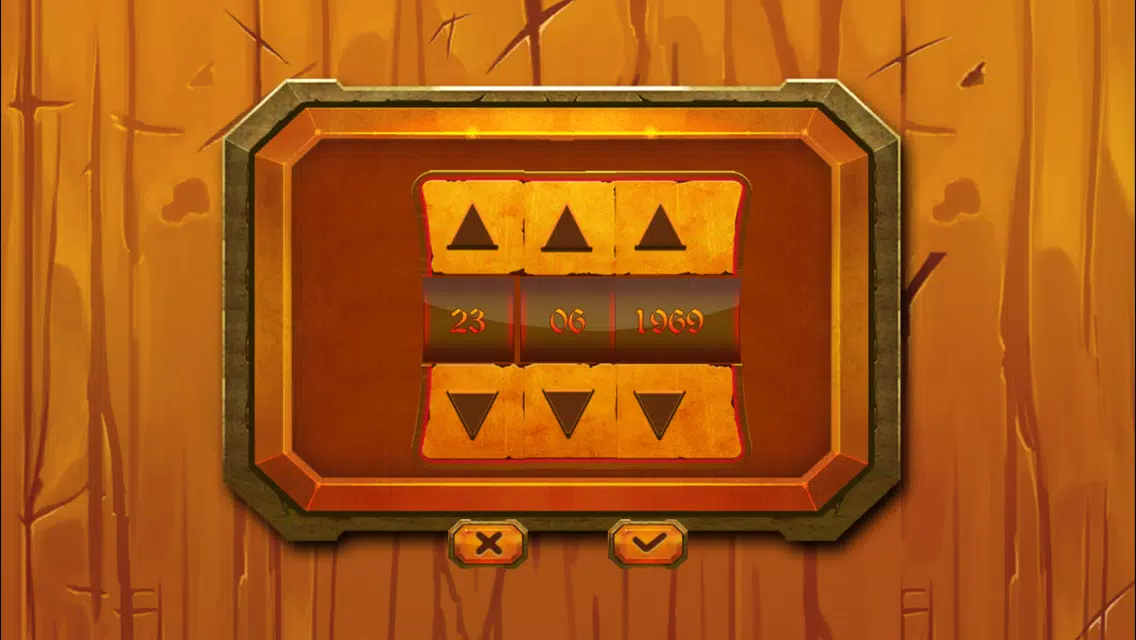
Getting started takes only a few moments: enter names and birth details, pick which elements to compare, and tap the compare button. New users benefit from the example demo mode included in the settings, which walks through a sample comparison and explains the terms used in results. Saving one or two profiles early speeds up future comparisons.
Tips to get better results
- Provide accurate birth times when possible; rising signs and house placements affect nuance.
- Compare multiple elements rather than relying on sun signs alone for a fuller picture.
- Use the export feature to save interesting comparisons for follow-up discussion or study.
- Experiment with different matchups to spot recurring patterns across relationships.
Users appreciate Zodiac Compare for its clear explanations and practical layout. The app balances accessibility with capability, making it suitable for curious beginners and hobbyist astrologers alike. Whether used to spark conversations or to investigate personal dynamics, Zodiac Compare delivers structured insights without overwhelming the user.
Installation notes
Download and permissions are typical for a utility app: minimal storage use and no unusual access requests. The onboarding sequence briefly explains data privacy and how saved profiles are handled. For anyone seeking a reliable way to examine astrological compatibility, Zodiac Compare is a solid addition to an astrology toolkit.
Show More
Information
Screenshots
Latest Update
-
![Lines Gold Pro - Icon Pack APK]()
Lines Gold Pro - Icon Pack
-
![Remote Fire TV APK]()
Remote Fire TV
-
![Flight Dark Pro - Icon Pack APK]()
Flight Dark Pro - Icon Pack
-
![Ares Light: Pastel Icon Pack APK]()
Ares Light: Pastel Icon Pack
-
![getConf - Hidden Settings APK]()
getConf - Hidden Settings
-
![Dots Live Wallpaper - Battery APK]()
Dots Live Wallpaper - Battery
-
![Chroma - Icon Pack APK]()
Chroma - Icon Pack
-
![One UI Fluffy Icon Pack APK]()
One UI Fluffy Icon Pack
-
![Pixly Limitless Fluo Icon Pack APK]()
Pixly Limitless Fluo Icon Pack
-
![Compress Video - Resize Video APK]()
Compress Video - Resize Video
-
![Pixly Professional Dark APK]()
Pixly Professional Dark
-
![Tracker Detect Pro APK]()
Tracker Detect Pro












Latest News
-
![Revealing the Launch Playlists and Cross-Progression for COD Warzone Mobile News]()
-
![March 2024 Free Redemption Codes for Honkai: Star Rail News]()
-
PUBG Mobile Teams Up with Bentley Motors: Luxury Cars, Exclusive Collectibles, and Beyond 2024-04-18
![PUBG Mobile Teams Up with Bentley Motors: Luxury Cars, Exclusive Collectibles, and Beyond News]()
-
![Monster Never Cry is now accessible on both Android and iOS mobile devices. News]()
-
V2.2 of the Farlight 84 update introduces an overhauled Season structure, fresh in-game currency, an 2024-04-16
![V2.2 of the Farlight 84 update introduces an overhauled Season structure, fresh in-game currency, an News]()
-
![Arrival of Genshin Impact 4.6 Update: 'Embers of Two Realms, Twilight of Crimson' News]()
-
April 2024 Clash of Clans Update: Unveiling a Fresh Companion, Enhanced Levels, Chat Tagging, and Be 2024-04-16
![April 2024 Clash of Clans Update: Unveiling a Fresh Companion, Enhanced Levels, Chat Tagging, and Be News]()






