

V-Doorbell
Version:3.10.018
Published:2026-10-12
Introduction
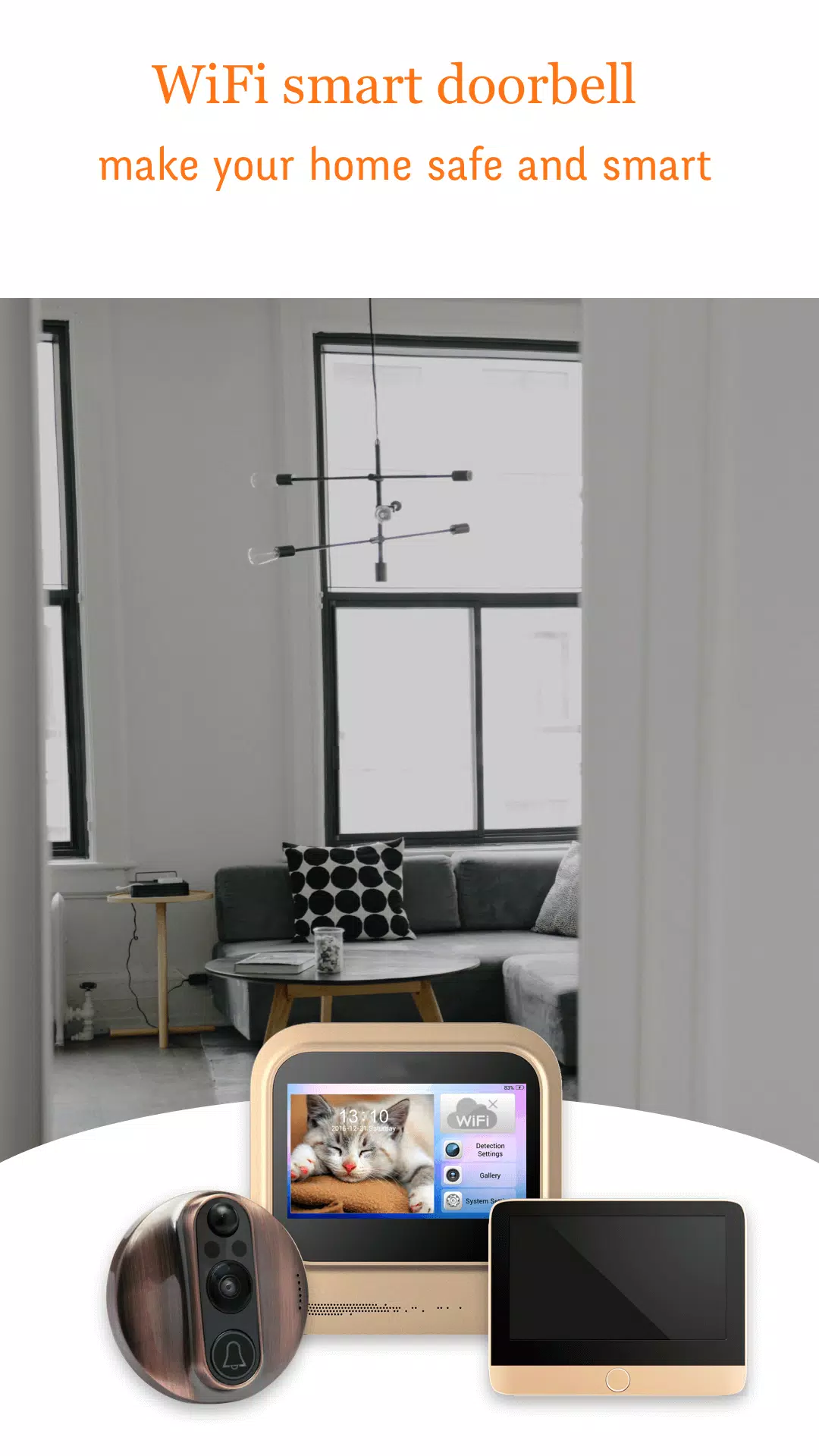
V-Doorbell transforms your Android device into a smart entry management hub, delivering live video, motion alerts, and two-way audio for home or office. The app connects with compatible doorbell hardware or IP cameras to provide real-time notifications, secure recordings, and easy visitor interaction from anywhere with an internet connection.
Core Features
V-Doorbell offers a focused set of features designed to make monitoring entrances simple and reliable. Motion detection triggers instant push notifications so you know who is at the door. Live video streaming lets you view visitors in high definition while two-way audio enables a clear conversation without opening the door. Recording options include scheduled captures, event-based clips, and continuous recording depending on your plan and storage setup.
- Live view: Real-time video with adjustable resolution and frame rate to suit bandwidth constraints.
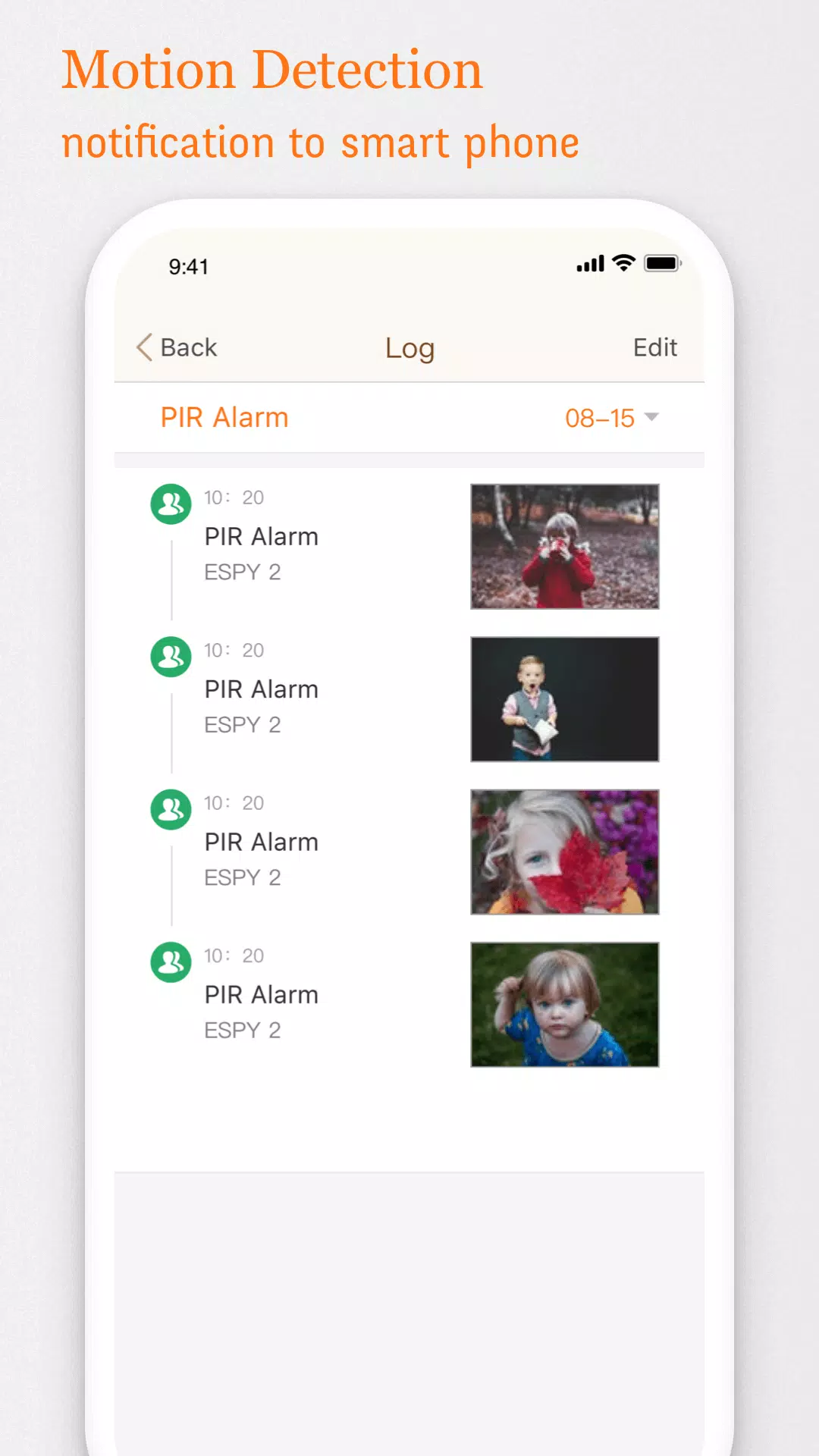
- Motion alerts: Smart detection with sensitivity controls to reduce false alarms.
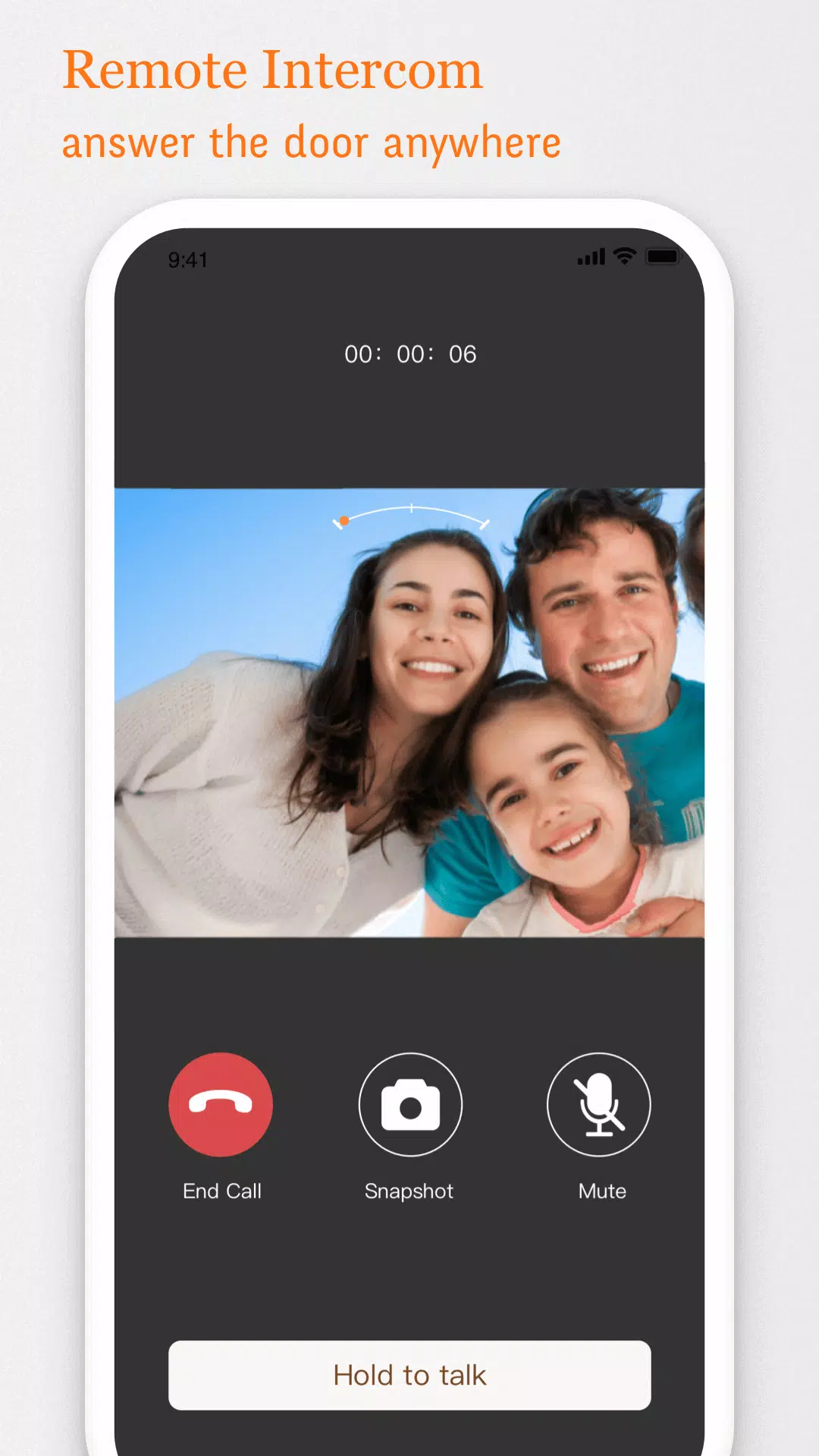
- Two-way audio: Clear voice communication through microphone and speaker support.
- Recording: Local SD, network storage, or cloud backup options.
- Notifications: Customizable push alerts, sound choices, and do-not-disturb scheduling.
How V-Doorbell Works
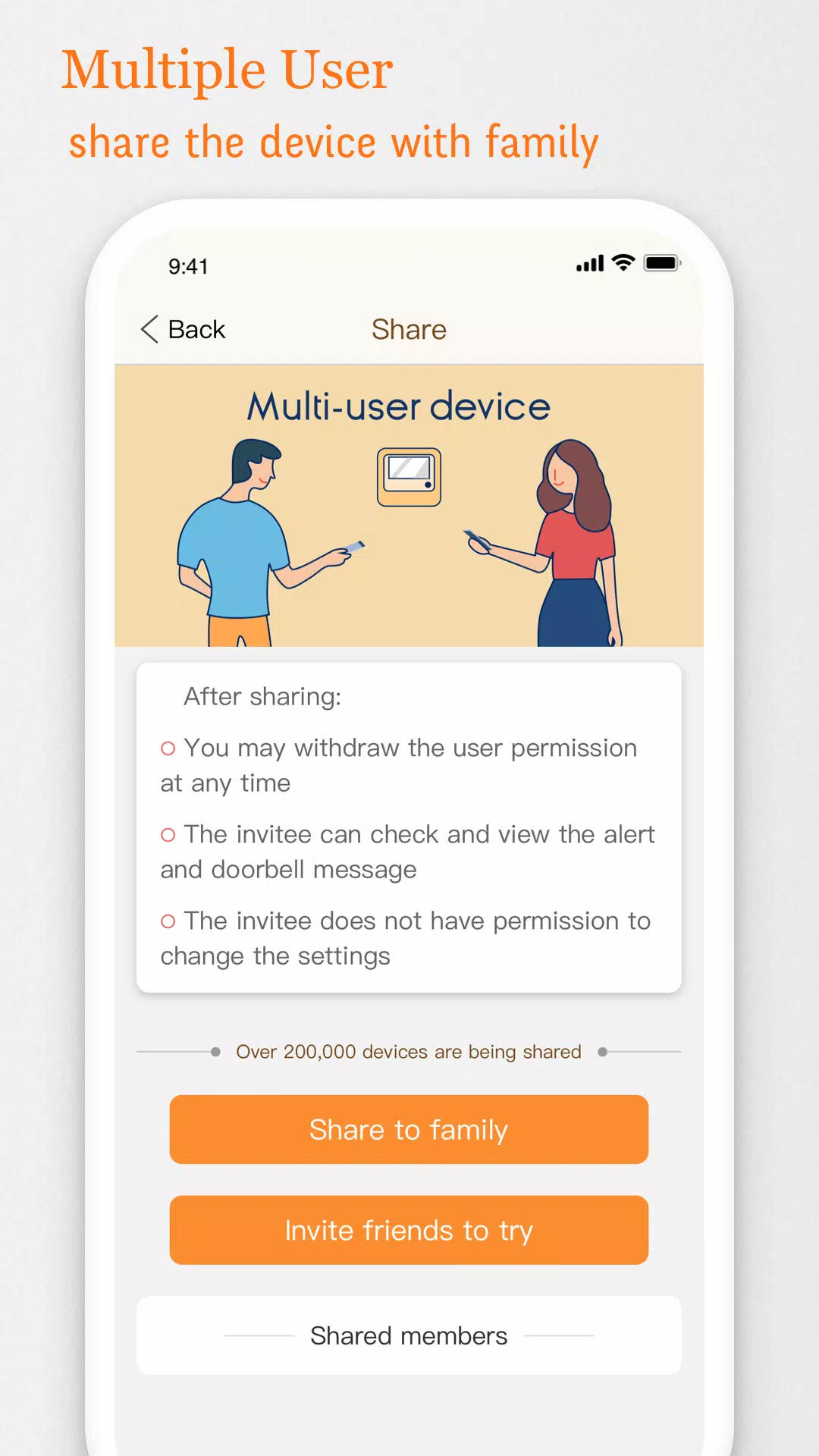
The app pairs with a doorbell camera or existing IP camera using Wi-Fi or wired network connections. After a secure setup process, V-Doorbell continuously monitors the camera feed and analyzes motion events. When activity is detected, the app sends a notification to your Android device and provides a one-tap path to view live footage or review recent recordings. Integration supports multiple devices and multi-user access with configurable permissions.
Interface and Setup
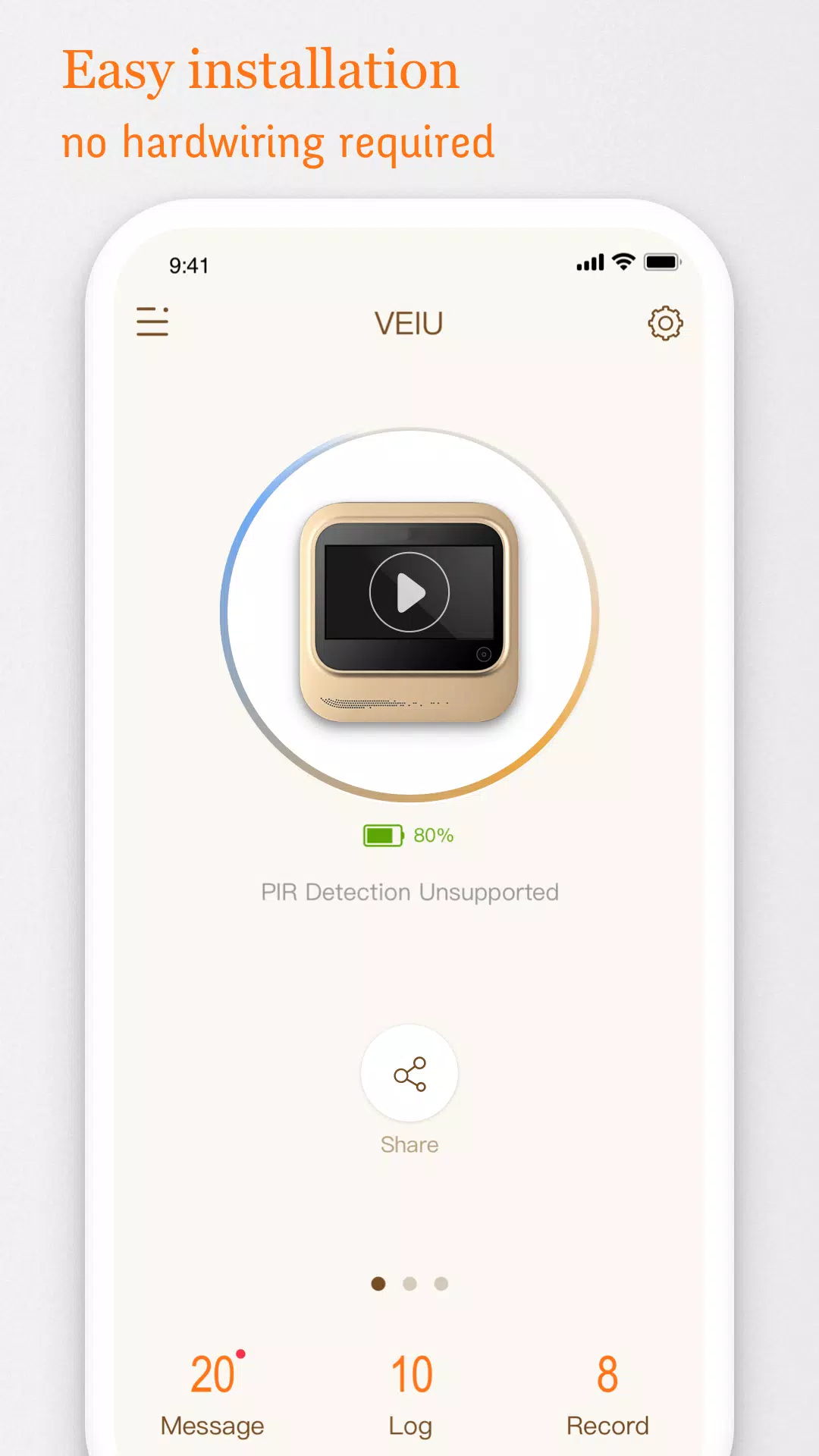
Setting up V-Doorbell is straightforward and guided by clear on-screen steps. The interface emphasizes quick access to the live feed and recent events. A concise setup wizard walks you through camera discovery, network configuration, and account linking. Once installed, the dashboard displays thumbnails for connected cameras, quick action buttons for talk or snapshot, and an events timeline for playback.
- Device discovery: Auto-detect compatible cameras on your network.
- Quick configuration: Guided Wi-Fi setup and credential encryption for secure connections.
- Multi-camera support: Add several devices and organize them into zones or locations.
- User roles: Owner, admin, and guest access with adjustable privileges.
Practical Uses and Daily Workflow
V-Doorbell fits multiple scenarios: homeowners checking deliveries, small businesses monitoring entrances, and caretakers supervising remote properties. Notifications allow you to respond immediately to visitors or deliveries, while scheduled recordings provide audit trails for security incidents. The workflow is built around rapid triage: receive an alert, open the live view, speak through the doorbell, and save clips when necessary.
Performance and Compatibility
Performance is tuned for reliable streaming and efficient battery use on both cameras and Android devices. V-Doorbell adapts video quality based on network speed to minimize lag and buffering. The app supports a wide range of IP camera models using ONVIF and RTSP standards, plus manufacturer-specific integrations where available. Compatibility extends across modern Android versions and common router setups.
- Adaptive streaming: Automatically balances quality and latency.
- Low-power mode: Reduces background activity while preserving critical alerts.
- Standards support: ONVIF, RTSP, and selected vendor APIs for broad device compatibility.
Privacy and Security Considerations
Security is central to V-Doorbell’s design. Data transmissions use encrypted channels and access controls limit who can view or download footage. Local storage options let you keep recordings on-site, while cloud storage plans offer redundant backups with configurable retention. Local laws and privacy preferences are respected through masking features, scheduled recording windows, and user consent settings for shared access.
V-Doorbell is an effective tool for anyone seeking a modern, flexible door monitoring solution. It balances ease of use with configurable controls so you can tailor alerts, recordings, and permissions to match your security needs while keeping visitor interactions quick and natural.
Show More
Information
Screenshots
Latest Update












Latest News
-
![Revealing the Launch Playlists and Cross-Progression for COD Warzone Mobile News]()
-
![March 2024 Free Redemption Codes for Honkai: Star Rail News]()
-
PUBG Mobile Teams Up with Bentley Motors: Luxury Cars, Exclusive Collectibles, and Beyond 2024-04-18
![PUBG Mobile Teams Up with Bentley Motors: Luxury Cars, Exclusive Collectibles, and Beyond News]()
-
![Monster Never Cry is now accessible on both Android and iOS mobile devices. News]()
-
V2.2 of the Farlight 84 update introduces an overhauled Season structure, fresh in-game currency, an 2024-04-16
![V2.2 of the Farlight 84 update introduces an overhauled Season structure, fresh in-game currency, an News]()
-
![Arrival of Genshin Impact 4.6 Update: 'Embers of Two Realms, Twilight of Crimson' News]()
-
April 2024 Clash of Clans Update: Unveiling a Fresh Companion, Enhanced Levels, Chat Tagging, and Be 2024-04-16
![April 2024 Clash of Clans Update: Unveiling a Fresh Companion, Enhanced Levels, Chat Tagging, and Be News]()






