

Dr. Passport (Corporate)
Version:1.1.2
Published:2026-10-13
Introduction
Dr. Passport (Corporate) is a streamlined identity-management app designed for organizations to handle employee travel documentation, approvals, and secure record keeping. It combines digital passport storage, customizable approval workflows, and compliance tracking into a single, mobile-friendly interface suited for HR and administration teams.
What the app does
At its core, Dr. Passport (Corporate) centralizes passport and visa data so administrators can manage travel authorizations, expiration reminders, and document audits without juggling spreadsheets. The app focuses on reducing friction around international travel logistics by automating recurring tasks and providing clear audit trails for compliance purposes.
Key capabilities for enterprise teams
- Document capture: Use the camera or upload files to store passport scans, visas, and supporting documents with OCR-assisted data extraction.
- Approval workflows: Configure multi-step approvals so managers, security officers, and HR can sign off on travel requests in sequence.
- Automated reminders: Get push notifications and email alerts for upcoming expirations and required renewals.
- Role-based access: Assign granular permissions so only authorized staff can view or edit sensitive records.
- Audit logs: Maintain a tamper-evident activity trail for each document and approval event.
How it fits into daily operations
Administrators typically use the app to onboard employees’ travel documents, set renewal thresholds, and route approvals. Teams benefit from templates for common travel authorizations and a searchable directory of active passports. The result is a lower administrative overhead and fewer missed renewals that could disrupt trips.
Integration and export options
Dr. Passport (Corporate) supports common enterprise integrations that simplify adoption. Sync user directories via LDAP or SAML SSO for seamless sign-on, and export reports in CSV or PDF to feed payroll, travel management, or compliance systems. The app also provides a lightweight API for custom automation between HR platforms.
User interface and performance notes
The interface emphasizes clarity: lists, filters, and color-coded status badges help teams triage upcoming actions quickly. On modern Android devices the app runs smoothly, with optimized image uploads and background syncing to conserve bandwidth. Administrators can filter by expiration date, department, or approval status to get immediate insights into travel readiness.
Security and compliance considerations
Security is a priority for any corporate identity tool. Dr. Passport (Corporate) uses encrypted storage for documents and supports secure transmission channels. Role-based controls and detailed logging help organizations meet internal audit requirements. For additional assurance, administrators can enable two-factor authentication and enforce device policies through mobile management solutions.
Tips for administrators getting started
- Start with a pilot group: Onboard a single department to refine workflows before rolling out company-wide.
- Define retention and access policies: Decide how long to keep documents and who needs access to reduce risk.
- Use templates: Create approval templates for common trip types to speed processing.
- Schedule regular reviews: Set quarterly audits to verify data accuracy and compliance with corporate rules.
Training employees on basic tasks—like uploading a clear passport photo and keeping personal contact details current—minimizes follow-ups and keeps the system efficient.
Practical scenarios where it helps
Companies with frequent international travel, rapidly growing teams, or distributed HR functions will see immediate gains. The app reduces delays caused by missing documents, lowers the chance of noncompliance, and makes reporting simpler. Travel coordinators and security teams can also use filters and exports to prepare pre-departure briefings and risk assessments.
Installation and maintenance
Installation is straightforward: download from internal distribution channels or the managed app store, then configure SSO and directory syncing. Regular updates introduce feature enhancements and security patches; administrators should plan periodic maintenance windows and backup policies. Support documentation and in-app help speed troubleshooting for first-time users.
Dr. Passport (Corporate) presents a focused solution for enterprises that need reliable, auditable management of travel credentials. With clear workflows, integration points, and security controls, the app streamlines the tasks that once required tedious manual coordination.
Show More
Information
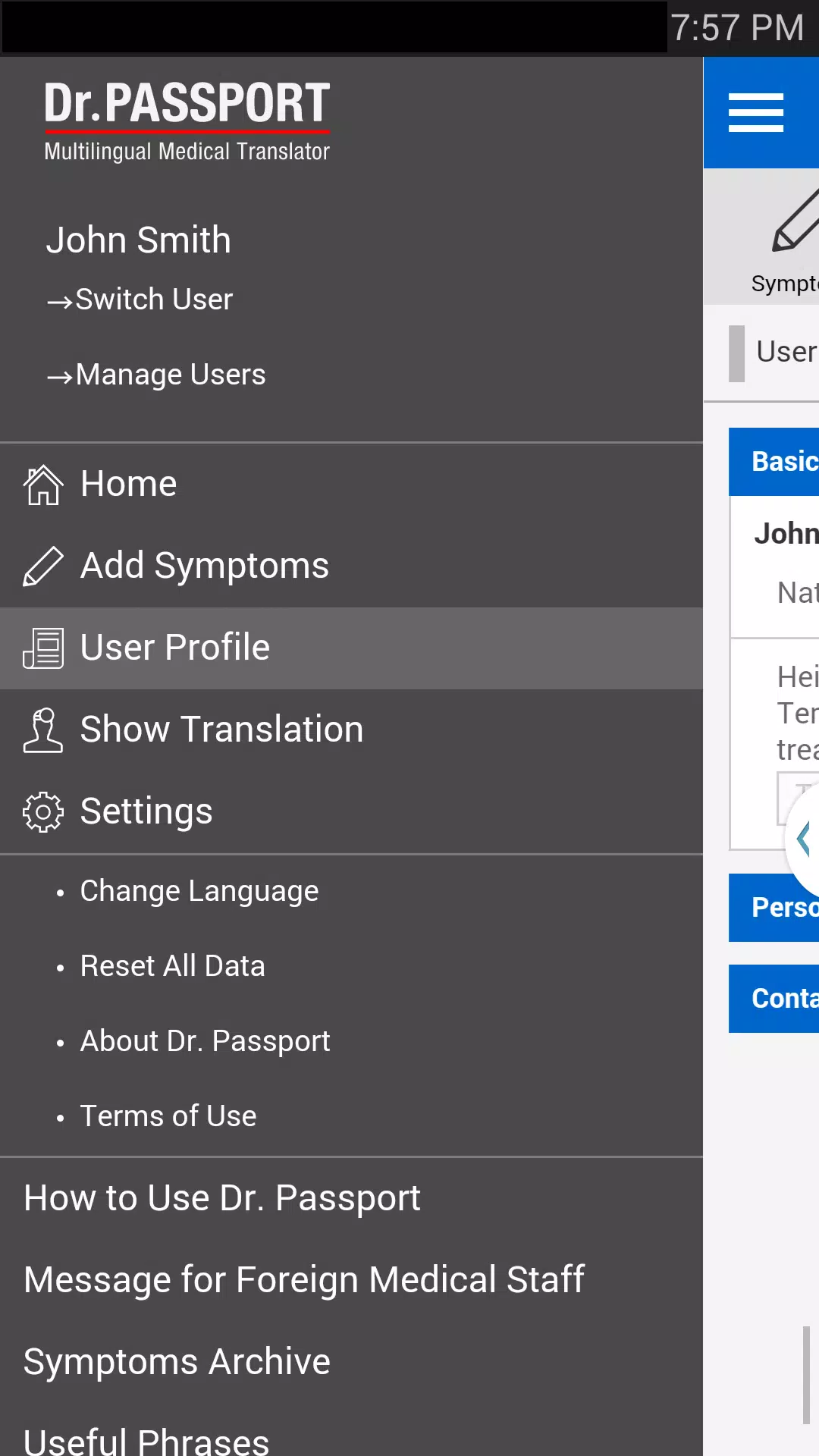
Screenshots
Latest Update












Latest News
-
![Revealing the Launch Playlists and Cross-Progression for COD Warzone Mobile News]()
-
![March 2024 Free Redemption Codes for Honkai: Star Rail News]()
-
PUBG Mobile Teams Up with Bentley Motors: Luxury Cars, Exclusive Collectibles, and Beyond 2024-04-18
![PUBG Mobile Teams Up with Bentley Motors: Luxury Cars, Exclusive Collectibles, and Beyond News]()
-
![Monster Never Cry is now accessible on both Android and iOS mobile devices. News]()
-
V2.2 of the Farlight 84 update introduces an overhauled Season structure, fresh in-game currency, an 2024-04-16
![V2.2 of the Farlight 84 update introduces an overhauled Season structure, fresh in-game currency, an News]()
-
![Arrival of Genshin Impact 4.6 Update: 'Embers of Two Realms, Twilight of Crimson' News]()
-
April 2024 Clash of Clans Update: Unveiling a Fresh Companion, Enhanced Levels, Chat Tagging, and Be 2024-04-16
![April 2024 Clash of Clans Update: Unveiling a Fresh Companion, Enhanced Levels, Chat Tagging, and Be News]()






