

Guide Church
Version:2.5.36
Published:2026-10-13
Introduction
Guide Church is a mobile-first platform designed to help congregations manage events, communicate with members, and store resources. It combines scheduling, donation processing, volunteer coordination, and sermon archives into a single app for church leaders and attendees on mobile devices.
What this app does
Guide Church focuses on practical tools for everyday ministry. It centralizes event calendars, member directories, group messaging, and media libraries so teams spend less time managing logistics and more time supporting community work. Built for administrators and volunteers, the app streamlines common workflows without a steep learning curve.
Core capabilities
- Event scheduling: Create recurring services, study groups, outreach events, and reminders with location and attendee limits.
- Volunteer management: Signups, shift assignments, and role-specific checklists reduce confusion during services and events.
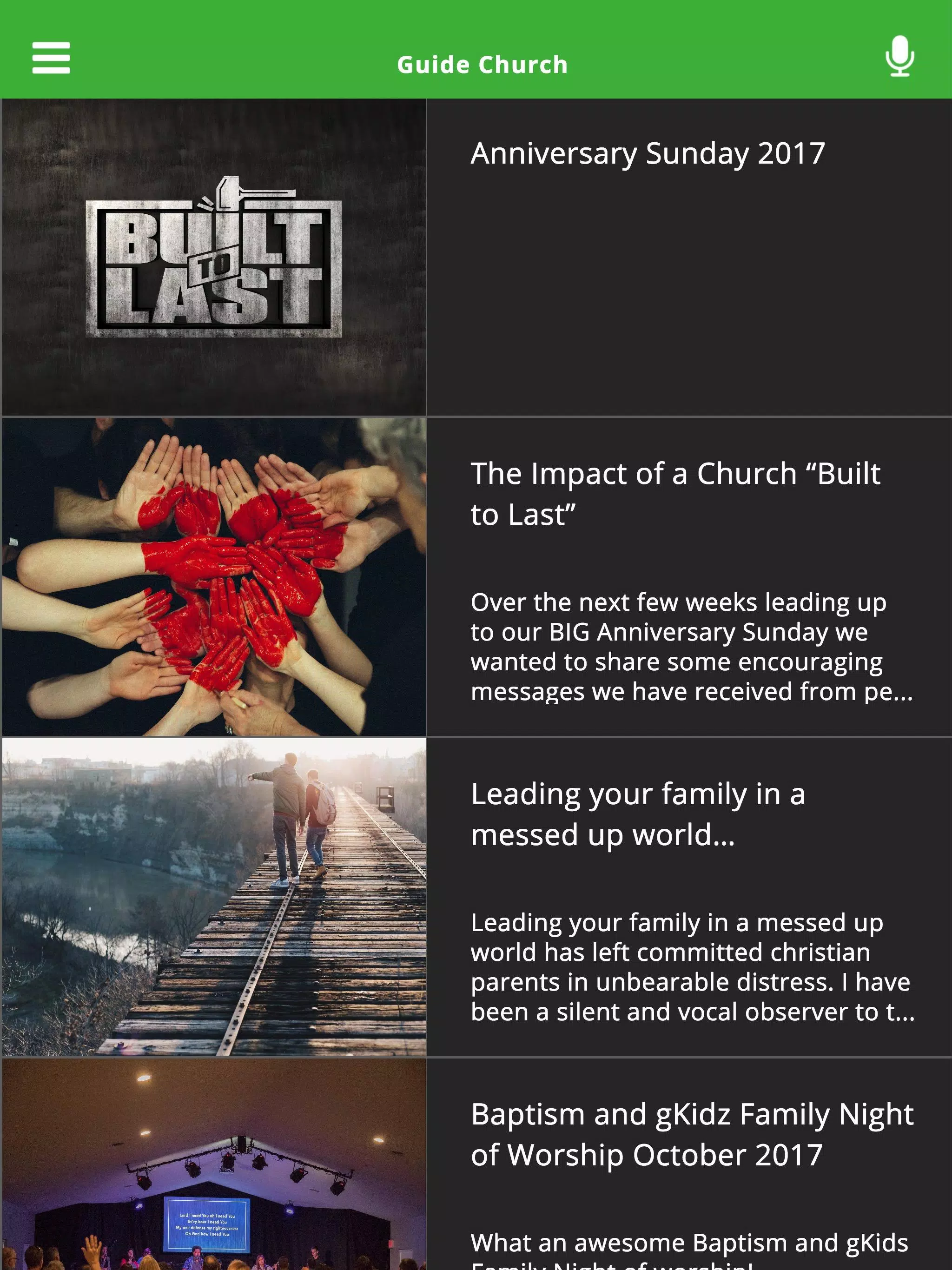
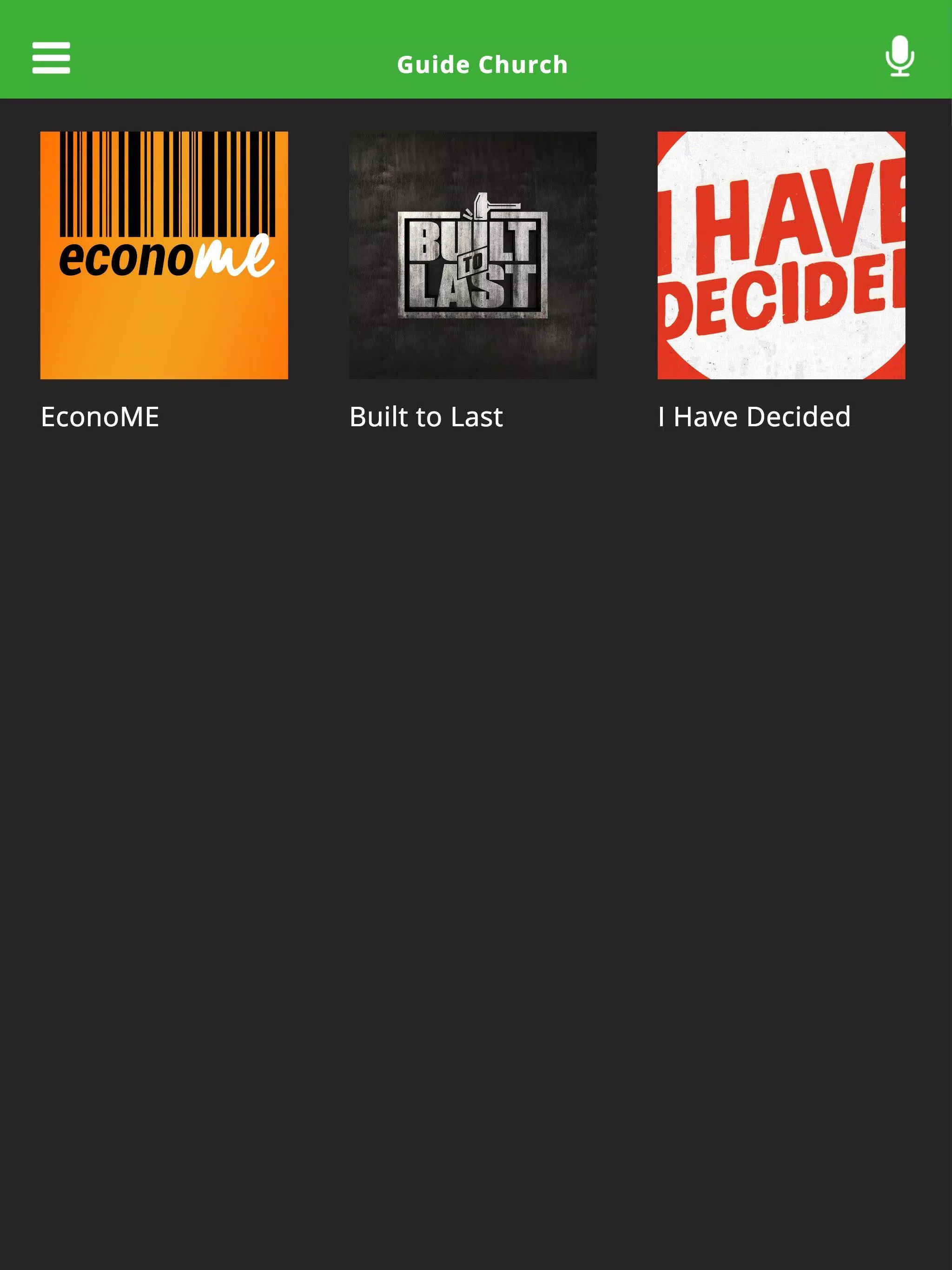
- Sermon and media library: Upload recordings, notes, and related resources so members can access content on demand.
- Giving and payments: Secure donation processing, history tracking, and receipts make financial contributions transparent and easy to manage.
- Direct messaging: Targeted announcements and group chats keep teams informed without relying on third-party social platforms.
How administrators use it
Leaders can manage gatherings, schedule volunteers, and publish weekly guides from a single dashboard. Guide Church offers role-based permissions so pastors, staff, and lay leaders see only the tools relevant to their responsibilities. Bulk import and export options simplify onboarding and record keeping for growing communities.
Day-to-day workflow
Set up an event, assign volunteer roles, attach relevant media or liturgy notes, and launch announcements. Members RSVP and receive automated reminders. After the event, organizers pull attendance reports and follow up with targeted messages or resources. The flow reduces manual tasks and centralizes communication.
Customization and settings
Guide Church supports configurable templates for service orders, volunteer checklists, and donation categories. Color themes and layout options allow basic branding to match a congregation's identity. Admins can localize labels and notifications so the app fits diverse communities and languages.
Tools for engagement
- Group pages: Small groups, ministries, and committees can maintain schedules, files, and member lists.
- Notifications: Push and email alerts for important updates, cancellations, or prayer requests.
- Surveys and signups: Simple forms collect feedback, registrations, and volunteer availability.
Interface and performance
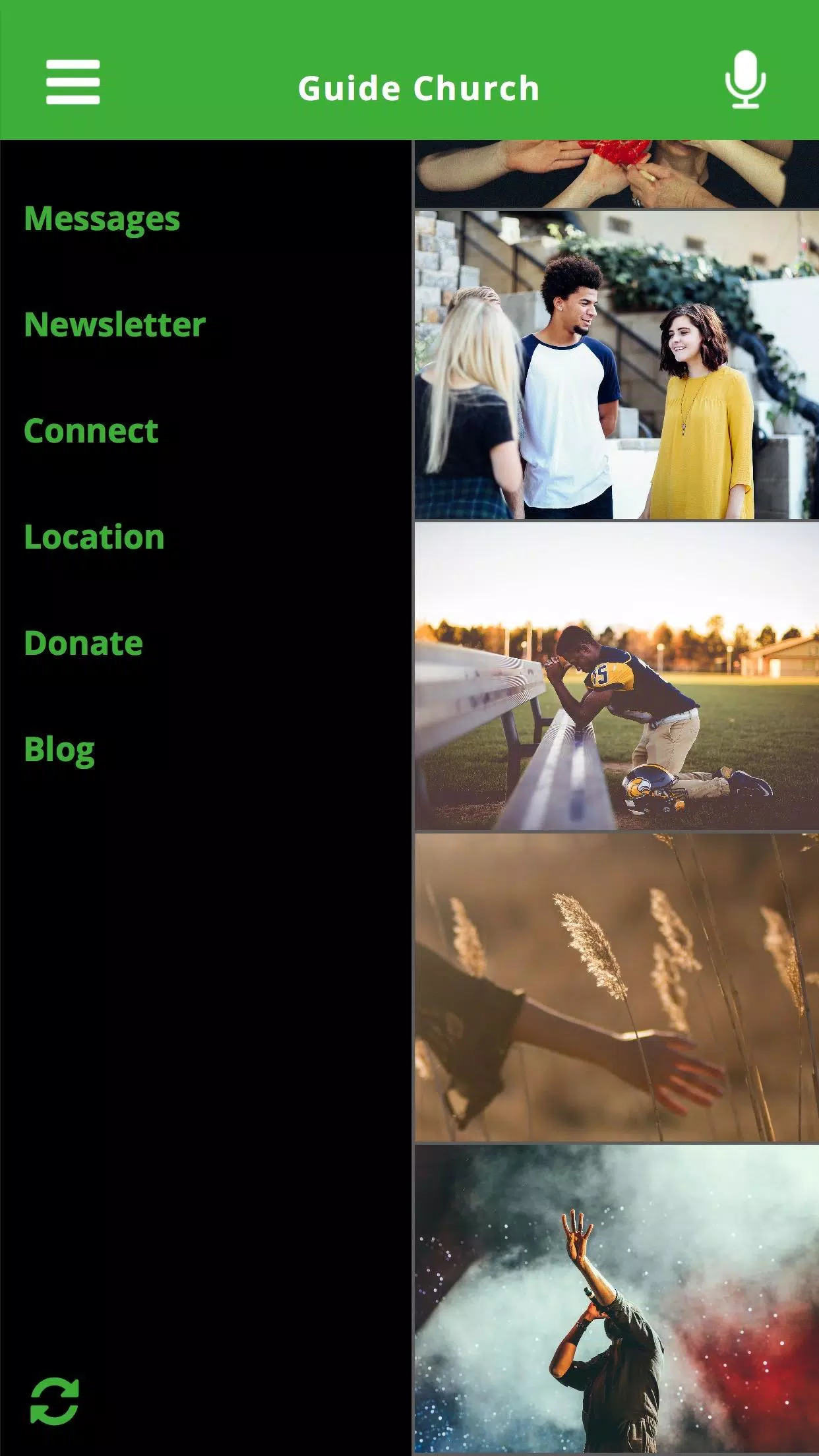
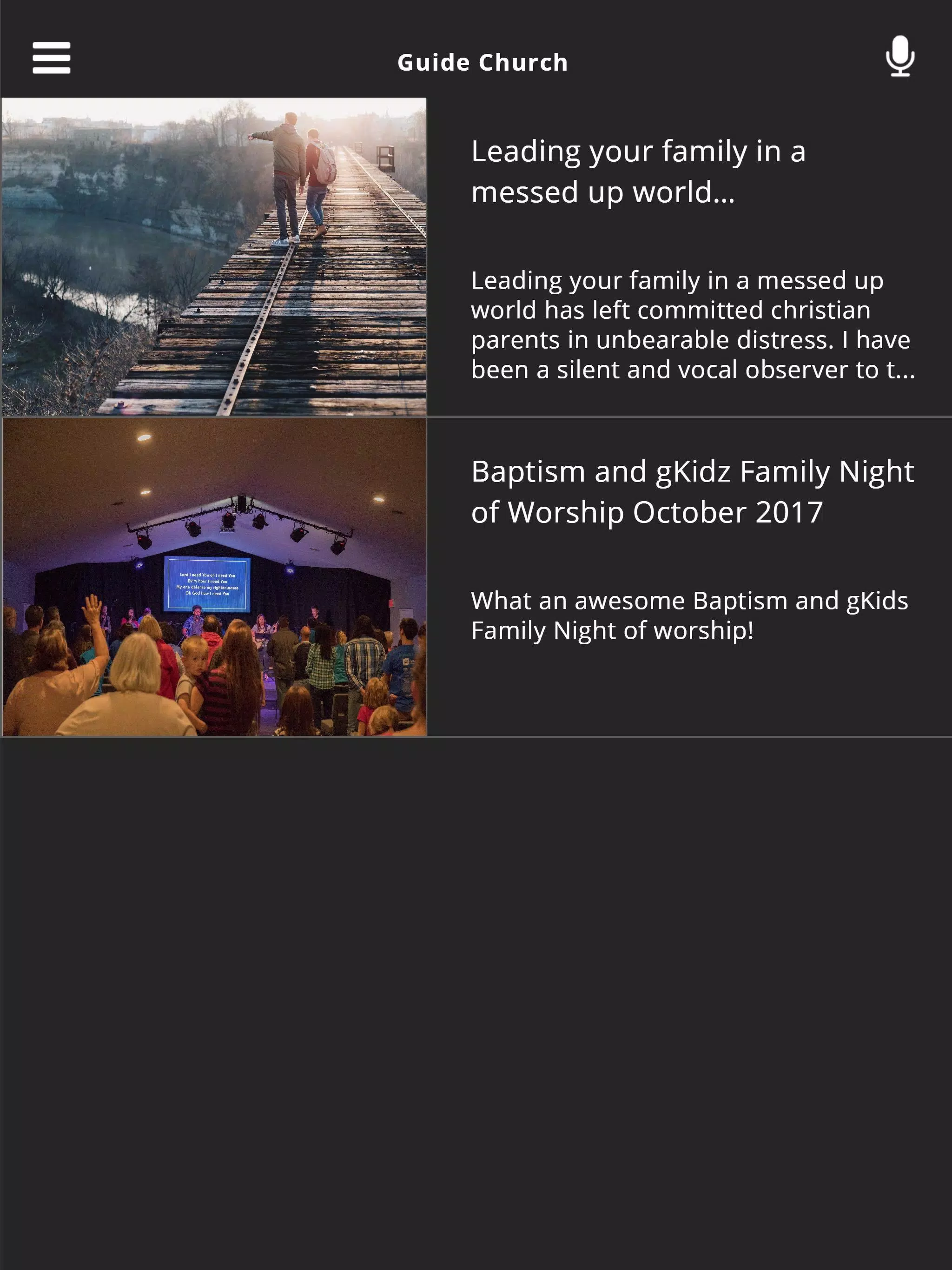
The interface emphasizes clarity and speed. Large buttons, clear icons, and concise labels make navigation intuitive for less tech-savvy users. The app is optimized to perform well on typical Android devices, with offline support for reading previously downloaded sermons or event details when network access is limited.
Security and privacy
Guide Church includes privacy controls for member data, encrypted donation channels, and configurable access levels to protect sensitive information. Administrators can set retention policies and export logs for compliance or internal auditing.
Tips for new users
Start by importing an existing member list and creating two or three sample events to test notifications and volunteer signups. Use the media library to upload one sermon or guide so members can explore content. Assign a secondary administrator to manage permissions and handle routine updates.
Adoption strategies
- Onboarding session: Host a short training for volunteers and staff to demonstrate common tasks.
- Weekly highlight: Feature a how-to tip in a bulletin or announcement to encourage use.
- Feedback loop: Collect suggestions through a simple survey and iterate on templates.
Why communities choose it
Many congregations value Guide Church for reducing administrative overhead and improving communication. The combination of scheduling, volunteer coordination, media management, and secure giving in one tool helps teams focus on mission work instead of juggling multiple apps. Lightweight customization means smaller churches can adopt it quickly while larger organizations benefit from role-based controls.
Getting started
Install the app, create an administrator account, and follow the setup wizard to import members and configure core settings. Most teams are ready to run basic operations within a few days. Support resources and documentation help with advanced setups and integrations.
Show More
Information
Screenshots


Latest Update












Latest News
-
![Revealing the Launch Playlists and Cross-Progression for COD Warzone Mobile News]()
-
![March 2024 Free Redemption Codes for Honkai: Star Rail News]()
-
PUBG Mobile Teams Up with Bentley Motors: Luxury Cars, Exclusive Collectibles, and Beyond 2024-04-18
![PUBG Mobile Teams Up with Bentley Motors: Luxury Cars, Exclusive Collectibles, and Beyond News]()
-
![Monster Never Cry is now accessible on both Android and iOS mobile devices. News]()
-
V2.2 of the Farlight 84 update introduces an overhauled Season structure, fresh in-game currency, an 2024-04-16
![V2.2 of the Farlight 84 update introduces an overhauled Season structure, fresh in-game currency, an News]()
-
![Arrival of Genshin Impact 4.6 Update: 'Embers of Two Realms, Twilight of Crimson' News]()
-
April 2024 Clash of Clans Update: Unveiling a Fresh Companion, Enhanced Levels, Chat Tagging, and Be 2024-04-16
![April 2024 Clash of Clans Update: Unveiling a Fresh Companion, Enhanced Levels, Chat Tagging, and Be News]()






