

Tobifix
Version:1.0.2
Published:2026-10-13
Introduction
Tobifix is a mobile utility designed to streamline common device maintenance tasks, combining diagnostic tools, quick-fix utilities and storage management into one compact package. It aims to make routine troubleshooting faster for everyday users and power users alike without overwhelming menus or technical jargon.
Overview and purpose
Tobifix targets users who want a straightforward way to monitor device health and resolve minor problems without visiting forums or support centers. The app consolidates several helpful utilities—cleaners, process managers, and basic diagnostics—so you can identify issues and take corrective action from a single interface.
Main capabilities
Key capabilities focus on practical results. Tobifix provides storage scanning, RAM optimization, battery statistics, app crash reports, and a simple permission auditor. Each tool focuses on clarity: clear labels, concise metrics, and actionable suggestions that reduce the need for deep technical knowledge.
Tools and systems explained
The toolbox is organized into distinct modules so workflows stay predictable. A storage scanner breaks down files by type and age. The memory optimizer shows what apps consume RAM and offers one-tap cleanups. A battery monitor graphs discharge patterns and flags high-drain apps. Finally, a permissions inspector lists apps with sensitive permissions and explains potential privacy trade-offs.
Interface and navigation
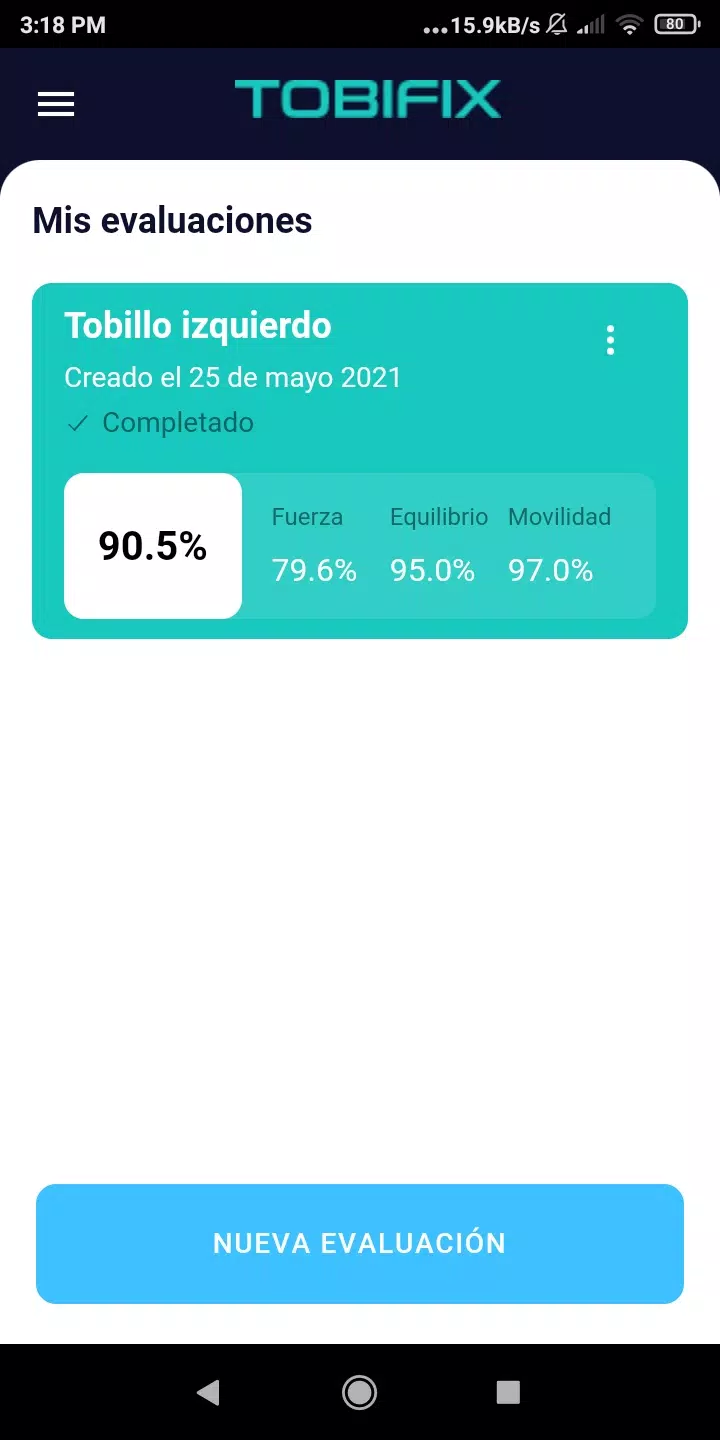
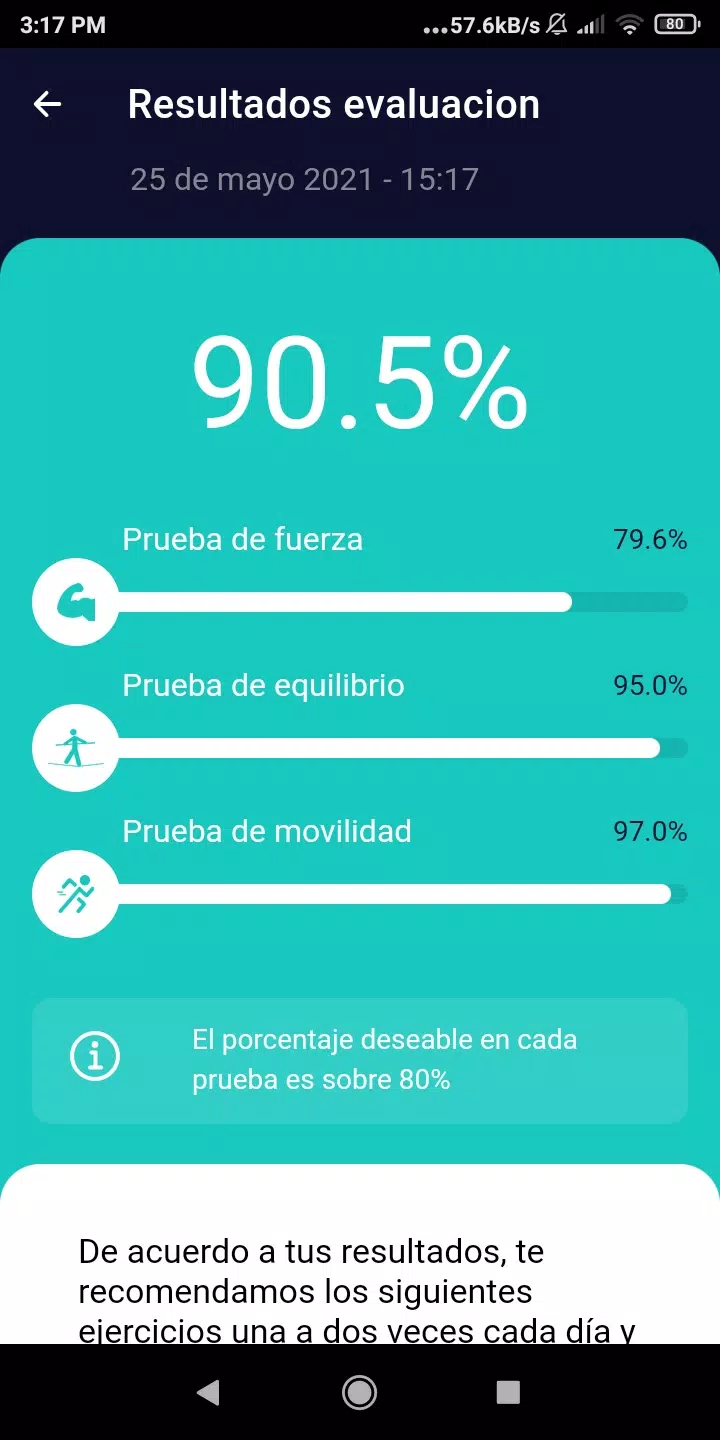
Tobifix presents a calm, utility-first interface. Primary functions are reachable from a bottom navigation bar while each module keeps settings and results on a single screen. Visualizations are deliberately simple—progress bars, pie charts, and small tables—so users can spot trends without parsing dense reports.
Practical workflow
A typical session takes minutes: run a quick scan, review flagged items, and apply suggestions. For example, if the storage scanner marks large cache files and seldom-used downloads, you can clear them selectively. If an app shows frequent crashes, Tobifix links to an app-specific troubleshooting card that suggests steps like clearing app data or reinstalling.
Customization and preferences
Customization focuses on what matters most. Users can schedule automatic scans, choose which alerts are shown, and adjust the cleanup aggressiveness to avoid removing files they prefer to keep. Power users will appreciate toggles for deep scans and verbose logging while novices can stick with default safe settings.
Performance and background behavior
Designed for light system impact, Tobifix runs short diagnostic routines and minimizes continuous background processes. Background monitoring is optional and configurable. When enabled, it logs battery and performance trends at intervals chosen by the user so impact on battery life remains predictable.
Security and privacy considerations
The app requests only necessary permissions and explains each request in plain language. Permission access is limited to features that require it—for example, storage access for cleanup and usage stats for diagnostics. Sensitive operations give explicit confirmation prompts before making changes.
Who benefits most
People who prefer self-service device maintenance will get the most out of Tobifix. It helps casual users fix everyday slowdowns while offering adjustable depth for more technically inclined users. IT technicians can also use the app for quick on-site checks without carrying multiple diagnostic tools.
Getting started tips
- Run an initial full scan: Start with a comprehensive scan to build a baseline of device health.
- Enable scheduled checks: Use periodic scans to track performance trends over time.
- Use selective cleanup: Review recommended deletions rather than applying all suggestions at once.
- Leverage crash reports: If an app keeps crashing, export the report before reinstalling to share with developers.
Final thoughts on usability
Tobifix is practical, approachable, and suited to users who want quick wins in device maintenance. Its modular design and clear explanations make routine diagnostics accessible while preserving options for customization. The balance of simplicity and depth is what makes it useful day to day.
Show More
Information
Screenshots




Latest Update












Latest News
-
![Revealing the Launch Playlists and Cross-Progression for COD Warzone Mobile News]()
-
![March 2024 Free Redemption Codes for Honkai: Star Rail News]()
-
PUBG Mobile Teams Up with Bentley Motors: Luxury Cars, Exclusive Collectibles, and Beyond 2024-04-18
![PUBG Mobile Teams Up with Bentley Motors: Luxury Cars, Exclusive Collectibles, and Beyond News]()
-
![Monster Never Cry is now accessible on both Android and iOS mobile devices. News]()
-
V2.2 of the Farlight 84 update introduces an overhauled Season structure, fresh in-game currency, an 2024-04-16
![V2.2 of the Farlight 84 update introduces an overhauled Season structure, fresh in-game currency, an News]()
-
![Arrival of Genshin Impact 4.6 Update: 'Embers of Two Realms, Twilight of Crimson' News]()
-
April 2024 Clash of Clans Update: Unveiling a Fresh Companion, Enhanced Levels, Chat Tagging, and Be 2024-04-16
![April 2024 Clash of Clans Update: Unveiling a Fresh Companion, Enhanced Levels, Chat Tagging, and Be News]()






