
Dhol - The Indian Drum
Version:2.13
Published:2026-10-13
Introduction
Dhol - The Indian Drum reconstructs traditional percussion into a portable app that lets users play realistic dhol rhythms, practice patterns, and record performances. It combines responsive touch controls, adjustable tuning, and demo tracks for learning. Ideal for musicians, event DJs, and cultural enthusiasts seeking authentic dhol sounds on mobile.
Overview and purpose
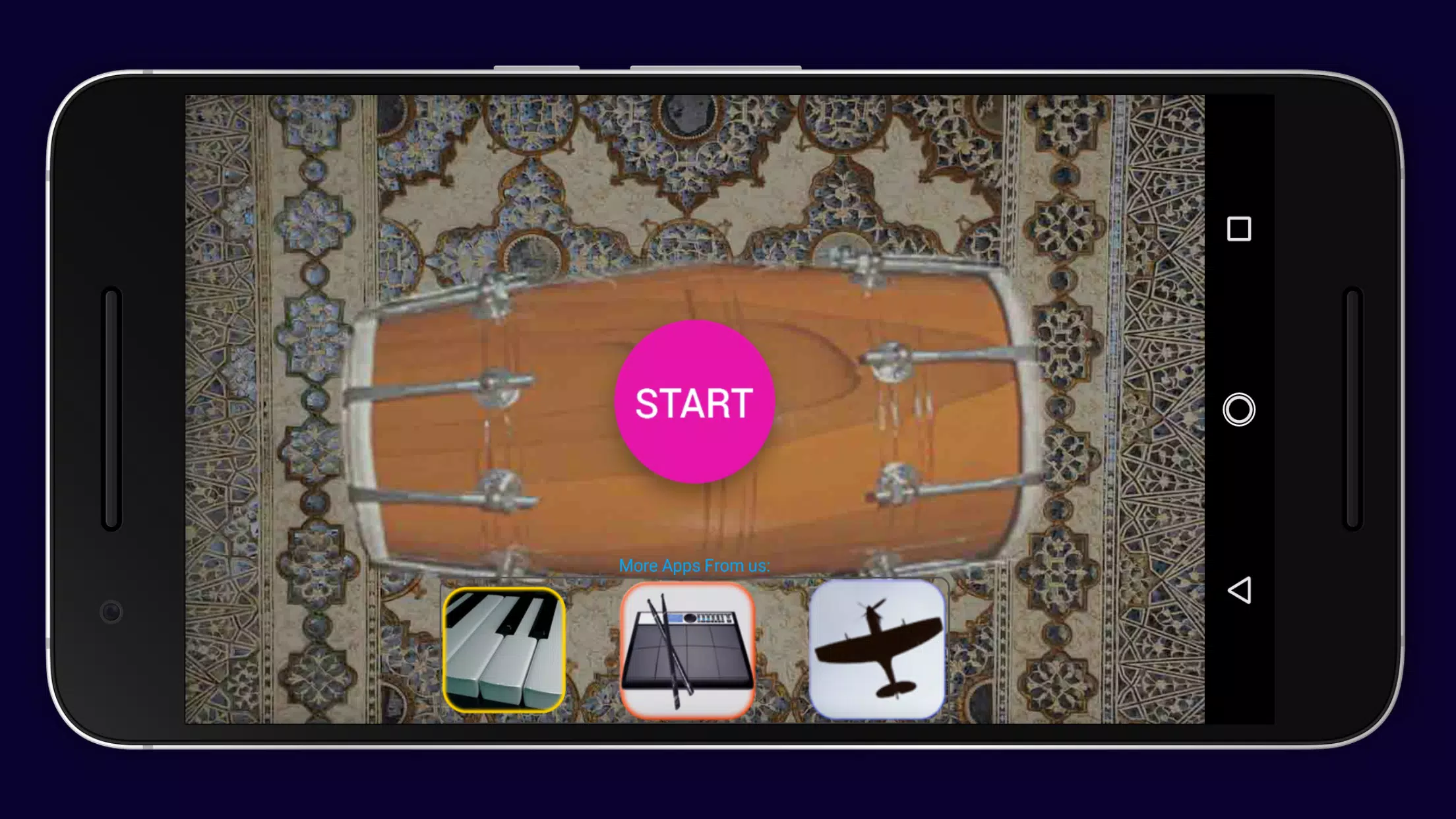
Dhol - The Indian Drum turns a smartphone into a playable percussion instrument focused on the Punjabi dhol. The app targets a wide audience: beginner drummers who want guided practice, composers who need quick rhythmic ideas, and performers who want a reliable backing instrument on the go. It emphasizes realistic timbre and simple workflows so users can start performing within minutes.
Core features at a glance
- Responsive touch pads mapped to traditional dhol strokes for natural playing feel.
- Multiple sample sets including studio-recorded shells and live-sampled variations for richer tone.
- Adjustable tuning and volume controls for each head to match other instruments.
- Practice modes with metronome and count-in to build tempo consistency.
- Recording and export options to capture sessions and share WAV or MP3 files.
How the app works
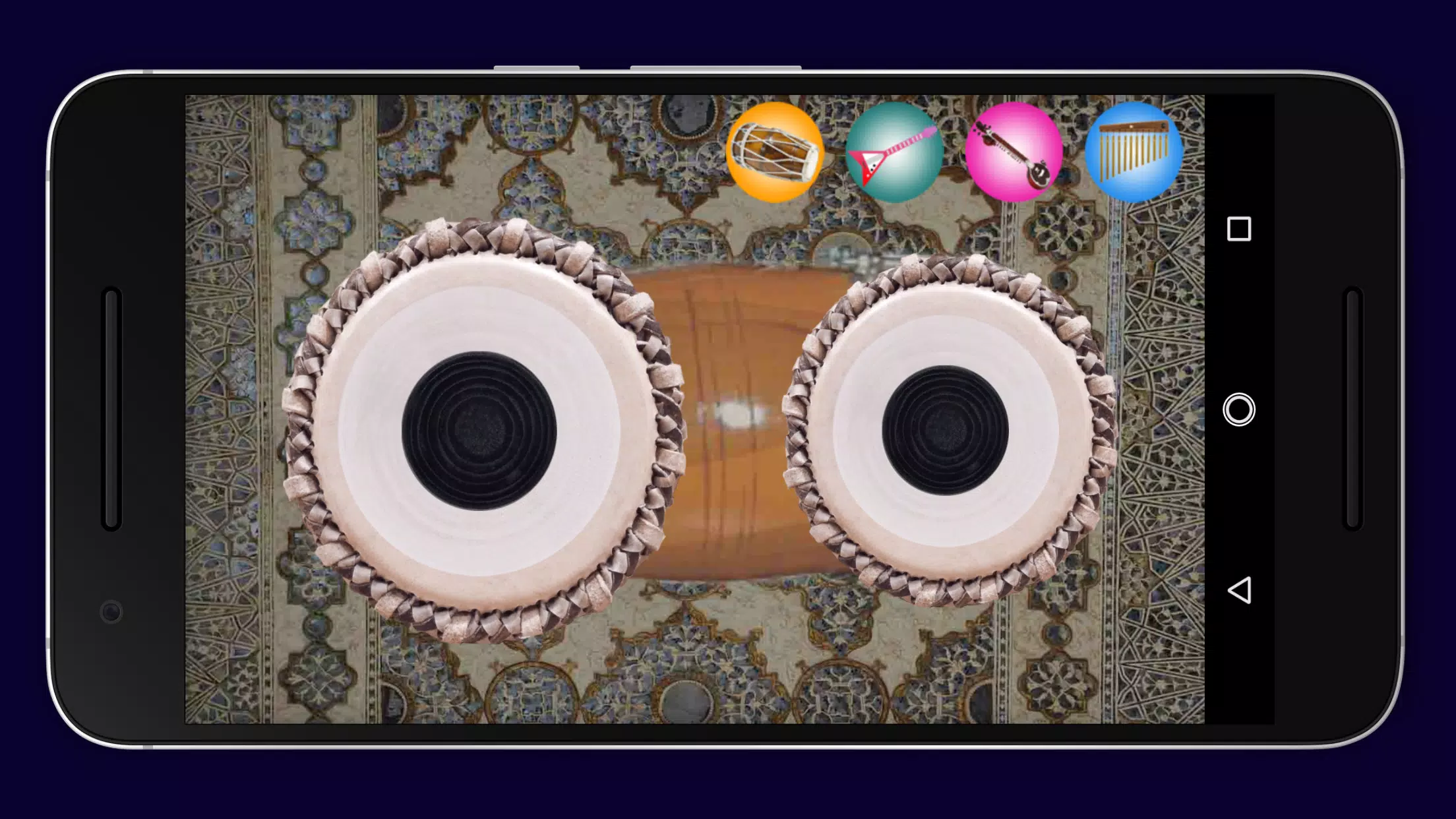
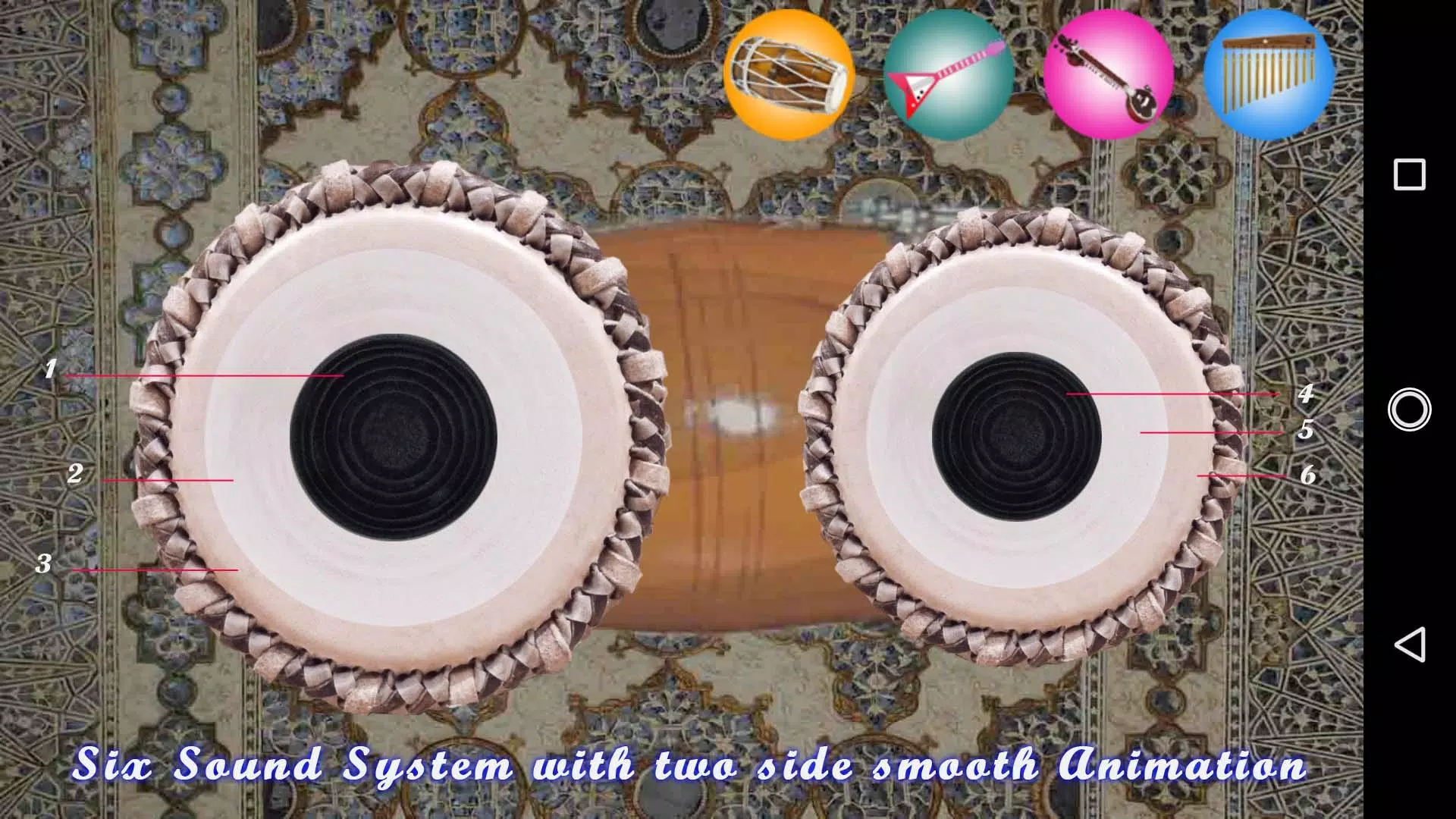
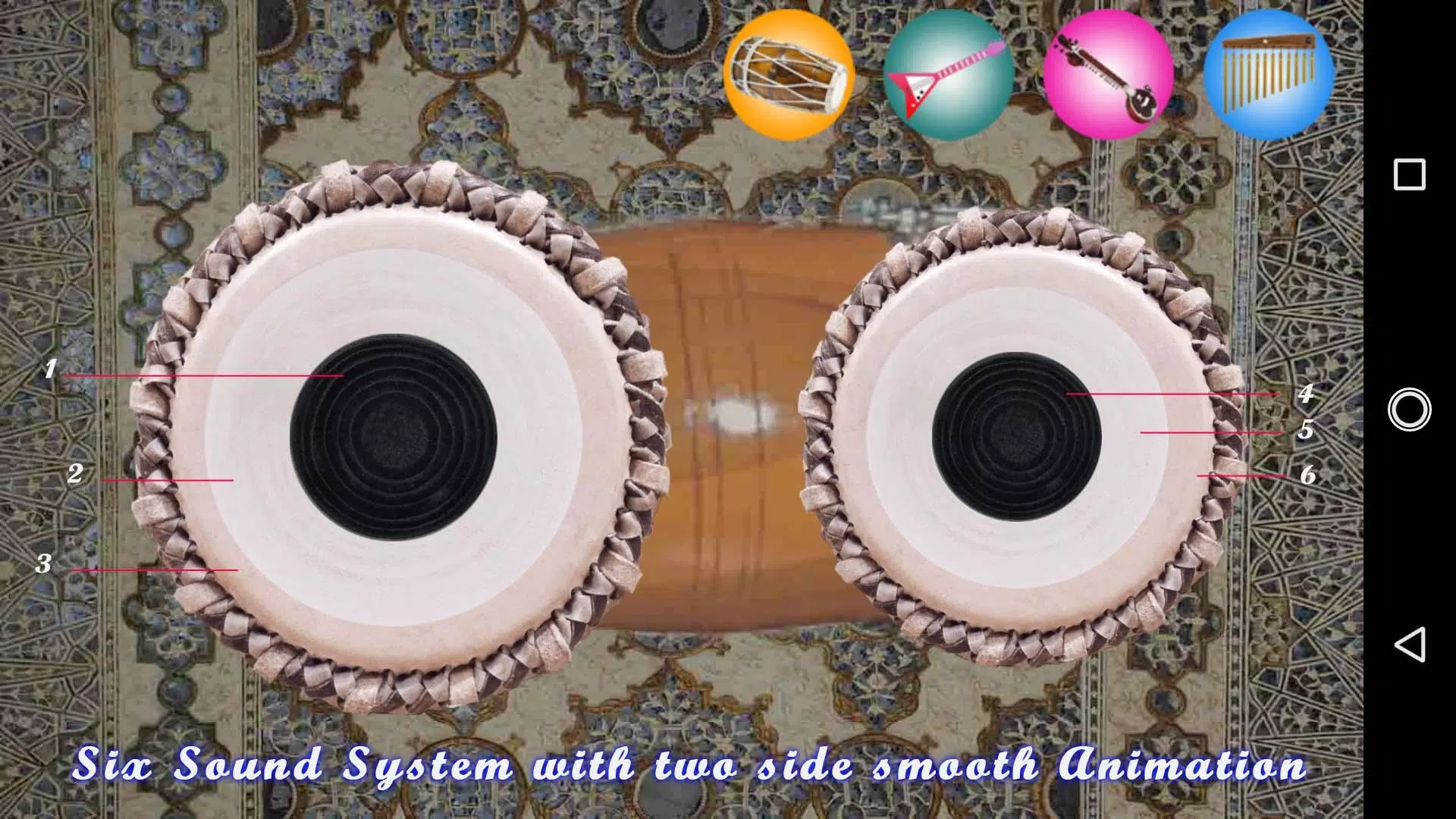
The interface divides the dhol into playable regions that respond to finger position and intensity. Users can play single hits or tap patterns, and the app layers velocity-sensitive samples to avoid robotic repetition. A pattern sequencer lets you program the bass and slap strokes into loops, while a tempo dial and quantize setting keep grooves tight. Low latency mode reduces delay for live sessions, and a dedicated headphone output option supports stage use.
Customization and sound shaping
Customizing tones is straightforward. Choose from preset sample packs, adjust the tuning of each head, and tweak the amount of body resonance. An onboard EQ and reverb let you tailor the instrument to different contexts — tight and dry for recording, spacious and bright for festival-style playback. Users can save custom kits and recall them quickly for sets or practice routines.
Interface design and performance
The user interface prioritizes immediacy: large touch targets, color-coded regions, and contextual tips appear only when needed. Performance is optimized for mid-range devices; the app scales sample quality based on available memory and allows users to switch to a battery-saving mode. Background playback and minimal CPU overhead prevent audio dropouts during long sessions or when recording multiple takes.
Practical workflows
For composition, record short loops in the sequencer and export stems to import into a DAW. For live use, set up two kits — one for backing rhythm and one for solo fills — and switch between them with a single tap. The built-in metronome and practice routines help users progress from basic beats to complex syncopations without external tools.
Tips for beginners
- Start slow: Use the metronome and reduce tempo until your strokes are consistent.
- Focus on dynamics: Vary finger pressure to explore the velocity-sensitive samples.
- Use demo patterns: Study the included traditional rhythms to learn common phrase structures.
- Record often: Listening back reveals subtle timing and tone issues you can correct.
Getting started: installation and setup
Download the app and grant only the necessary permissions for storage and microphone if you want to overdub. Initial setup asks you to select a sample pack and preferred audio latency setting; the defaults work well for most devices. For best results connect a quality external speaker or headphones and disable battery savers that throttle audio processing.
Why musicians choose this app
Users praise Dhol - The Indian Drum for its realistic sound library, low-latency response, and practical features like recording and kit customization. Whether used as a learning aid, performance tool, or composition helper, the app provides a convenient way to integrate authentic dhol textures into modern music projects. Its combination of accessibility and depth makes it a useful addition to a mobile musician's toolkit.
Show More
Information
Screenshots
Latest Update
-
![Lines Gold Pro - Icon Pack APK]()
Lines Gold Pro - Icon Pack
-
![Remote Fire TV APK]()
Remote Fire TV
-
![Flight Dark Pro - Icon Pack APK]()
Flight Dark Pro - Icon Pack
-
![Ares Light: Pastel Icon Pack APK]()
Ares Light: Pastel Icon Pack
-
![getConf - Hidden Settings APK]()
getConf - Hidden Settings
-
![Dots Live Wallpaper - Battery APK]()
Dots Live Wallpaper - Battery
-
![Chroma - Icon Pack APK]()
Chroma - Icon Pack
-
![One UI Fluffy Icon Pack APK]()
One UI Fluffy Icon Pack
-
![Pixly Limitless Fluo Icon Pack APK]()
Pixly Limitless Fluo Icon Pack
-
![Compress Video - Resize Video APK]()
Compress Video - Resize Video
-
![Pixly Professional Dark APK]()
Pixly Professional Dark
-
![Tracker Detect Pro APK]()
Tracker Detect Pro












Latest News
-
![Revealing the Launch Playlists and Cross-Progression for COD Warzone Mobile News]()
-
![March 2024 Free Redemption Codes for Honkai: Star Rail News]()
-
PUBG Mobile Teams Up with Bentley Motors: Luxury Cars, Exclusive Collectibles, and Beyond 2024-04-18
![PUBG Mobile Teams Up with Bentley Motors: Luxury Cars, Exclusive Collectibles, and Beyond News]()
-
![Monster Never Cry is now accessible on both Android and iOS mobile devices. News]()
-
V2.2 of the Farlight 84 update introduces an overhauled Season structure, fresh in-game currency, an 2024-04-16
![V2.2 of the Farlight 84 update introduces an overhauled Season structure, fresh in-game currency, an News]()
-
![Arrival of Genshin Impact 4.6 Update: 'Embers of Two Realms, Twilight of Crimson' News]()
-
April 2024 Clash of Clans Update: Unveiling a Fresh Companion, Enhanced Levels, Chat Tagging, and Be 2024-04-16
![April 2024 Clash of Clans Update: Unveiling a Fresh Companion, Enhanced Levels, Chat Tagging, and Be News]()






