

ZePitch
Version:1.9
Published:2026-10-13
Introduction
ZePitch is a compact, professional-grade audio tool designed for pitch correction, voice tuning, and vocal practice. It blends realtime processing with clear visual feedback so musicians, podcasters, and vocalists can adjust pitch, create harmonies, and evaluate performance quickly and intuitively across mobile devices.
Overview of the app
ZePitch focuses on precise pitch control without overwhelming users with technical jargon. The app offers a clean signal chain, low-latency monitoring, and a visual pitch display that helps you spot drift, vibrato, and off-key notes at a glance. Whether you need subtle tuning or creative effects, ZePitch scales to your needs.
Core features at a glance
- Real-time pitch detection — immediate visualization and correction while you sing or play.
- Automatic and manual modes — choose smooth correction or set exact target notes.
- Harmony generation — add stacked voices tuned to scales and intervals.
- Custom scales and temperaments — support for major, minor, modal, and microtonal layouts.
- Low-latency monitoring — optimized for live practice with minimal delay.
How it works
ZePitch analyzes incoming audio and displays detected pitch on a scrolling piano-roll-style graph. In automatic mode, correction is applied based on sensitivity and sharpness settings. Manual mode lets you lock notes to a chromatic grid or snap to a user-defined scale. The harmony engine uses detected pitch and interval rules to synthesize complementary voices in real time.
Interface and workflow
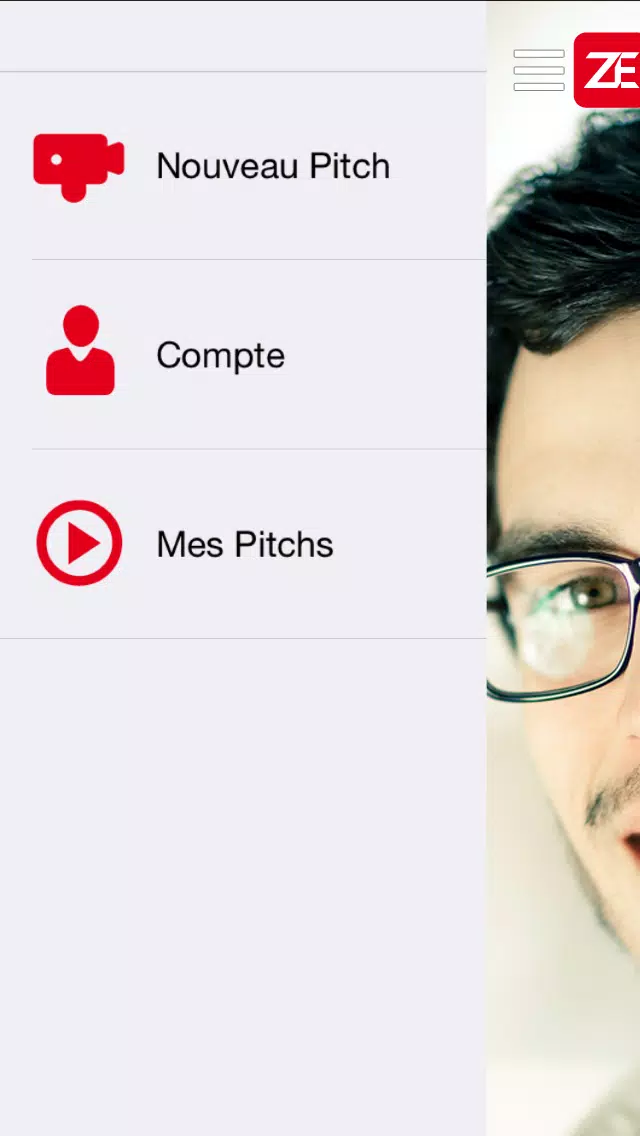
The interface keeps important controls within thumb reach: sensitivity, correction amount, vibrato preservation, and harmony depth. A responsive waveform and pitch trace sit above the controls so you can watch changes as you tweak parameters. Presets let you save favorite configurations for different instruments, vocal types, or session types.
Customization and sound design
ZePitch is built for both corrective and creative workflows. Advanced users can tweak formant preservation to maintain natural timbre during pitch shifts. The app also includes a simple effects rack — delay, reverb, and subtle chorus — that integrates with the harmony module for lush textures. You can import or program scales, define microtonal steps, and export tuned files for use in DAWs.
Performance and compatibility
Performance is tuned for modern Android devices: efficient CPU usage, multithreaded processing, and hardware audio API support to reduce latency. ZePitch works well with external audio interfaces and USB microphones. The app supports common sample rates and offers buffer-size options so you can balance latency and stability according to your setup.
User experience and accessibility
Design choices emphasize clarity. Large, colorful pitch indicators and contrast-adjustable themes make it usable in studio and stage lighting. Contextual tooltips explain parameters without interrupting the flow, and an integrated tutorial guides first-time users through tuning a simple vocal line in minutes.
Tips for new users
- Start with automatic mode and moderate correction to hear subtle improvements before increasing intensity.
- Use formant preservation when shifting more than a semitone to avoid unnatural artifacts.
- Save presets for specific microphones — different mics can change the detected pitch profile.
- Try the harmony generator with a narrow interval first, then expand intervals for richer textures.
Installation and setup
Getting started with ZePitch is straightforward. After installation, grant microphone access and run the setup wizard to optimize input level and buffer size. If you use a USB interface, select the device from the audio settings menu and test latency with the built-in metronome.
Why musicians choose ZePitch
Users appreciate ZePitch for its balance of surgical correction and musical flexibility. It supports quick fixes during rehearsals and offers deep customization for producers crafting vocal layers. The app’s predictable behavior and informative visuals make tuning tasks faster and less guesswork.
Overall, ZePitch delivers a focused feature set for anyone who needs reliable pitch control on the go, whether for practice, podcasting, or mobile production.
Show More
Information
Screenshots


Latest Update












Hot Tags
Latest News
-
![Revealing the Launch Playlists and Cross-Progression for COD Warzone Mobile News]()
-
![March 2024 Free Redemption Codes for Honkai: Star Rail News]()
-
PUBG Mobile Teams Up with Bentley Motors: Luxury Cars, Exclusive Collectibles, and Beyond 2024-04-18
![PUBG Mobile Teams Up with Bentley Motors: Luxury Cars, Exclusive Collectibles, and Beyond News]()
-
![Monster Never Cry is now accessible on both Android and iOS mobile devices. News]()
-
V2.2 of the Farlight 84 update introduces an overhauled Season structure, fresh in-game currency, an 2024-04-16
![V2.2 of the Farlight 84 update introduces an overhauled Season structure, fresh in-game currency, an News]()
-
![Arrival of Genshin Impact 4.6 Update: 'Embers of Two Realms, Twilight of Crimson' News]()
-
April 2024 Clash of Clans Update: Unveiling a Fresh Companion, Enhanced Levels, Chat Tagging, and Be 2024-04-16
![April 2024 Clash of Clans Update: Unveiling a Fresh Companion, Enhanced Levels, Chat Tagging, and Be News]()






