

아이나비 Connected
Version:1.1.4
Published:2026-10-14
Introduction
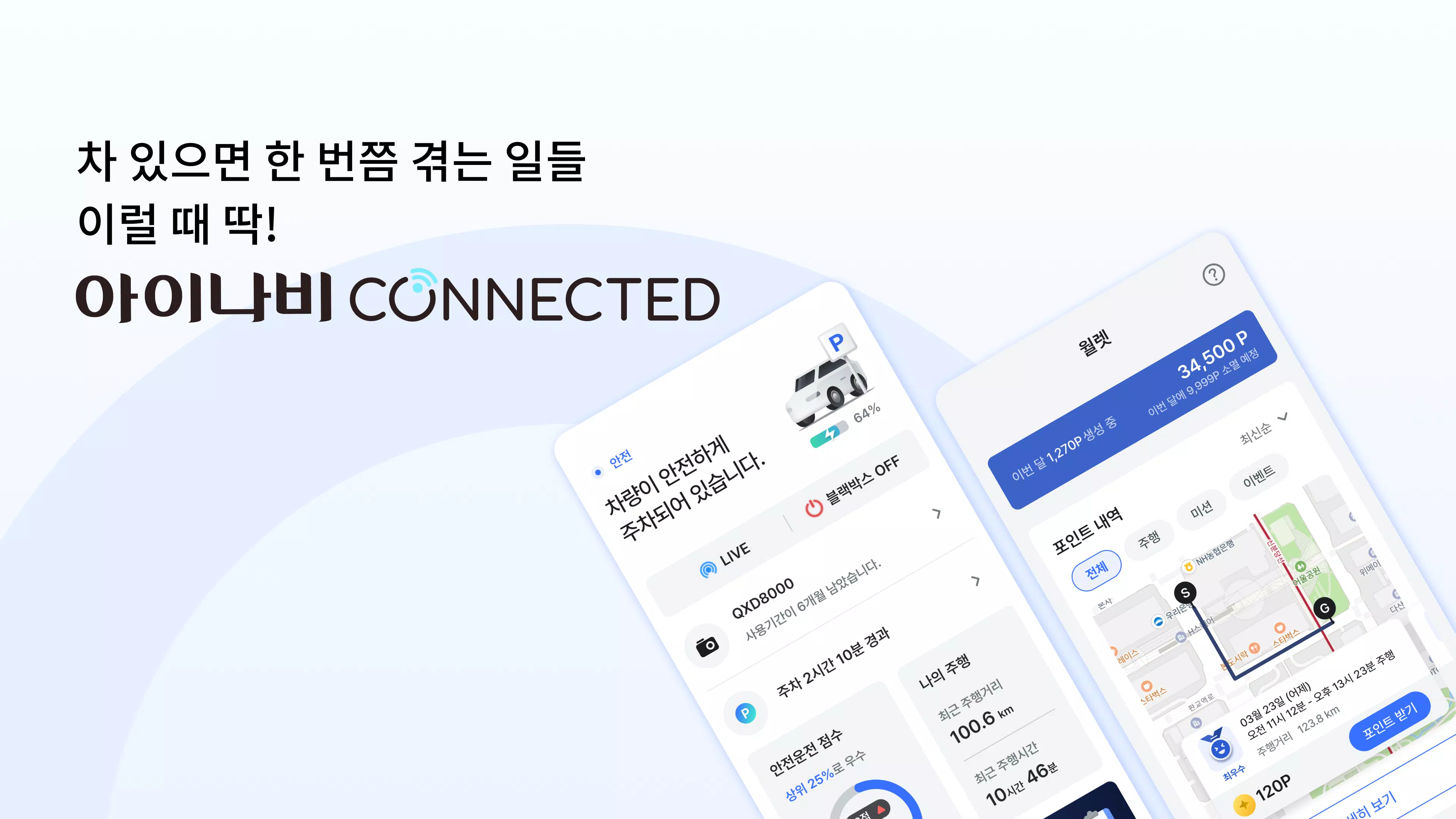
아이나비 Connected is a vehicle connectivity app that links your smartphone to in-car navigation, safety, and remote services, providing live traffic, vehicle diagnostics, and route sync. Designed for drivers seeking seamless car-to-phone integration, it streamlines trip planning, alerts, and firmware updates with an intuitive interface.
Core capabilities
아이나비 Connected gathers multiple tools into a single mobile workspace. The app offers real-time traffic updates, synchronized route transfer between devices, remote vehicle status checks, and OTA (over-the-air) updates for compatible navigation units. These combined features reduce time spent configuring systems and help keep vehicle software current.
User interface and workflow
The interface emphasizes quick access to driving essentials. Menus are arranged by function—navigation, vehicle, updates, and account—and present clear icons and short labels to minimize distraction while on the go. Connecting a device typically uses Bluetooth or Wi‑Fi pairing, with on-screen prompts that guide you through permissions, connection testing, and first-time calibration.
Navigation and route management
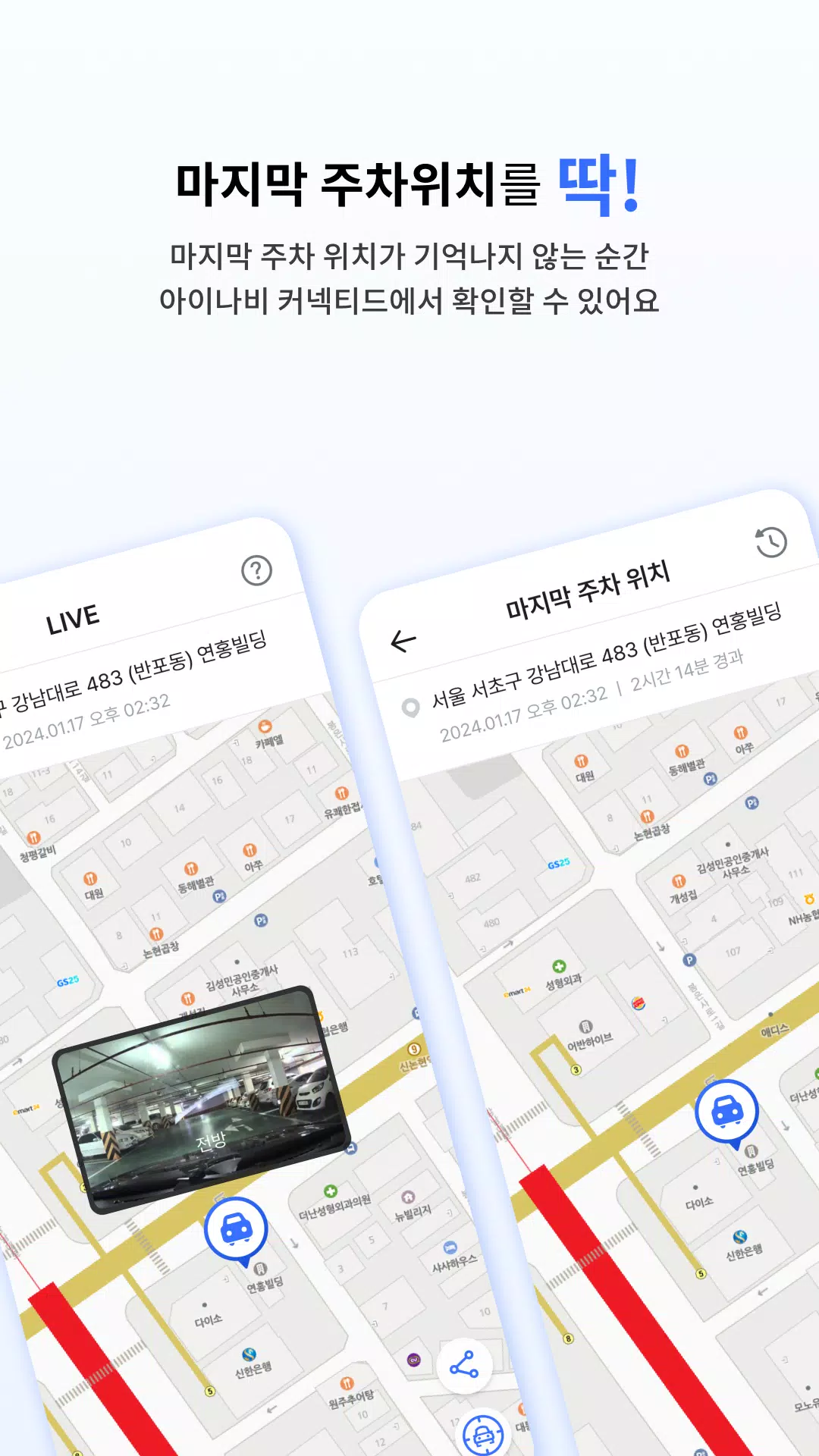
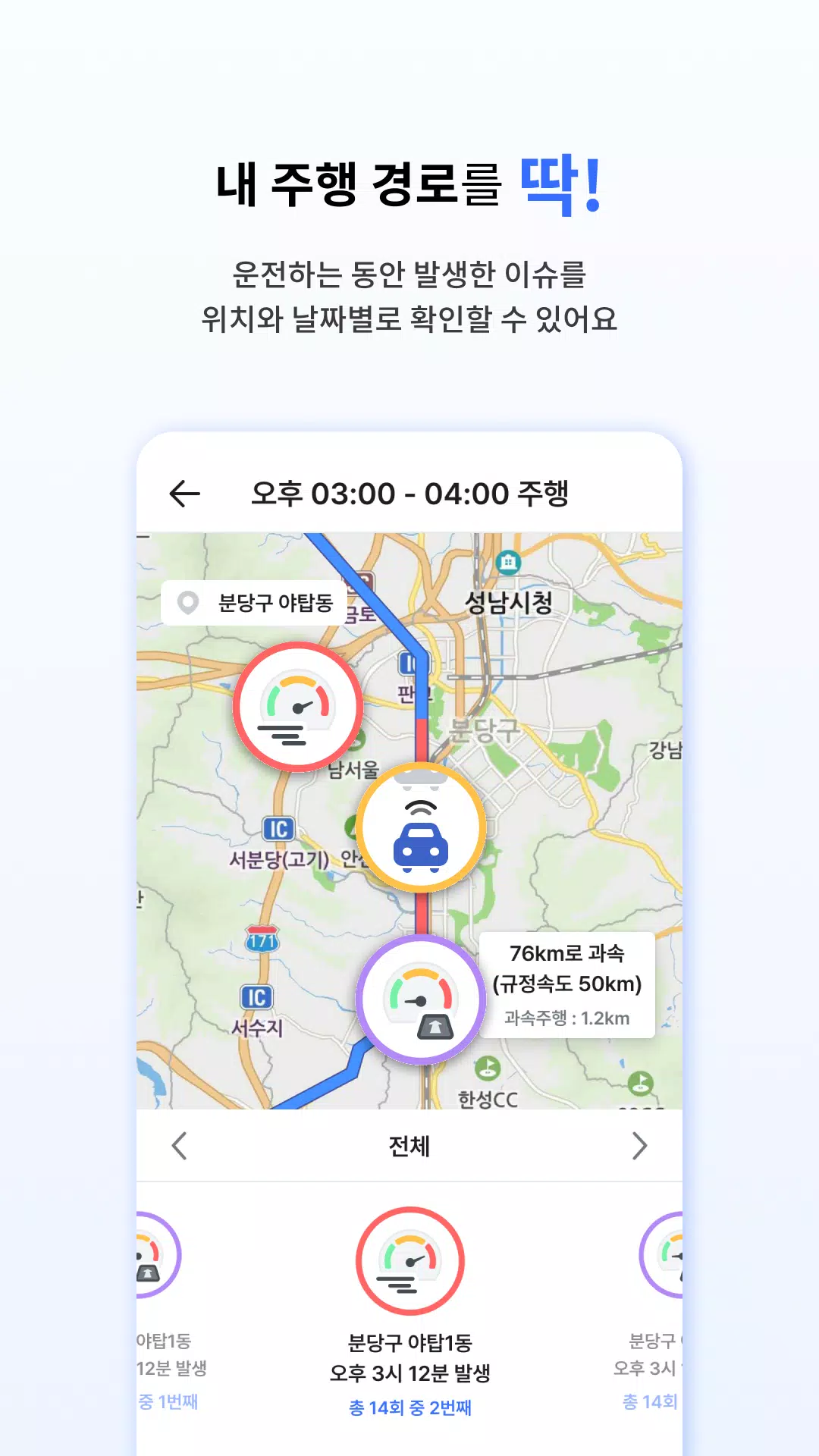
Navigation tools in 아이나비 Connected let you plan routes on your phone and push them to an in-car unit, or receive updated guidance directly on the mobile map. Live traffic layers show congestion levels and estimated delays, while route recalculation suggests faster alternatives when incidents occur. Favorite destinations and recent trips are saved for quick recall.
Vehicle health and diagnostics
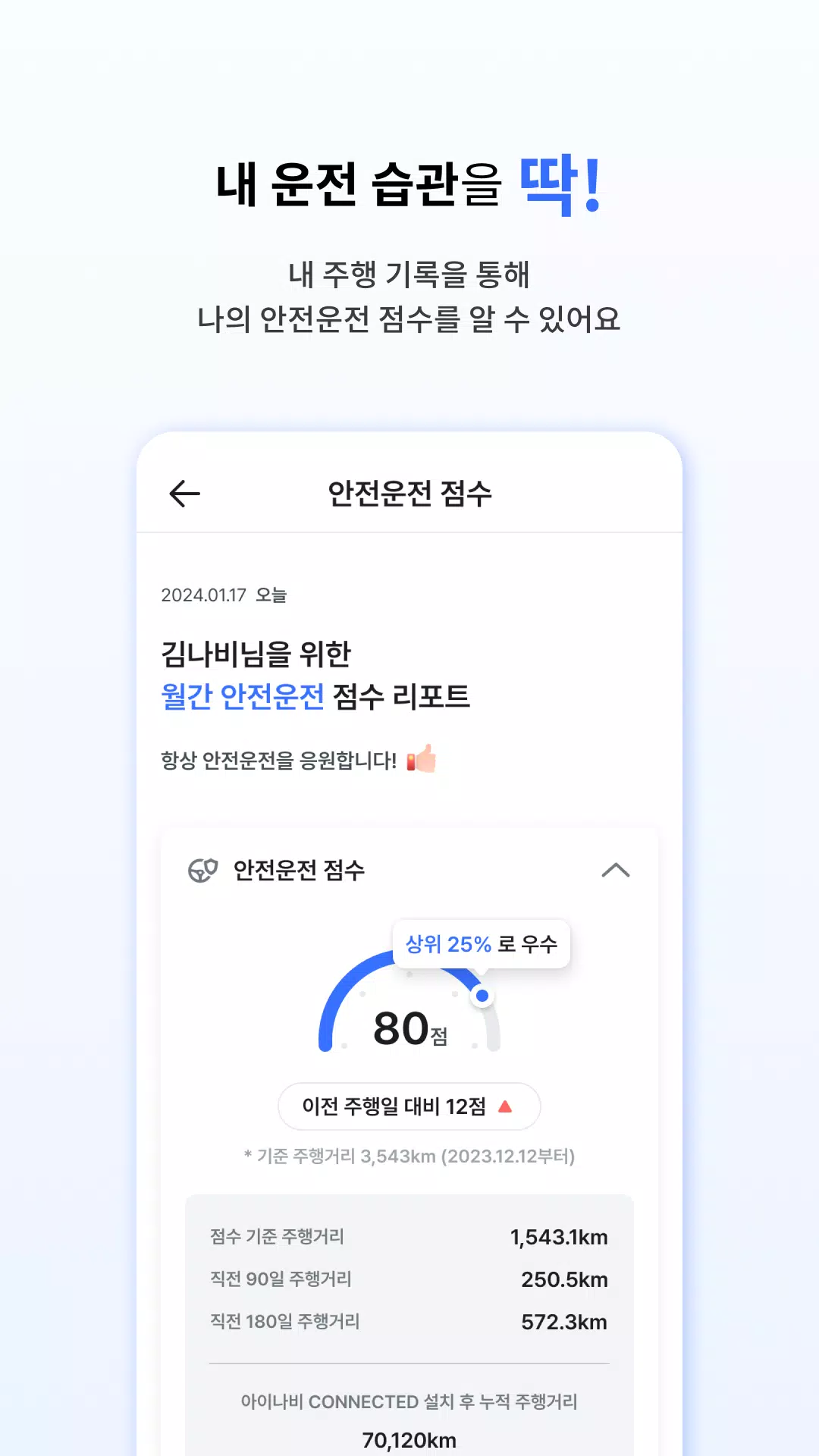
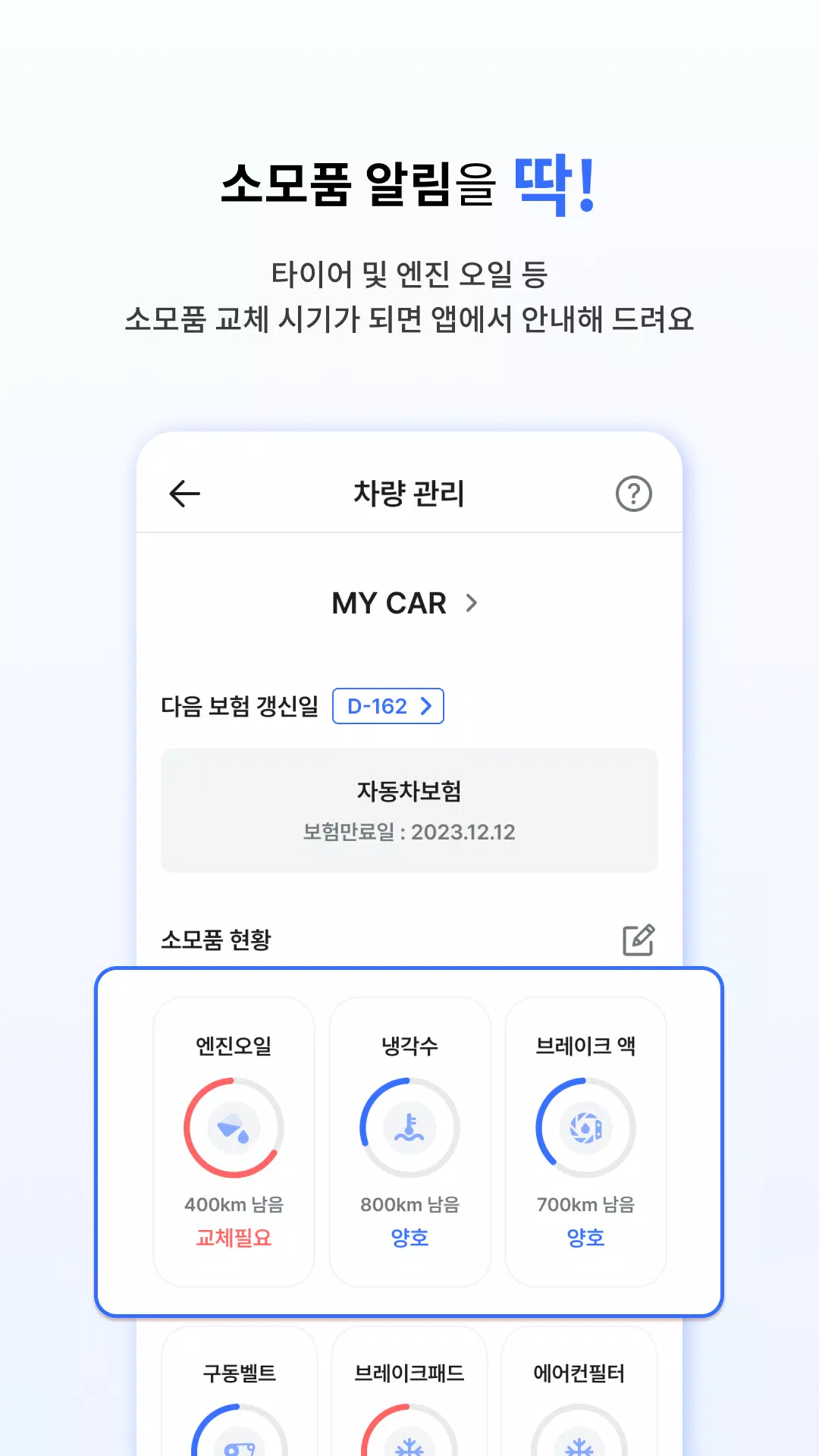
One of the app’s practical strengths is its vehicle monitoring. 아이나비 Connected can display diagnostic codes, remaining maintenance intervals, and basic sensor readings for supported systems. While not a substitute for professional service, these alerts help drivers spot emerging issues early and decide whether to schedule a workshop visit.
Safety and notifications
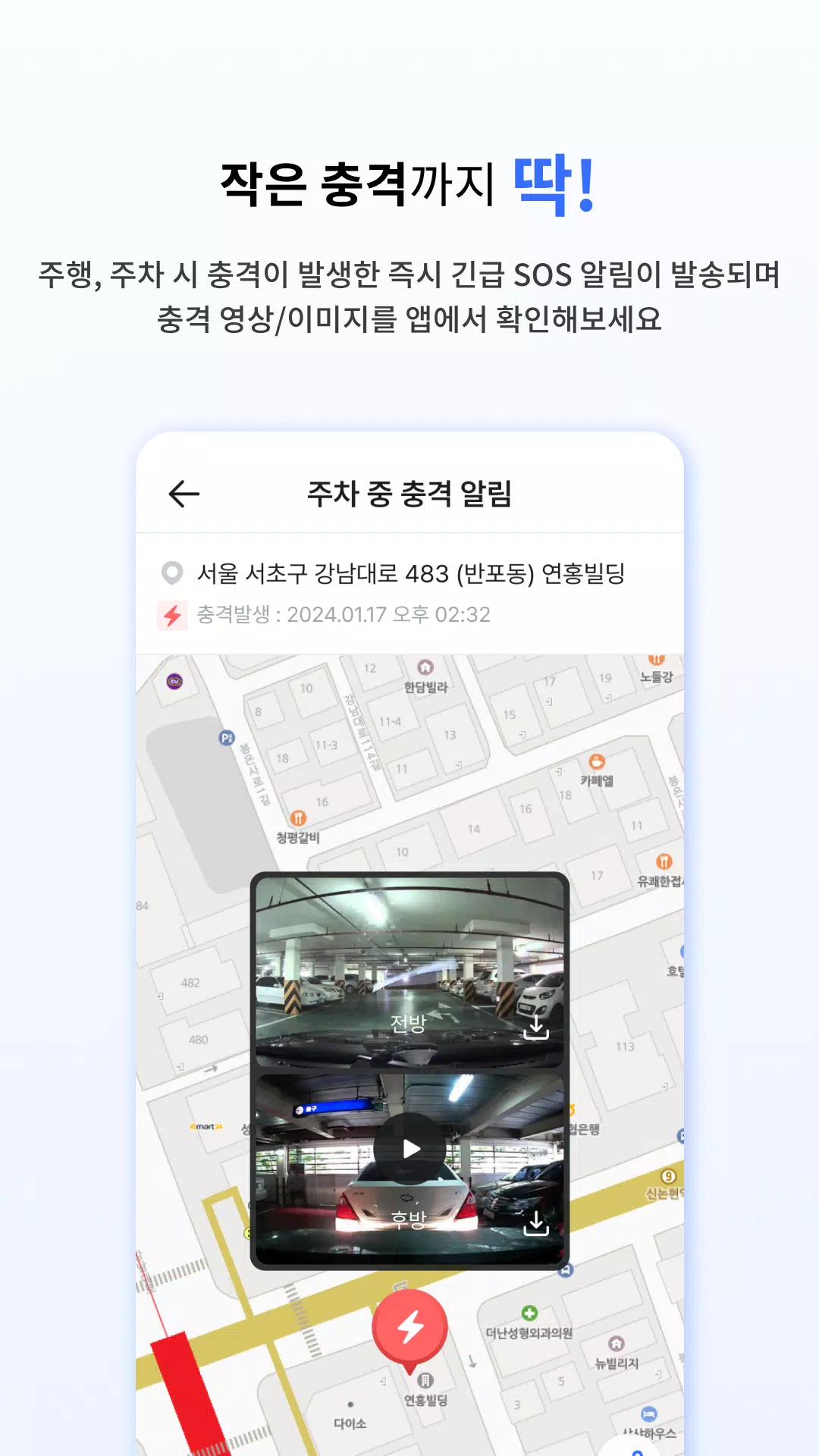
Safety features focus on delivering timely, contextual alerts. The app supports push notifications for important events such as firmware update availability, traffic incidents on saved routes, and vehicle warnings detected through connected modules. Alerts are configurable so you can prioritize what matters most and avoid notification overload.
Customization and settings
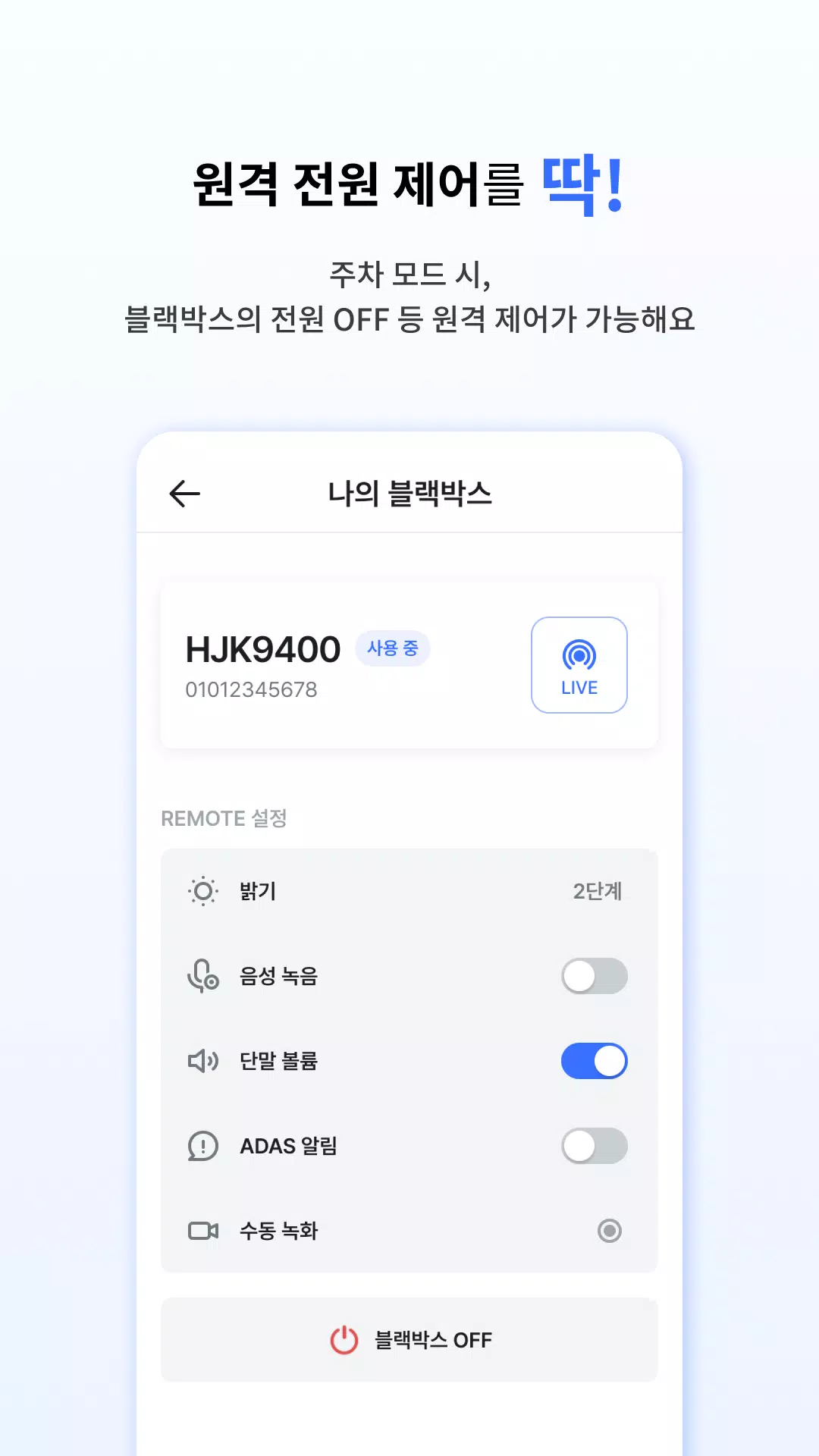
Personalization lets you tailor the app to your driving habits. Create profiles for different drivers, adjust map display preferences, set preferred routing options (fastest, shortest, or eco), and enable or disable remote access features. The app also provides language and unit settings to match local preferences.
Compatibility and performance
아이나비 Connected is built to work with a range of in-car navigation hardware and recent Android devices. Performance depends on device capabilities and network conditions; offline map caching and queued updates help maintain functionality when coverage is inconsistent. Battery and data usage are optimized through background sync settings that restrict activity while the phone is idle.
Installation and first steps
Getting started is straightforward: install the app from the official store, create or sign in to an account, and follow the pairing assistant to link your navigation device. The app then checks for available software updates, offers to back up settings, and displays a guided tour of core screens to shorten the learning curve.
Who benefits most
Drivers who want centralized control over navigation, vehicle notifications, and device updates will find the app especially useful. Fleet operators and frequent travelers also gain from synchronized routes and remote status checks, while tech-savvy users can take advantage of advanced update options and diagnostic readouts.
Final notes on reliability
아이나비 Connected emphasizes dependable connectivity and clear, actionable information. Regular updates from the developer improve compatibility and add features over time, and the app’s modular design makes it easy to enable only the functions you need. For anyone aiming to keep their navigation system current and their vehicle information accessible from a phone, this app offers a practical, well-organized solution.
Show More
Information
Screenshots
Latest Update












Hot Tags
Latest News
-
![Revealing the Launch Playlists and Cross-Progression for COD Warzone Mobile News]()
-
![March 2024 Free Redemption Codes for Honkai: Star Rail News]()
-
PUBG Mobile Teams Up with Bentley Motors: Luxury Cars, Exclusive Collectibles, and Beyond 2024-04-18
![PUBG Mobile Teams Up with Bentley Motors: Luxury Cars, Exclusive Collectibles, and Beyond News]()
-
![Monster Never Cry is now accessible on both Android and iOS mobile devices. News]()
-
V2.2 of the Farlight 84 update introduces an overhauled Season structure, fresh in-game currency, an 2024-04-16
![V2.2 of the Farlight 84 update introduces an overhauled Season structure, fresh in-game currency, an News]()
-
![Arrival of Genshin Impact 4.6 Update: 'Embers of Two Realms, Twilight of Crimson' News]()
-
April 2024 Clash of Clans Update: Unveiling a Fresh Companion, Enhanced Levels, Chat Tagging, and Be 2024-04-16
![April 2024 Clash of Clans Update: Unveiling a Fresh Companion, Enhanced Levels, Chat Tagging, and Be News]()






