

Goya
Version:4.0
Published:2026-10-14
Introduction
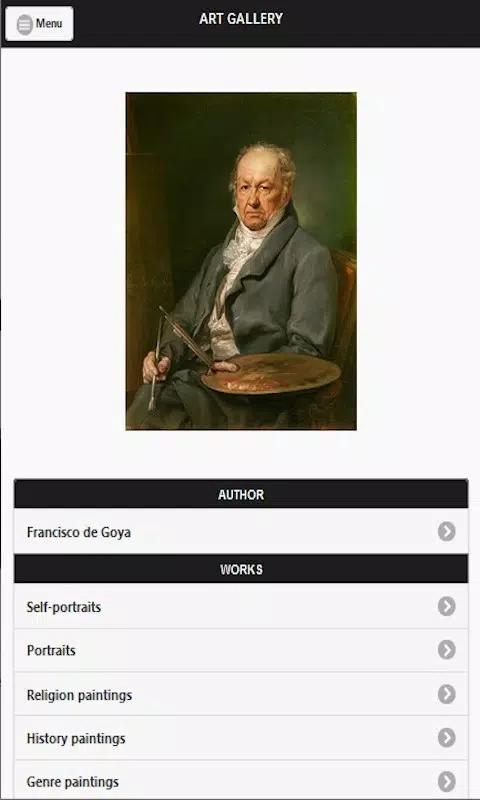
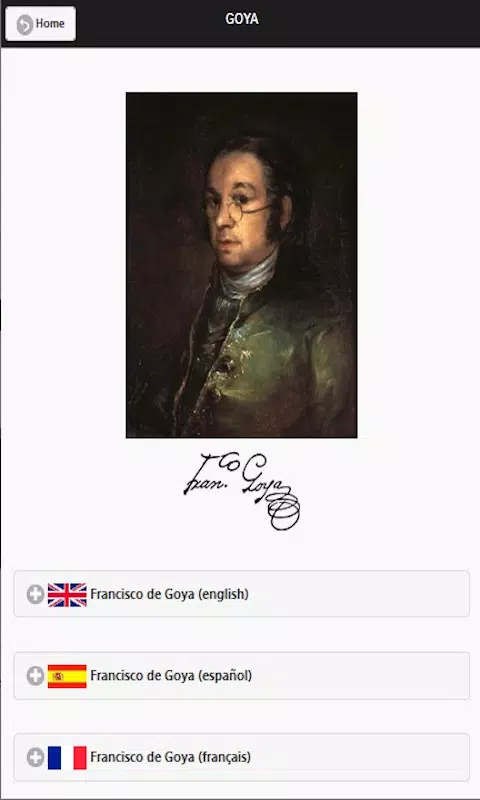
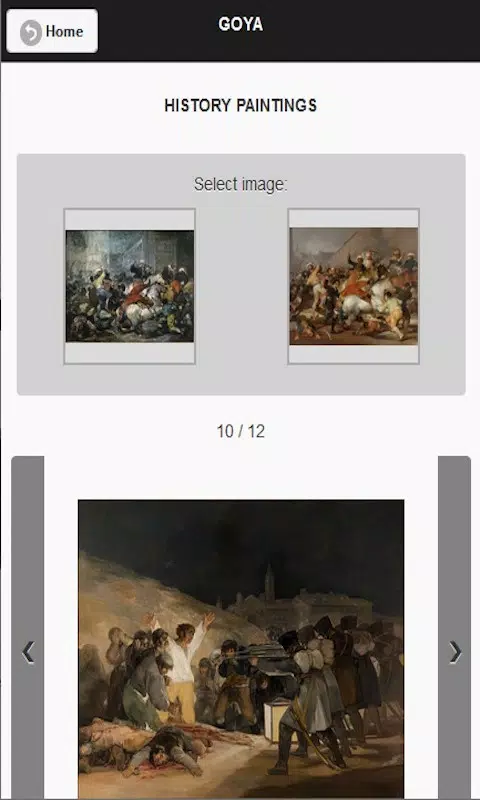
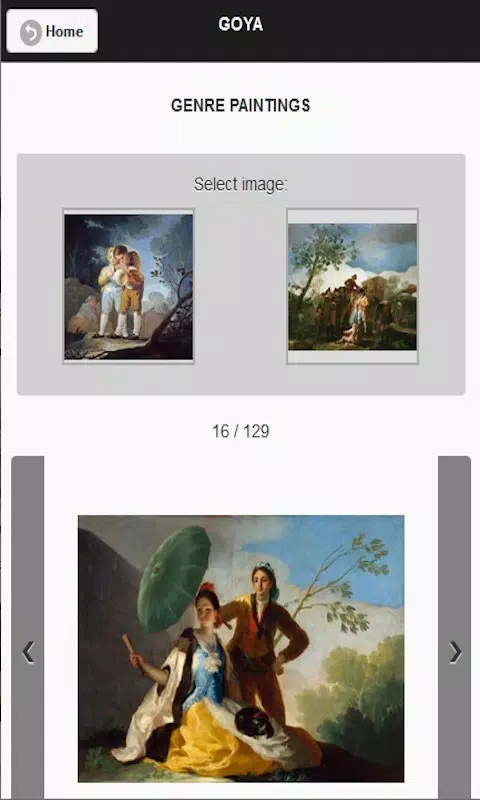
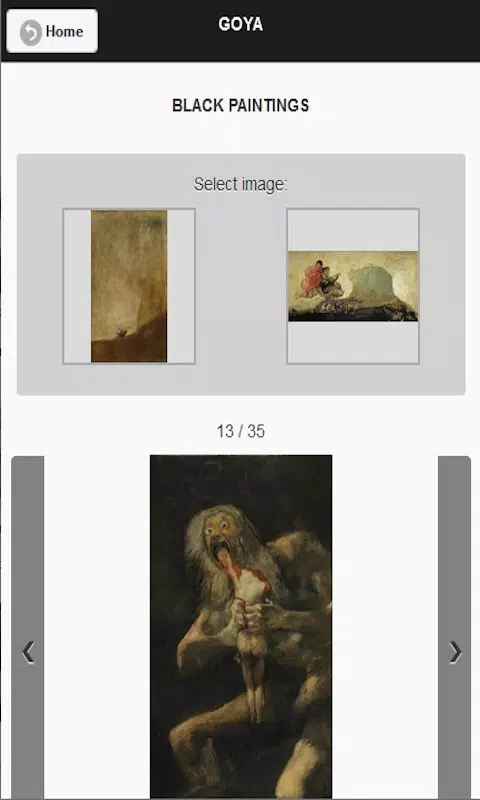
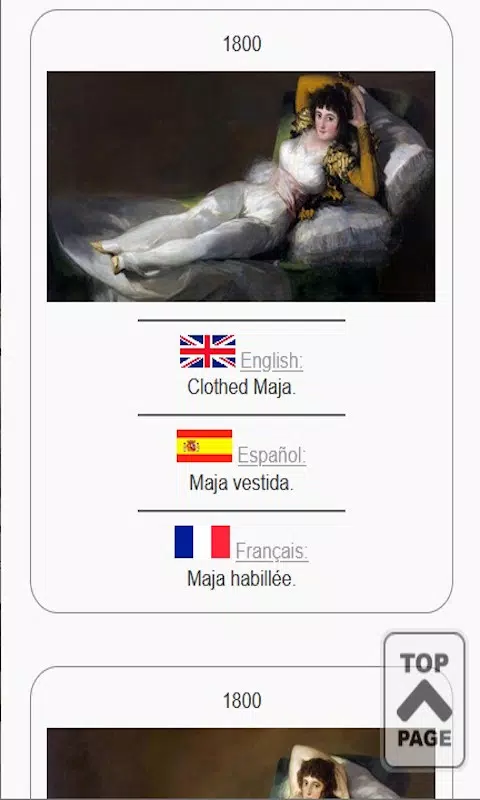
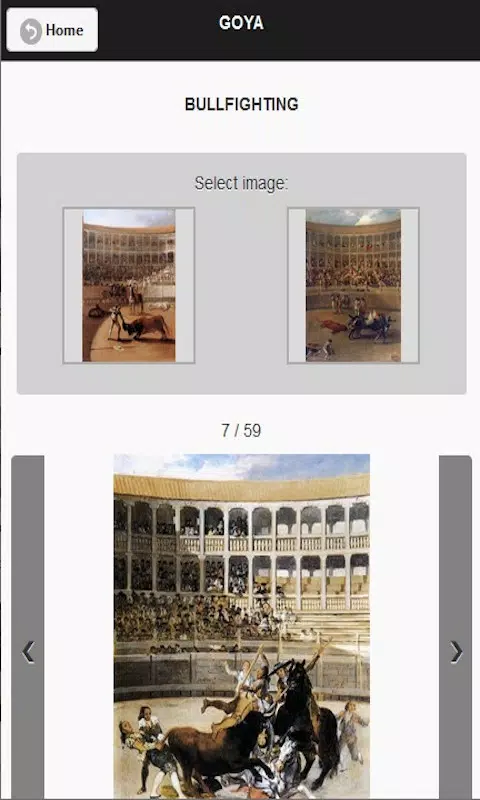
Goya is an Android productivity app designed to simplify creative workflows with a lightweight interface and powerful editing tools, offering layered canvas editing, vector brushes, and integrated asset management for mobile creators. It balances simplicity with advanced features to help users draft, edit, and export professional-quality visuals quickly.
Key Features
The core of Goya centers on a responsive canvas that supports raster and vector layers, non-destructive editing, and customizable brush engines. Users get an adaptive toolset that includes precision selection, group transformations, and a history panel with snapshot comparisons. Built-in asset libraries make it easy to reuse icons, textures, and color palettes, while an intelligent auto-save and versioning system minimizes data loss during long sessions.
User Interface and Workflow
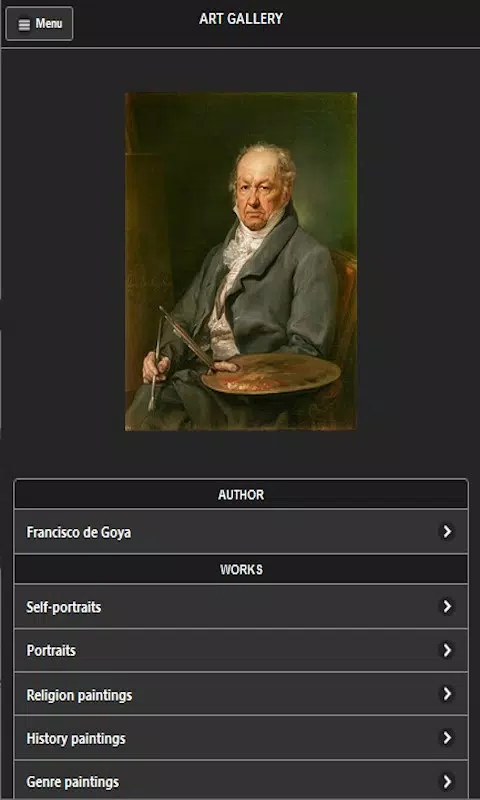
Goya presents a clean, modular interface that adapts to both phones and tablets. Toolbars can be rearranged or collapsed for a distraction-free workspace, and contextual menus surface relevant options as you work. The app emphasizes quick access: gesture shortcuts for undo/redo, pinch-to-zoom for close work, and pressure-sensitive input when used with compatible styluses. Workflow templates streamline repetitive tasks by preloading layers, canvas sizes, and export settings for common projects.
Tools and Editing Modes
Goya offers multiple editing modes to match different creative tasks. Sketch mode provides a fluid, low-latency brush experience ideal for ideation. Precision mode enables pixel-level manipulation and grid snapping for UI mockups and sprites. Vector mode lets you create scalable shapes and paths that remain editable, while a mixed-mode approach allows vector objects to be rasterized into paint layers when needed. Each mode includes adjustable parameters so creators can tailor brush behavior, smoothing, and blending styles.
Customization and Extensions
Extensibility is built into Goya through a plugin-friendly architecture. Users can install community-made brushes, filters, and export presets from an integrated marketplace or create their own using a simple manifest format. Workspace layouts are saved as profiles, which is useful for switching between illustration, concept art, or prototyping setups. Color management supports ICC profiles and customizable swatches to maintain brand consistency across projects.
Performance and Compatibility
Goya is optimized for Android hardware across a wide range of devices. It leverages multi-threading for background tasks like rendering and export, and uses GPU acceleration where available to keep the canvas responsive even with many layers. Compatibility extends to common file formats such as PSD, SVG, PNG, and layered export archives, enabling smooth handoffs with desktop tools. Battery-friendly modes reduce processor usage during long drawing sessions without sacrificing image fidelity.
Exporting and Sharing
Export options in Goya accommodate social sharing, client review, and production pipelines. Choose from lossless PNG, high-quality JPEG, PDF for vector compositions, or flattened and layered PSD for downstream editing. There is also a built-in review mode that generates shareable links and comments so collaborators can annotate frames directly. Batch export automates delivering multiple resolutions and formats for web, print, or app assets.
Getting Started
New users will find Goya approachable: a guided tutorial introduces the interface, basic brush controls, and layer handling. Templates for posters, thumbnails, and app screens accelerate first projects. For creators moving from other tools, import wizards map layers and blend modes to maintain visual fidelity. Regular updates add features and performance tweaks based on community feedback.
Practical Tips for Better Results
- Organize layers with clear names and color tags to speed editing.
- Use vector shapes for elements that need to scale without loss of quality.
- Save workspace profiles for different project types to reduce setup time.
- Take advantage of presets and community brushes to explore new styles quickly.
Whether refining concepts or producing final assets, Goya gives Android creators a focused, extensible environment that balances power and accessibility. Its combination of responsive performance, flexible export options, and modular workflow makes it a practical choice for solo designers, content creators, and teams working on-the-go.
Show More
Information
Screenshots
Latest Update
-
![Lines Gold Pro - Icon Pack APK]()
Lines Gold Pro - Icon Pack
-
![Remote Fire TV APK]()
Remote Fire TV
-
![Flight Dark Pro - Icon Pack APK]()
Flight Dark Pro - Icon Pack
-
![Ares Light: Pastel Icon Pack APK]()
Ares Light: Pastel Icon Pack
-
![getConf - Hidden Settings APK]()
getConf - Hidden Settings
-
![Dots Live Wallpaper - Battery APK]()
Dots Live Wallpaper - Battery
-
![Chroma - Icon Pack APK]()
Chroma - Icon Pack
-
![One UI Fluffy Icon Pack APK]()
One UI Fluffy Icon Pack
-
![Pixly Limitless Fluo Icon Pack APK]()
Pixly Limitless Fluo Icon Pack
-
![Compress Video - Resize Video APK]()
Compress Video - Resize Video
-
![Pixly Professional Dark APK]()
Pixly Professional Dark
-
![Tracker Detect Pro APK]()
Tracker Detect Pro












Latest News
-
![Revealing the Launch Playlists and Cross-Progression for COD Warzone Mobile News]()
-
![March 2024 Free Redemption Codes for Honkai: Star Rail News]()
-
PUBG Mobile Teams Up with Bentley Motors: Luxury Cars, Exclusive Collectibles, and Beyond 2024-04-18
![PUBG Mobile Teams Up with Bentley Motors: Luxury Cars, Exclusive Collectibles, and Beyond News]()
-
![Monster Never Cry is now accessible on both Android and iOS mobile devices. News]()
-
V2.2 of the Farlight 84 update introduces an overhauled Season structure, fresh in-game currency, an 2024-04-16
![V2.2 of the Farlight 84 update introduces an overhauled Season structure, fresh in-game currency, an News]()
-
![Arrival of Genshin Impact 4.6 Update: 'Embers of Two Realms, Twilight of Crimson' News]()
-
April 2024 Clash of Clans Update: Unveiling a Fresh Companion, Enhanced Levels, Chat Tagging, and Be 2024-04-16
![April 2024 Clash of Clans Update: Unveiling a Fresh Companion, Enhanced Levels, Chat Tagging, and Be News]()






