
Airplane Simulator Plane Games
Version:8.3
Published:2026-10-14
Introduction
Airplane Simulator Plane Games brings a compact yet convincing flight experience to Android devices, placing you in the pilot seat with detailed cockpit visuals, responsive controls and full offline play. This single-player simulator emphasizes practical flying scenarios — from routine takeoffs and staged landings to timed rescue missions and simulated emergency procedures — so you can practice or enjoy relaxed exploration without a network connection. Airplane Simulator Plane Games is designed to be accessible for casual users while offering depth for players who want to refine instrument work and handling skills.
Immersive cockpit and flight mechanics
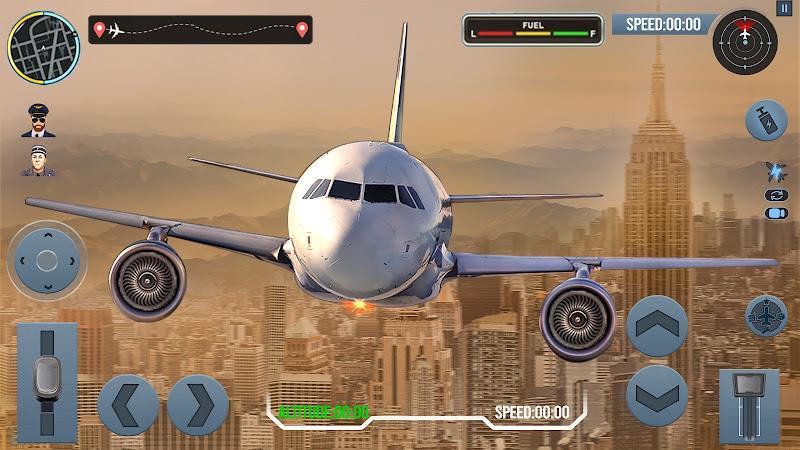
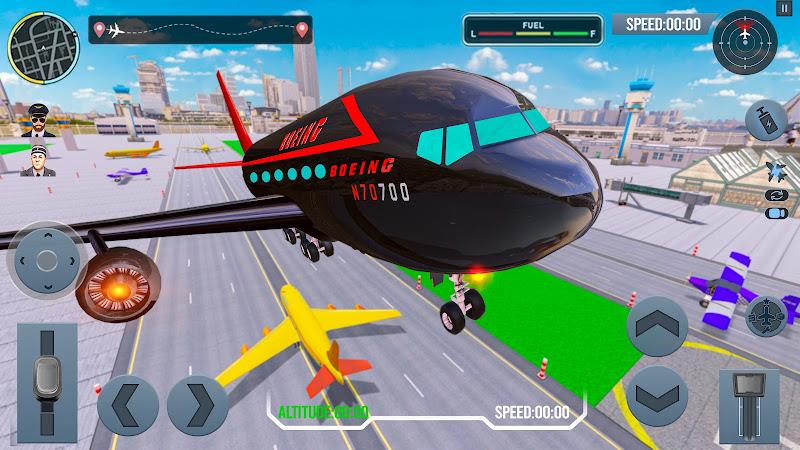
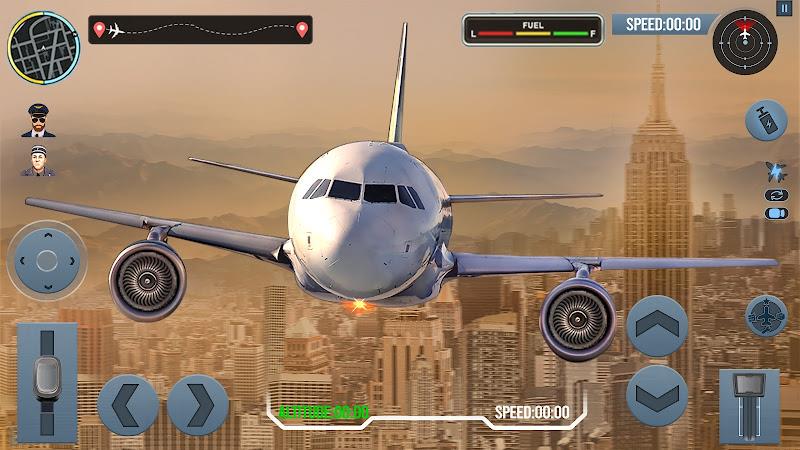
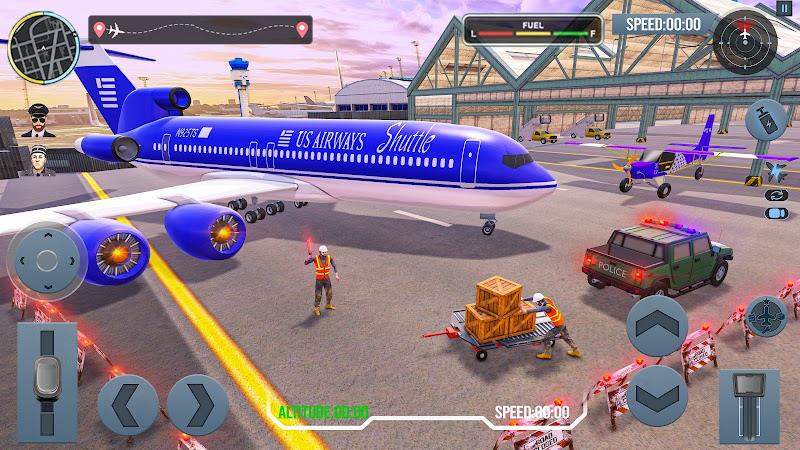
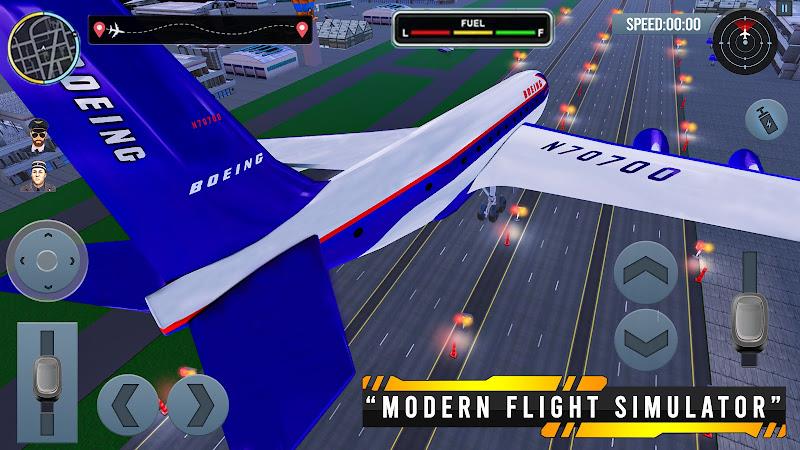
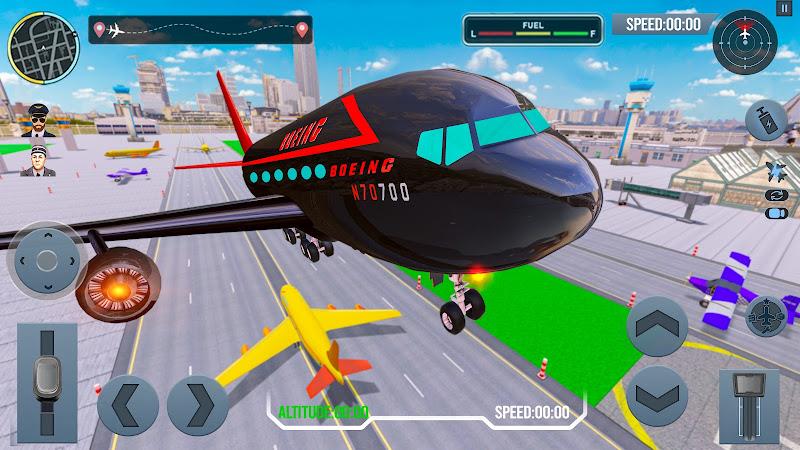
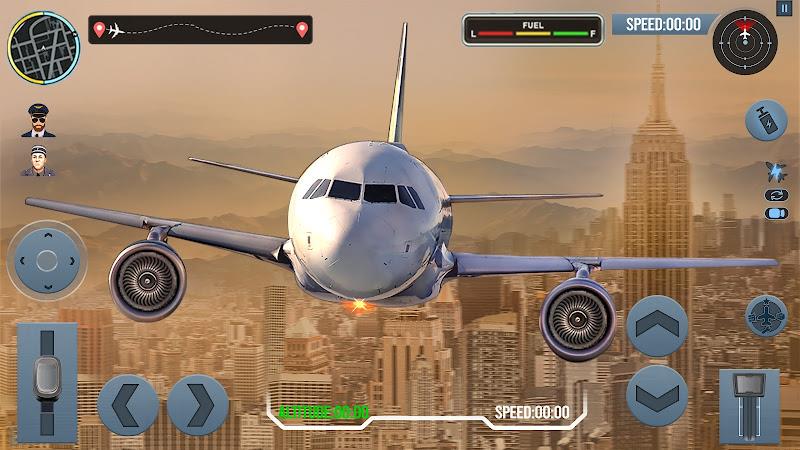
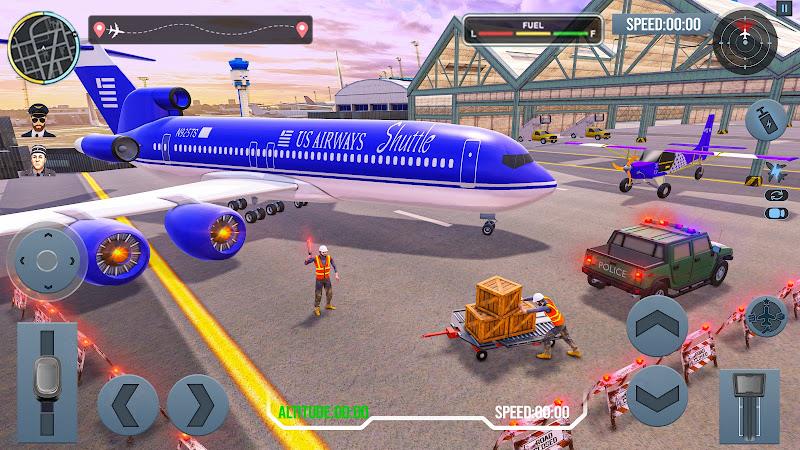
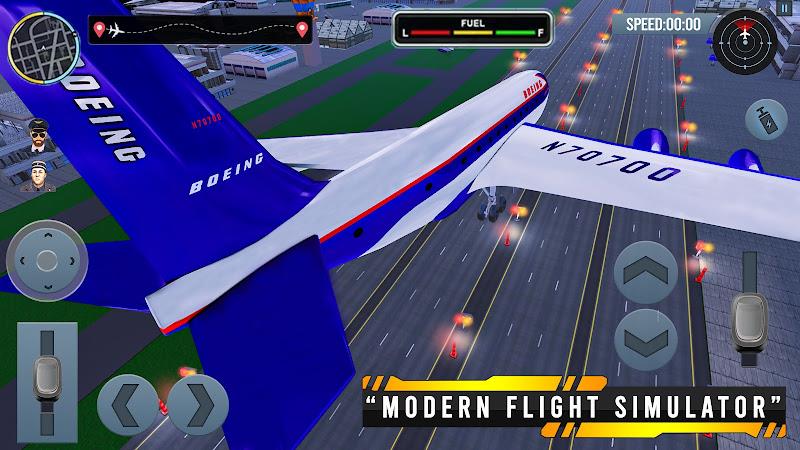
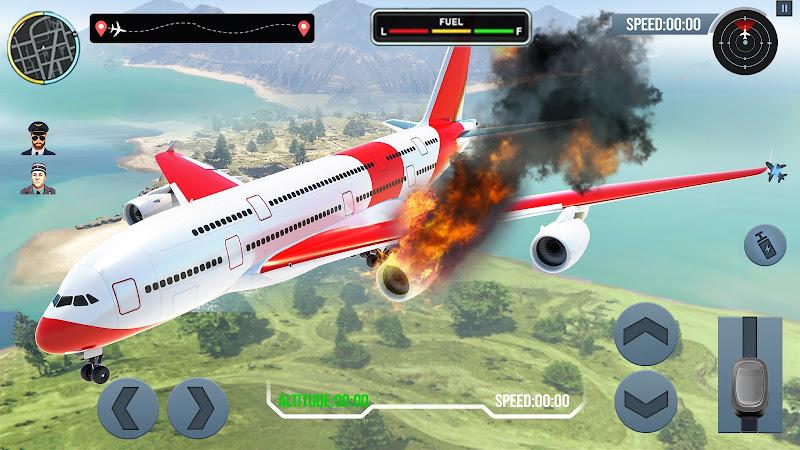
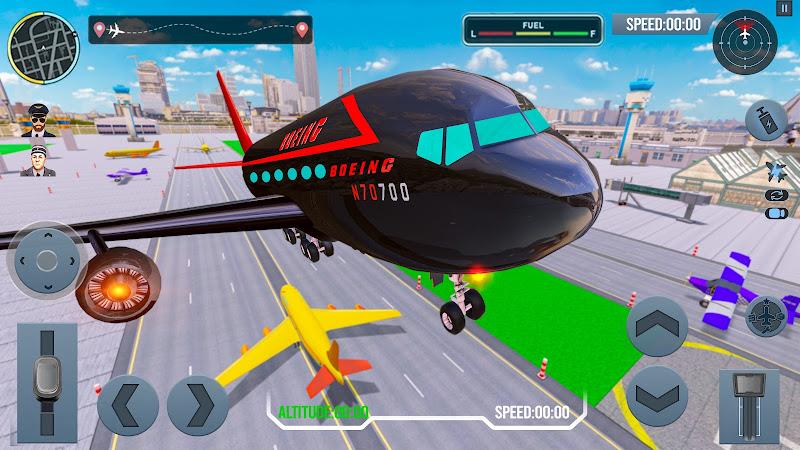
The presentation focuses on readable cockpit instrumentation and believable aircraft behaviour tuned for mobile hardware. Instruments such as the altimeter, airspeed indicator and attitude reference are cleanly rendered to support visual navigation, while flight physics are optimized to give distinct handling profiles for light props, medium transports and larger planes. Moving controls, dynamic lighting and layered sound design combine to create situational awareness without overwhelming device resources, and deployable landing gear and flap systems are modeled so approaches and departures feel consistent and teachable.
Controls and camera options
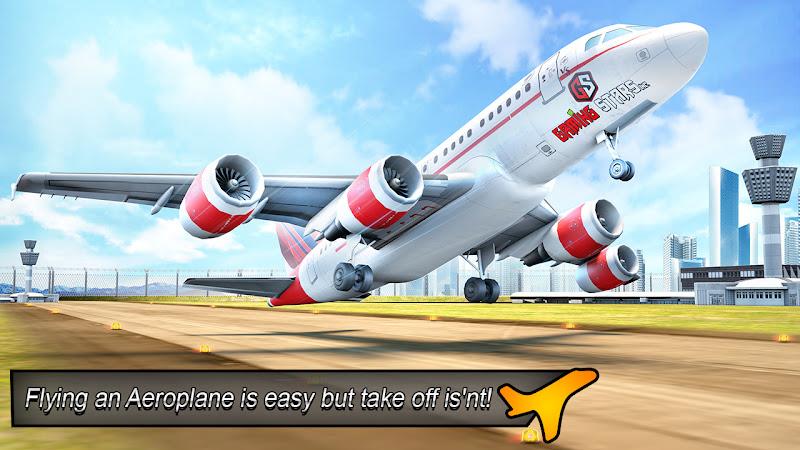
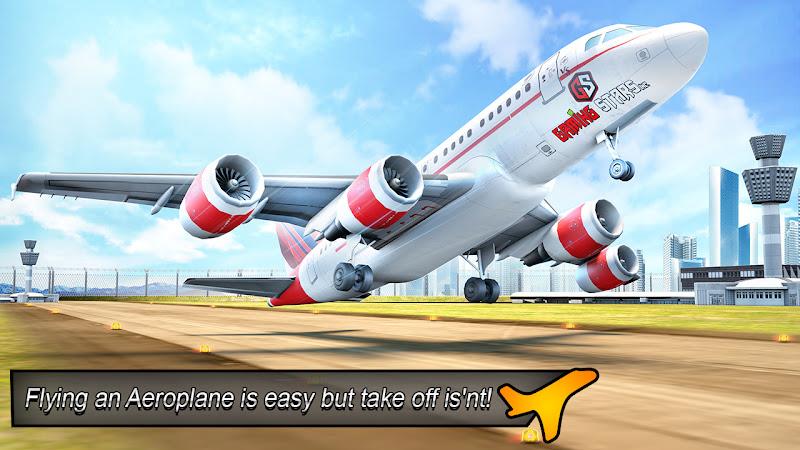
Control flexibility is a core strength: tilt steering with device calibration gives an analog feeling for general direction, while touch buttons provide precise control over throttle, brake, flaps and a turbo boost where applicable. Sensitivity sliders and multiple control presets help you tune response to personal preference or different device sizes, and several camera views let you switch between immersive cockpit sightlines and external perspectives for cinematic or training-focused flying. Beginners can rely on basic flight assists to maintain stability, and more experienced pilots can switch assists off to practice advanced handling.
Large open maps and mission structure
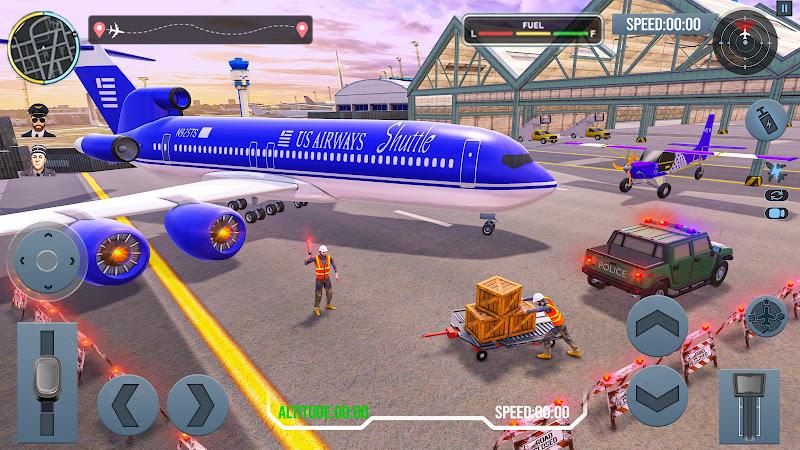
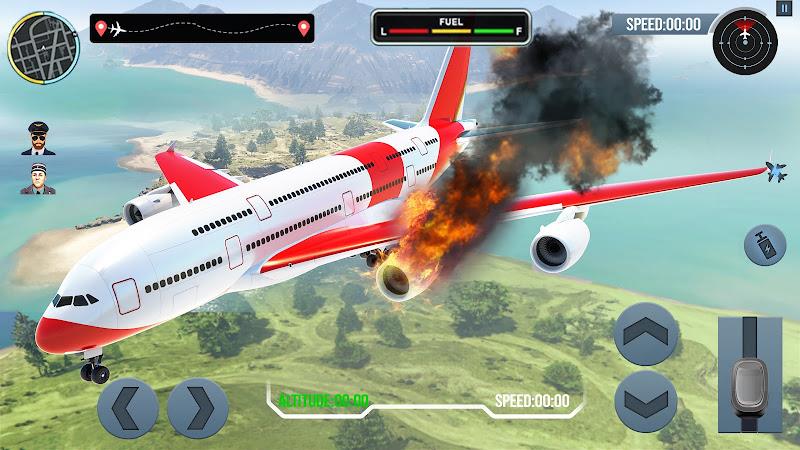
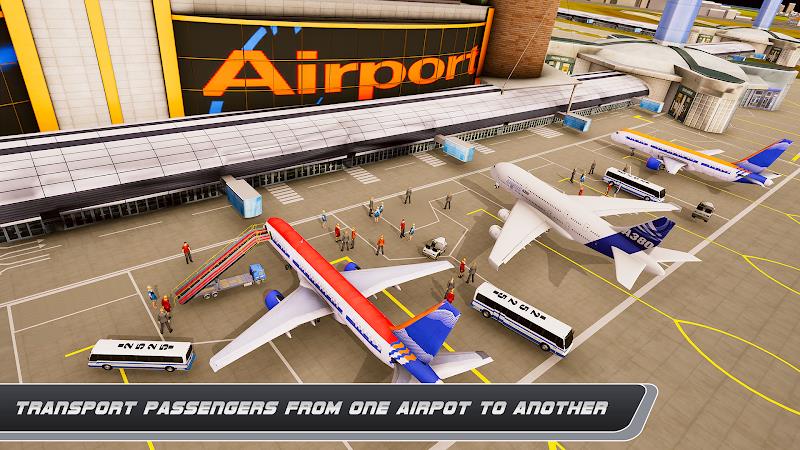
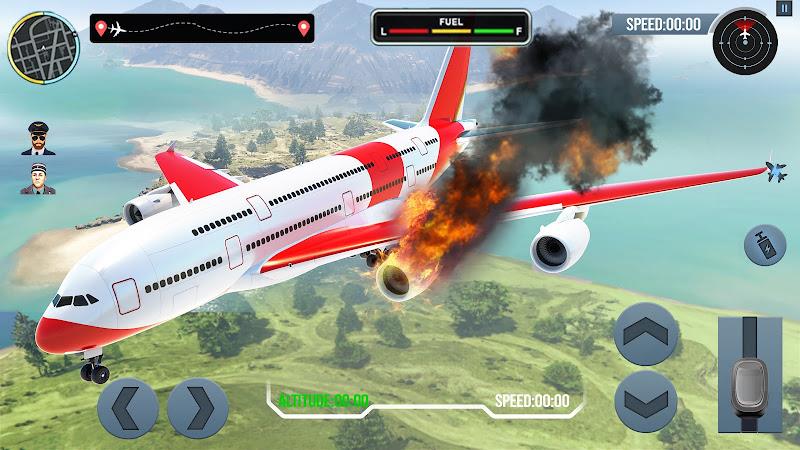
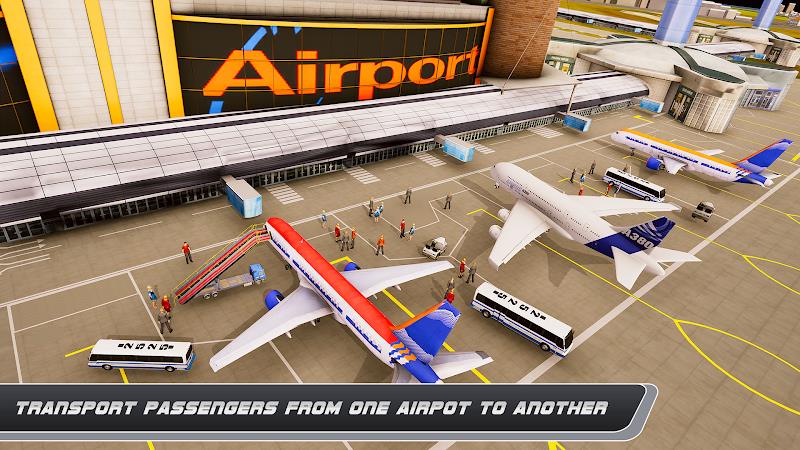
The simulator includes broad environments that mix urban areas, coastal stretches, mountainous terrain and open farmland to encourage both free-flight exploration and mission-based play. Missions are structured around objectives like checkpoint navigation, timed deliveries, scenic flights and scenario challenges such as simulated emergency landings or search-and-rescue runs. Each mission can be replayed to improve landing smoothness and completion time, and optional constraints like limited fuel or changing weather increase difficulty without requiring an online mode.
Progression, rewards and custom aircraft
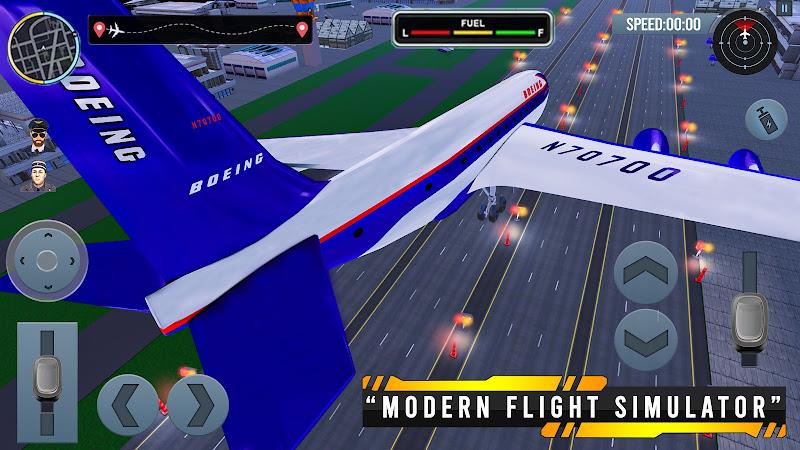
Progression is handled through an in-app credit and rewards model that unlocks additional aircraft and modest customization options as you complete objectives. As you earn credits, you gain access to faster or heavier planes with different handling and instrumentation, giving a clear sense of advancement without altering the core flight physics dramatically. Cosmetic choices such as alternate liveries and cockpit layout presets let you personalize appearance and ergonomics, and reward milestones provide intermediate goals that encourage trying different aircraft and mission types.
Visual performance and device compatibility
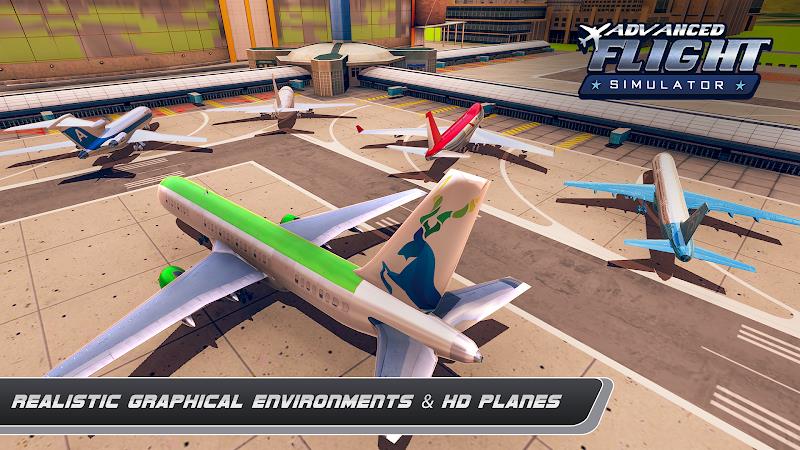
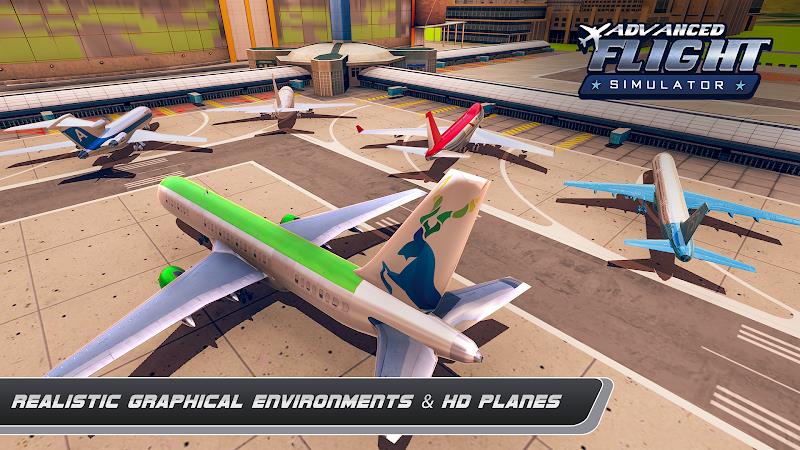
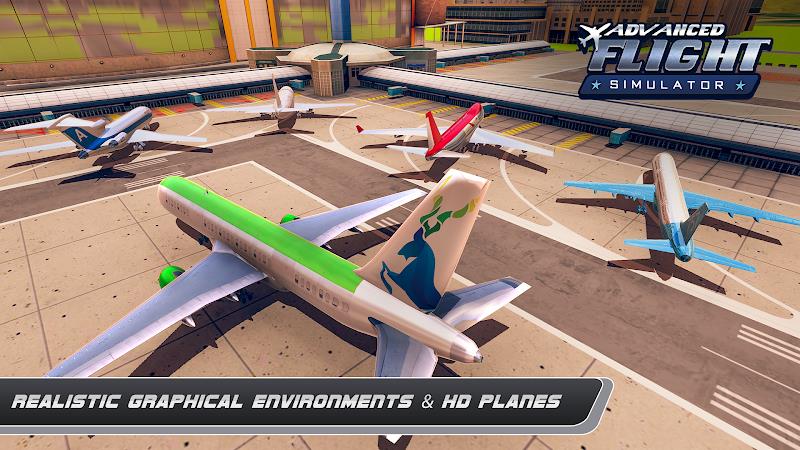
The visual design balances fidelity and smooth performance by offering graphical presets and performance settings so the app runs across a wide range of devices. Dynamic weather effects and lighting enhance realism when enabled, while lower presets can reduce draw distance or disable nonessential effects to preserve battery life and maintain stable frame rates. These options help the simulator remain playable on mid-range phones while still delivering satisfying visuals on more capable hardware.
Accessibility, tutorials and local saves
Airplane Simulator Plane Games includes interactive tutorials that introduce basic controls, instrument interpretation and mission objectives, making the learning curve approachable. Local save functionality ensures progress is stored on-device so you can pick up sessions anytime without network dependency. Accessibility features such as adjustable text scales, color-contrast considerations for instrument readability and sensitivity adjustments help a wide range of players enjoy the experience.
Replay value and challenge tuning
Replayability comes from varied aircraft, mission replay, and optional challenge modifiers like restricted weather, fuel limits or tighter time windows. You can practice precision flying by focusing on smooth landings and approach accuracy or test speed and route optimization in timed scenarios. Because the game operates fully offline and centers on single-player challenges, it’s easy to experiment with different settings and aircraft to build skills at your own pace.
Who this is for
Airplane Simulator Plane Games is ideal for aviation fans, hobbyist pilots and casual players who want a portable flight experience that respects device limitations and offline convenience. Whether you enjoy exploratory free-flight, methodical instrument practice, or scenario-based challenges, the simulator provides flexible controls, a clear progression path and a range of visual and accessibility options to support steady improvement and sustained enjoyment.
Show More
Information
Screenshots
Latest Update












Latest News
-
![Revealing the Launch Playlists and Cross-Progression for COD Warzone Mobile News]()
-
![March 2024 Free Redemption Codes for Honkai: Star Rail News]()
-
PUBG Mobile Teams Up with Bentley Motors: Luxury Cars, Exclusive Collectibles, and Beyond 2024-04-18
![PUBG Mobile Teams Up with Bentley Motors: Luxury Cars, Exclusive Collectibles, and Beyond News]()
-
![Monster Never Cry is now accessible on both Android and iOS mobile devices. News]()
-
V2.2 of the Farlight 84 update introduces an overhauled Season structure, fresh in-game currency, an 2024-04-16
![V2.2 of the Farlight 84 update introduces an overhauled Season structure, fresh in-game currency, an News]()
-
![Arrival of Genshin Impact 4.6 Update: 'Embers of Two Realms, Twilight of Crimson' News]()
-
April 2024 Clash of Clans Update: Unveiling a Fresh Companion, Enhanced Levels, Chat Tagging, and Be 2024-04-16
![April 2024 Clash of Clans Update: Unveiling a Fresh Companion, Enhanced Levels, Chat Tagging, and Be News]()






