

デジタルアメダス
Version:2.0.6
Published:2026-10-15
Introduction
デジタルアメダス brings localized, real-time weather observations to your Android device, combining official AMeDAS station data with intuitive maps and alerts. Designed for commuters and outdoor enthusiasts, the app displays temperature, wind, precipitation, and historical trends with quick-glance widgets and configurable notifications.
What this app does
The core purpose of デジタルアメダス is to make official meteorological readings accessible and actionable. Rather than generic forecasts, it focuses on station-level measurements so users can see minute-by-minute changes where they live, work, or travel. This emphasis on raw observations helps with decision-making for outdoor activities, agriculture, and commuting.
Key functionality at a glance
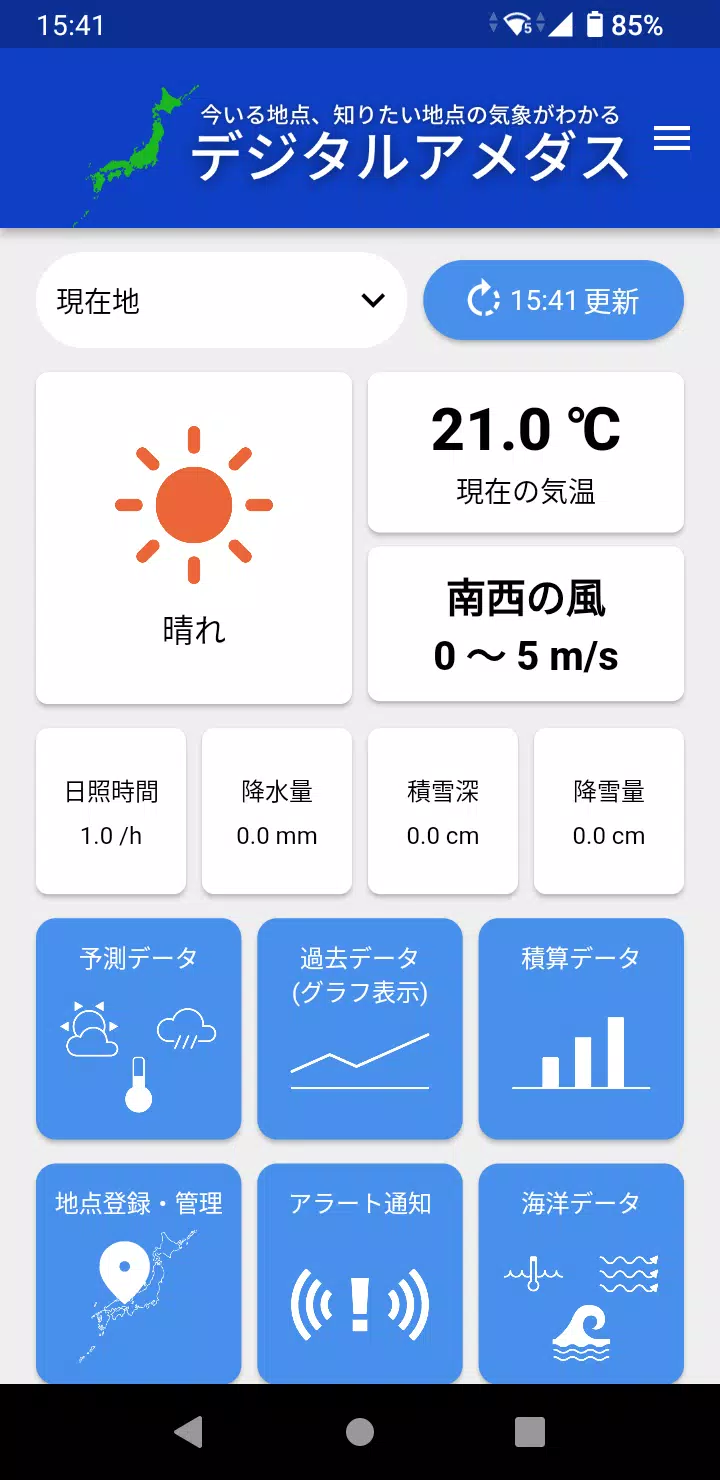
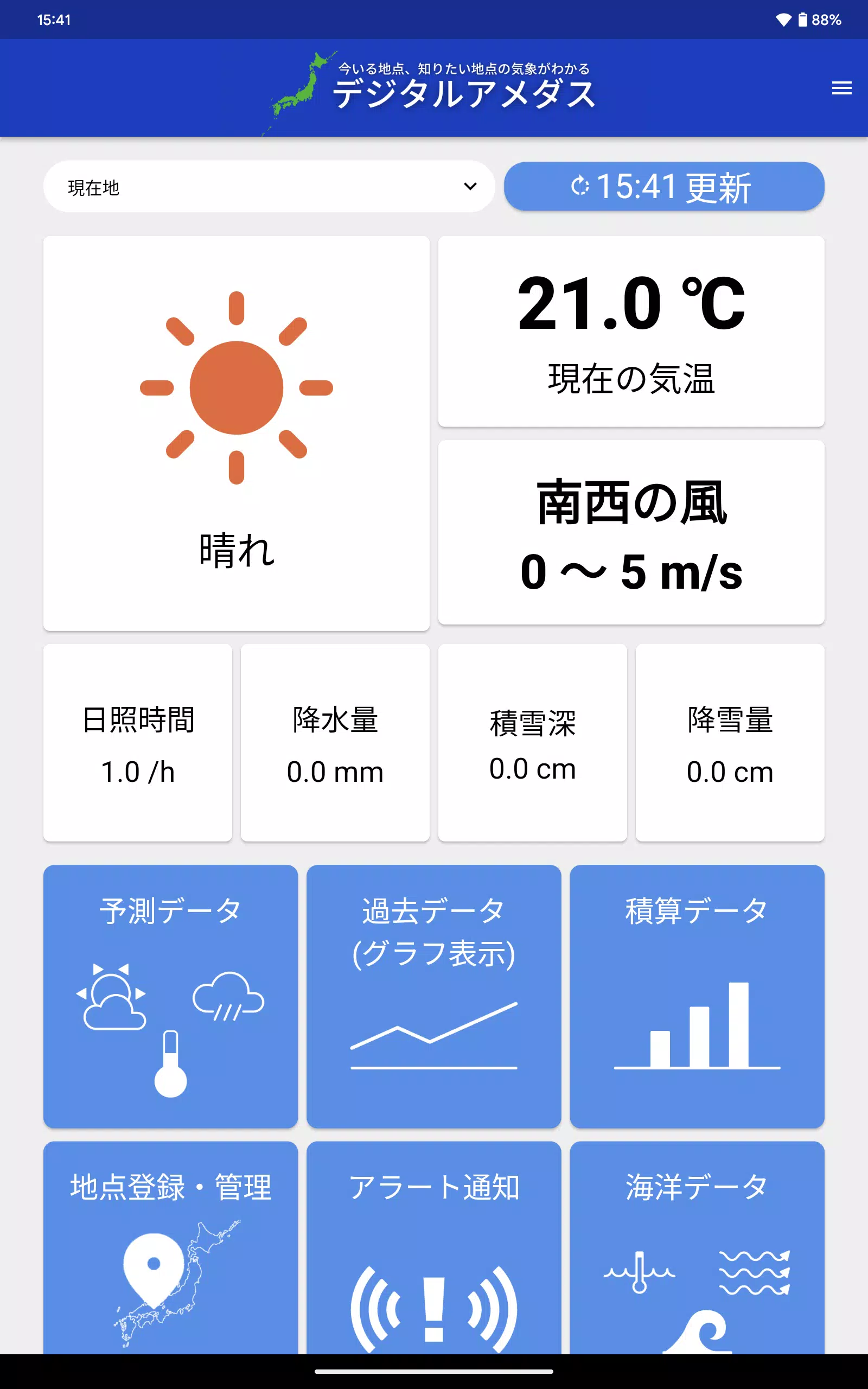
- Live station feed: View up-to-the-minute readings from nearby AMeDAS stations including temperature, precipitation intensity, wind speed and direction.
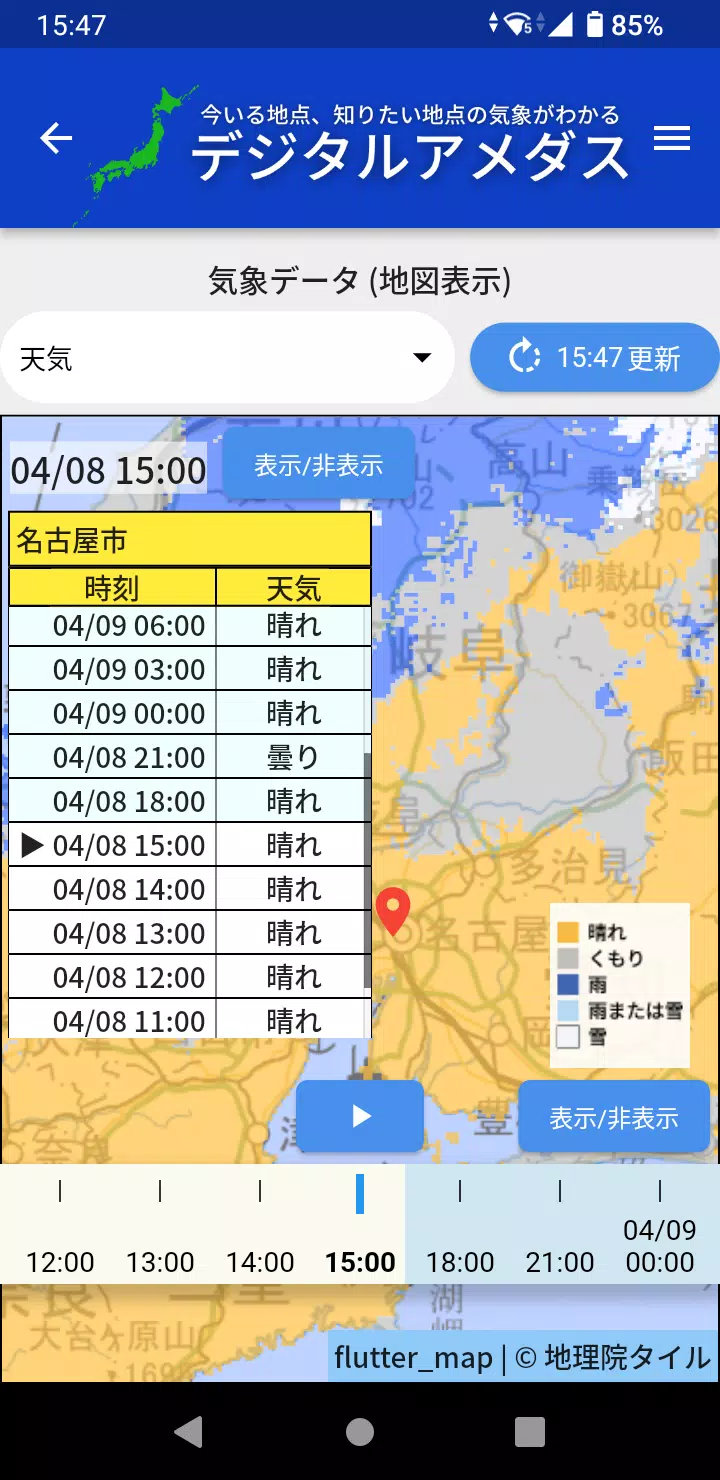
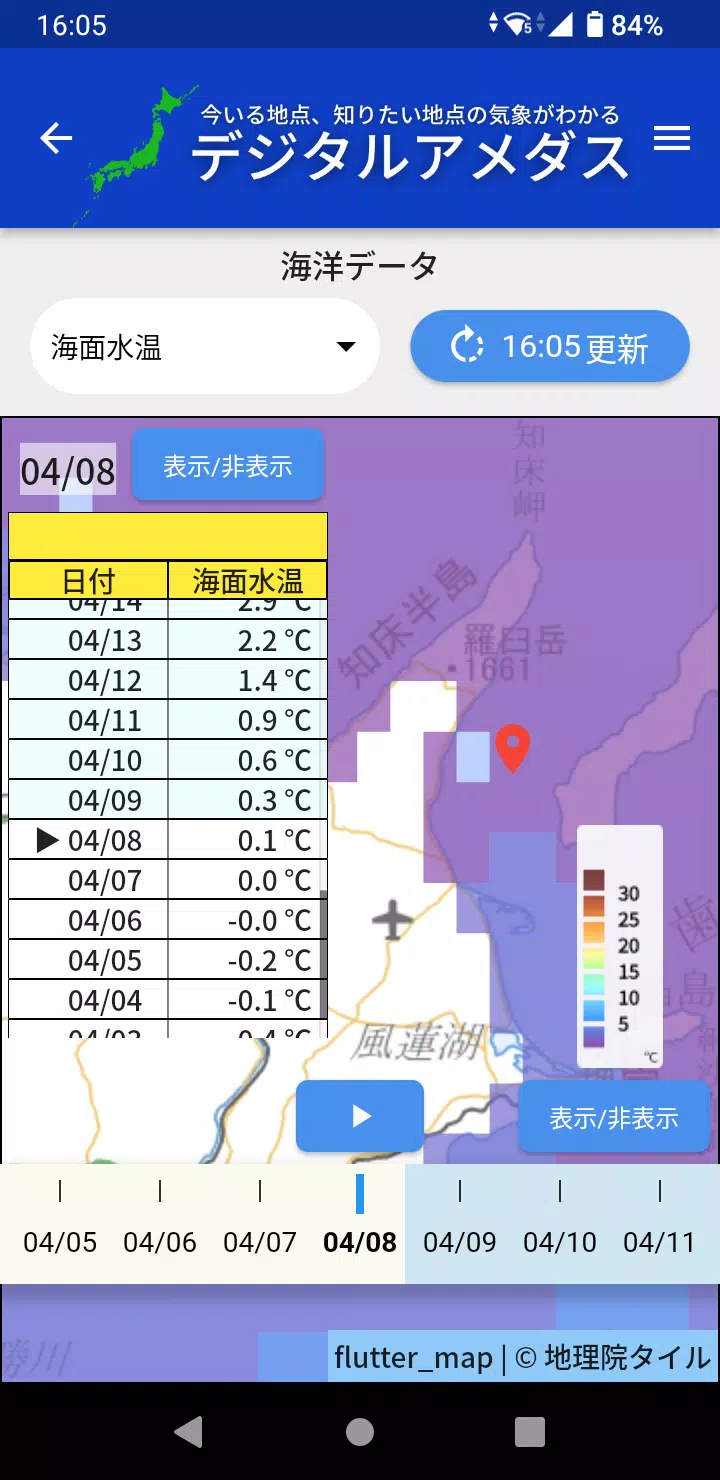
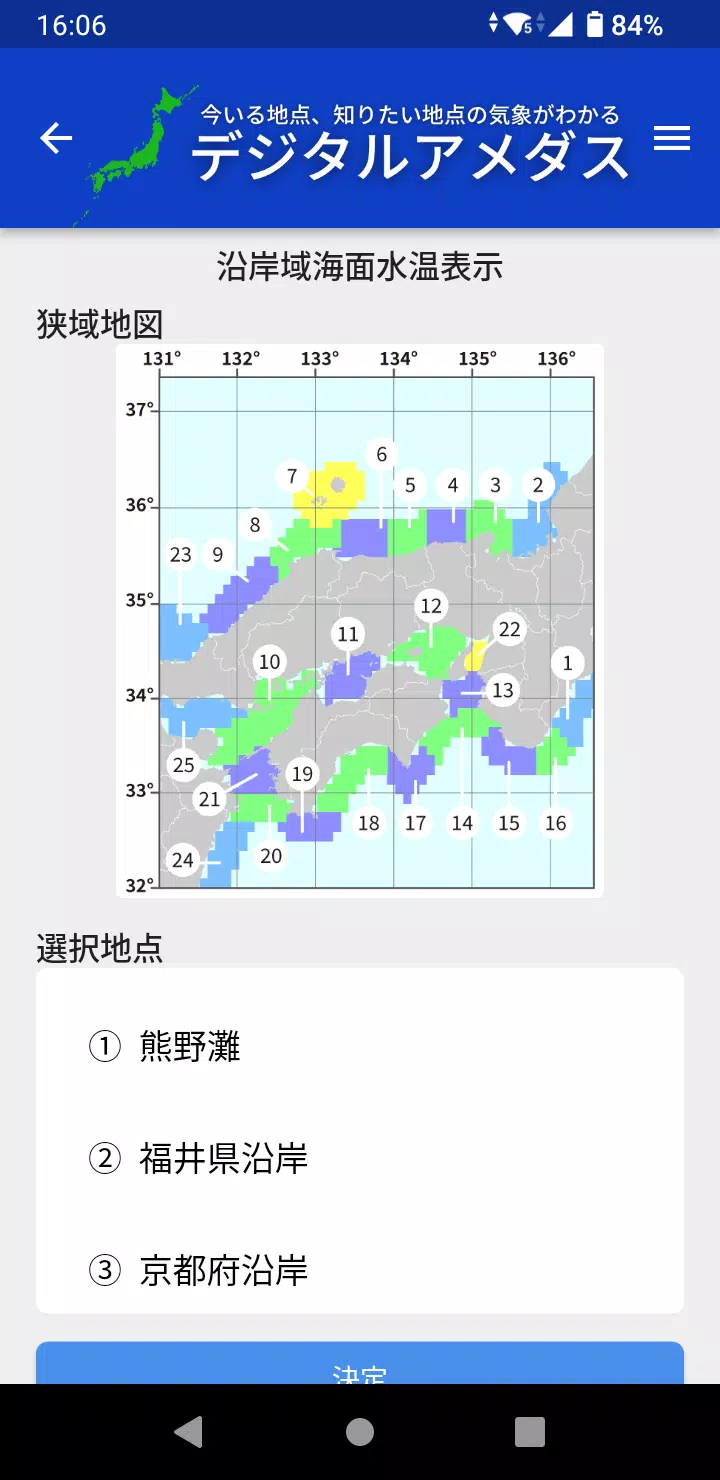
- Interactive map: Pan and zoom to compare conditions across regions and identify localized weather patterns quickly.
- Custom alerts: Set thresholds for rain, wind, or temperature and receive push notifications when conditions cross those values.
- Widgets: Place compact status widgets on your home screen for one-tap situational awareness.
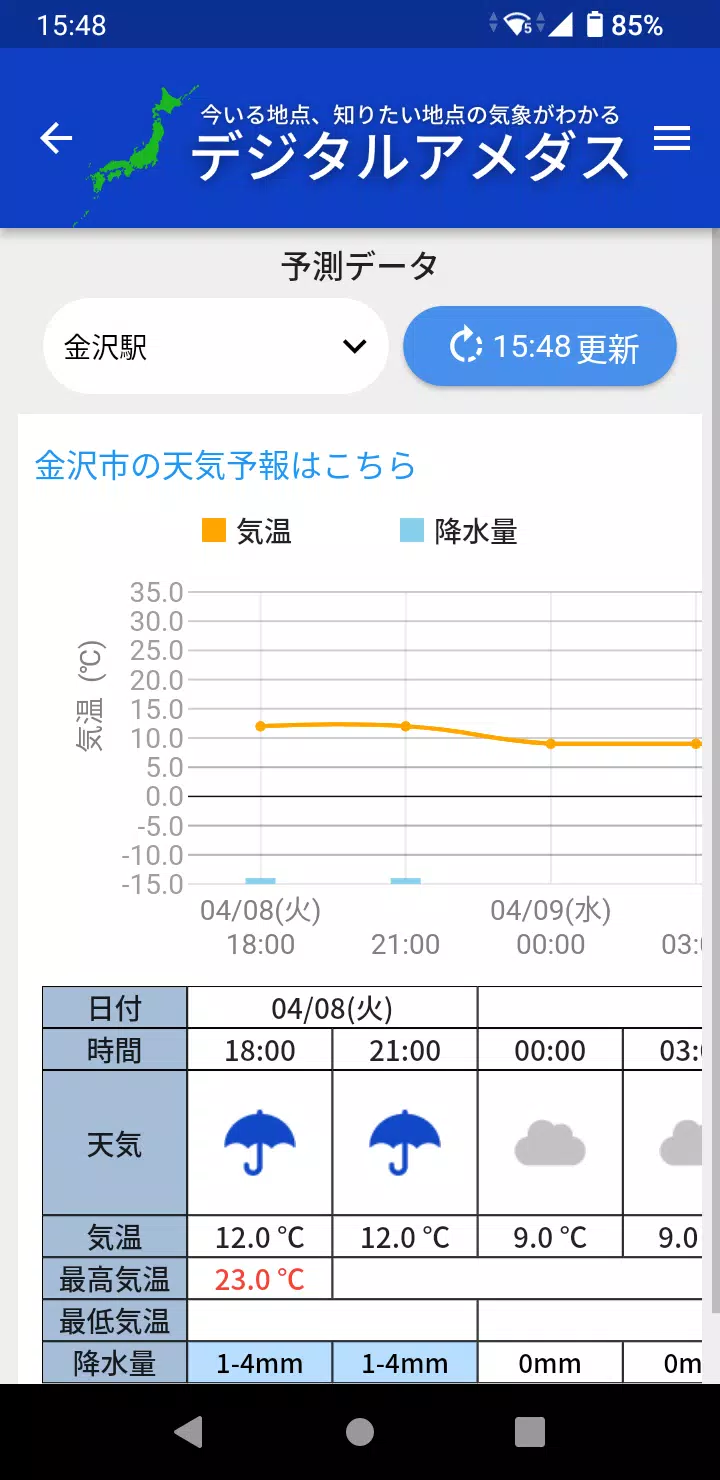
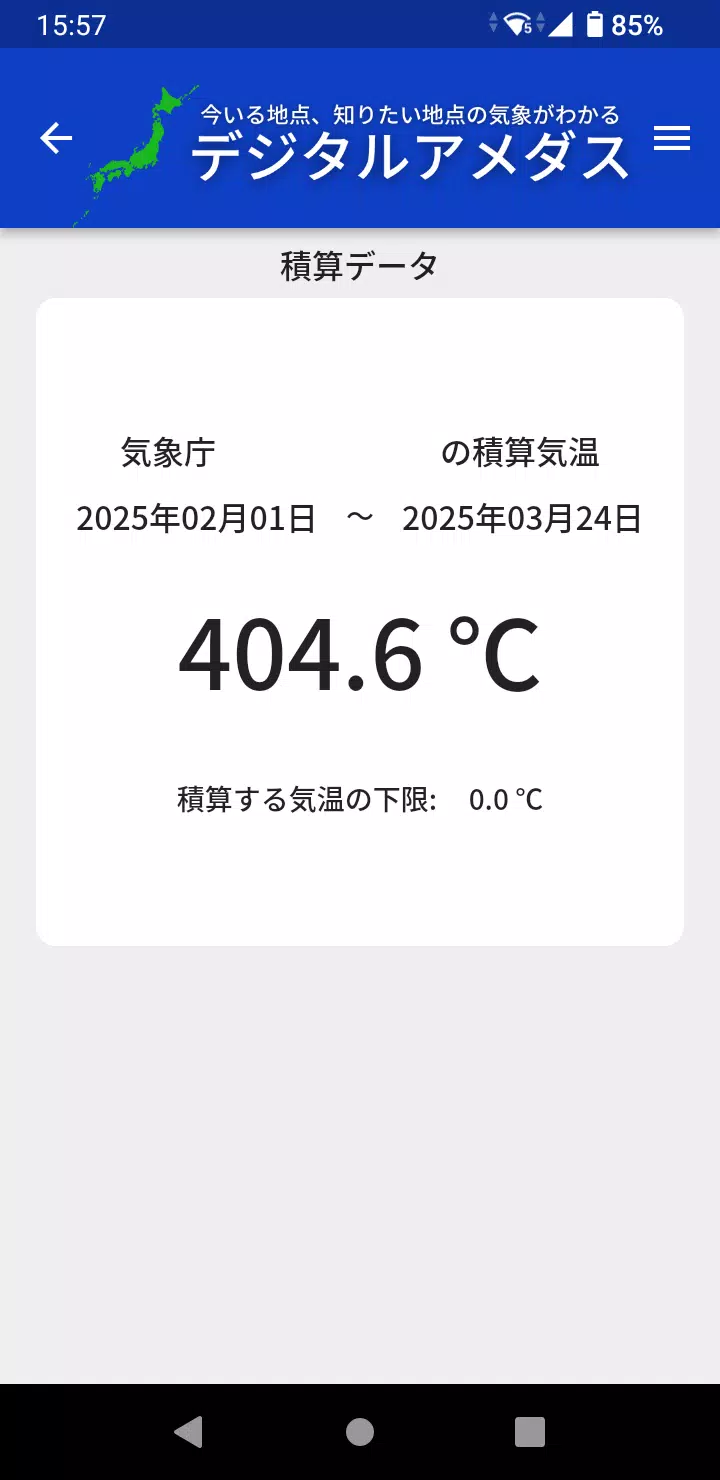
- Historical charts: Review short-term trends to understand how conditions have evolved over the last hours or days.
Interface and performance
The interface balances dense data and clarity. Data tiles are organized by parameter and can be rearranged to suit your priorities. The map uses vector tiles for smooth zooming, while station markers change color and size to reflect intensity. Lightweight caching reduces data usage and keeps the app responsive even on modest connections.
How to get meaningful readings
Start by allowing location permissions so デジタルアメダス can show the nearest stations. Adjust the update frequency in settings to balance timeliness and battery life. For commuters, enable notifications for precipitation and wind gusts; for farmers or outdoor workers, temperature trend alerts and accumulated rainfall thresholds are more useful.
Customization and workflows
Personalization is a strength. You can create multiple profiles—each with its own alert set and preferred stations—so a weekend hiking profile differs from a workday commuting profile. Widget sizes and map overlays are configurable, and advanced users can toggle raw versus smoothed values for trend analysis.
Practical use cases
- Commuters checking real-time rainfall to decide between umbrella or train.
- Event organizers monitoring wind and precipitation for outdoor scheduling.
- Hikers and cyclists assessing temperature and gusts on planned routes.
- Agricultural users tracking rainfall accumulation over key crop stages.
Usability tips
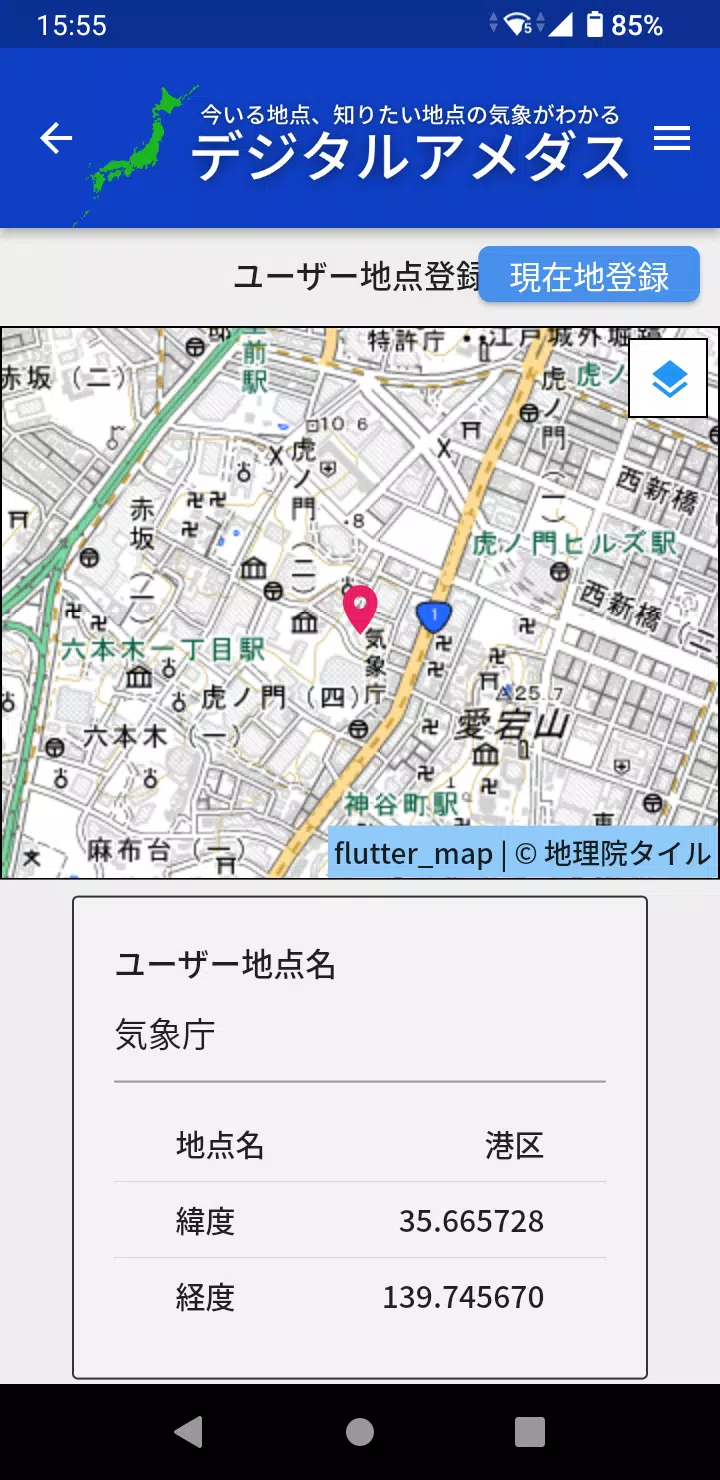
To get the most from デジタルアメダス, pin your most-used station to the top of the list and configure an alert for the single parameter that most impacts your day. Enable background refresh during commuting hours for proactive push notices. If you travel, add multiple stations along your route to see how conditions change en route.
Reliability and data integrity
The app sources raw observations from official stations, so occasional gaps or maintenance windows appear as missing points. デジタルアメダス indicates data freshness and provides station metadata, including last reported time and sensor status, so users can evaluate reliability before acting on the readings.
Getting started
Installation is straightforward: grant location access and notification permissions, pick your preferred stations, and set alert thresholds. The initial setup wizard guides through map basics and widget placement. For power users, the settings panel exposes update intervals, units, and data smoothing options.
Whether you need quick situational awareness on your commute or a detailed short-term record for professional use, デジタルアメダス offers a focused toolset that surfaces station-grade meteorological data in a usable, mobile-first package. Frequent updates and thoughtful defaults keep the learning curve shallow while leaving room for deep customization as needs grow.
Show More
Information
Screenshots
Latest Update












Hot Tags
Latest News
-
![Revealing the Launch Playlists and Cross-Progression for COD Warzone Mobile News]()
-
![March 2024 Free Redemption Codes for Honkai: Star Rail News]()
-
PUBG Mobile Teams Up with Bentley Motors: Luxury Cars, Exclusive Collectibles, and Beyond 2024-04-18
![PUBG Mobile Teams Up with Bentley Motors: Luxury Cars, Exclusive Collectibles, and Beyond News]()
-
![Monster Never Cry is now accessible on both Android and iOS mobile devices. News]()
-
V2.2 of the Farlight 84 update introduces an overhauled Season structure, fresh in-game currency, an 2024-04-16
![V2.2 of the Farlight 84 update introduces an overhauled Season structure, fresh in-game currency, an News]()
-
![Arrival of Genshin Impact 4.6 Update: 'Embers of Two Realms, Twilight of Crimson' News]()
-
April 2024 Clash of Clans Update: Unveiling a Fresh Companion, Enhanced Levels, Chat Tagging, and Be 2024-04-16
![April 2024 Clash of Clans Update: Unveiling a Fresh Companion, Enhanced Levels, Chat Tagging, and Be News]()






