

Happy Emoji
Version:6
Published:2026-10-15
Introduction
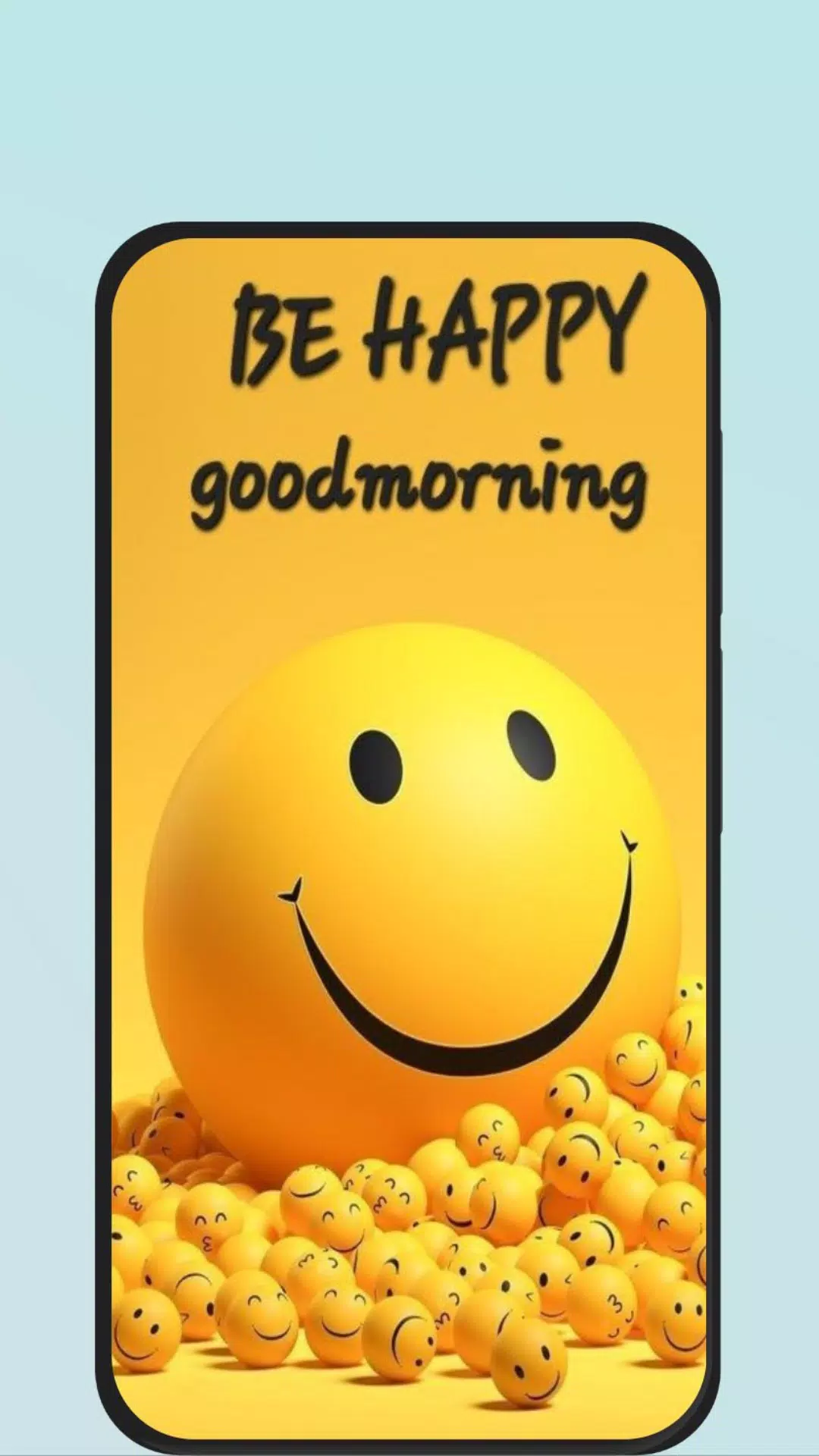
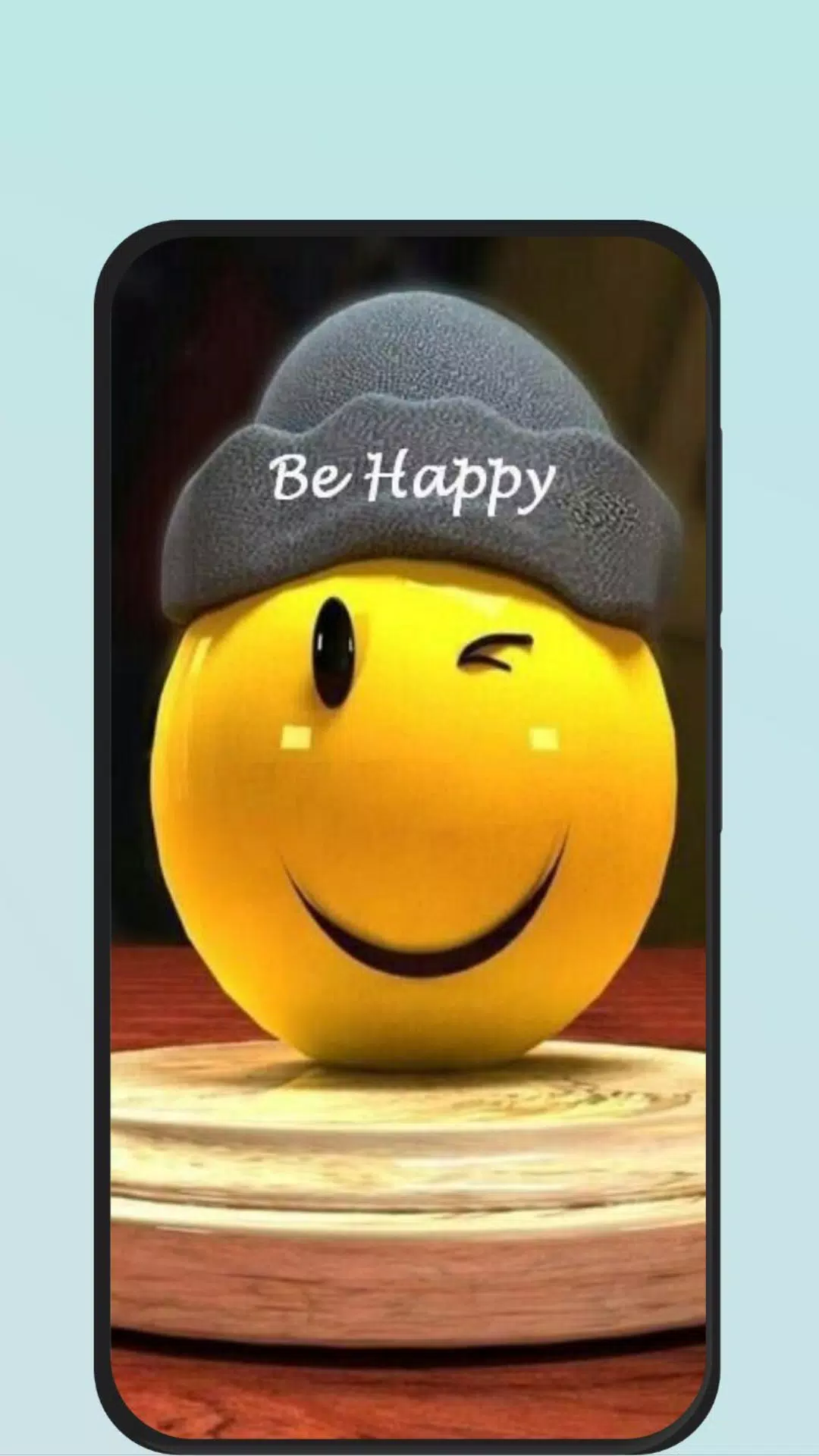
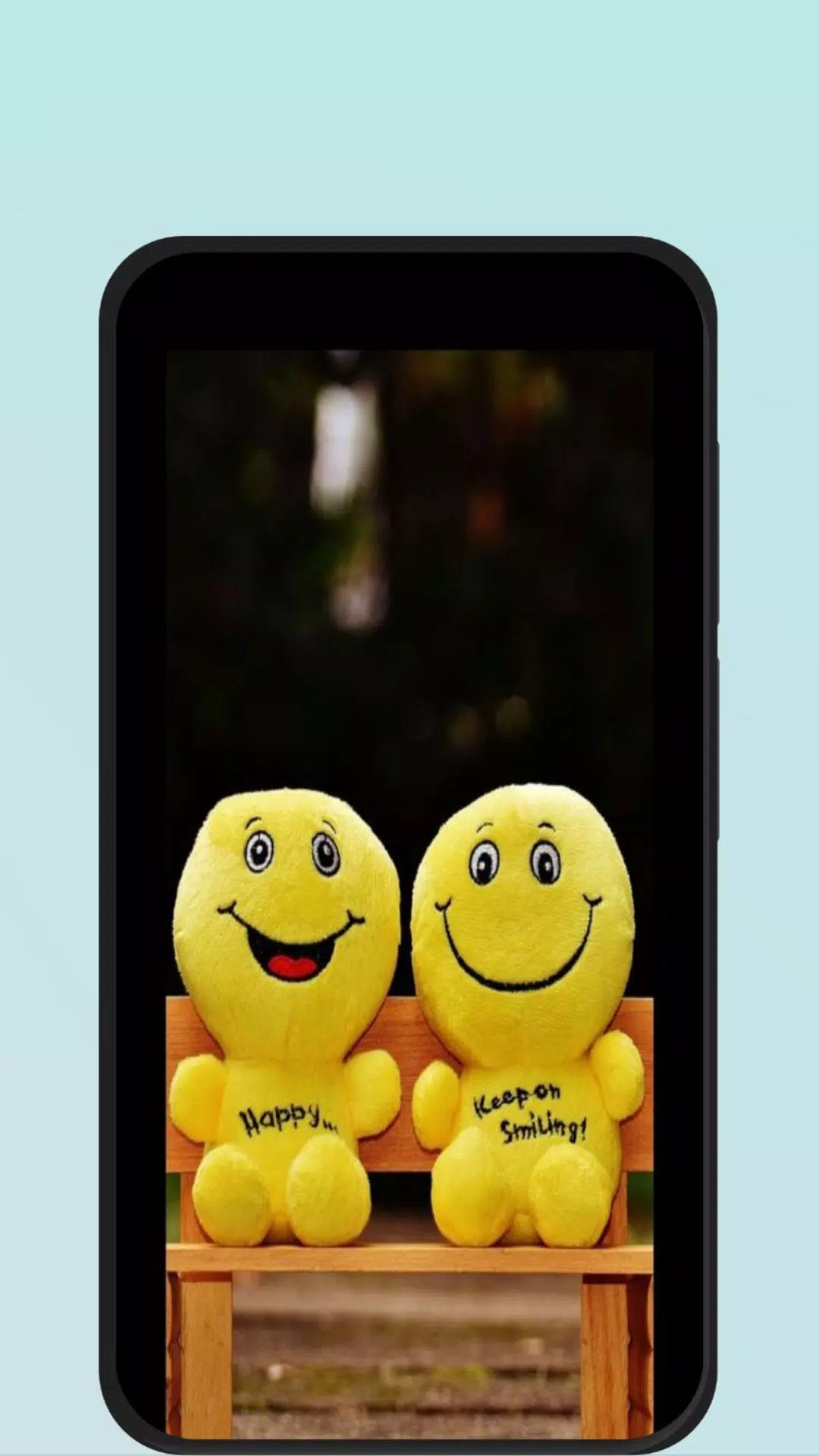
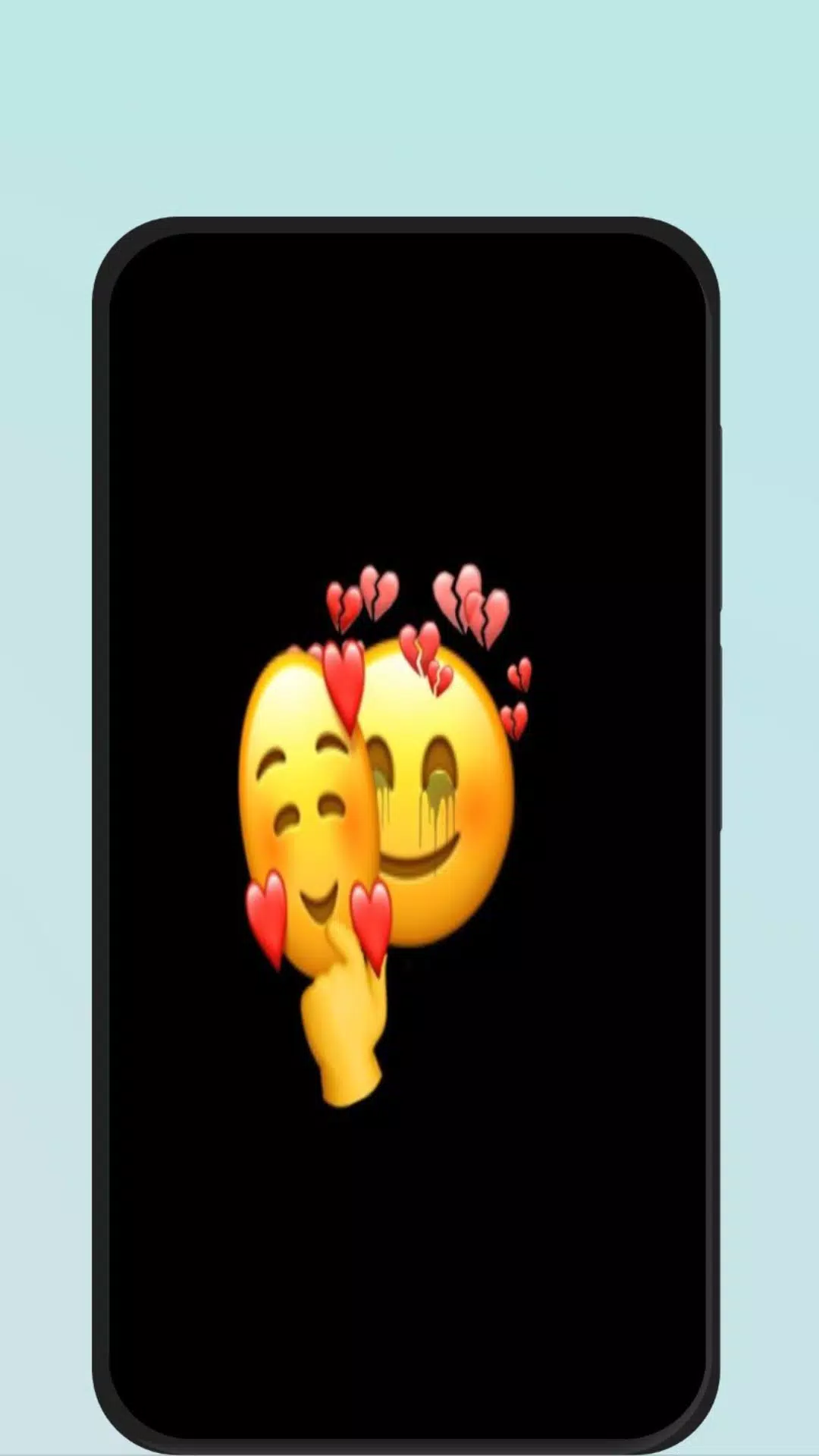
Happy Emoji transforms ordinary messaging into a colorful, expressive experience by bringing a broad library of stickers, animated emojis, and keyboard enhancements to your Android device. Designed for quick access and creative customization, Happy Emoji helps you communicate mood and tone more clearly in chats, social posts, and replies.
Overview
Happy Emoji is a lightweight emoji and sticker keyboard built for speed and personalization. It integrates with popular messaging apps and provides category-based browsing, search, and a favorites system. The app focuses on making expressive content easy to find while keeping the keyboard responsive and unobtrusive during everyday use.
Core features at a glance
- Large emoji collection: Hundreds of static and animated emojis covering emotions, activities, and seasonal themes.
- Stickers and GIFs: Packs designed by artists plus trending GIFs sourced from popular libraries.
- Smart search: Keyword and tag-based lookup to find the perfect reaction in seconds.
- Favorites & history: One-tap access to recently used and bookmarked items.
- Privacy-conscious: Local storage of custom packs and clear permission requests.
How it works
After installing Happy Emoji, you enable it as a secondary keyboard and grant the necessary permissions. The keyboard appears in any app that supports text input. Switch layouts from the globe icon and tap categories to browse faces, hands, objects, and animated reactions. Use search to narrow results and long-press items to see alternative designs or quick-insert options.
Customization and personal packs
One of the most useful aspects of Happy Emoji is the customization panel. You can rearrange categories, create custom sticker packs from your photos, and edit sticker sizes before insertion. The app also allows users to toggle animation playback to save bandwidth and battery, and to group similar emojis into a single folder for faster access.
Interface and performance
Happy Emoji emphasizes a clean, modern interface with large icons and intuitive gestures. Keyboard responsiveness is tuned to avoid input lag, and the app uses background caching to preload popular sticker packs. The minimal memory footprint keeps it suitable for older phones, while animation settings let you tailor performance to your device.
Useful tools and integrations
Beyond the keyboard, Happy Emoji includes a sticker maker, a quick-reply panel for common phrases paired with emojis, and one-tap sharing to social apps. It supports copy-to-clipboard for stickers and GIFs, and exports custom packs that you can back up to cloud storage. Integrations are designed to respect app boundaries so image sharing happens through standard Android intents.
Tips for new users
- Browse the starter packs first to learn the category layout and common shortcuts.
- Use the favorite heart to build a quick-access bar for reactions you use daily.
- Limit animated stickers on older phones by switching to reduced motion in settings.
- Create thematic packs for holidays or events to keep conversations fresh.
Those new to enhanced keyboards will find Happy Emoji straightforward. The tutorial overlay guides first-time users through enabling the keyboard and adjusting privacy settings. If you ever need to revert, the app includes clear instructions for disabling or uninstalling without leaving residual files.
Why people choose it
Users appreciate Happy Emoji for its fast search, visually coherent design, and balance between variety and usability. The ability to make and export sticker packs is a standout feature for creative users and small communities. Frequent updates add seasonal content and refine keyboard ergonomics, which keeps the experience feeling current.
Installation and support
Download, enable the keyboard from Android settings, and complete the short setup flow. Support resources include an in-app FAQ, tutorial tips, and a feedback channel for reporting missing emojis or requesting new sticker themes. Regular updates address compatibility and add new creative packs.
Whether you’re a casual texter or someone who enjoys tailoring every message, Happy Emoji brings expressive visuals and practical tools into one compact keyboard. The app balances creative freedom with performance, making it a reliable choice to enrich conversations without complicating your workflow.
Show More
Information
Screenshots



Latest Update












Latest News
-
![Revealing the Launch Playlists and Cross-Progression for COD Warzone Mobile News]()
-
![March 2024 Free Redemption Codes for Honkai: Star Rail News]()
-
PUBG Mobile Teams Up with Bentley Motors: Luxury Cars, Exclusive Collectibles, and Beyond 2024-04-18
![PUBG Mobile Teams Up with Bentley Motors: Luxury Cars, Exclusive Collectibles, and Beyond News]()
-
![Monster Never Cry is now accessible on both Android and iOS mobile devices. News]()
-
V2.2 of the Farlight 84 update introduces an overhauled Season structure, fresh in-game currency, an 2024-04-16
![V2.2 of the Farlight 84 update introduces an overhauled Season structure, fresh in-game currency, an News]()
-
![Arrival of Genshin Impact 4.6 Update: 'Embers of Two Realms, Twilight of Crimson' News]()
-
April 2024 Clash of Clans Update: Unveiling a Fresh Companion, Enhanced Levels, Chat Tagging, and Be 2024-04-16
![April 2024 Clash of Clans Update: Unveiling a Fresh Companion, Enhanced Levels, Chat Tagging, and Be News]()






