
CreArt - AI Image Generator
Version:2.1.1
Published:2026-10-31
Introduction
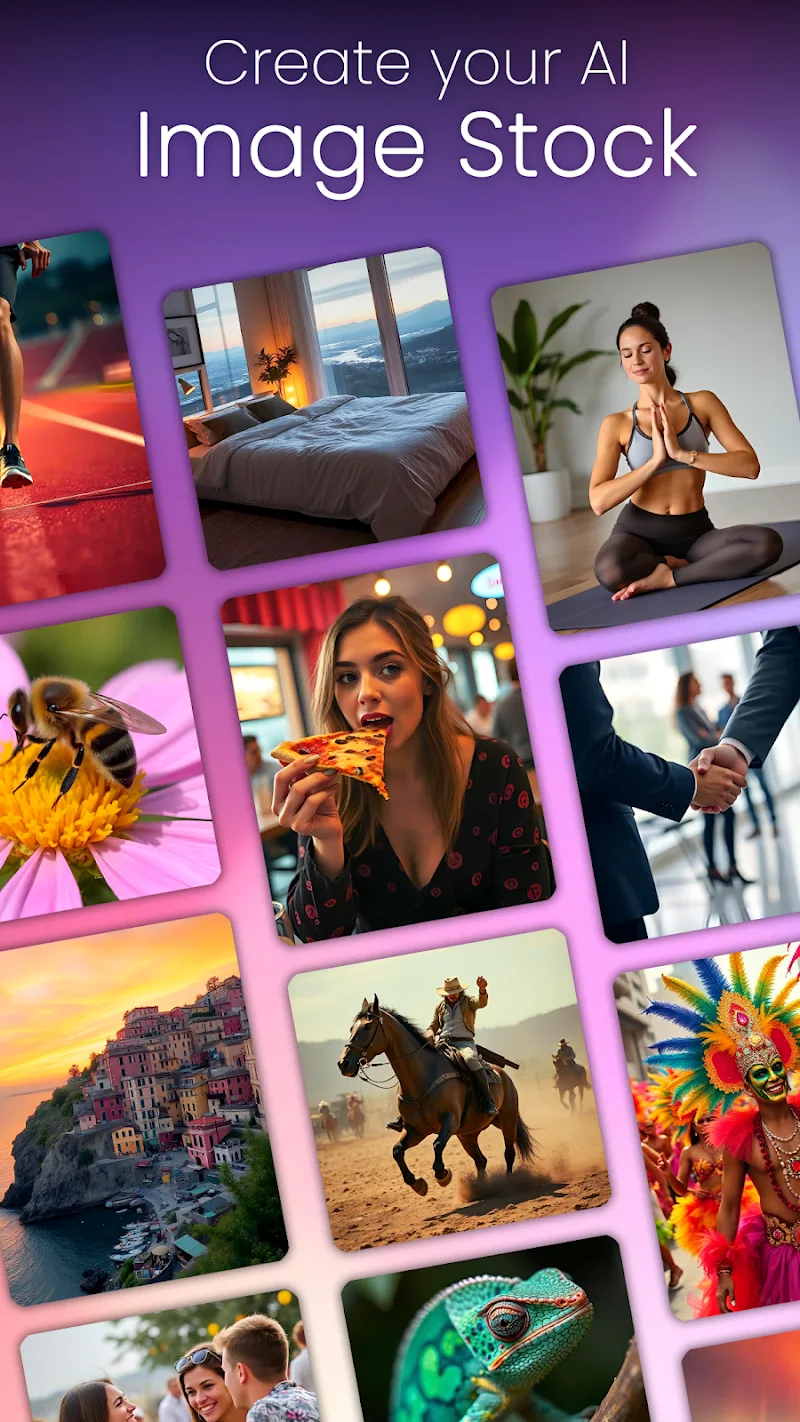
CreArt - AI Image Generator is a mobile creative tool that transforms simple prompts into detailed visuals using on-device and cloud-based neural models. Designed for hobbyists and professionals, it streamlines image generation with style presets, prompt tuning, and batch export options, making visual experimentation fast and accessible.
Overview of the app
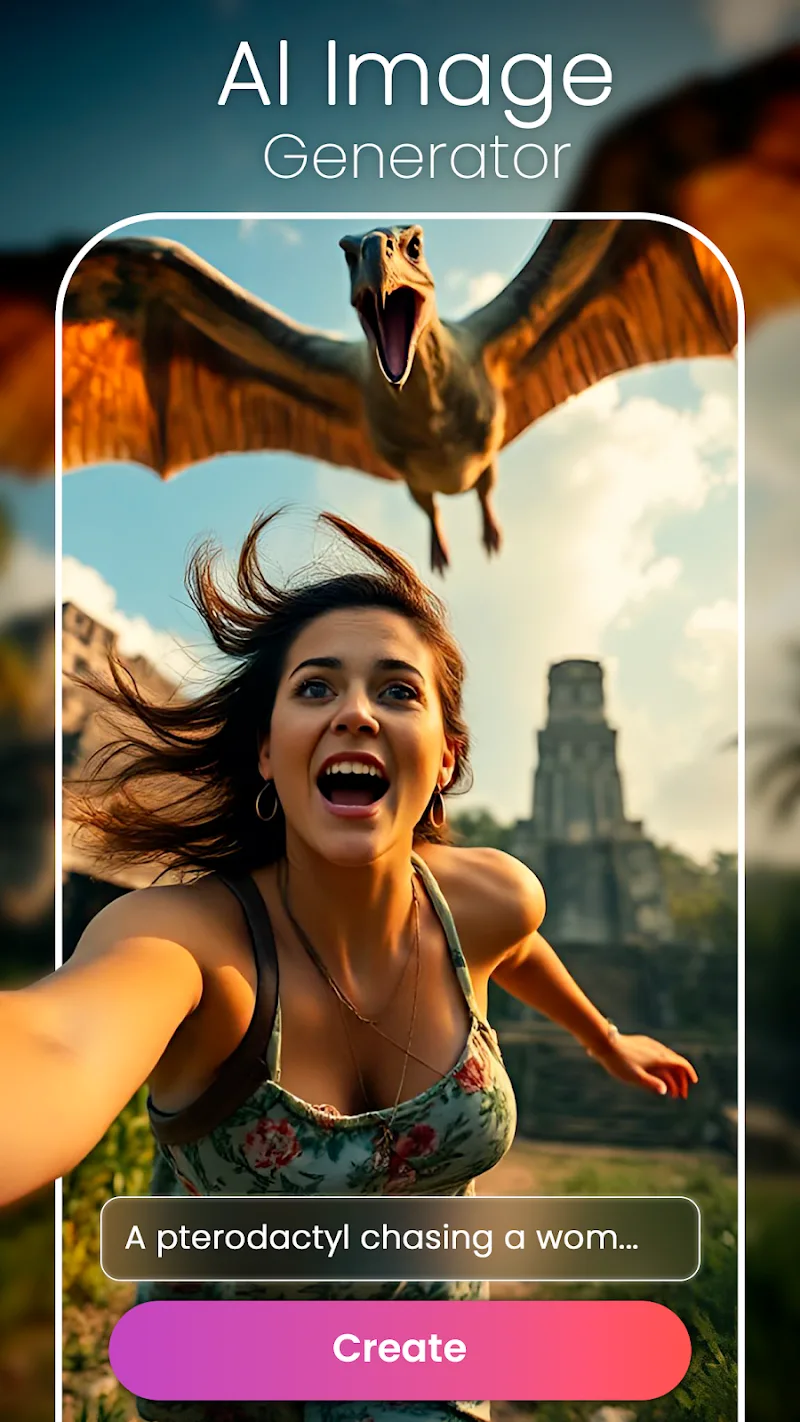
CreArt - AI Image Generator puts modern image synthesis tools into a compact, intuitive interface. Users can enter text prompts, choose artistic styles, and receive high-resolution outputs in minutes. The app balances beginner-friendly defaults with advanced controls so both quick mockups and refined illustrations are possible without a steep learning curve.
Core features at a glance
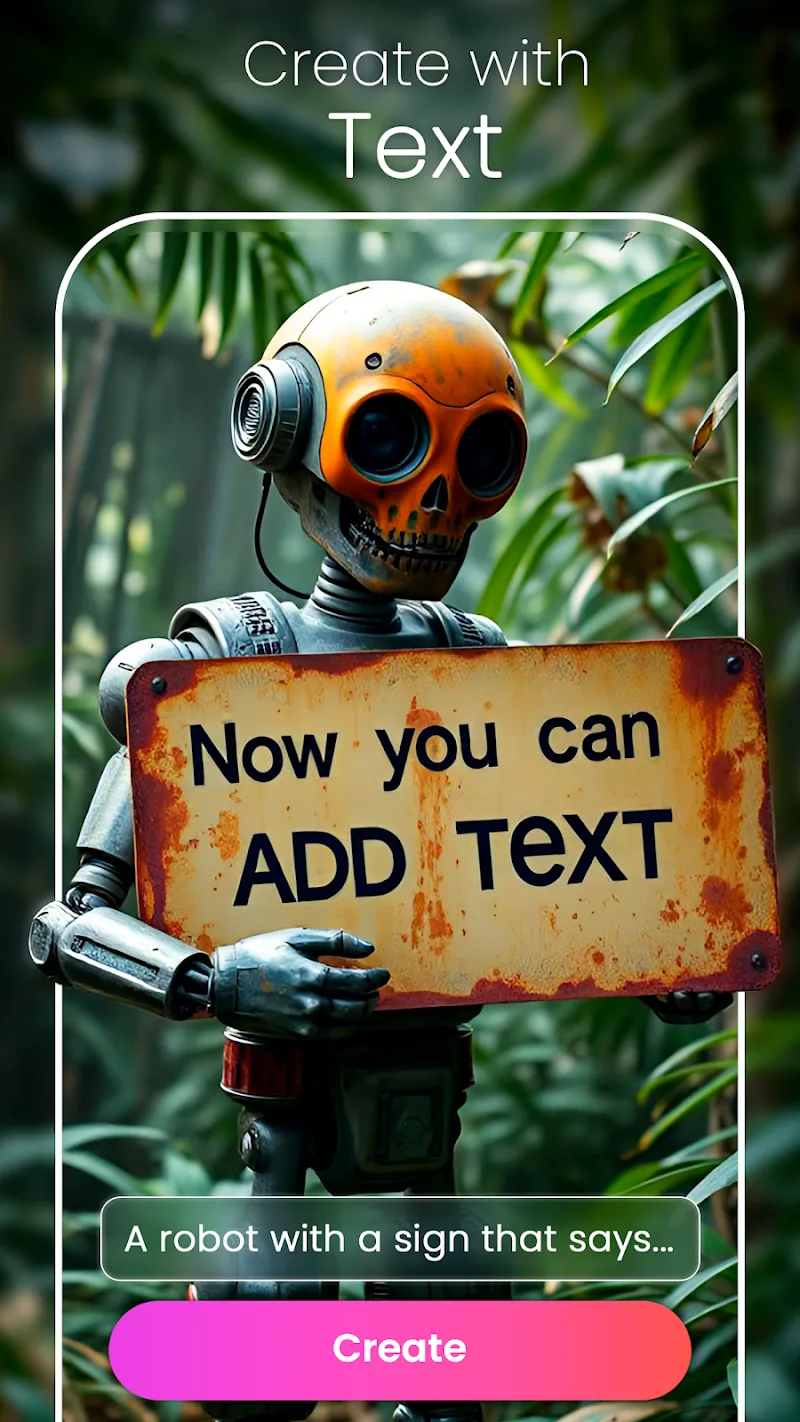
- Prompt-driven generation: Natural language prompts produce varied results, from photorealistic scenes to stylized artwork.
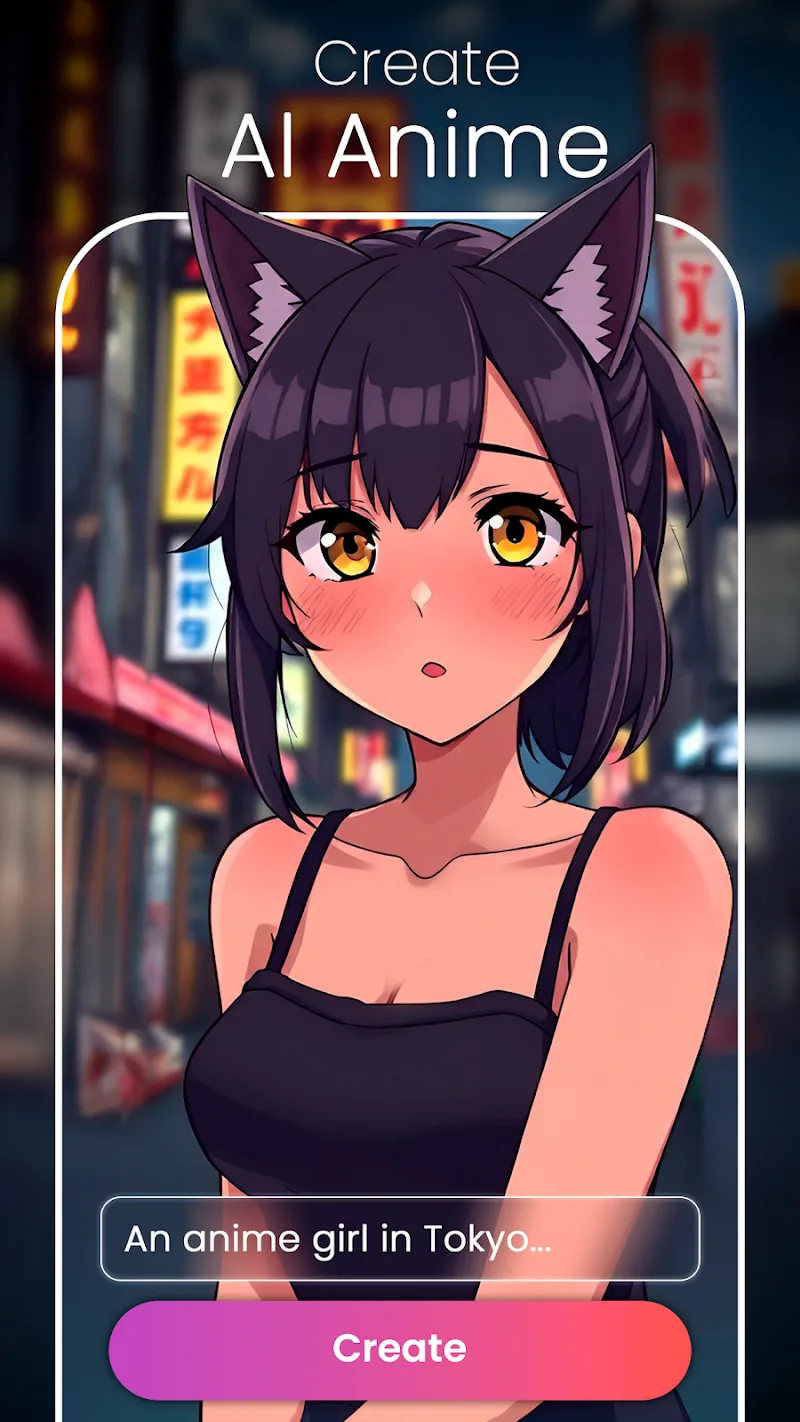
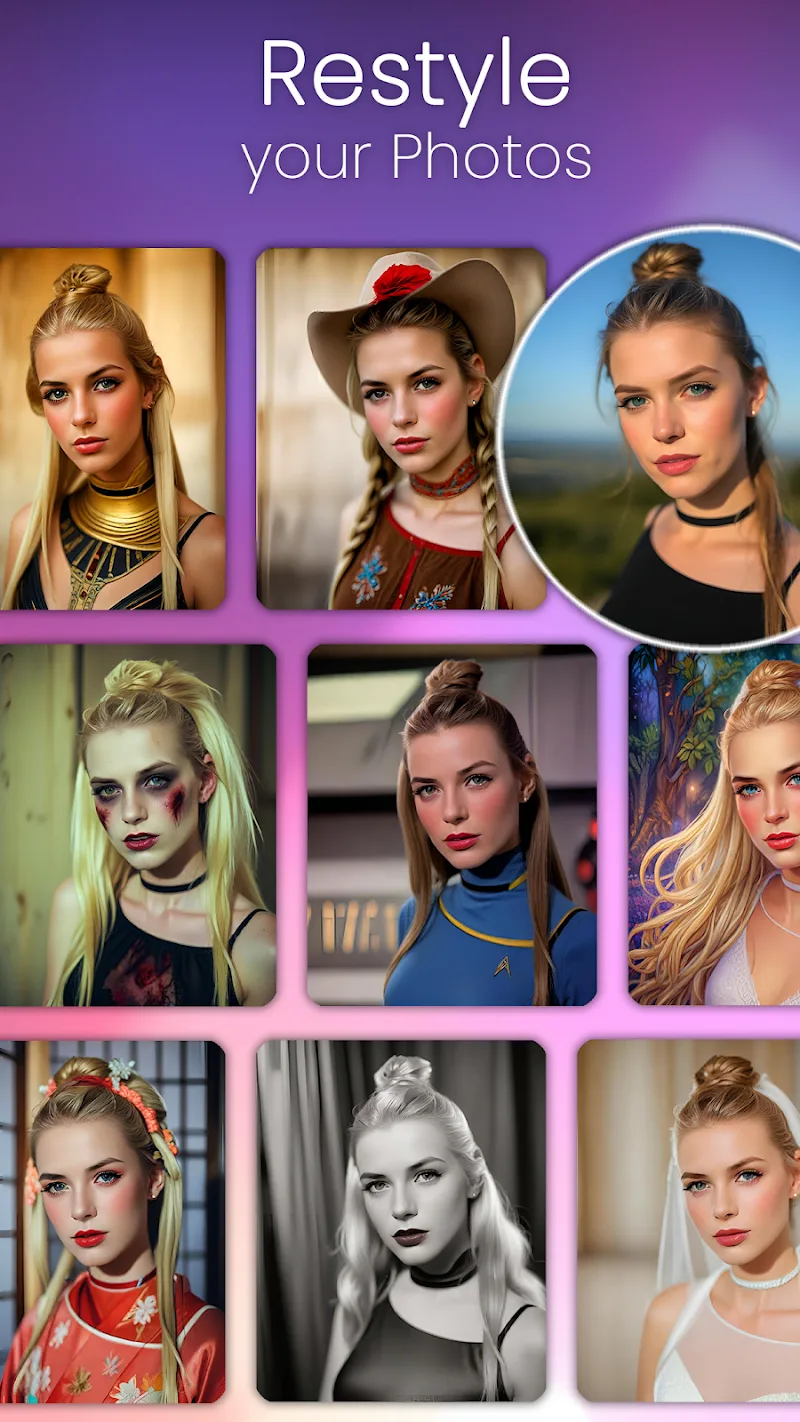
- Style presets: Prebuilt looks such as watercolor, cyberpunk, and minimalist help you get started fast.
- Resolution and export: Options for PNG, JPG, and transparent background exports at multiple sizes.
- Batch mode: Create several variations from one prompt to iterate quickly.
- On-device and cloud rendering: Choose local generation for privacy or cloud processing for higher fidelity.
How image generation works
The app translates typed or pasted instructions into visual concepts by leveraging trained neural networks and diffusion processes. CreArt - AI Image Generator analyzes the prompt, applies selected style layers, and runs iterative refinement to produce final output. Adjustable parameters such as iterations, seed values, and color temperature allow precise control over the creative pipeline.
Customization and editing tools
Beyond simple prompt entry, the app provides tools to refine results. Masking lets you protect or alter specific regions. A layering system supports composition and overlays. Sliders control contrast, saturation, and detail strength. Repeat generation and in-place editing help you converge on the desired image without restarting from scratch.
Interface and performance
The user interface focuses on clarity: a single workflow screen for prompt entry, style selection, and output preview. Lightweight animations provide feedback without slowing tasks. Performance scales with device capabilities; on modern phones, previews render quickly while high-resolution renders can optionally use cloud acceleration to reduce local processing time.
Workflow tips for better results
- Write specific prompts: Include subject, environment, mood, and camera details when you want precision.
- Use style presets sparingly: Combine presets with custom adjustments for unique looks.
- Train your seeds: Save seeds and parameter sets that produce outcomes you like for future reuse.
- Iterate in small steps: Make minor changes between generations to identify which adjustments matter most.
Who benefits from this tool
Designers, social media creators, concept artists, and small teams will find immediate value. CreArt - AI Image Generator speeds up concept exploration, generates placeholders for layouts, and helps produce shareable visuals with minimal overhead. Its balance of automation and manual controls makes it useful for both exploration and production tasks.
Security and export considerations
Privacy options let you restrict cloud uploads; sensitive prompts can be processed exclusively on-device when supported. Export settings include metadata stripping, format selection, and layered file options for further editing in desktop software. These controls ensure generated assets integrate smoothly into existing production pipelines.
Getting started quickly
Install the app, grant basic permissions, and begin by selecting a preset or entering a short prompt. Experiment with a few sample prompts to see how style and iteration count affect outcomes. Save favorites as custom presets to speed up recurring workflows. For larger projects, consider cloud credits to unlock high-resolution renders.
CreArt - AI Image Generator delivers a practical, flexible image generation experience that emphasizes speed, control, and accessibility. Whether you need fast concept art or polished visuals for publication, the app provides a modern toolkit for creative workflows.
Show More
Information
Screenshots
Latest Update












Latest News
-
![Revealing the Launch Playlists and Cross-Progression for COD Warzone Mobile News]()
-
![March 2024 Free Redemption Codes for Honkai: Star Rail News]()
-
PUBG Mobile Teams Up with Bentley Motors: Luxury Cars, Exclusive Collectibles, and Beyond 2024-04-18
![PUBG Mobile Teams Up with Bentley Motors: Luxury Cars, Exclusive Collectibles, and Beyond News]()
-
![Monster Never Cry is now accessible on both Android and iOS mobile devices. News]()
-
V2.2 of the Farlight 84 update introduces an overhauled Season structure, fresh in-game currency, an 2024-04-16
![V2.2 of the Farlight 84 update introduces an overhauled Season structure, fresh in-game currency, an News]()
-
![Arrival of Genshin Impact 4.6 Update: 'Embers of Two Realms, Twilight of Crimson' News]()
-
April 2024 Clash of Clans Update: Unveiling a Fresh Companion, Enhanced Levels, Chat Tagging, and Be 2024-04-16
![April 2024 Clash of Clans Update: Unveiling a Fresh Companion, Enhanced Levels, Chat Tagging, and Be News]()






