

Speak
Version:3.33.0
Published:2026-11-01
Introduction
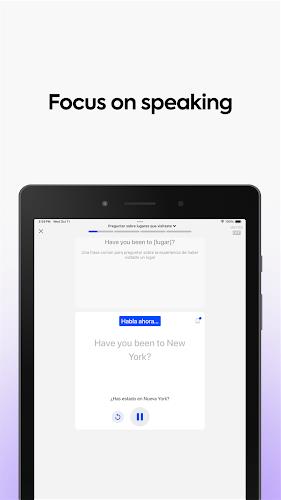
Speak is a mobile app that turns speech into accurate text, supports multiple languages, and helps users draft notes, messages, and transcriptions on the go. It combines real-time recognition with simple editing tools, making voice capture fast and reliable for work, study, and everyday communication.
What Speak offers
Designed for people who prefer talking to typing, Speak provides on-device recognition for quick dictation and cloud-assisted processing for higher accuracy. The app balances speed and precision: short voice memos are converted instantly, while longer recordings can be refined with punctuation and speaker separation. It’s suitable for journalists, students, professionals, and anyone who needs an efficient way to convert spoken words into usable text.
Core features at a glance
- Real-time transcription — Immediate conversion of spoken words to text with minimal delay.
- Multi-language support — Recognizes dozens of languages and dialects, switching automatically or manually.
- Edit and export — Inline editing, copy, share, and export to common formats like TXT and DOCX.
- Noise handling — Algorithms minimize background noise and improve clarity in noisy environments.
- Speaker detection — Distinguishes between multiple voices in a single recording for easier review.
How the voice engine works
Speak uses a hybrid model that combines on-device processing with optional cloud enhancement. For shorter dictations, the local engine delivers fast, private transcription without sending audio over the network. For longer sessions or complex audio, cloud processing applies more advanced models to improve punctuation, grammar, and recognition of uncommon words. Users can select privacy-first settings or toggle cloud assistance when they need higher accuracy.
Interface and interaction
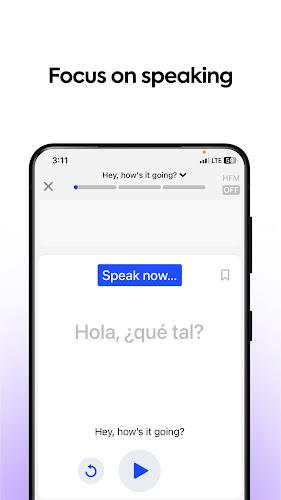
The interface is minimal and task-focused. A single big record button sits on the main screen, with quick toggles for language, punctuation mode, and export options. Recorded entries appear as a scrollable list with timestamps and a preview. Tap any entry to open a lightweight editor where you can correct text, add tags, and attach metadata such as location or subject. Keyboard and manual edits are supported for precision work.
Practical workflows
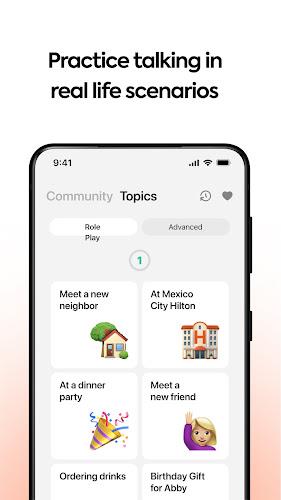
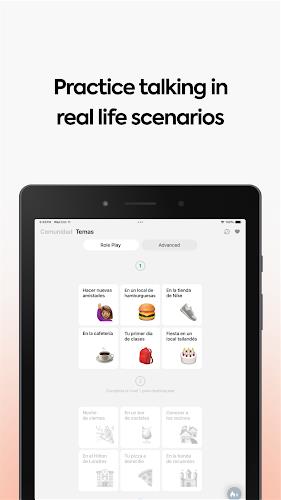
People use Speak in a variety of real-world scenarios: capturing meeting notes, dictating emails while commuting, transcribing interviews, or creating content ideas by voice. The app supports batch exporting so you can compile multiple transcriptions into one file. Integration with clipboard, email, and cloud storage services keeps the workflow smooth: dictate, edit, and send without context switching.
Performance and reliability
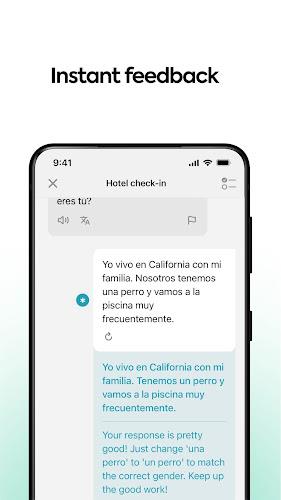
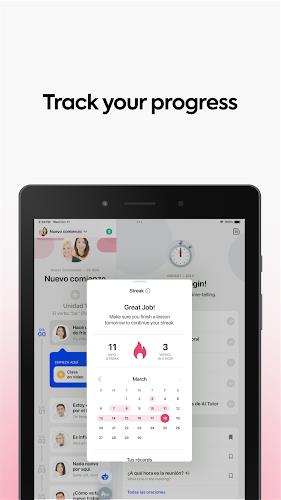
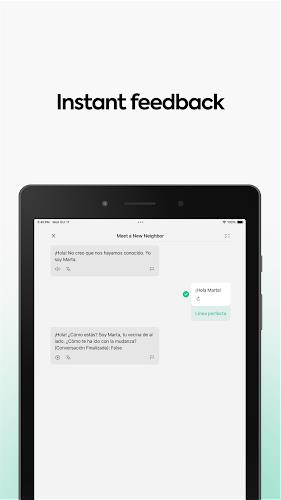
On modern devices Speak runs efficiently without draining battery or hogging resources. The app prioritizes low-latency feedback for live dictation and queues longer jobs for background processing. Error correction tools help clean up misrecognized words quickly, and an activity log shows processing history with timestamps so you can track changes and re-run cloud processing if needed.
Tips for new users
- Speak clearly and maintain a steady pace for best results.
- Use short sentences with natural pauses to improve automatic punctuation.
- Choose the right language profile before starting long recordings.
- Enable noise suppression when recording in public places.
- Review and tag entries immediately to keep content organized.
Begin with a few test recordings to fine-tune microphone placement and settings. Familiarize yourself with export formats so you can send transcripts directly into your preferred editor or project management tool.
Getting started
Installing Speak is straightforward: download from your app store, grant microphone access, and choose a recognition mode. The first launch includes a brief tutorial explaining recording, editing, and exporting. If you plan to use cloud features, sign in and set your preferred language and privacy options. Paid tiers unlock batch exports, longer cloud processing, and higher priority servers for large transcription loads.
For anyone who frequently turns conversations into text, Speak streamlines the process with clear tools, fast transcription, and flexible export options. Whether you need instant notes or polished transcripts, the app adapts to different tasks while keeping the interface uncluttered and responsive.
Show More
Information
Screenshots

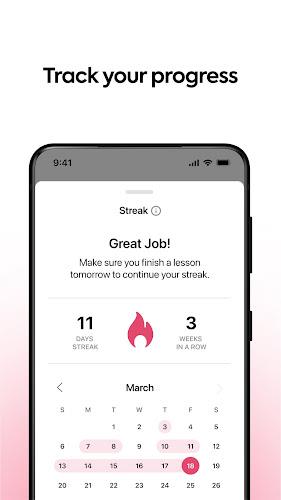

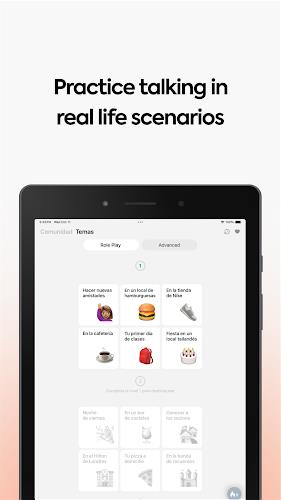
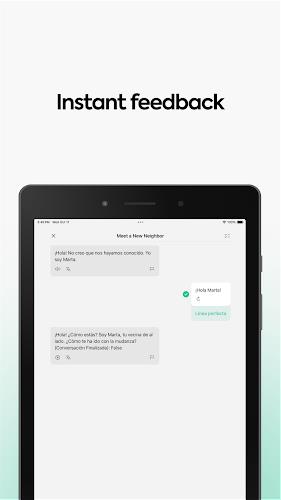
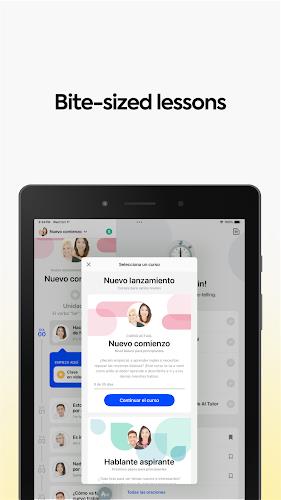

Latest Update












Latest News
-
![Revealing the Launch Playlists and Cross-Progression for COD Warzone Mobile News]()
-
![March 2024 Free Redemption Codes for Honkai: Star Rail News]()
-
PUBG Mobile Teams Up with Bentley Motors: Luxury Cars, Exclusive Collectibles, and Beyond 2024-04-18
![PUBG Mobile Teams Up with Bentley Motors: Luxury Cars, Exclusive Collectibles, and Beyond News]()
-
![Monster Never Cry is now accessible on both Android and iOS mobile devices. News]()
-
V2.2 of the Farlight 84 update introduces an overhauled Season structure, fresh in-game currency, an 2024-04-16
![V2.2 of the Farlight 84 update introduces an overhauled Season structure, fresh in-game currency, an News]()
-
![Arrival of Genshin Impact 4.6 Update: 'Embers of Two Realms, Twilight of Crimson' News]()
-
April 2024 Clash of Clans Update: Unveiling a Fresh Companion, Enhanced Levels, Chat Tagging, and Be 2024-04-16
![April 2024 Clash of Clans Update: Unveiling a Fresh Companion, Enhanced Levels, Chat Tagging, and Be News]()






