

Clear – Glass Icon Pack
Version:1.1.5
Published:2026-11-02
Introduction
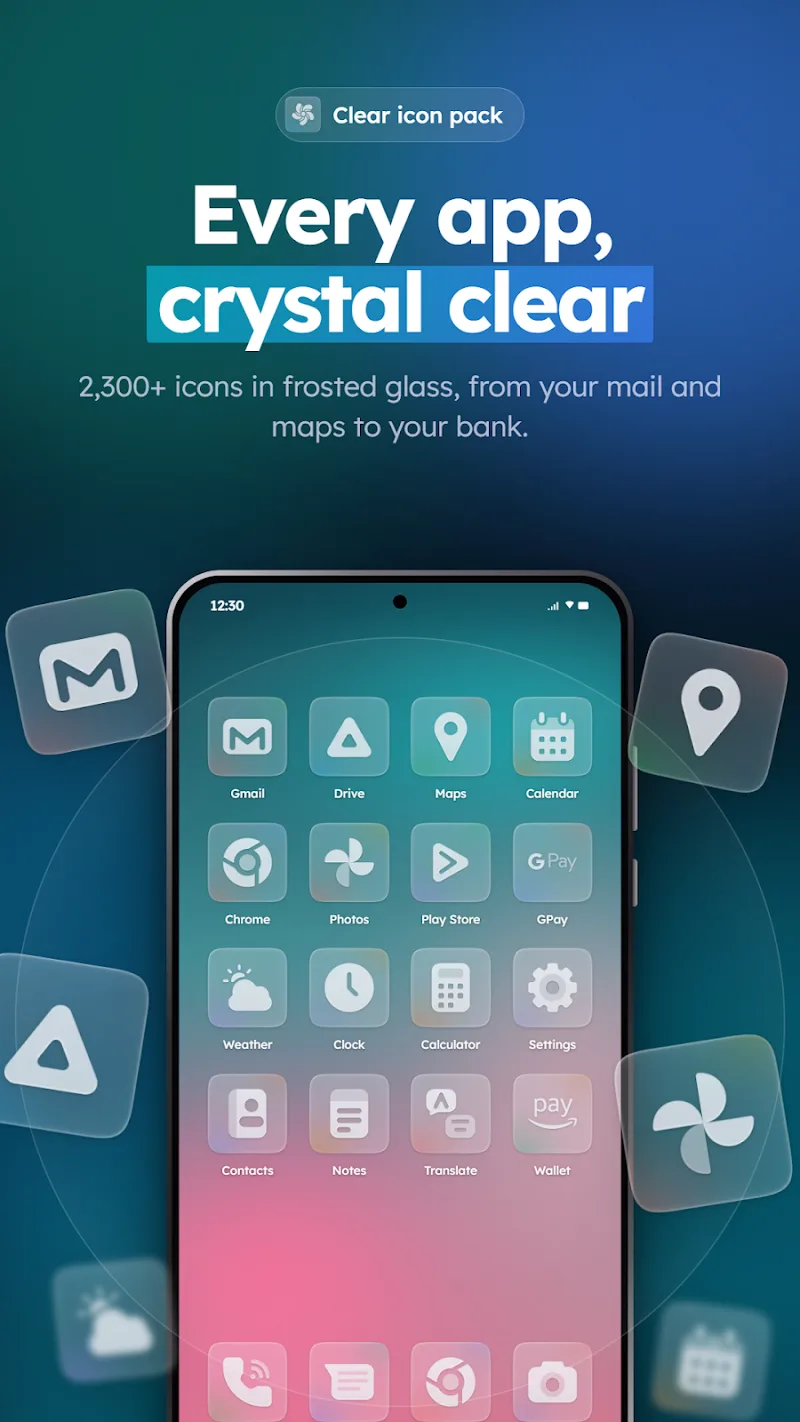
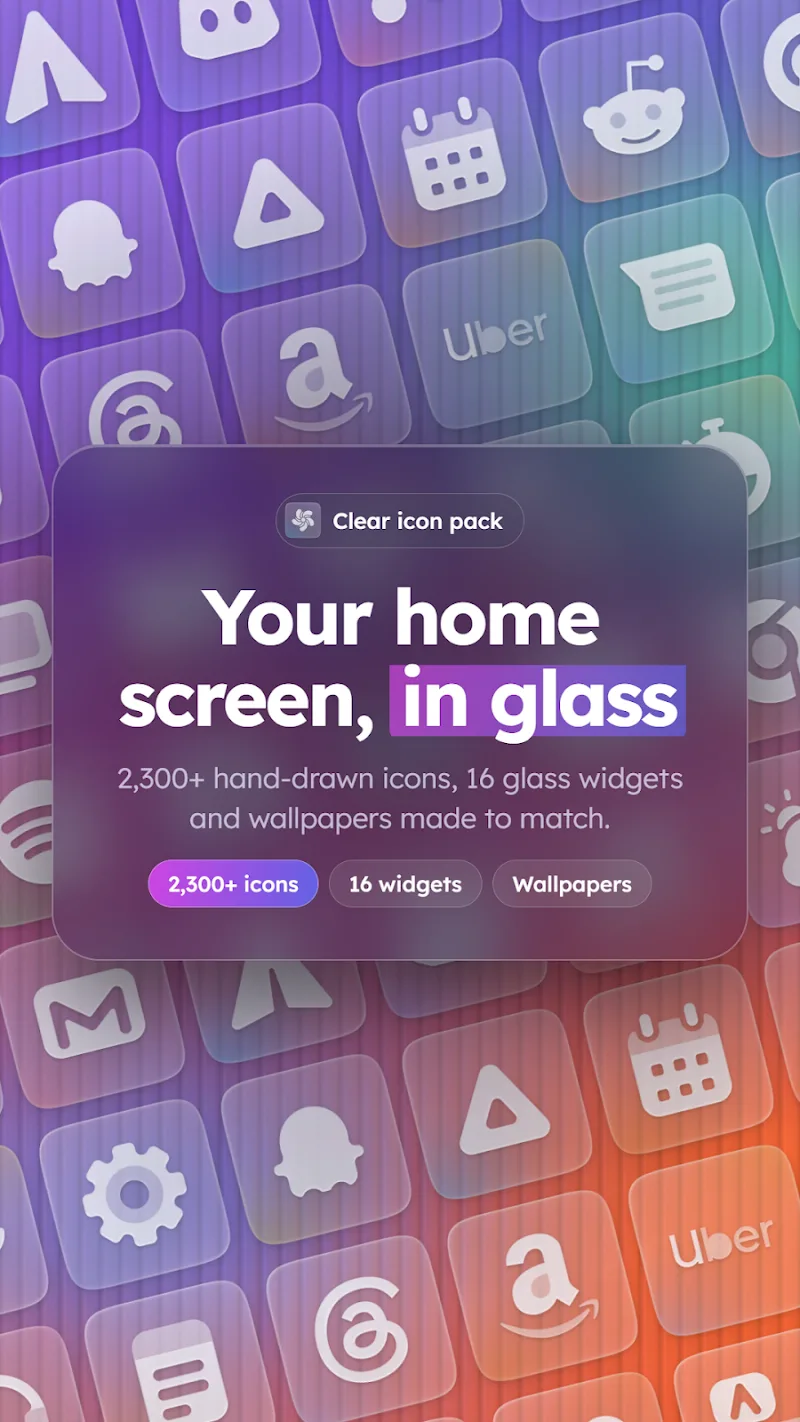
Clear – Glass Icon Pack brings a minimalist glass-style icon set to Android launchers, combining crisp translucency with consistent glyphs and adaptive shapes. This icon pack simplifies home screens with semi-transparent icons, high-resolution artwork, and broad launcher compatibility for users seeking a refined, modern visual overhaul.
What Clear – Glass Icon Pack Offers
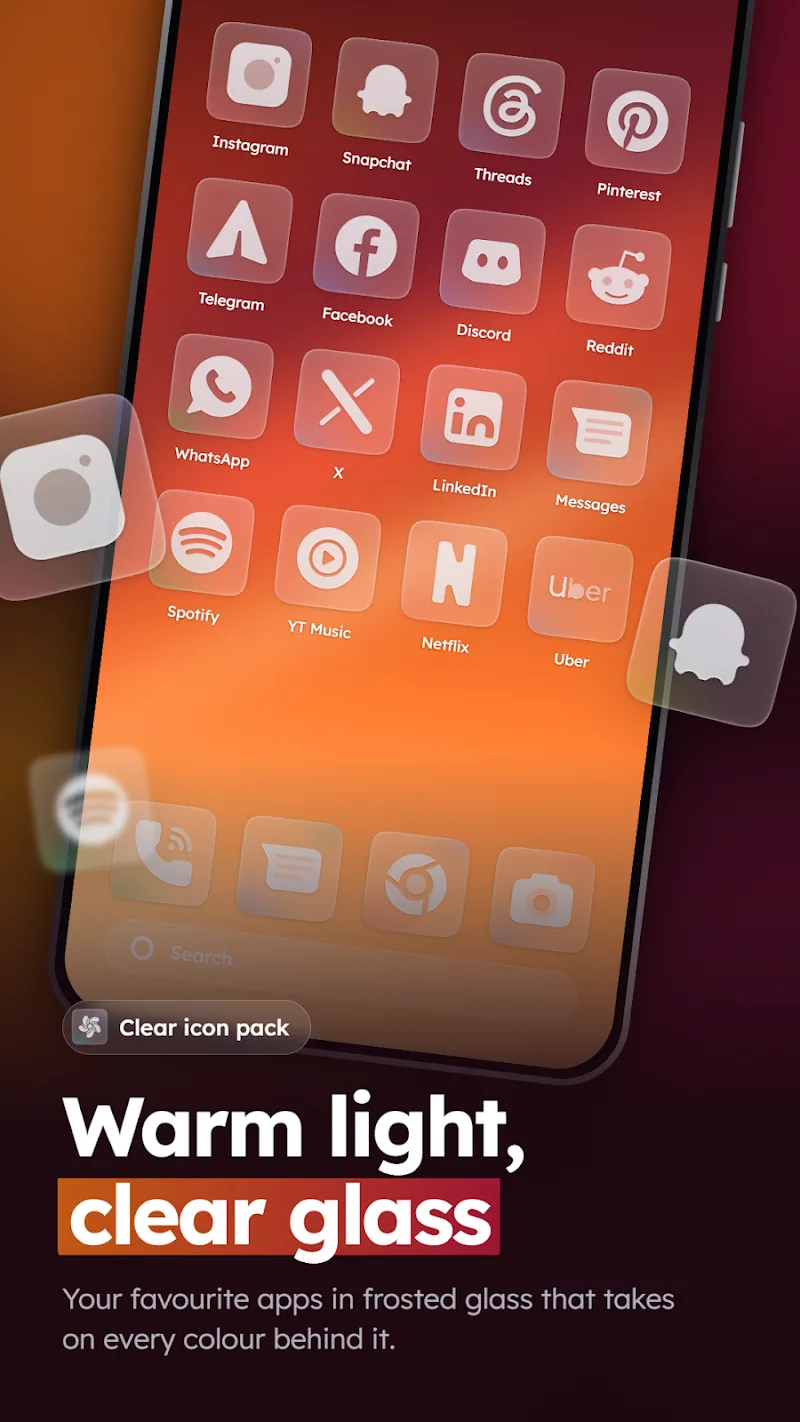
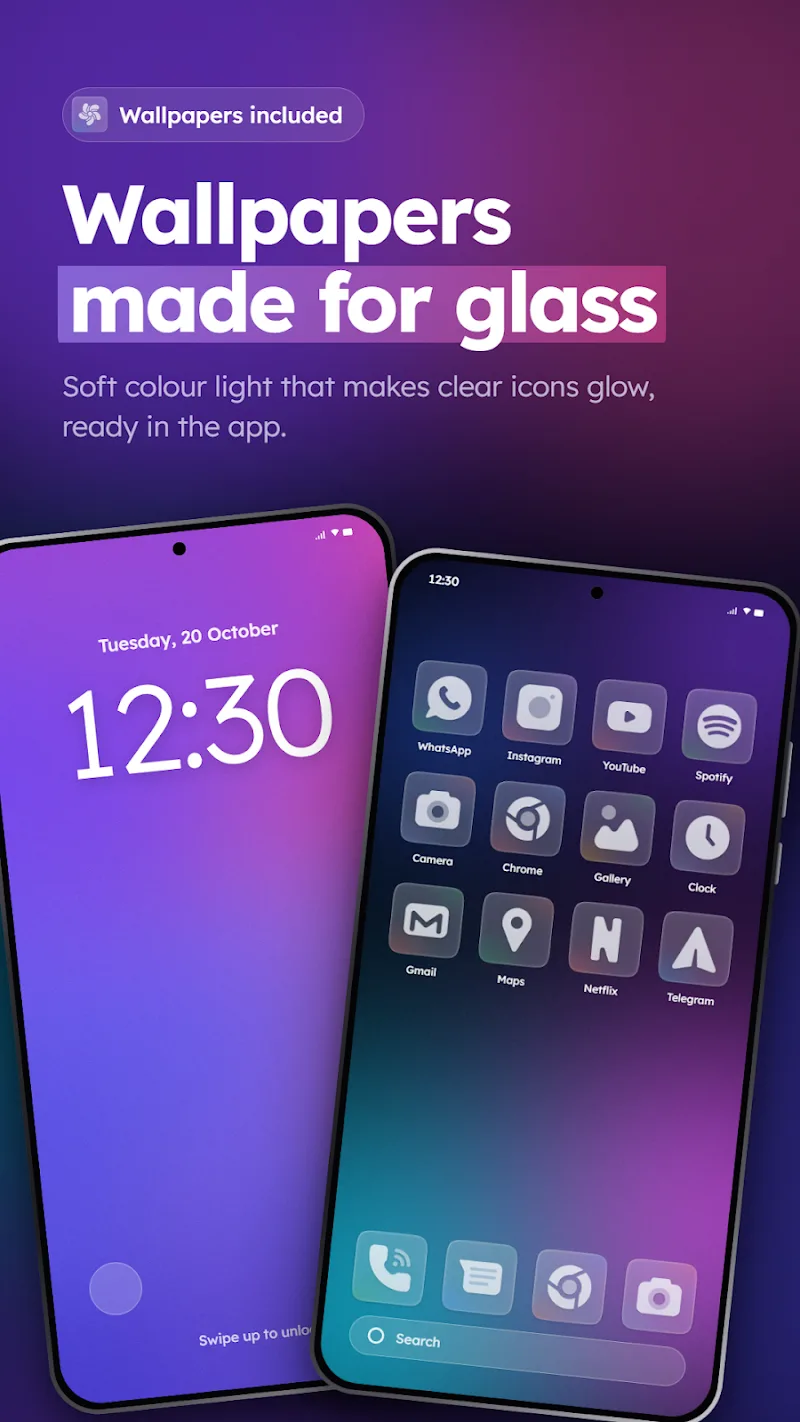
Clear – Glass Icon Pack focuses on delivering a cohesive visual language across thousands of apps. Each icon blends soft transparency, muted color accents, and a subtle frosted-glass effect that keeps the design restrained while preserving recognizability. The pack includes matching wallpapers, icon masking for unthemed apps, and alternate glyphs for common system shortcuts.
Design and Visual Quality
The icon set emphasizes pixel-perfect artwork at multiple resolutions so icons remain sharp on smaller phones and large tablets. Designers used layered translucency and consistent stroke weights to create a unified aesthetic. Backgrounds are slightly blurred to simulate glass, while foreground symbols use simplified forms to enhance legibility at a glance.
Customization and Theming Tools
Clear – Glass Icon Pack integrates a straightforward theme dashboard that streamlines personalization. From the dashboard you can:
- Apply the entire icon set to supported launchers with one tap.
- Browse alternative icons and select replacements for individual apps.
- Adjust icon size and apply adaptive shapes where supported.
- Request missing icons directly from the developer through an in-app form.
The dashboard also includes an easy wallpaper picker and a preview mode so you can test combinations before committing to a layout.
Compatibility and Installation
The pack supports the most popular third-party launchers, including Nova, Lawnchair, Action Launcher, and others. Installation is guided: open your preferred launcher, apply the theme from the Clear – Glass Icon Pack dashboard, and tweak launcher-specific settings like icon grid and padding to match your taste. For launchers that lack native theme support, the app provides manual apply instructions.
Performance and Battery Impact
Because Clear – Glass Icon Pack supplies static PNG and vector assets rather than constantly running processes, it imposes minimal CPU and battery overhead. Icons are optimized for size and caching, so scrolling home screens and opening drawers remains smooth even on mid-range devices. Updates deliver new icons and wallpapers without increasing background activity.
How to Personalize Your Home Screen
Personalizing with this icon pack is intentional and straightforward. Start by applying the full theme, then replace a few key icons to set the tone. Use the included wallpapers with a low-contrast launcher background to emphasize the glass effect. If you prefer a bolder look, select alternate glyphs available in the app or increase icon saturation using your launcher’s color controls.
Support and Ongoing Updates
Clear – Glass Icon Pack receives regular updates to add icons for new apps and refine existing artwork. The in-app icon request tool accelerates coverage for lesser-known apps. Support notes outline compatibility, known limitations, and a changelog so users can track improvements. The developer responds to common issues and clarifies manual apply steps when needed.
Who Should Use This Pack
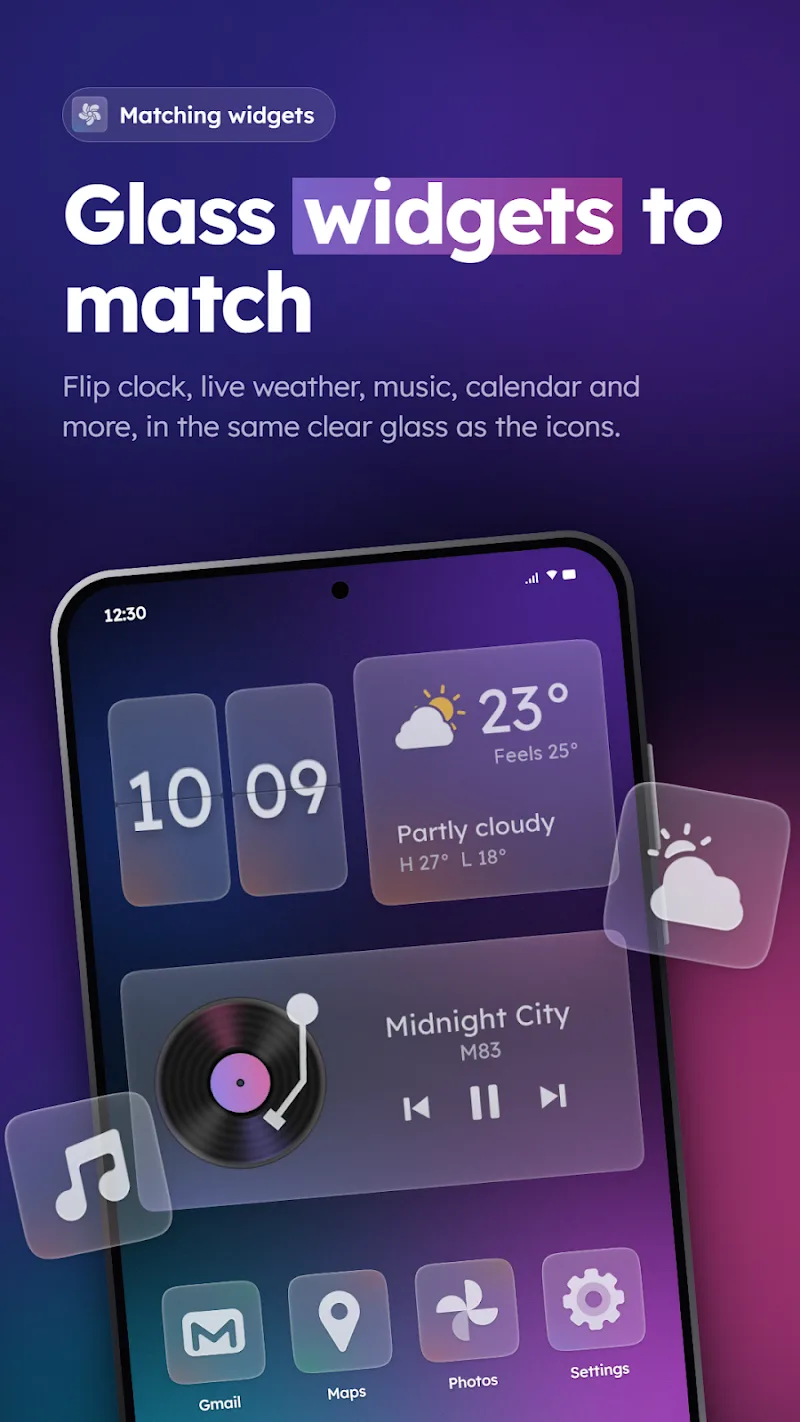
This icon pack is ideal for users who value a subtle, sophisticated look rather than loud colors or skeuomorphic detail. It pairs well with minimalist widgets and simple launcher layouts, and it suits anyone aiming for an organized, modern home screen. Because it emphasizes clarity and uniformity, it’s particularly attractive to users who frequently customize their device appearance.
Tips for Best Results
- Pair with a dark or neutral wallpaper to highlight the frosted-glass effect.
- Use icon masking sparingly to maintain symbol clarity on unique app icons.
- Adjust grid and padding in your launcher to avoid crowding; spacing enhances the glass aesthetic.
- Keep the app updated to benefit from new icons and refinements.
If your goal is a polished, contemporary interface without complex theming tools, Clear – Glass Icon Pack delivers a balanced, low-impact way to refresh your device’s appearance while maintaining usability and performance.
Show More
Information
Screenshots
Latest Update












Latest News
-
![Revealing the Launch Playlists and Cross-Progression for COD Warzone Mobile News]()
-
![March 2024 Free Redemption Codes for Honkai: Star Rail News]()
-
PUBG Mobile Teams Up with Bentley Motors: Luxury Cars, Exclusive Collectibles, and Beyond 2024-04-18
![PUBG Mobile Teams Up with Bentley Motors: Luxury Cars, Exclusive Collectibles, and Beyond News]()
-
![Monster Never Cry is now accessible on both Android and iOS mobile devices. News]()
-
V2.2 of the Farlight 84 update introduces an overhauled Season structure, fresh in-game currency, an 2024-04-16
![V2.2 of the Farlight 84 update introduces an overhauled Season structure, fresh in-game currency, an News]()
-
![Arrival of Genshin Impact 4.6 Update: 'Embers of Two Realms, Twilight of Crimson' News]()
-
April 2024 Clash of Clans Update: Unveiling a Fresh Companion, Enhanced Levels, Chat Tagging, and Be 2024-04-16
![April 2024 Clash of Clans Update: Unveiling a Fresh Companion, Enhanced Levels, Chat Tagging, and Be News]()






