

Plume Line - Icon Pack
Version:2.8
Published:2026-11-02
Introduction
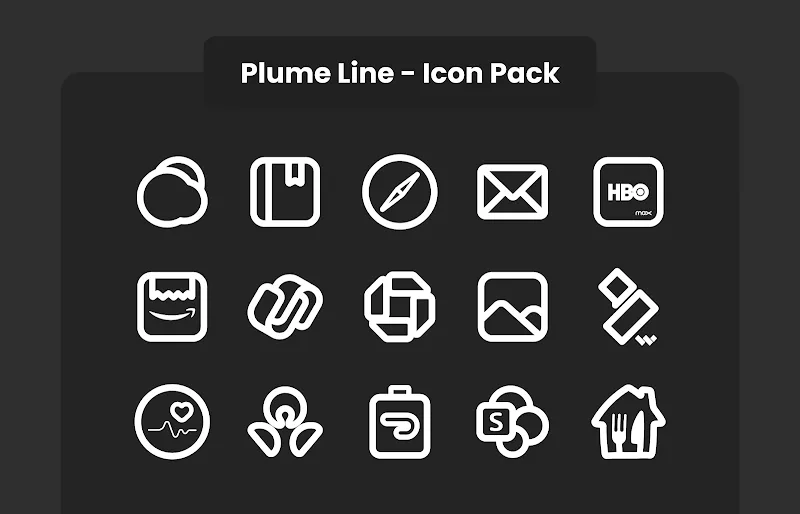
Plume Line - Icon Pack presents a refined set of minimalist line icons and a dynamic calendar feature designed to refresh your Android home screen quickly and elegantly. Plume Line - Icon Pack replaces default app symbols with consistent, high-contrast line art while keeping date icons up to date through automatic calendar integration, making it a practical choice for users who value a tidy, modern aesthetic and reliable everyday function.
What this icon pack delivers
This icon pack focuses on clarity and consistency: each icon follows the same stroke weight and visual rhythm so app grids look balanced across different screen sizes and resolutions. The dynamic calendar support means calendar icons reflect the current date on compatible launchers, and the icon artwork itself prioritizes legibility at small sizes while still providing visual interest on larger device displays. Designers tuned the contrast and spacing to perform well on both light and dark wallpapers.
How customization and controls work
Applying Plume Line - Icon Pack is handled through your launcher or the icon pack interface included with the APK. Most third-party launchers provide a theme or icon setting where you can select an installed icon pack; alternatively, the app offers an apply menu that detects installed compatible launchers. Individual icons can be replaced by long-pressing an app shortcut on the home screen and choosing the icon edit option in supporting launchers, allowing for incremental customization without changing the entire theme.
Progression, updates and expanding the collection
The visual library in Plume Line - Icon Pack grows over time through regular updates that add themed icons and refine existing artwork. New releases improve clarity, add alternative glyphs, and expand coverage for newly launched apps so your icon set stays current. Updates are designed to be lightweight, focusing on icon PNG or SVG assets and metadata so they install quickly and do not disrupt your existing launcher settings.
Visual style and organization
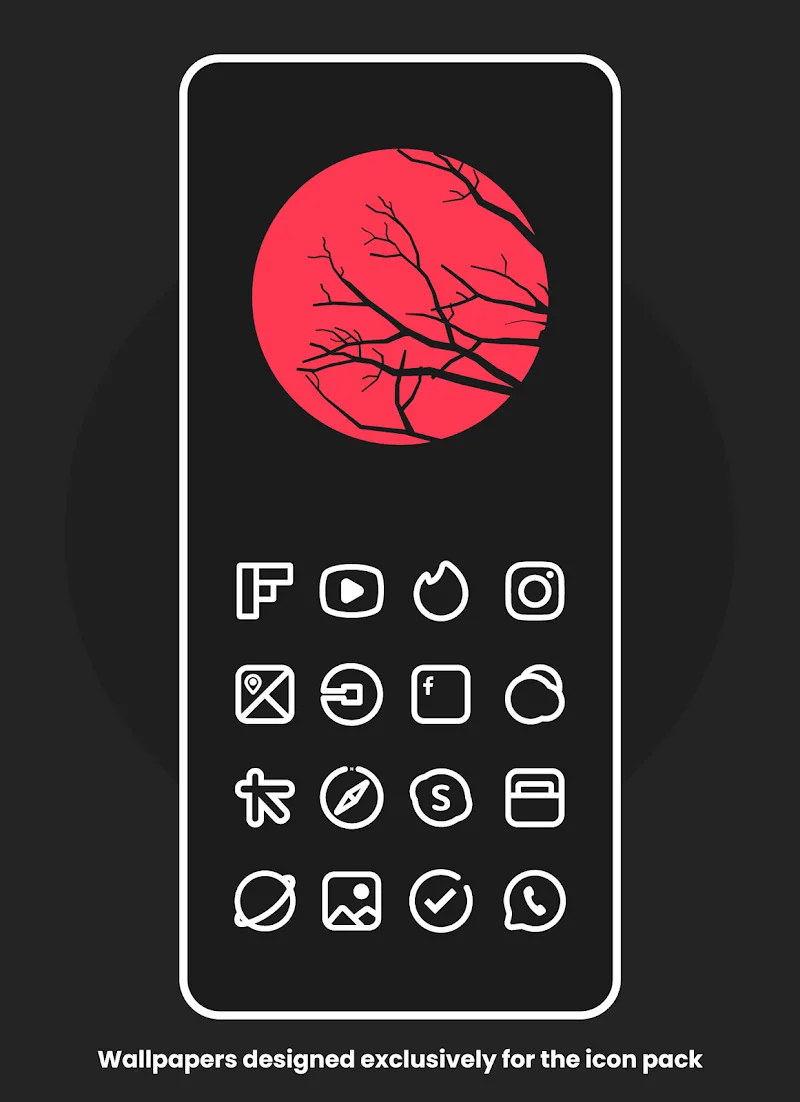
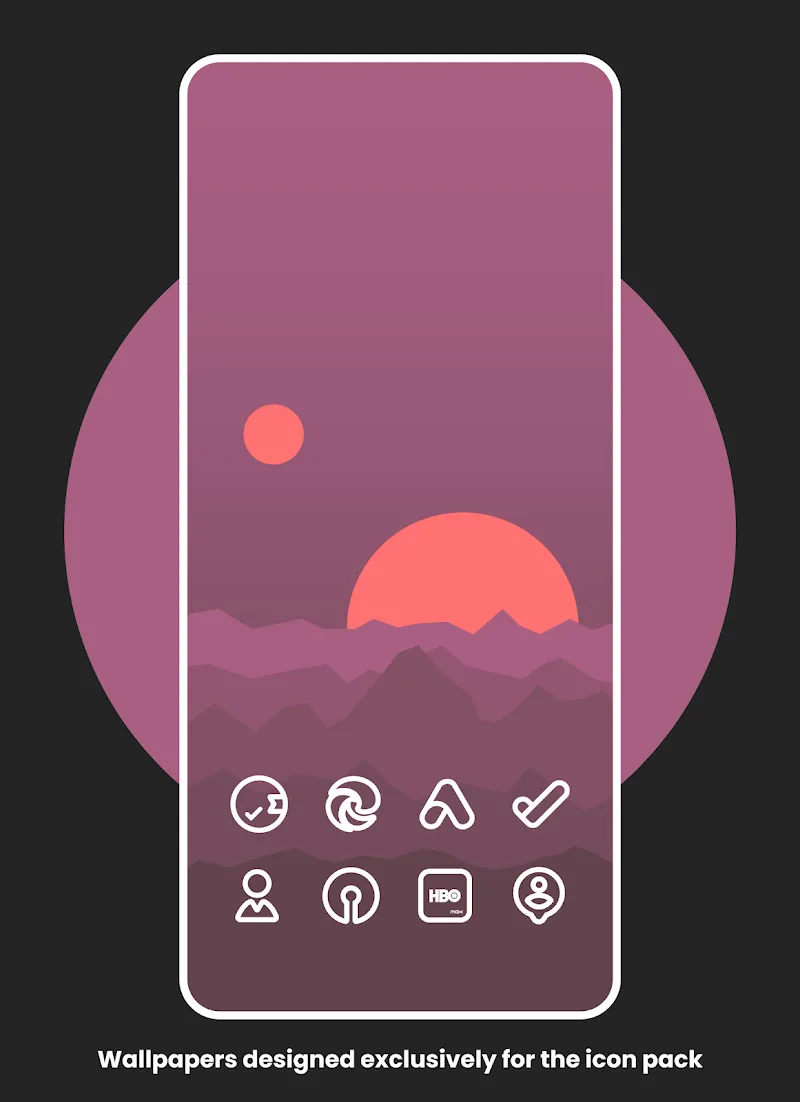
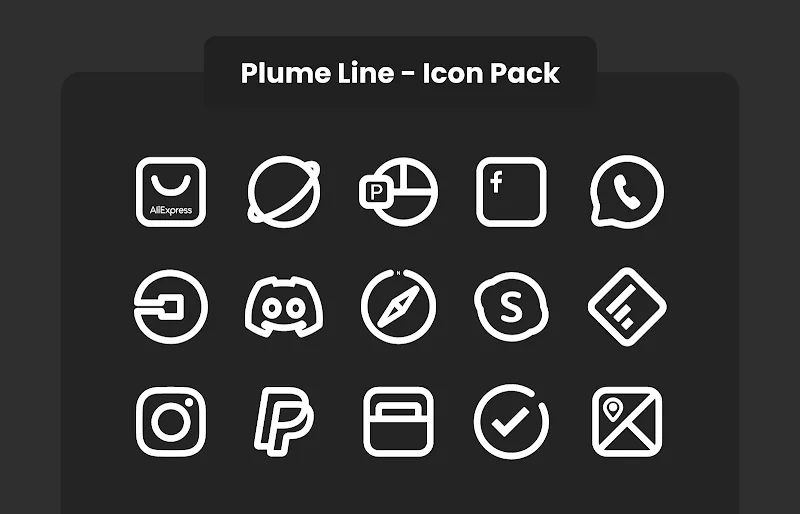
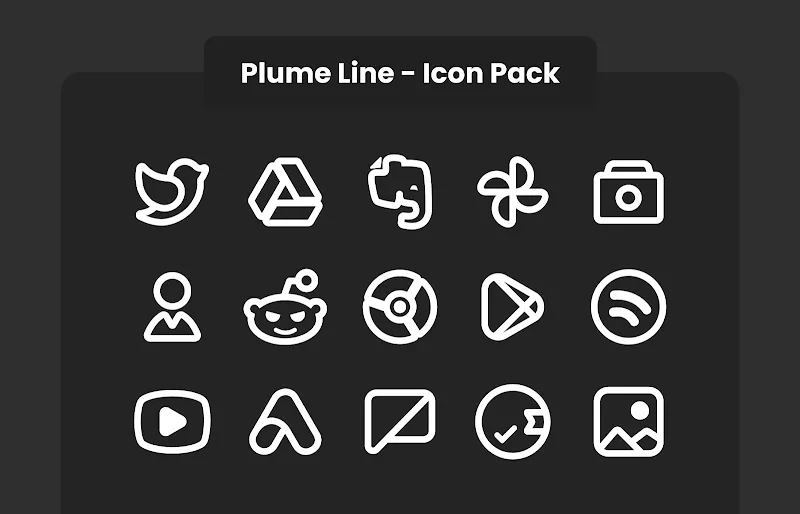
The pack emphasizes a line-style aesthetic: thin, deliberate strokes, minimal fills, and careful negative space. Icons are organized by category inside the app so you can preview groups such as productivity, social, and system tools before applying them. This structure helps when mixing themes; you can selectively apply icons from Plume Line - Icon Pack alongside other design elements on your home screen without visual clash.
Compatibility, offline behavior and accessibility
Plume Line - Icon Pack is usable offline once installed, since icons are bundled with the APK and applied locally through the launcher. Accessibility considerations include maintaining distinct silhouettes for common app categories and avoiding low-contrast palettes that make recognition difficult. Because dynamic calendar functionality depends on launcher support, the icon pack provides a static fallback calendar icon that remains clear and readable on unsupported launchers.
User experience and replay value
Changing icon packs is a low-friction way to refresh device appearance, and Plume Line - Icon Pack encourages experimentation by combining a consistent visual system with frequent asset additions. Users can rotate wallpapers, adjust icon sizes in launcher settings, or selectively apply themed sets to create new looks without reworking the entire layout. These options provide sustained replay value for people who enjoy routine personalization and subtle visual updates.
Known limitations and tips
Some launchers do not support dynamic calendars or certain icon masking behaviors, so the experience may vary. If a calendar icon does not update, check your launcher settings for dynamic icon or calendar permissions. For the best results, pair Plume Line - Icon Pack with a launcher that preserves icon transparency and supports manual icon replacement; this preserves the intended line style and spacing across different home screen arrangements.
Version information and maintenance
The developer issues frequent updates to expand icon coverage and to refine stroke weights and alignment for improved visual harmony. Each release aims to maintain compatibility with new Android versions and popular launchers, while keeping the app lightweight and focused strictly on delivering clean, reliable icon artwork rather than introducing unrelated services.
Show More
Information
Screenshots
Latest Update












Latest News
-
![Revealing the Launch Playlists and Cross-Progression for COD Warzone Mobile News]()
-
![March 2024 Free Redemption Codes for Honkai: Star Rail News]()
-
PUBG Mobile Teams Up with Bentley Motors: Luxury Cars, Exclusive Collectibles, and Beyond 2024-04-18
![PUBG Mobile Teams Up with Bentley Motors: Luxury Cars, Exclusive Collectibles, and Beyond News]()
-
![Monster Never Cry is now accessible on both Android and iOS mobile devices. News]()
-
V2.2 of the Farlight 84 update introduces an overhauled Season structure, fresh in-game currency, an 2024-04-16
![V2.2 of the Farlight 84 update introduces an overhauled Season structure, fresh in-game currency, an News]()
-
![Arrival of Genshin Impact 4.6 Update: 'Embers of Two Realms, Twilight of Crimson' News]()
-
April 2024 Clash of Clans Update: Unveiling a Fresh Companion, Enhanced Levels, Chat Tagging, and Be 2024-04-16
![April 2024 Clash of Clans Update: Unveiling a Fresh Companion, Enhanced Levels, Chat Tagging, and Be News]()






