

WAZ News
Version:6.1.10
Published:2026-11-03
Introduction
WAZ News is a streamlined mobile news reader designed to bring headlines, local updates, and curated stories into a single, easy-to-navigate app. It prioritizes fast loading, customizable feeds, and offline reading so users can stay informed whether they’re commuting, at work, or offline.
Overview of the app
WAZ News focuses on delivering timely reporting and a personalized reading experience. The design balances simplicity and power: a clean home feed, quick source selection, and compact article views that reduce clutter. The app consolidates breaking news, regional coverage, and topic-based summaries so readers can find relevant information without digging through multiple websites.
Core features that matter
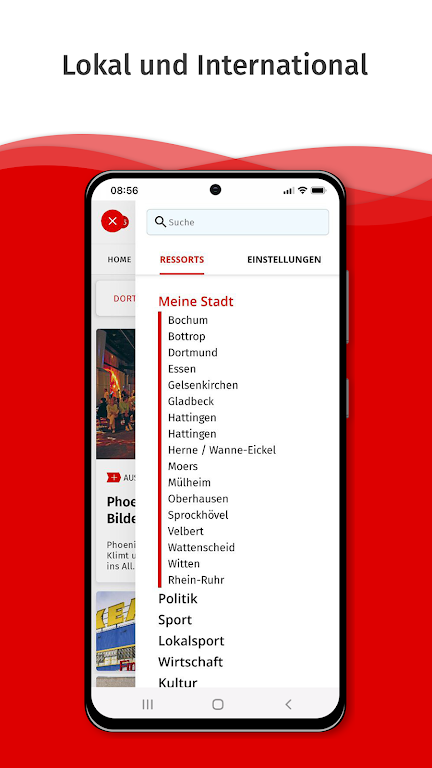
- Personalized feed: Users can follow topics, keywords, and locations to tailor the home screen to their interests.
- Real-time alerts: Push notifications for breaking stories with adjustable priority settings to avoid overwhelm.
- Offline reading: Save stories automatically for later consumption when connectivity is limited.
- Source transparency: Clear attribution and quick links to original publishers help readers evaluate credibility.
- Search and filters: Robust search with filters for date, relevance, and source type.
User interface and performance
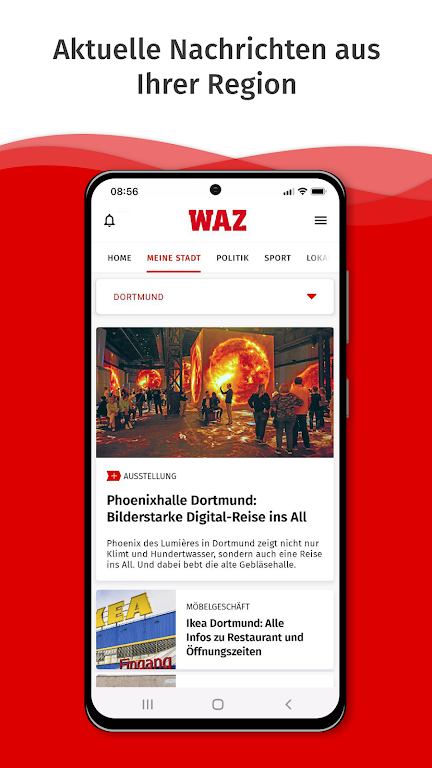
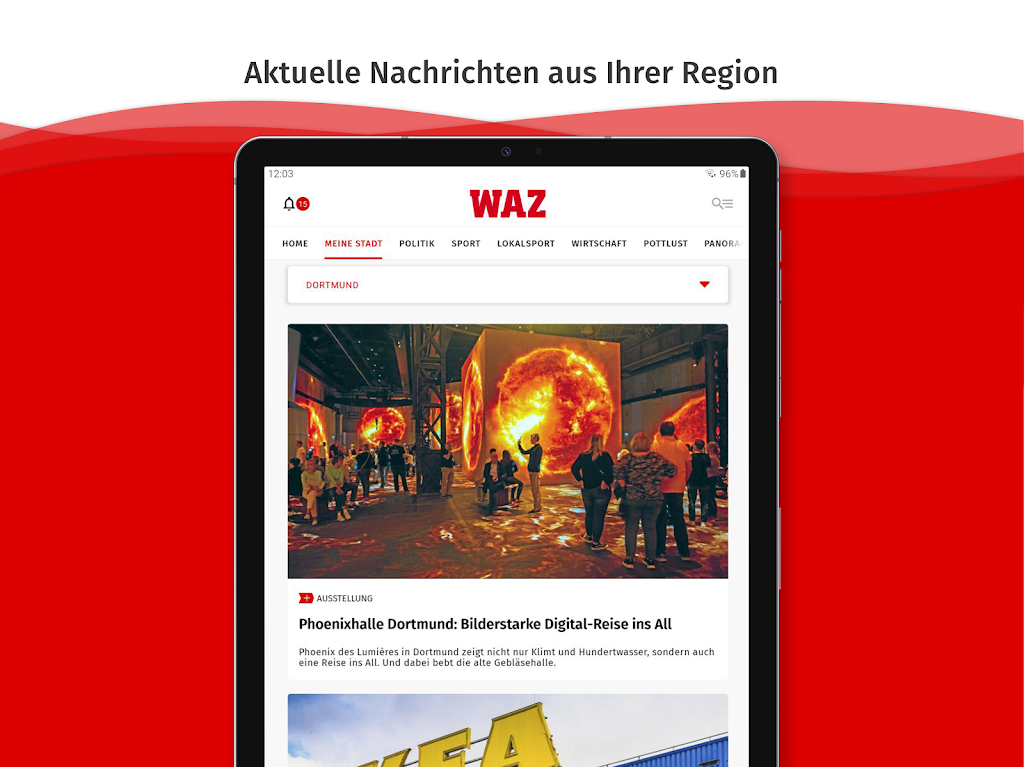
The interface in WAZ News is designed for speed. The app trims unnecessary animations to prioritize fast article loads and smooth scrolling. Visual hierarchy is consistent: headlines are bold and large, summaries appear beneath, and images are optimized to avoid slowing down the feed. Dark mode, adjustable font sizes, and a compact layout option enhance readability across devices.
Battery impact and data usage
Performance-sensitive users will appreciate the app’s careful approach to background activity. Background refresh intervals can be set manually, and media downloads are restricted to Wi-Fi only. These options reduce battery drain and data consumption while preserving timely updates.
Customization and workflow
WAZ News supports several customization layers so readers can create a daily news routine. You can pin favorite sections to the top, mute topics temporarily, or create thematic bundles that collect articles from multiple sources. Widgets and home-screen shortcuts make it easy to open a specific list or start a saved search with a tap.
Sharing and integration
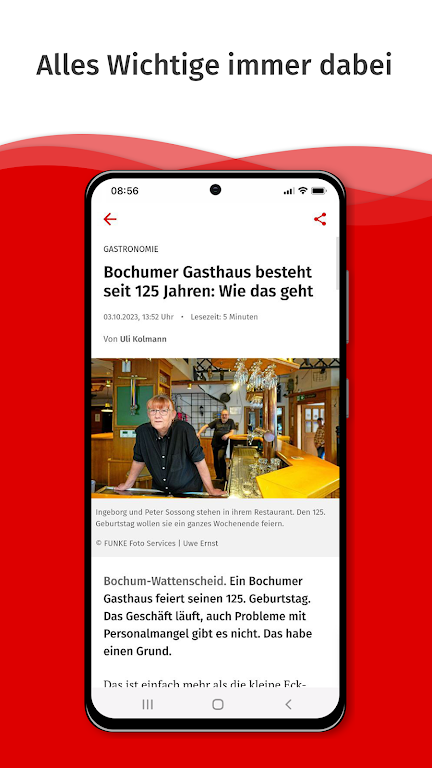
Sharing tools are built into article pages, letting users export links, open stories in external browsers, or share directly to messaging apps and social networks. Integration with read-it-later services and cross-device syncing ensures continuity between mobile and desktop reading sessions.
Content quality and trust
One of the app’s strengths is its attention to source variety. WAZ News aggregates content from established outlets as well as regional publishers to provide broader context. The app includes signals for source type and a quick fact-check flag for contentious claims. These features make it easier to assess reliability at a glance.
Privacy and permissions
Privacy-conscious users will find granular controls for permissions. Notifications, location access, and data collection are optional and clearly explained. The app uses minimal tracking for personalization and allows users to reset preferences or request data removal.
Tips for new users
- Start by selecting three topics you care about and mute broad categories to reduce noise.
- Enable offline mode for frequent travel and schedule background updates for off-peak hours.
- Use the search filters to find past coverage on complex stories or local developments.
- Customize notification priority to receive only high-impact alerts during busy periods.
Why readers choose WAZ News
Readers often cite the app’s efficient layout, reliable alerts, and balance of national and local sources as deciding factors. WAZ News streamlines the consumption of news without overwhelming users with clicks or excessive ads. For people who need quick context and credible reporting on the go, it’s a practical choice.
Getting started
Installation is straightforward: download the APK from a trusted source, grant the minimal permissions required for notifications and storage if you plan to use offline reading, then choose your initial topics. A short onboarding walkthrough helps configure alerts and select preferred publishers so you can start receiving tailored content immediately.
Show More
Information
Screenshots
Latest Update











Hot Tags
Latest News
-
![Revealing the Launch Playlists and Cross-Progression for COD Warzone Mobile News]()
-
![March 2024 Free Redemption Codes for Honkai: Star Rail News]()
-
PUBG Mobile Teams Up with Bentley Motors: Luxury Cars, Exclusive Collectibles, and Beyond 2024-04-18
![PUBG Mobile Teams Up with Bentley Motors: Luxury Cars, Exclusive Collectibles, and Beyond News]()
-
![Monster Never Cry is now accessible on both Android and iOS mobile devices. News]()
-
V2.2 of the Farlight 84 update introduces an overhauled Season structure, fresh in-game currency, an 2024-04-16
![V2.2 of the Farlight 84 update introduces an overhauled Season structure, fresh in-game currency, an News]()
-
![Arrival of Genshin Impact 4.6 Update: 'Embers of Two Realms, Twilight of Crimson' News]()
-
April 2024 Clash of Clans Update: Unveiling a Fresh Companion, Enhanced Levels, Chat Tagging, and Be 2024-04-16
![April 2024 Clash of Clans Update: Unveiling a Fresh Companion, Enhanced Levels, Chat Tagging, and Be News]()






